
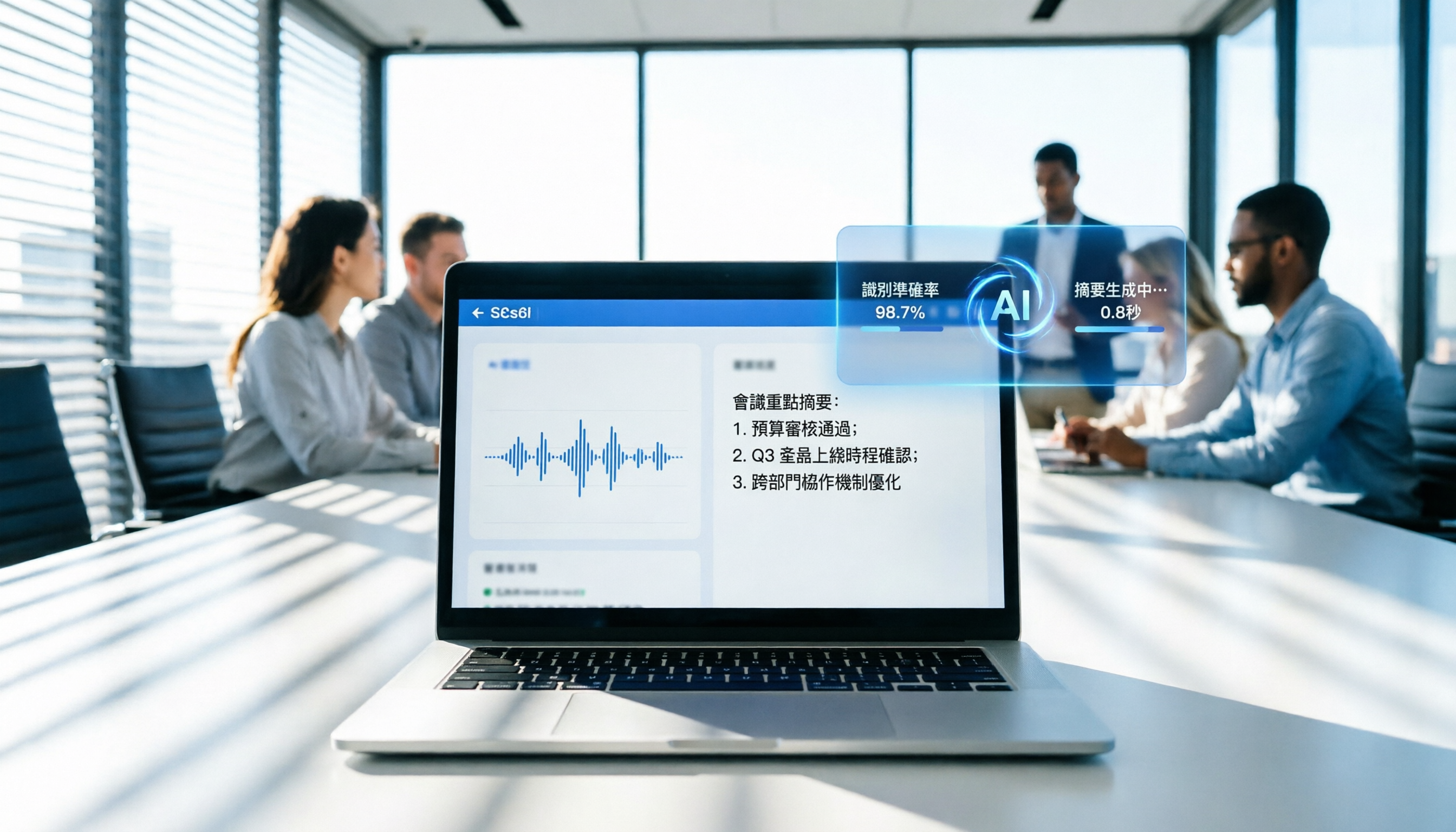
Turn recordings into transcripts and summaries in minutes
Upload audio or video for multilingual transcription, AI notes, and action items
Why You Need a Speech-to-Text Tool That Truly Understands Traditional Chinese
Spending an hour in a meeting and three hours organizing notes? Facing a pile of recordings, replaying to find key decisions feels like finding a needle in a haystack, not to mention manually converting spoken words into actionable items. Many tools claiming "speech-to-text" perform poorly with Traditional Chinese, Taiwanese mixed in, or multi-speaker scenarios, producing transcripts riddled with errors that are unusable.
This article provides an in-depth horizontal review of speech-to-text software for Traditional Chinese. We evaluate tools across five dimensions: language support, real-time conversion capability, AI summary quality, ease of use, and cost-effectiveness, helping you select the tool that truly boosts productivity. We'll offer practical step-by-step instructions and analyze differences among mainstream solutions including Tinrec, Otter.ai, and Notta, so you can make the best choice based on your scenario (e.g., remote meetings, lecture notes, interview transcription).
Quick Navigation Conclusions:
- Prioritize Traditional Chinese accuracy and localized experience: Choose tools optimized for Chinese-speaking environments, such as Tinrec.
- Need cross-language meeting support (English/Japanese/Korean): Consider international tools with strong multilingual models.
- Only need simple real-time dictation, no storage or analysis: Built-in dictation features of your OS may suffice.
- Seek a complete "record → understand → act" workflow: Choose platforms with AI query chat and automatic to-do list generation.
In-Depth Horizontal Review of 5 Popular Speech-to-Text Tools in 2026
Before choosing a tool, we must clarify a concept: "dictation input" is not the same as "speech-to-text for recordings." Built-in dictation features (like Windows Voice Typing, Apple Dictation) are only suitable for real-time voice input to create documents; they cannot process pre-recorded audio files and lack subsequent organization and analysis capabilities. True solutions should offer features like uploading audio files, speaker diarization, and summary generation.
Below is a comparison of five representative tools on the market:
| Dimension | Tinrec | Otter.ai | Notta | TurboScribe | Yating Transcript |
|---|---|---|---|---|---|
| Core Positioning | AI Recording Assistant (Record → Understand → Act) | English Meeting Transcription Leader | Multilingual Meeting Notes Tool | High-Cost-Effectiveness Batch Transcription | Taiwan Local Traditional Transcription Service |
| Traditional Chinese Support | ⭐⭐⭐⭐⭐ (Specialized optimization, supports Taiwanese and Cantonese) | ❌ (Primarily supports English) | ⭐⭐⭐ (Supported but stability average) | ⭐⭐⭐⭐ (Based on Whisper model) | ⭐⭐⭐⭐⭐ (Excellent localization) |
| Real-time Transcription | ✅ Supports live recording with simultaneous display | ✅ Strong point (English only) | ✅ Supported | ❌ Primarily upload-based | ❌ Primarily upload-based |
| AI Smart Summary | ✅ Automatically generates meeting minutes, conclusions, and action items | ✅ English summaries only | ✅ Supports multilingual summaries | ❌ Transcript only | ❌ Transcript only |
| AI Chat Query | ✅ Can ask questions about content (differentiator) | ✅ English content only | ⚠️ Supported in some plans | ❌ Not supported | ❌ Not supported |
| Free Tier | 100 minutes per month | 300 minutes per month (English only) | Limited free trial | 3 hours per day (limited-time offer) | Free trial / small amount |
| Best Suited For | Traditional Chinese meetings, interviews, lectures, video transcription | Full English team meetings | Multilingual international meetings | Batch transcription of large audio files | Professional fields like legal, medical requiring high accuracy |
Key Differences: Why Chinese Environments Need Specialized Tools?
- Localized Language Model Training: While Otter.ai is globally renowned, its core strength is English, with almost zero support for Traditional Chinese. Forcing it results in garbled text or complete failure. In contrast, Tinrec and Yating Transcript are deeply trained on Chinese pronunciation habits, professional terminology, and colloquial filler words, achieving significantly higher recognition accuracy.
- From "Transcription" to "Insight": Traditional tools like TurboScribe or Yating Transcript focus on converting speech to text—outputting "raw material." Next-generation tools like Tinrec leverage LLM technology to automatically distill "meeting conclusions" and "action items" (To-Do Lists), and even allow users to query recording details through chat (e.g., "What was the budget cap the boss just mentioned?"). This dramatically reduces time spent manually reviewing recordings.
- Multi-Platform Collaboration and Ecosystem Integration: MacWhisper is good but limited to macOS. Tinrec offers full support for iOS, Android, and Web, ensuring data sync whether recording on phone or uploading from computer, ideal for mobile professionals.

Practical Tutorial: How to Produce Usable Transcripts and Meeting Minutes in 5 Steps with AI Tools
This section uses Tinrec as an example to demonstrate how to turn a messy meeting recording into a structured, actionable document in 5 steps. The process applies to similar modern AI tools.
D1. Define Your Goal: What Output You Need
Before starting, clarify what you need: high-accuracy transcript for archiving? Notes with timestamps? Or directly generated action item lists and SRT subtitles? Clear goals help choose the right feature entry point.
D2. Preparation: File and Environment Checks
- Audio Format: Ensure files are common formats (MP3, WAV, M4A, etc.).
- Recording Quality: Minimize background noise; for remote meetings, use the tool's "live recording" feature rather than uploading afterward to improve speaker separation.
- Naming Convention: Name files as "Date_Topic_Participants" for easy retrieval later.
D3. 5-Step Workflow (Using Tinrec as Example)
Step 1: Choose the Correct Input Entry
Based on your source material, select the appropriate function module.
Stop organizing recordings by hand
Upload audio or video and automatically get a transcript, summary, and action items
- Live Meeting/Lecture: Click "Live Recording to Text" to start and see text generated in real time.
- Existing Audio File: Select "Audio File to Text" and upload local files.
- Online Video/Podcast: Select "Podcast/Online Video to Text" and paste a YouTube or other platform link.

Efficiency Value: Eliminates tedious download-then-upload steps; optimizes processing for different sources for fastest parsing speed.
Step 2: Set Language and Speaker Diarization
The system usually auto-detects language, but if Chinese-English mix or specific dialects (e.g., Taiwanese, Cantonese) are involved, manually specify to improve accuracy. Also, enable "Speaker Diarization" to automatically identify different speakers' voice characteristics.

Efficiency Value: Automatically labels "Speaker A," "Speaker B," so reading the transcript clearly shows conversation flow without repeatedly listening to confirm who spoke.
Step 3: Execute Transcription and Wait for Processing
Click start, and the cloud engine performs speech recognition. For long audio files, this usually completes within minutes (depending on file length and server load). You can check real-time progress at any time.
Step 4: Review and Edit the Transcript
After transcription, enter the editing interface. The text is aligned with the timeline. You can quickly browse and correct a few proper nouns or homophone errors. Most modern tools achieve initial accuracy above 90%, requiring only minor tweaks.
Step 5: Generate AI Summary and Action Items (Key Step)
This is the core differentiator from traditional tools. Click "AI Analysis" or "Generate Summary," and the system will automatically summarize meeting highlights, extract decisions, and list to-dos.

Efficiency Value: Condenses thousands of words of transcript into a few hundred words of key report, and directly generates assignable task lists, enabling meeting outcomes to be immediately actionable without manual rework.
D4. Common Errors and Correction Tips
- Overlapping Speech: When two people speak simultaneously, accuracy drops. Solution: Ask participants to take turns during meetings, or manually split segments using the timeline during editing.
- Technical Term Misrecognition: Industry-specific terms may be transcribed as common homophones. Solution: Most tools allow creating "custom vocabulary"—preload company product names or professional terms to significantly boost accuracy.
- Background Noise Interference: Coffee shop or outdoor recordings have poor quality. Solution: Use an external microphone when possible, or use the tool's built-in noise reduction feature (if available).
D5. Quality Acceptance Criteria: What Makes a Transcript "Usable"?
A qualified deliverable should meet these standards:
- Key info accurate: Names, numbers, dates, project names must be 100% correct.
- Timestamps linkable: Clicking text jumps to the corresponding audio position for easy verification.
- Action items executable: Generated to-do list must include "Who," "What," and "When."
- Coherent meaning: Proper sentence segmentation, no obvious logic gaps.
D6. Example Template: Meeting Minutes Structure Reference
If the tool doesn't generate a perfect format, you can fine-tune using this structure:
# Meeting Topic: [Project Name] Progress Review
**Date**: February 20, 2026
**Attendees**: John Smith, Jane Doe, Bob Johnson

## 1. Key Decisions
- Confirmed Q2 marketing budget cap at $500k.
- Approved new website design draft.

## 2. Summary
- Design team presented new homepage prototype; feedback positive.
- Engineering raised database scaling need; evaluation due by next week.

## 3. Action Items
- [ ] @John: Complete vendor quote compilation by Feb 25.
- [ ] @Jane: Schedule coordination meeting with engineering team next Tuesday.

Tool Selection Strategy by Scenario and Pitfall Avoidance Guide
Choosing a tool isn't just about features—match it to your scenario. Wrong choices waste budget or hamper efficiency.
Scenario A: All Traditional Chinese Internal Meetings / Client Interviews
- Recommendations: Tinrec, Yating Transcript.
- Reason: Need extremely high Chinese semantic understanding, especially handling colloquial ellipses and inversion. Tinrec's AI chat query is extremely useful here—you can ask "What concerns did the client have about pricing?" to quickly extract key points.
- Avoid: Tools optimized for English only (e.g., Otter), as they produce garbled text.
Scenario B: Multinational Team Meetings (Chinese-English Mixed)
- Recommendations: Notta, Tinrec.
- Reason: Need simultaneous support for multiple languages with automatic detection and switching. Both tools handle Chinese-English mixed conversations and can generate summaries in different languages.
- Note: Check if the tool's "auto language switching" is responsive; sometimes manual intervention is needed to avoid misinterpretation.
Scenario C: Content Creation (Podcast/YouTube Video Transcription)
- Recommendations: Tinrec, VEED.IO.
- Reason: Creators need to convert long videos into text scripts or blog posts. Tinrec supports pasting video links directly for transcription and can generate chapter titles, ideal for show notes. VEED.IO excels at editing subtitle styles and exporting videos.
- Difference: If only text material is needed, Tinrec is more efficient; if you need to sync and edit video subtitles, VEED.IO is better.

Scenario D: Batch Processing of Large Historical Recordings
- Recommendations: TurboScribe, Tinrec (Pro version).
- Reason: Focus on "unit cost" and "processing speed." TurboScribe offers massive transcription hours at low cost; Tinrec Pro provides large hours plus AI analysis, suitable for teams needing both volume and quality.
FAQ: Common Questions About Speech-to-Text
Q1: Is there a completely free, unlimited speech-to-text tool for Traditional Chinese?
There is virtually no high-quality commercial tool that is "completely free and unlimited." Maintaining high-accuracy speech recognition requires expensive GPU computing costs. Most tools (e.g., Tinrec, Notta) offer free versions but with monthly minute limits (e.g., 100-300 minutes). For heavy use, consider paid plans for stable service and privacy protection.
Q2: Can the iPhone's built-in Voice Memos transcribe to text?
iOS 18 and later Voice Memos include basic transcription, but the feature is rudimentary, only providing simple word-by-word matching, lacking "auto-summary," "speaker diarization," and "AI chat query." To turn recordings into actionable work documents, we recommend using a dedicated tool like Tinrec, which supports sharing audio directly from your phone for in-depth analysis.
Q3: How to export meeting records from Google Meet or Teams as Traditional Chinese transcripts?
Native platforms have live captions, but exported records are often messy and unorganized. Best practice is to use a third-party tool (e.g., Tinrec) to join the meeting as a virtual participant for recording, or directly record the meeting audio and upload. This not only yields a clean transcript but also leverages AI to automatically generate meeting minutes and to-do lists.
Q4: Can speech-to-text accuracy really reach 100%?
With current technology, even the most advanced AI models struggle to achieve 100% accuracy in complex environments (noise, overlapping speech, strong accents). Good tools achieve 90%-95% accuracy for clear speech. Therefore, "manual proofreading" is still necessary, but good tools can reduce proofreading time from hours to minutes.
Q5: How to handle recordings with professional terminology (e.g., medical, legal)?
General models may not correctly recognize obscure technical terms. Choose a tool that supports "custom vocabulary." Before use, upload common professional terms, names, product names to the vocabulary to significantly improve domain-specific accuracy. Additionally, some localized tools (e.g., Yating, Tinrec) have better default understanding of Chinese-speaking contexts.
Q6: Do these tools support exporting transcripts as SRT subtitle files?
Yes, most tools focused on media content (e.g., Tinrec, VEED.IO, MyEdit) support exporting SRT or VTT subtitle files, making it easy for creators to upload directly to YouTube or editing software. When choosing a tool, confirm that its "export format" options match your publishing needs.
Turn every recording into actionable outcomes
Get 60 free transcription minutes when you sign in. No credit card required.
Related Reading
You might also like

2026 Audio-to-Text Comparison: Tinrec vs Otter.ai for Chinese Meetings & Team Knowledge
How to choose an audio-to-text tool in 2026? This article compares Tinrec and Otter.ai across 5 dimensions: Chinese meeting transcription, bot-free online meeting capture, audio file organization, post-meeting workflows, and team data governance. Based on public features and pricing, it helps you decide which is better suited for meeting notes needs in Taiwan.

How to Choose an Online Audio-to-Text Tool in 2026: 5 Steps to Pick the Right One and Get a Transcript
How do you choose an online audio-to-text tool? This article reviews 6 online options—Tinrec, MyEdit, cSubtitle, CyberLink, Yating Transcript, and Monica—comparing free quotas, Chinese recognition, export formats, and team collaboration. It also walks you through 5 steps to turn an audio file into a transcript.

2024 Review of 4 Audio-to-Text Tools: Which Saves the Most Time on Chinese Meeting Transcripts and AI Summaries?
The 2024 audio-to-text comparison isn't just about transcription speed—it's about whether the tool can organize your meeting notes afterward. Based on real meetings and interviews, this review compares Tinrec, Notta, Granola, and PLAUD on audio sources, transcripts, AI summaries, action items, team collaboration, and pricing limits to help you choose the right tool.

4 Free Online Audio-to-Text Tools Compared (2026): Which Offers the Best Free Tier and Chinese Recognition?
A comparison of Tinrec, MyEdit, cSubtitle, and Monica's free online audio-to-text offerings, covering free quotas, Chinese recognition, export formats, and post-meeting AI organization to help you decide which suits meetings, interviews, and subtitles.

4 Free AI Audio-to-Text Tools Tested: Which Free Tier Is Enough in 2026?
There are many free AI audio-to-text tools, but free quotas, single-recording length limits, Chinese recognition, and post-meeting organization capabilities vary widely. This article compares the free plans and use cases of 4 tools, using Tinrec's no-bot recording, AI Q&A, and team spaces as selection references.

2026 Comparison of 2 Online Audio-to-Text Tools: Tinrec vs Otter.ai — Which Is Better for Chinese Meetings?
Starting from common misconceptions, this comparison examines Tinrec and Otter.ai in Chinese meetings, bot-free recording, post-meeting organization, real-time translation, and team data retention to help you decide which online audio-to-text tool fits your daily work.

2026 Comparison of 2 Audio-to-Text Platforms: Free Tiers, Chinese Recognition, and Post-Meeting Organization at a Glance
A side-by-side comparison of Tinrec and Notta across free tiers, Chinese recognition, online meeting recording, post-meeting organization, and team collaboration, helping you decide whether the free version is enough and when to upgrade.

iPhone Voice Memos vs Tinrec in 2026: 5-Dimension Comparison — Is Free Transcription Enough?
iPhone's built-in Voice Memos can now transcribe recordings for free, so do you still need a separate tool? This article compares iPhone's built-in features with Tinrec across 5 practical dimensions and honestly explains where the free limits are, helping you decide which approach fits your meeting volume.

4 Free Audio-to-Text Tools Tested for 2026: Which Free Tier Is Actually Enough?
There are plenty of free audio-to-text tools, but few can handle a full meeting. This hands-on comparison tests the free plans of Tinrec, Otter.ai, Notta, and TurboScribe—breaking down how limits are calculated, transcript post-processing, audio retention, and team collaboration—to help you decide which free version is truly usable.