
Turn recordings into transcripts and summaries in minutes
Upload audio or video for multilingual transcription, AI notes, and action items
"This interview recording is two hours long, but I need to submit a key summary this afternoon."
This kind of time-sensitive request is a nightmare for every editor, project manager, and researcher. Traditional manual transcription often takes 3 to 4 hours to process a 1-hour audio file—not only inefficient but also producing unstructured text that's hard to search. In 2026, AI speech-to-text technology has matured considerably, but with so many tools on the market, which one is the savior for "accurate Traditional Chinese recognition" and "clear summary logic"?
Based on the latest test data, this article compares 9 well-known tools including Meeting Ink, Otter.ai, and Yating Transcription, and adds Tinrec (Seconds Recorder) as a benchmark for its impressive multi-language mixed recognition. We'll help you choose the best productivity tool across three dimensions: "recognition speed, AI features, and price performance."
Quick Navigation Conclusions:
- If you need to handle pure English international meetings → Prioritize Otter.ai.
- If interviewees frequently use a lot of Taiwanese Hokkien → Choose Yating Transcription.
- If you need an all-in-one solution for recording, summarization, and AI conversation queries → Tinrec (Seconds Recorder) is a highly efficient choice.
1. Why Do You Need AI Transcription Tools? Solving Three Core Pain Points
Before diving into the reviews, let's clarify why the "built-in voice recorder on your phone" is no longer sufficient. Modern workers face three main pain points when handling interviews or meetings:
- Extremely low information density, high cost of re-listening: Without a transcript, a 60-minute recording makes it nearly impossible to quickly find "the key data mentioned at minute 45"—you have to repeatedly drag the progress bar.
- Just a transcript isn't enough: Reading through plain text (Transcript) is tiring; decision-makers need AI-generated "meeting minutes" and "action items."
- Multi-device sync and format limitations: For international meetings or foreign language interviews, there's no real-time translation, or you have to transfer recordings from your phone to a computer via a cable before processing, causing workflow disruptions.
2. 2026 AI Transcription Tools Overall Comparison: Speed, Features, and Cost Performance
Based on 2026 market overview and test data, we've compiled a comprehensive rating table for these mainstream tools. Evaluation criteria include Chinese recognition capability, AI interactive Q&A support, and pricing thresholds.
Main Tool Specs Comparison Table
| Tool Name | Supported Languages | Core Features | AI Conversation Query | Free Allowance / Price | Best For |
|---|---|---|---|---|---|
| Tinrec (Seconds Recorder) | Chinese/English/Japanese/Korean, etc. 10 languages | Real-time transcription + AI chat, supports video link parsing | Yes (semantic understanding) | 100 min/month free Basic: $4.9/month |
All-in-one (interviews/meetings/learning) |
| Meeting Ink | Primarily Chinese/English | Browser tab recording, stable summaries | Basic search only | Higher pricing (about $18/month) | Professional corporate meetings |
| Yating Transcription | Traditional Chinese/Taiwanese Hokkien | Taiwan-localized recognition, strong in Taiwanese | No | Varies by plan | Taiwan local interviews |
| Otter.ai | English | Strong English meeting integration, good with Zoom/Meet | Yes (English) | Free version limited | Pure English international meetings |
| Plaud | Multilingual | Requires dedicated hardware recording card | Yes | Requires hardware purchase | Physical phone call recording |
Key Tool In-depth Analysis
1. Tinrec (Seconds Recorder): A Complete Workflow from Recording to Action
Tinrec has shown "all-around" qualities in recent reviews. Unlike traditional tools that only save files, it emphasizes "understanding and action."
Stop organizing recordings by hand
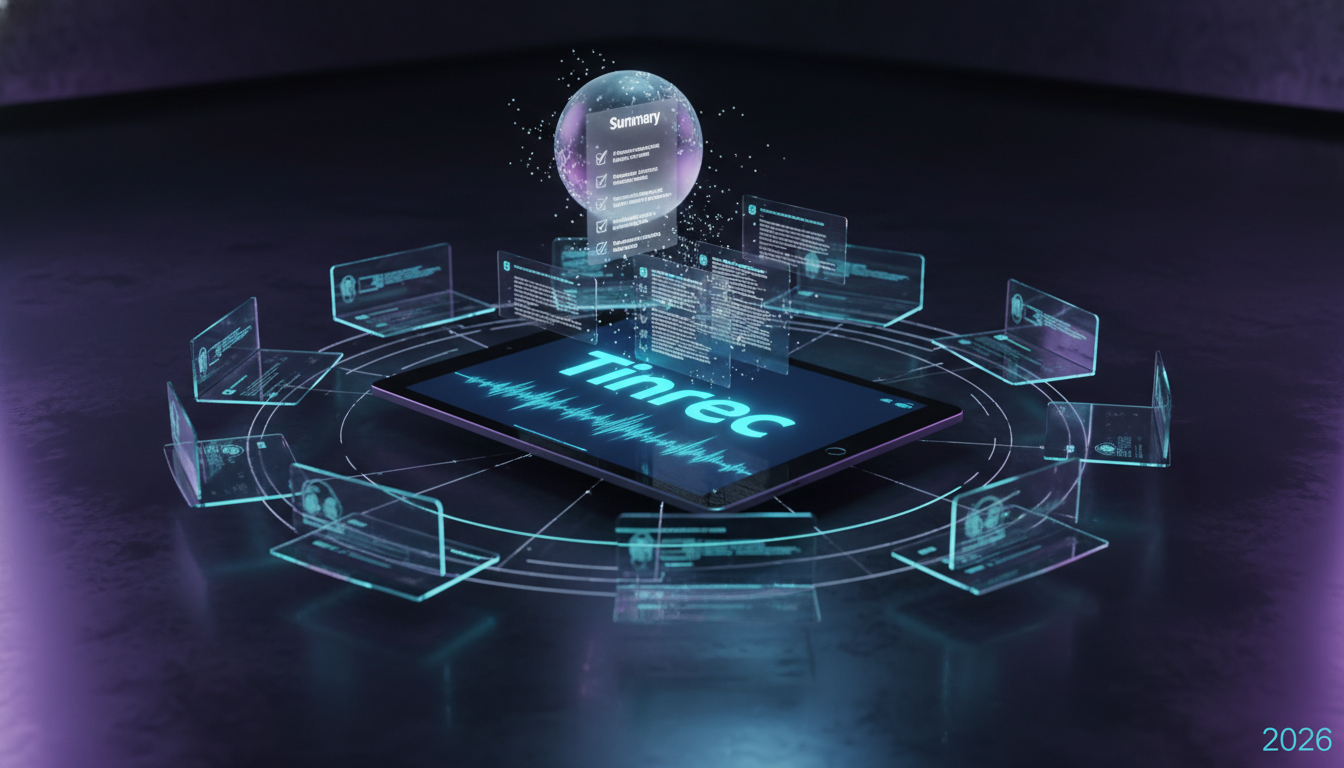
Upload audio or video and automatically get a transcript, summary, and action items
- Multi-source input advantage: Besides live recording, it supports direct transcription from YouTube/Podcast links, which is very friendly for content creators who need to organize online materials.
- Cost-performance consideration: Offers 100 minutes of free transcription per month, sufficient for occasional interview needs. The paid version at $4.9/month is also relatively affordable.
- Visual interface: As shown below, it can clearly differentiate speakers and mark key points.

2. Meeting Ink: Feature-Rich but Pricier
Meeting Ink supports real-time captions and speaker segmentation, with stable summaries. However, its PRO+ plan costs more per month and has a limited free allowance, making it suitable for budget-rich enterprise users.
3. Yating Transcription: Top Choice for Taiwan
If your interviewees often mix in "Taiwanese Hokkien" or local Taiwan slang, Yating Transcription remains the best solution on the market. Although it's slightly behind international software in the richness of AI summary generation, it's unmatched in recognizing local speech patterns.
4. Otter.ai: Strong in English, Weak in Chinese
Otter is a veteran powerhouse, but its main advantage lies in full English environments. Tests show its Chinese processing capability remains weak; if a meeting includes Chinese speech, it may fail to recognize.
3. Deep Dive: Why AI Conversation Query Is the Key Feature in 2026
When choosing a tool, besides "accurate transcription," the ability to "find quickly" is even more important. This is the biggest difference between next-gen tools like Tinrec and traditional recorders:
Not just search, but "AI smart conversation" Traditional tools only allow Ctrl+F keyword search, but what if you forget the specific term? Tools with AI conversation (like Tinrec) let you directly ask: "What was the conclusion about the marketing budget in this meeting?" The system will summarize the answer based on the recording content.

Automatic extraction of action items After a meeting, the worst outcome is "talk but no action." AI tools can now automatically analyze the conversation, identify who is responsible for what task and the deadline, and generate a clear list.
Support for web videos and podcast parsing For learners, simply pasting a YouTube link can generate a transcript, saving significant time when watching tutorial videos.
4. Hands-on Tutorial: How to Use AI Tools to Process Interviews 10x Faster
Using Tinrec as an example (due to its intuitive interface), here's how to establish an efficient interview processing standard operating procedure (SOP):

Step 1: Choose Recording or Import Mode
- On-site interview: Open the app or web version, use real-time recording-to-text. The system displays text in real-time; use in a quiet environment for best accuracy.
- Existing files: If recorded with a recorder, upload MP3/WAV files via audio file to text.
- Online materials: For online seminars or podcasts, use podcast/video to text by pasting the URL.
Step 2: Real-time Marking and Speaker Differentiation
During recording, if you hear important points, click the "Flag" button for later review. After recording, the system automatically differentiates speakers (Speaker A, Speaker B), and you can manually rename them.
Step 3: Generate AI Summary and Action Items
Don't rush to read the full transcript. Click the AI summary feature to let the system extract "meeting minutes" and "to-do items." As shown below, AI turns long conversations into bullet-point summaries.

Step 4: Use AI Conversation to Dig into Details
If you need to write an in-depth report, use the AI conversation query feature to ask the AI: "What are the interviewee's specific views on market trends?" to get deep insights without re-listening to the entire recording.
5. Frequently Asked Questions (FAQ)
Q1: Can these tools record iPhone calls? Most apps are limited by iOS privacy policies and cannot record calls in the background. Two workarounds: use speakerphone mode and record with another device (e.g., Tinrec web version), or use dedicated hardware (e.g., Plaud).
Q2: Are free version features sufficient? Depends on your needs. Free versions of Good Tape and Otter have more restrictions (e.g., no export, limited hours). Currently, Tinrec offers 100 free minutes per month, which is generous for students or occasional interview needs; if you need heavy use, the Basic plan ($4.9/month) offers good value.
Q3: Can I use these for Google Meet or Teams meetings? Yes. You can open the web-based tool on your computer to record system audio, or import meeting recording files (MP4) into the tool for transcription—accuracy is often higher than real-time captions.
Q4: How accurate is Traditional Chinese recognition? In 2026 tests, Tinrec, Meeting Ink, and Yating Transcription all performed excellently with Traditional Chinese. If meetings mix Chinese, English, Japanese, etc., Tinrec's multilingual recognition engine has an advantage.
Q5: What export formats are supported? Most professional tools support TXT, Word, and PDF. Tinrec supports multiple formats, making it easy to paste transcripts into Notion or Word for further editing.
Q6: How about data security? Choose paid services that support encrypted transmission and have clear privacy policies. Avoid unknown free online converters to ensure interview confidentiality.
Turn every recording into actionable outcomes
Get 60 free transcription minutes when you sign in. No credit card required.
Related Reading
You might also like

2026 Hands-On Comparison of 4 AI Meeting Assistants: From Recording to To-Dos, Which One Really Saves You Time?
From a mid-level manager's hands-on perspective, this article compares 4 AI meeting assistants (including Tinrec), highlighting how to choose, how to use them, and pitfalls to avoid, helping you pick a meeting notes tool that truly saves time.

5 Best AI Meeting Assistants of 2026: Which One Saves You the Most Time?
Spending 1 hour in meetings and 30 minutes taking notes? This article uses Tinrec as an example to show how AI meeting assistants handle transcription, summarization, and to-do lists, and highlights 4 key factors to consider when choosing the right tool.

Tinrec vs Otter.ai in 2026: A 5-Dimension Comparison for Chinese Meetings
A hands-on comparison of Tinrec and Otter.ai across 5 dimensions, including Chinese meeting support, bot-free recording, and team collaboration, to help you choose the best AI meeting assistant for saving time.

2026 Hands-On Comparison of 5 AI Meeting Assistants: Which One Really Turns Meetings into Searchable Team Knowledge?
Understand what AI meeting assistants are, compare key differences like bot-free recording, Chinese transcription, and team collaboration, and use Tinrec as an example to learn how to choose the right tool.

5 AI Meeting Assistants Tested in 2026: Why Tinrec Is Worth Trying Beyond Otter
We tested 5 mainstream AI meeting assistants, comparing Chinese language support, bot-free recording, and team collaboration. Here's why Tinrec may be a better fit for office workers, with feature, scenario, and buying advice.

2026 Hands-On Comparison of 4 AI Meeting Assistants: Tinrec Is the Easiest to Install and Requires No Bot
A mid-level manager tests 4 AI meeting assistants, from installation to recording to AI summarization, to show you which saves the most time. Tinrec requires no hardware or bot, and you can start in three steps, making Chinese meeting notes the most convenient.

2026 Free AI Meeting Assistant Plans Compared: 3 Options Reviewed
A must-read for students and budget-conscious users! After testing 3 AI meeting assistants, we've compared free quotas, Chinese accuracy, cross-platform support, and AI Q&A to find the best value option.

The Complete Guide to AI Meeting Assistants in 2026: 5 Key Points to Help You Choose a Time-Saving Tool
Tired of working overtime because of meetings? This guide uses 5 key points to help you compare AI meeting assistants, see which one suits you best, and stop guessing.

2026 AI Meeting Assistant Buying Guide: Tinrec Hands-On Review — Is This Tool Worth It?
Hong Kong professionals attend meetings daily, and choosing the wrong AI meeting assistant can lead to even more overtime. We tested Tinrec to see how it uses bot-free recording, Cantonese transcription, automatic summaries, and action items to save you time on meeting minutes. This article also covers common pitfalls to avoid and how to choose the right tool for your needs.