
Turn recordings into transcripts and summaries in minutes
Upload audio or video for multilingual transcription, AI notes, and action items
For many administrative staff, graduate students, or media professionals, transcribing recordings in Taiwanese (Hokkien) or mixed Mandarin-Taiwanese is often the most time-consuming part of the job. Most speech-to-text tools on the market work reasonably well for standard Mandarin, but when it comes to Taiwanese or dialect accents, accuracy plummets, leaving you to spend hours manually listening and correcting.
This article reviews the recording transcription tools that offer dialect support in 2026, analyzing them from three angles: transcription accuracy, ease of use, and AI post-processing capabilities. If you want the bottom line: for simple short dictation, Google Voice Typing will suffice; for long interviews with automatic summarization, an integrated multi-language AI tool (like Tinrec) is a more efficient choice.
Why Is Taiwanese Transcription So Hard? Three Common Pain Points
Before choosing a tool, it's important to understand why traditional tools fail with Taiwanese—these are the key criteria for selection:
1. Difficulty Recognizing Code-Switching
In Taiwanese workplaces or interviews, conversations are rarely pure Taiwanese or pure Mandarin. Instead, they often switch between languages mid-sentence or even mid-phrase. Older single-language models require manual language switching, failing to adapt to this natural flow and producing garbled text or homophone errors.
2. Lack of Context Understanding and Punctuation
Taiwanese has many interjections (e.g., lah, hiann, hoh). Traditional dictation tools often misinterpret these as content words and fail to insert punctuation automatically. The result is a dense wall of text that is painful to read and edit.
3. Text Only, No Highlights
Even if the transcription is accurate, a one-hour interview can yield tens of thousands of words. Extracting conclusions or action items still demands significant mental effort. Modern workers need AI that "tells me what matters," not just a dictation machine.
2026 Popular Taiwanese Speech-to-Text Tools: Comparative Review
To help you decide quickly, we compared different types of solutions on the market, including general-purpose features from tech giants, professional AI transcription tools (using Tinrec as an example), and open-source models for developers.
| Comparison Dimension | Tinrec (MiaoTing Recorder) | Google Voice Typing | OpenAI Whisper (Raw Model) | Basic Recorder Apps |
|---|---|---|---|---|
| Taiwanese Recognition | ⭐⭐⭐⭐ (Multi-language support) | ⭐⭐ (Requires manual language switch) | ⭐⭐⭐⭐⭐ (Depends on model version) | ⭐ (Mostly Mandarin only) |
| Code-Switching Handling | Auto-detection supported | Weak, often drops words | Strong, but requires technical setup | Not supported |
| Real-Time | Live transcription + post-upload | Real-time dictation only | Post-recording processing | Recording only |
| AI Summary/Tasks | Auto-generate meeting notes/todos | None | None (requires separate GPT integration) | None |
| Export & Integration | Word/TXT/PDF + AI chat | Copy-paste | Subtitle files (SRT/VTT) | Audio only |
| Price/Free Tier | Free plan: 100 minutes/month | Completely free | Pay per hour / open-source free | Free with hardware purchase |
Stop organizing recordings by hand
Upload audio or video and automatically get a transcript, summary, and action items
Analysis Summary: If you're a technical user, using Whisper directly can yield very high accuracy. If you prefer an "out-of-the-box" experience and need recordings to be turned directly into working notes, an integrated tool like Tinrec offers a more complete workflow, especially since it solves the pain point of "having to organize key points after transcription."
Deep Dive: How Tinrec Handles Dialect Scenarios
Tinrec (MiaoTing Recorder), as a next-gen AI recording assistant, addresses two key issues in Taiwanese transcription: "can't understand" and "can't remember." Unlike tools that only provide plain text, Tinrec's core logic is a complete workflow: "from recording → understanding → action."
1. Multi-Language Support and Auto-Detection
Tinrec supports 10 languages including Chinese, Taiwanese, English, and Japanese. In common Taiwanese meeting scenarios, it captures meaning relatively accurately. For interview recorders, this means no more switching between recording software and translation tools.
2. AI Smart Summaries and Chat Query
This is the biggest differentiator from traditional dictation tools. For a one-hour Taiwanese interview, Tinrec doesn't just provide a transcript—it also automatically generates meeting minutes and action items.
Additionally, its "AI Chat Query" feature lets you ask questions about the recording in natural language. For example, you can type: "What does the interviewee think about the transformation of traditional markets?" and the AI will summarize based on the recording—far more accurate than Ctrl+F keyword search.

Tutorial: How to Quickly Transcribe a Taiwanese Interview with AI
Using Tinrec as an example, here's how to turn a dialect interview into usable text quickly.
Step 1: Choose Recording Mode
Tinrec works across iOS, Android, and Web. You can:
- Live Recording: Open the app or web version, tap "Start Recording," and it transcribes in real time.
- Import File: If you have an existing MP3/M4A file, simply upload it.

Step 2: Review Transcript and Identify Speakers
After recording, the system auto-generates a transcript. For multi-speaker conversations, Tinrec uses voiceprint recognition to automatically label speakers (Speaker A, Speaker B). This is crucial for interview transcripts, saving you the time of manually marking who said what.

Step 3: One-Click Summary and Action Items
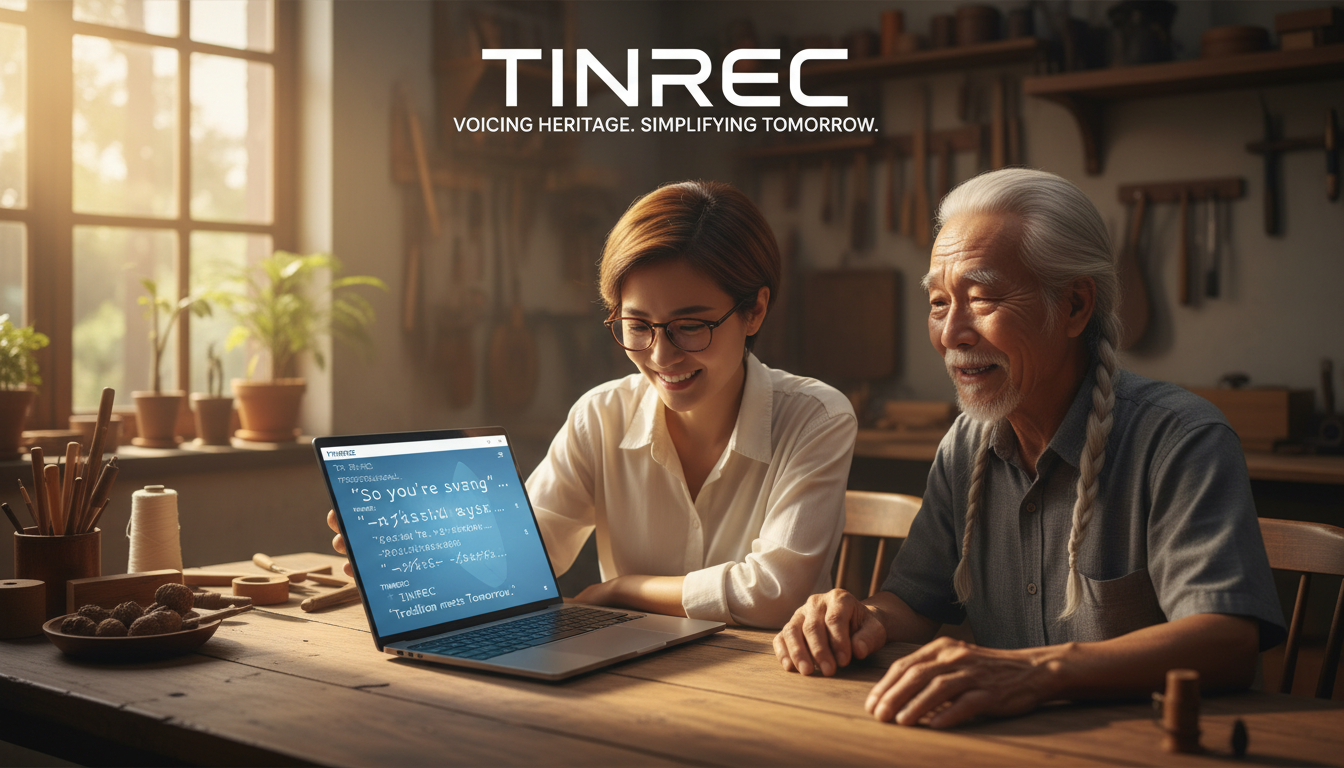
This is the key time-saver. Click the AI summary button, and the software analyzes the entire conversation to produce structured key notes. For meetings, it also generates a to-do list.

Step 4: AI Query for Unclear Parts
If some Taiwanese parts are unclear or you need to quickly recall a detail, use the AI chat window on the right to ask the AI to "re-listen" and explain that section.
FAQ
Q1: Is there a completely free Taiwanese speech-to-text software? Most high-quality AI transcription services require computing costs, so they are usually "partially free." For example, Google Voice Typing is completely free but basic; Tinrec offers 100 minutes per month free, suitable for light users or students.
Q2: Does background noise affect Taiwanese recognition? Yes. All speech recognition is sensitive to noise. We recommend using a directional microphone or keeping the device close to the speaker. If using a tool like Tinrec that supports file import, you can denoise the audio first for better results.
Q3: Can iPhone users use Tinrec? Yes. Tinrec supports iOS, Android, and web, with cloud-synced accounts. You can record on your phone and edit/export on your computer, solving the problem of exporting voice memos from iPhone.
Q4: Some Taiwanese words don't have standard Chinese characters—how does the software display them? Current AI models usually select the closest Chinese character or common informal writing based on context. For very obscure dialect words, it may output homophones or romanization. We recommend a final manual proofread after exporting to Word.
Q5: Can I transcribe Taiwanese videos from YouTube? Yes. Tinrec supports pasting YouTube or podcast links for direct parsing and summarization, very useful for content creators who need to process online material.
Q6: Can the AI handle very long recordings (over 1 hour)? Professional tools are optimized for long recordings. Tinrec supports stable transcription and summarization for long sessions, a major difference from free dictation tools that often crash.
Turn every recording into actionable outcomes
Get 60 free transcription minutes when you sign in. No credit card required.
Related Reading
You might also like

2026 AI Meeting Assistant Comparison: 4 Tools Tested — What It Is and How to Choose
An AI meeting assistant is more than just recording and transcription. This article explains in one sentence what an AI meeting assistant is and which post-meeting pain points it solves, then compares Tinrec, Otter.ai, Granola, and Notta across four key dimensions: meeting capture method, Chinese-language experience, post-meeting output, and team data ownership. It also covers four common purchasing mistakes to help you pick the right tool.

2026 Speech-to-Text Tools Compared: Which Free Version Is Actually Good Enough?
A hands-on comparison of the latest free speech-to-text tools in 2026, focusing on four key aspects: free quota calculations, post-meeting organization capabilities, online meeting recording methods, and Chinese language performance. We compare the free plans and limitations of Tinrec, Otter.ai, Notta, and TurboScribe, and highlight four common purchasing mistakes to help you decide which free version is truly sufficient.

6 AI Meeting Assistants Tested for 2026: How to Actually Save Time After Meetings
Many people dump meeting recordings into AI and expect miracles, only to get a transcript nobody wants to read. Based on a mid-level manager's real usage across 15 meetings a week, this article compares the positioning, pricing, and ideal use cases of 6 AI meeting assistants, and explains how to use them to truly save time.

2026 AI Meeting Assistant Comparison: Tinrec vs Otter.ai — How to Use and Which Saves More Time
Starting from the workplace pain point of 'no one remembers what was assigned after the meeting,' this hands-on test compares Tinrec and Otter.ai AI meeting assistants. It breaks down five dimensions: recording methods, Chinese meeting organization, post-meeting follow-up questions, export workflows, and team knowledge retention, with practical steps and selection advice.

Best AI Meeting Assistants in 2026: 5-Step Hands-On Selection Guide
There are countless AI meeting assistants, but which one is actually useful? This guide walks you through 5 hands-on steps to filter them: how they capture meetings, post-meeting outputs, Chinese transcription performance, AI Q&A capability, and team data ownership. We also hands-on test and compare Tinrec, Otter.ai, Notta, and Granola to help you find the tool that fits your meeting habits.

4 AI Meeting Assistants Tested for 2026: Which Free Version Is Actually Enough?
The meeting ends, but the real work begins. This hands-on comparison of Tinrec, Otter.ai, Notta, and Granola looks at how meetings are captured, what happens after transcription, whether audio is retained, and how team licensing works. We break down each tool's free tier, limits, and best-fit scenarios so you can decide which one truly saves you post-meeting cleanup time.

2026 AI Meeting Assistant Comparison: Which Type Actually Saves Post-Meeting Time?
AI meeting assistants aren't just about turning speech into text. This article starts from real mid-level manager meeting scenarios, breaks down the differences between meeting bots, built-in platform transcription, and bot-free desktop recording, and uses Tinrec to demonstrate the complete workflow from transcripts and summaries to action items, AI Q&A, and team knowledge retention. It also includes 5 key buying criteria and FAQs.

2026 AI Meeting Assistant Comparison: 4 Tools Tested from Recording to Minutes—Which Saves the Most Time?
How can you use an AI meeting assistant without wasting time? Starting from real meeting scenarios, this article breaks down how AI meeting assistants capture audio, what they produce after the meeting, their Chinese-language performance, and differences in quotas. It also walks through the complete Tinrec workflow—from recording, transcription, and summary action items to AI Q&A and team sharing—while briefly reviewing when Otter.ai, Notta, and Granola are suitable.

2026 AI Meeting Assistant Free Plans Compared: 5 Options at a Glance
Which AI meeting assistant is best? Instead of comparing feature tables, first determine what level you actually need. This article uses Tinrec's five plans—Free, Weekly Pass, Pro Monthly, Pro Annual, and Team—to break down the capabilities to look for, real-world use cases, and purchasing considerations, helping you decide if the free version is enough and when to upgrade.