
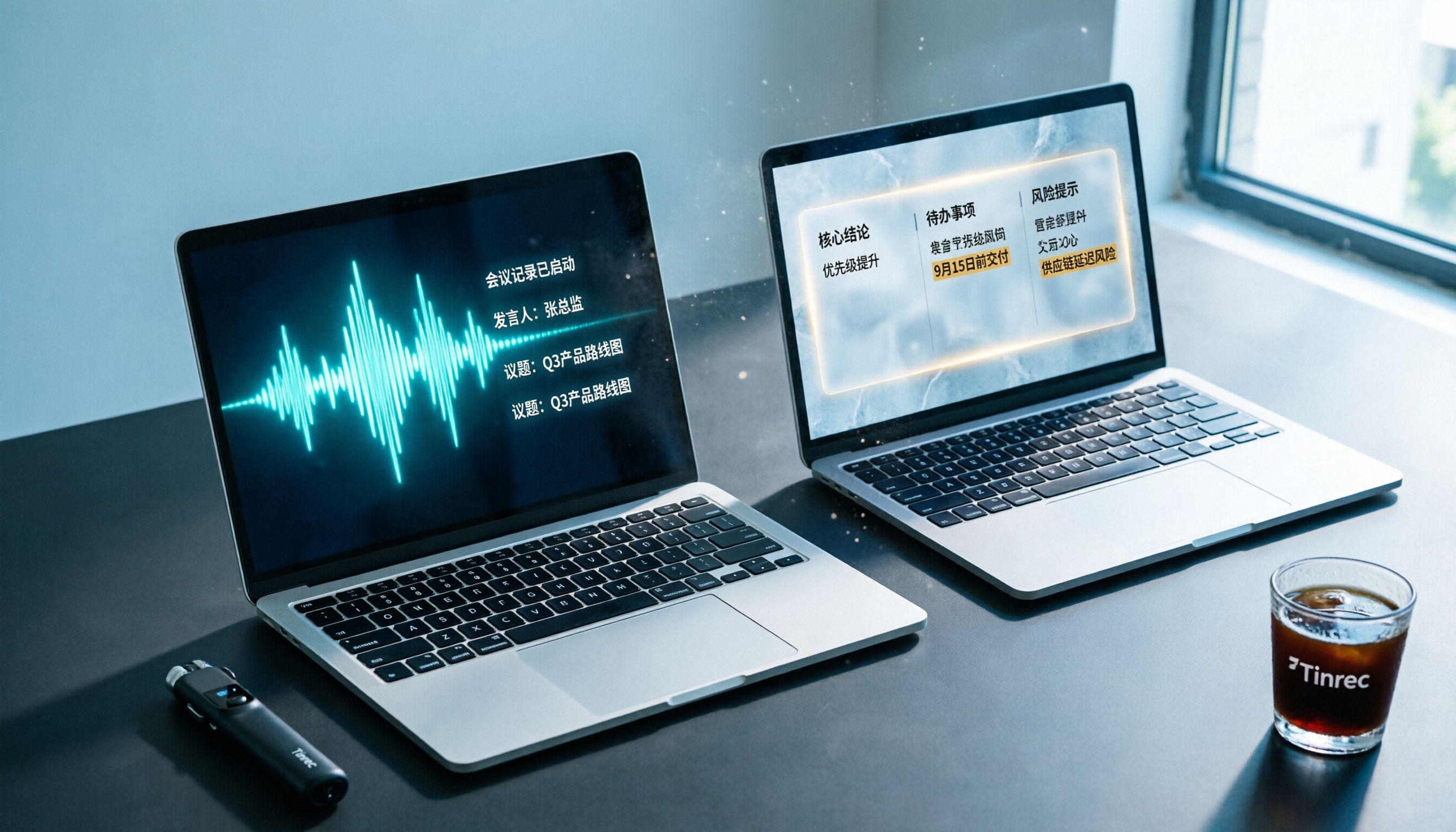
Turn recordings into transcripts and summaries in minutes
Upload audio or video for multilingual transcription, AI notes, and action items
Tinrec (SecMi) is an AI recording and note-taking tool that integrates real-time voice-to-text, audio file transcription, online video link parsing, AI summaries, and Q&A. It's ideal for meeting notes, classroom notes, interview transcription, and content creation. Notta is a multi-platform AI tool known for transcription, translation, and meeting notes, trusted by many users for its support of Chinese, English, Japanese, Korean, and other languages.
Both tools offer free trials and support iOS, Android, and web versions. So the most common question is: "If I only need a tool to organize recordings and online videos, which one should I choose?" This article compares them across the 5 dimensions that matter most to you, and gives you the answer directly.

Tinrec vs Notta | Quick Overview
| Tinrec (SecMi) | Notta | |
|---|---|---|
| One-liner Positioning | Turn audio/video into actionable knowledge | Multi-language transcription & meeting notes tool |
| Pricing | Free plan with monthly quota; Weekly, Pro Monthly, Pro Yearly | Free plan with 120 min/month; Pro yearly ~$8.17/month; Business with unlimited |
| Platforms | iOS, Android, Web | iOS, Android, Web, Chrome extension |
| Key Differentiator | Online video direct transcription, AI Q&A, action item extraction, post-generation | Robust transcription & translation, team collaboration |
This article compares them from five angles: recording sources, AI organization capabilities, Traditional Chinese experience, export/post-processing, and pricing flexibility.
Dimension 1 | Recording & Transcription Sources
Notta excels at real-time recording and uploaded audio transcription, and it can directly record from meeting platforms like Zoom, Google Meet, and Teams. In meeting scenarios, its transcription speed and accuracy are above average. However, if you want to transcribe a YouTube or TikTok video, Notta currently lacks a "paste URL to transcribe" feature.
Tinrec not only supports real-time recording and local audio file import but also lets you paste public video links (YouTube, TikTok, Bilibili, Instagram, etc.). The system automatically grabs the audio track, transcribes it, and even generates AI summaries and chapters. For anyone who frequently needs to quickly digest video content, this feature is a game-changer.
→ This dimension: Tinrec is clearly more comprehensive because the audio/video sources people typically want to organize go far beyond just meetings.
Dimension 2 | AI Summaries, Q&A, and Note-taking
Notta automatically generates a summary after transcription and allows you to highlight key points within the transcript. But if you want to ask follow-up questions about the recording (e.g., "What was the budget cap the client mentioned?"), Notta does not have an AI Q&A feature.
Tinrec has a built-in AI chat feature right alongside each recording file. You can type any question related to that recording and get answers. It also automatically extracts action items, splits long recordings into chapters, and can even generate meeting minutes, reports, or table drafts with one click. These organizational steps turn a recording into more than just a transcript—it becomes a ready-to-edit, shareable resource.
→ This dimension: Tinrec wins. For most people, a transcript alone isn't enough; the ability to ask questions, extract key points, and generate drafts is what makes a tool "useful."
Dimension 3 | Traditional Chinese & Multilingual Support
Notta offers very comprehensive support in terms of the number of transcription languages and translation features. It handles switching between Chinese, English, Japanese, Korean, etc., smoothly, making it suitable for users who need multilingual meeting notes or subtitle translation.
Tinrec focuses on the scenarios that Chinese users actually encounter. It not only offers stable Traditional Chinese interface and transcription but also fine-tunes recognition for mixed Chinese-English content, Chinese courses, and Chinese interviews. When handling multiple speakers, it clearly labels speaker segments. Since many online video sources come from Chinese platforms, the entire experience feels more tailored to everyday habits.
Stop organizing recordings by hand
Upload audio or video and automatically get a transcript, summary, and action items
→ This dimension: Tie. Notta is stronger in multilingual translation, but if you mainly handle Traditional Chinese meetings, courses, or videos, Tinrec's localization feels more thoughtful.
Dimension 4 | Export & Post-Editing
Notta allows you to export in TXT, DOCX, SRT, PDF, and other formats, and sync transcripts to tools like Notion and Google Calendar. This is convenient for users who have a preferred note-taking app.
Tinrec also supports multiple text format exports, and can directly send generated meeting minutes, to-do lists, or tables to Notion, Google Docs, OneNote, etc. Moreover, it has an Agent post-processing feature that can automatically generate meeting minutes, reports, or spreadsheet drafts based on the recording content, saving you the time of manual copy-pasting.

→ This dimension: Tinrec edges ahead. In addition to basic text export, it can directly deliver finished products, which is more workflow-friendly.
Dimension 5 | Pricing & Flexibility
Notta's free plan offers 120 minutes of transcription per month. The Pro annual plan costs about $8.17/month for 1800 minutes, and the Business plan offers unlimited transcription at a higher price. For users who need heavy daily transcription, Notta offers good value.
Tinrec's free plan also provides a basic transcription quota, but its advantage lies in more flexible plans: if you have a week with a heavy meeting load, you can buy a weekly pass; long-term users can choose Pro monthly or yearly plans. Plus, parsing online videos does not consume your upload minutes, so you don't have to worry about quota when transcribing YouTube videos.
→ This dimension: Tie. Notta is more cost-effective in terms of minutes per dollar, but Tinrec's design—where the more diverse your sources, the more your minutes stretch—better fits real-world usage scenarios.
What Are Their Unique Strengths?
Tinrec's Unique Strengths
- Direct transcription from online video links: Supports YouTube, TikTok, Bilibili, Xiaohongshu, etc. Paste the URL and get a transcript and summary—creators and social media professionals will love this.
- More than transcription—a "second brain": Built-in AI Q&A, action item extraction, chapter splitting, meeting minutes generation. You can treat recordings as a database.
- Flexible plan options: Weekly, monthly, and yearly plans available. Suitable for short-term sprints, occasional use, or long-term commitment without being locked into a long contract.
- Optimized for Traditional Chinese scenarios: Interface, transcription, and AI summaries are clearly designed for Chinese speakers.
Notta's Unique Strengths
- Translation and multilingual transcription: For real-time translation or cross-language meetings, Notta remains a great choice.
- Team collaboration features: The Business plan offers more complete team management, sharing, and permission settings, suitable for small teams or companies.
Conclusion: Which One Should You Choose?
- If you often need to transcribe content from YouTube, TikTok, or other public videos → Tinrec (Notta lacks this feature)
- If you want more than just a transcript—you want AI to help extract key points, write to-dos, and even generate meeting minutes → Tinrec
- If most of your content is in Chinese (meetings, courses, interviews) and you want an interface and organization logic that fits your habits → Tinrec
- If you need extensive cross-language translation or team collaboration → Notta is better
- If you prioritize transcription minutes and budget is your main concern → Notta's paid plans offer more competitive minute allowances
Bottom line: For most Traditional Chinese users, Tinrec does more than just transcribe—it helps with organization and application after transcription, making it a more complete choice. We recommend downloading the Tinrec free trial and testing it with your own meeting recording or an online video.
FAQ
Which has better transcription accuracy, Tinrec or Notta? Both have great Chinese accuracy on clear recordings, but real-world performance can vary with background noise, accents, or overlapping speakers. In my experience, Tinrec distinguishes speakers more clearly in mixed Chinese-English meetings, while Notta is very stable in pure English. We recommend testing with your own files.
Is the free plan sufficient? Tinrec's free plan provides a basic quota, and online video parsing does not consume minutes, making it great for light usage. Notta's free plan offers 120 minutes per month, enough for occasional short recordings. But if you have meetings or courses every week, the paid plans on either side will be much more comfortable.
Can I use it on my computer? Yes. Both have web versions—just open a browser to record, upload files, or paste video links. Tinrec additionally offers a computer meeting recording feature on its web version, ideal for Zoom and Google Meet.
Are there copyright issues with video-to-text conversion? Any tool only helps you organize content you have legal access to. If it's your own video or authorized material, there's no issue. If it's someone else's video on a public platform, use it for personal learning and highlight extraction, and comply with the platform's terms of service.
If I don't need AI Q&A, should I just pick Notta? Not necessarily. Even without AI Q&A, Tinrec's chapter organization, action item extraction, and meeting minutes generation are still much more practical than plain transcription. Plus, online video parsing is rare in other tools. If you have that need, Tinrec is worth trying.
I have long recordings (over 2 hours). Which is better? Both can handle long recordings, but Notta's paid plans offer more minutes for heavy daily transcription. Tinrec's strength is auto-chaptering and key point extraction, making long recordings easier to digest. If you value readability after organization, Tinrec is more appealing.
Turn every recording into actionable outcomes
Get 60 free transcription minutes when you sign in. No credit card required.
Related Reading
You might also like

2026 Audio-to-Text Comparison: Tinrec vs Otter.ai for Chinese Meetings & Team Knowledge
How to choose an audio-to-text tool in 2026? This article compares Tinrec and Otter.ai across 5 dimensions: Chinese meeting transcription, bot-free online meeting capture, audio file organization, post-meeting workflows, and team data governance. Based on public features and pricing, it helps you decide which is better suited for meeting notes needs in Taiwan.

How to Choose an Online Audio-to-Text Tool in 2026: 5 Steps to Pick the Right One and Get a Transcript
How do you choose an online audio-to-text tool? This article reviews 6 online options—Tinrec, MyEdit, cSubtitle, CyberLink, Yating Transcript, and Monica—comparing free quotas, Chinese recognition, export formats, and team collaboration. It also walks you through 5 steps to turn an audio file into a transcript.

2024 Review of 4 Audio-to-Text Tools: Which Saves the Most Time on Chinese Meeting Transcripts and AI Summaries?
The 2024 audio-to-text comparison isn't just about transcription speed—it's about whether the tool can organize your meeting notes afterward. Based on real meetings and interviews, this review compares Tinrec, Notta, Granola, and PLAUD on audio sources, transcripts, AI summaries, action items, team collaboration, and pricing limits to help you choose the right tool.

4 Free Online Audio-to-Text Tools Compared (2026): Which Offers the Best Free Tier and Chinese Recognition?
A comparison of Tinrec, MyEdit, cSubtitle, and Monica's free online audio-to-text offerings, covering free quotas, Chinese recognition, export formats, and post-meeting AI organization to help you decide which suits meetings, interviews, and subtitles.

4 Free AI Audio-to-Text Tools Tested: Which Free Tier Is Enough in 2026?
There are many free AI audio-to-text tools, but free quotas, single-recording length limits, Chinese recognition, and post-meeting organization capabilities vary widely. This article compares the free plans and use cases of 4 tools, using Tinrec's no-bot recording, AI Q&A, and team spaces as selection references.

2026 Comparison of 2 Online Audio-to-Text Tools: Tinrec vs Otter.ai — Which Is Better for Chinese Meetings?
Starting from common misconceptions, this comparison examines Tinrec and Otter.ai in Chinese meetings, bot-free recording, post-meeting organization, real-time translation, and team data retention to help you decide which online audio-to-text tool fits your daily work.

2026 Comparison of 2 Audio-to-Text Platforms: Free Tiers, Chinese Recognition, and Post-Meeting Organization at a Glance
A side-by-side comparison of Tinrec and Notta across free tiers, Chinese recognition, online meeting recording, post-meeting organization, and team collaboration, helping you decide whether the free version is enough and when to upgrade.

iPhone Voice Memos vs Tinrec in 2026: 5-Dimension Comparison — Is Free Transcription Enough?
iPhone's built-in Voice Memos can now transcribe recordings for free, so do you still need a separate tool? This article compares iPhone's built-in features with Tinrec across 5 practical dimensions and honestly explains where the free limits are, helping you decide which approach fits your meeting volume.

4 Free Audio-to-Text Tools Tested for 2026: Which Free Tier Is Actually Enough?
There are plenty of free audio-to-text tools, but few can handle a full meeting. This hands-on comparison tests the free plans of Tinrec, Otter.ai, Notta, and TurboScribe—breaking down how limits are calculated, transcript post-processing, audio retention, and team collaboration—to help you decide which free version is truly usable.