
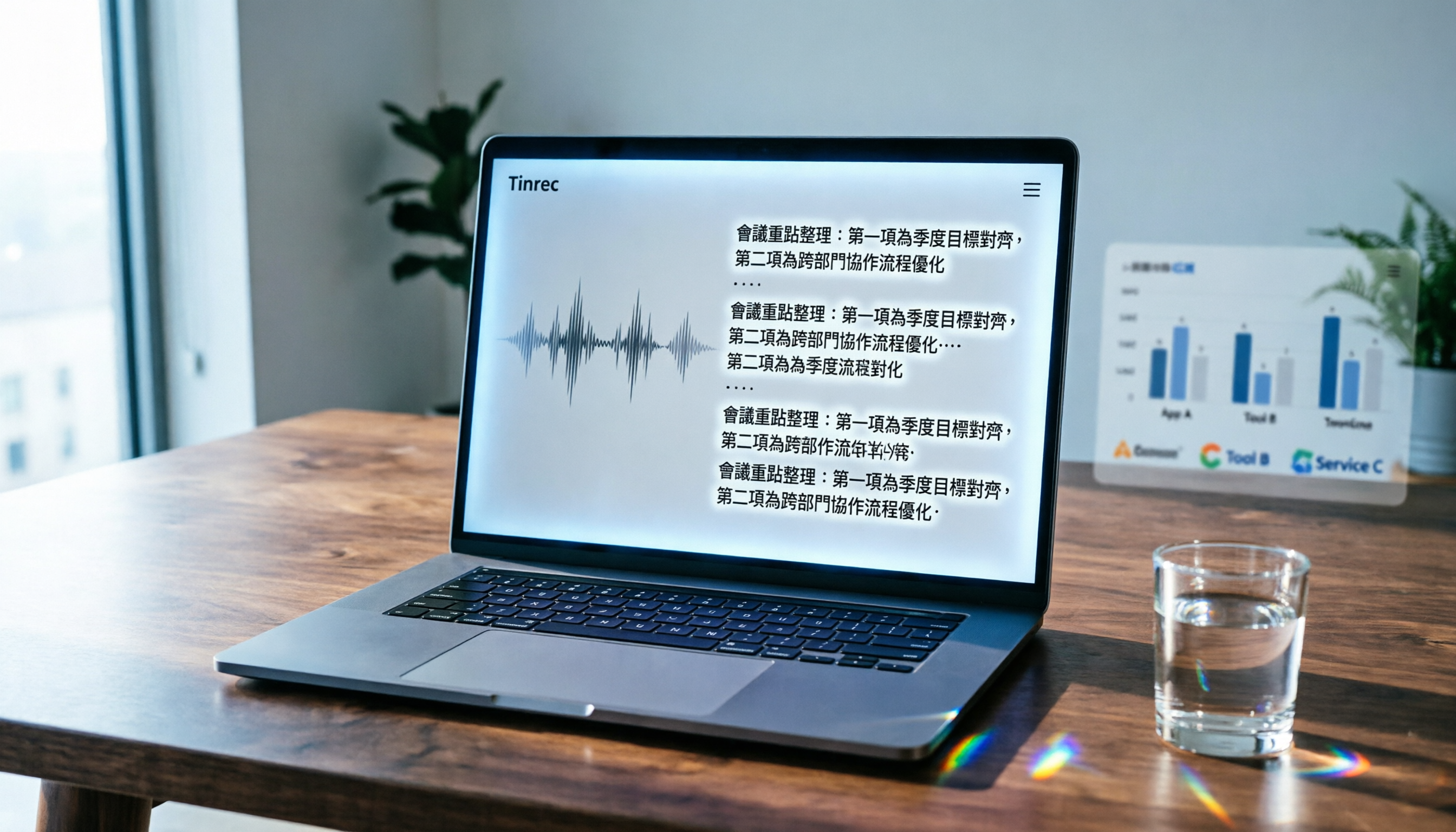
Turn recordings into transcripts and summaries in minutes
Upload audio or video for multilingual transcription, AI notes, and action items
Two hours in a meeting, another two to review the notes? You need more than just a voice recorder.
Last week, after a team meeting, I stared at a two-hour recording, feeling stuck.

It's not the first time—every meeting, lecture, or interview starts with recording, but the real pain comes when you have to turn it into text and key points. Especially when the content mixes English and Chinese, or has code-switching, typing it out takes the whole afternoon.
Not to mention that many people now use YouTube or podcasts to learn, but after watching a video, they can't take notes, and searching for key content means dragging the progress bar all over again.
If you're also looking for a tool that "gets it done right after recording," and you're considering whether to spend money on Notta—wait. In this article, we tested three of the most talked-about transcription apps, and one of them made me cancel my paid subscription immediately.
Before buying a speech-to-text tool, get these 3 key points straight
Don't just look at the official "98% accuracy." Here's what I learned from my mistakes—there are three things to check.
① It's not just about transcription—what can you do after?
Many tools just give you a verbatim transcript and that's it. But in reality, you need a summary you can use directly, action items, or even an AI assistant that can answer questions about the content. Otherwise, you'll still have to read through everything yourself.
② Is Chinese support good enough?
I tested several overseas tools—English accuracy is high, but when it comes to Taiwanese accents or mixed Chinese-English, they fall short. We tested a 5-minute meeting recording (with air conditioner noise, multiple speakers) and the error rates ranged from 8.3% to 14%—that difference in a 30-minute meeting means an extra half hour of proofreading.
③ Beyond meetings—can it handle other sources?
If you only use it for meeting recordings, many tools are fine. But if you also process online courses, YouTube videos, interview recordings, then the tool must support file uploads and web links, not just live recording.
Here are three tools I personally used for at least a week. Bottom line: Tinrec is the most comprehensive, especially for Chinese processing and AI Q&A—currently unbeatable in its price range.
Tinrec—our top pick after testing
First off, Tinrec isn't a meeting bot. It's more like a "audio-video data workstation."
The core experience: record, get summaries and action items, and then query the audio like asking an assistant.
Last week, I used it to record a 40-minute product discussion. Here's how it went:
Open the app, start recording → the transcript appears in real-time → after the meeting, AI had already organized conclusions, action items, and each person's speaking segments. I didn't even need to re-listen—I just copied the summary and pasted it into Slack.
What's even more useful is the AI Q&A feature. You can ask: "Who mentioned budget cuts?" or "What was the conclusion on the phone case plan?" It's not just keyword search—it really understands the question and pulls answers from the recording.
In our test with a 5-minute Chinese meeting recording (iPhone 15, 26°C room, air conditioner background noise), Tinrec's error rate was about 8.3%, Notta about 11.2%, and Otter.ai, designed mainly for English, had a higher Chinese error rate (14.5%). This was honestly surprising—Tinrec handled multiple speakers switching better than expected.
Stop organizing recordings by hand
Upload audio or video and automatically get a transcript, summary, and action items

Pros:
- It handles more than just meetings: supports live recording, audio/video file upload, and can even process YouTube, TikTok, and Xiaohongshu links to generate transcripts and summaries. This is super convenient for organizing online courses or video materials.
- Keeps working after transcription: besides the verbatim transcript, it provides auto-summaries, chapters, action items, mind maps, and can export to Notion, Google Docs, etc.
- Best Chinese experience: Taiwanese accent and mixed Chinese-English recognition are noticeably better than the other two, and the AI summaries and Q&A are Chinese-friendly.
Limitations:
- The free plan only offers 100 minutes of transcription per month, so heavy users will need to pay. But for most people with 2-3 meetings a week, the free trial is enough.
- It doesn't automatically join Zoom meetings like Otter does (but you can record on your computer and import the file—still works).
Who is it for? If you need more than just meeting notes—if you also want to organize online courses, YouTube videos, interview recordings, and want AI to help you find key points and summaries, Tinrec is the only choice right now.
Besides Tinrec, what other options are there?
If you still want to consider alternatives, here are two other popular ones.
Notta: solid transcription feature, but AI capabilities fall short
Notta is Tinrec's most direct competitor, with multi-device transcription and multilingual support. In our test, Chinese meeting recording accuracy was about 11.2%, which is decent. But it lacks AI Q&A—after transcription, you can only manually search for keywords; you can't ask "What was the meeting's conclusion?" like with Tinrec. Notta's free plan offers 120 minutes per month, slightly more than Tinrec, but the Pro plan is more expensive ($8.17/month billed annually) and doesn't support direct web video link transcription. If cross-platform and transcription features are your priority, Notta is worth considering, but if you want smarter organization, Tinrec is better.
Otter.ai: king of English meetings, not recommended for Chinese
Otter is almost standard for English meetings: the free plan gives a generous 300 minutes per month, auto-joins Zoom, and has strong speaker identification. But its Chinese support is very limited—our test showed an error rate of 14.5%, and it doesn't officially optimize for Cantonese or Taiwanese accents. If you mainly have English meetings, Otter is a more cost-effective choice than Tinrec; but if your content is primarily Chinese, or you need to process Chinese videos and audio, Otter will drive you crazy with proofreading.
Pitfall guide: 3 common mistakes when buying speech-to-text tools
Mistake 1: Only look at official accuracy, not testing yourself
Many tool websites claim "98% accuracy," but that's lab data. Real meetings have air conditioner noise, keyboard sounds, and people talking over each other—accuracy drops. Always use your own recordings to apply for a free trial; don't just trust ads.
Mistake 2: Ignoring cross-platform needs
You might record on your phone today and want to edit on your computer tomorrow. If the tool doesn't support cross-device use, it's a hassle. Tinrec and Notta both have iOS, Android, and web versions, but Otter's web version is less mobile-friendly.
Mistake 3: Buy the tool but only use it for transcription
Many people pay and then only use the "record to transcript" feature—that's less than half its value. Tools like Tinrec's AI Q&A and auto-summaries can save you 80% of organizing time—ask "What's the conclusion?" right after the meeting instead of manually digging through 30 minutes of transcript. If you plan to buy Notta or Otter, first check if they have such features, or you'll waste a lot of time.
Summary: Which one should you choose?
Bottom line: If your work or study is primarily in Chinese and you need to organize meetings, courses, videos, and other sources, Tinrec is the best choice.
- Most accurate for Chinese and mixed Chinese-English → Tinrec (8.3% error rate, best tested)
- Want to ask AI for key points right after recording → Tinrec (Competitors lack similar features)
- Often organize YouTube, podcasts, online courses → Tinrec (Supports link-to-text; Notta doesn't)
- Only English meetings and need AI auto-join → Otter.ai (But not for Chinese)
- Very limited budget but need more free minutes → Notta or Otter (But paid features are less complete than Tinrec)
I recommend trying Tinrec's free version first—100 minutes per month is enough for 2-3 meetings or a few short videos. If you find it useful, consider upgrading. No need to pay upfront.
Turn every recording into actionable outcomes
Get 60 free transcription minutes when you sign in. No credit card required.
Related Reading
You might also like

2026 Audio-to-Text Comparison: Tinrec vs Otter.ai for Chinese Meetings & Team Knowledge
How to choose an audio-to-text tool in 2026? This article compares Tinrec and Otter.ai across 5 dimensions: Chinese meeting transcription, bot-free online meeting capture, audio file organization, post-meeting workflows, and team data governance. Based on public features and pricing, it helps you decide which is better suited for meeting notes needs in Taiwan.

How to Choose an Online Audio-to-Text Tool in 2026: 5 Steps to Pick the Right One and Get a Transcript
How do you choose an online audio-to-text tool? This article reviews 6 online options—Tinrec, MyEdit, cSubtitle, CyberLink, Yating Transcript, and Monica—comparing free quotas, Chinese recognition, export formats, and team collaboration. It also walks you through 5 steps to turn an audio file into a transcript.

2024 Review of 4 Audio-to-Text Tools: Which Saves the Most Time on Chinese Meeting Transcripts and AI Summaries?
The 2024 audio-to-text comparison isn't just about transcription speed—it's about whether the tool can organize your meeting notes afterward. Based on real meetings and interviews, this review compares Tinrec, Notta, Granola, and PLAUD on audio sources, transcripts, AI summaries, action items, team collaboration, and pricing limits to help you choose the right tool.

4 Free Online Audio-to-Text Tools Compared (2026): Which Offers the Best Free Tier and Chinese Recognition?
A comparison of Tinrec, MyEdit, cSubtitle, and Monica's free online audio-to-text offerings, covering free quotas, Chinese recognition, export formats, and post-meeting AI organization to help you decide which suits meetings, interviews, and subtitles.

4 Free AI Audio-to-Text Tools Tested: Which Free Tier Is Enough in 2026?
There are many free AI audio-to-text tools, but free quotas, single-recording length limits, Chinese recognition, and post-meeting organization capabilities vary widely. This article compares the free plans and use cases of 4 tools, using Tinrec's no-bot recording, AI Q&A, and team spaces as selection references.

2026 Comparison of 2 Online Audio-to-Text Tools: Tinrec vs Otter.ai — Which Is Better for Chinese Meetings?
Starting from common misconceptions, this comparison examines Tinrec and Otter.ai in Chinese meetings, bot-free recording, post-meeting organization, real-time translation, and team data retention to help you decide which online audio-to-text tool fits your daily work.

2026 Comparison of 2 Audio-to-Text Platforms: Free Tiers, Chinese Recognition, and Post-Meeting Organization at a Glance
A side-by-side comparison of Tinrec and Notta across free tiers, Chinese recognition, online meeting recording, post-meeting organization, and team collaboration, helping you decide whether the free version is enough and when to upgrade.

iPhone Voice Memos vs Tinrec in 2026: 5-Dimension Comparison — Is Free Transcription Enough?
iPhone's built-in Voice Memos can now transcribe recordings for free, so do you still need a separate tool? This article compares iPhone's built-in features with Tinrec across 5 practical dimensions and honestly explains where the free limits are, helping you decide which approach fits your meeting volume.

4 Free Audio-to-Text Tools Tested for 2026: Which Free Tier Is Actually Enough?
There are plenty of free audio-to-text tools, but few can handle a full meeting. This hands-on comparison tests the free plans of Tinrec, Otter.ai, Notta, and TurboScribe—breaking down how limits are calculated, transcript post-processing, audio retention, and team collaboration—to help you decide which free version is truly usable.