
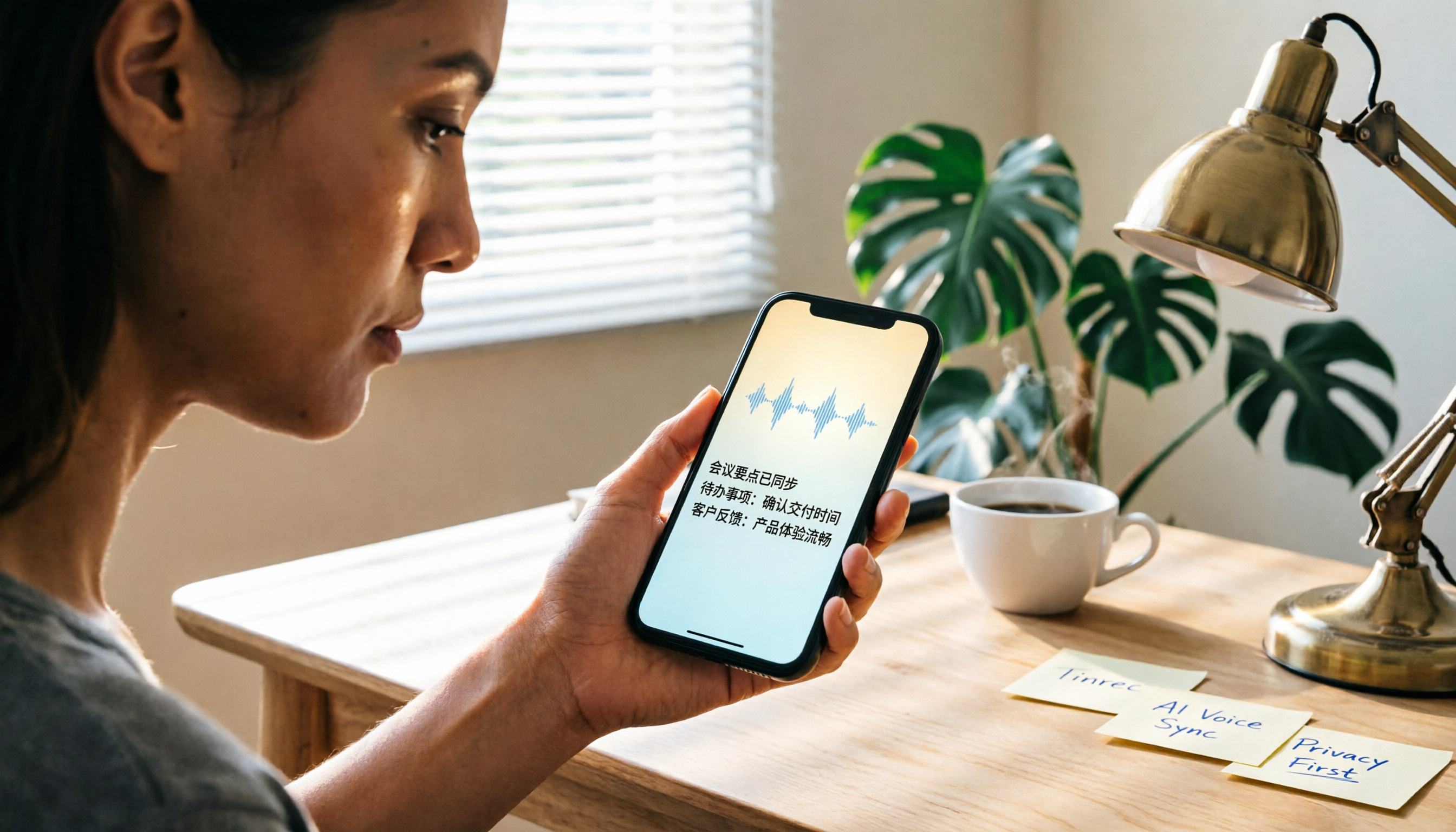
Turn recordings into transcripts and summaries in minutes
Upload audio or video for multilingual transcription, AI notes, and action items
Why Are Some People Looking for Alternatives to Notta?
Notta is a tool many people consider when they first get into speech-to-text. It supports multi-platform transcription and offers meeting notes and translation features. However, in practice, some users find its free tier limited, its processing of Chinese content lacking depth, or they want to do more with their recordings beyond just getting a transcript—such as automatic summarization, extracting action items, or even asking AI questions directly. If you have these needs, Tinrec is worth a look.

Tinrec vs Notta: What's the Core Experience Difference?
Depth of Chinese Content Processing
For users in Taiwan, the "usability" of Chinese transcription is more important than just recognition accuracy. Tinrec is designed from the ground up to handle Chinese (including Traditional Chinese) scenarios. Its summaries, chapters, and action items are tailored to Chinese usage habits, not mechanical translations. By contrast, although Notta supports multiple languages, it still falls short in semantic summarization and key point extraction for Chinese content.
More Than Just Transcripts: AI Conversation Query
After recording a meeting or interview, the most time-consuming part isn't listening to the recording—it's finding the key points. Tinrec has built-in AI conversation query: you can ask "What was the conclusion of this meeting?" or "Who is responsible for what?" and the system will answer based on the full content, without having to scroll through the entire transcript. Notta offers summaries, but lacks this interactive Q&A capability.
Direct Transcription from Online Videos
Tinrec supports pasting links to public videos from YouTube, TikTok, Xiaohongshu, etc., and directly transcribes them into text and summaries. Notta currently focuses on meetings and file uploads, and cannot process online videos directly. If you often need to organize online lectures, course recordings, or social media videos, this difference is very practical.
Cross-Platform and Offline Use
Tinrec offers iOS and Android apps as well as a web version, so you can record on your phone and edit immediately on your computer. Notta also supports multiple platforms, but Tinrec's mobile real-time transcription is smoother and its interface is more intuitive for Chinese users.
From Transcription to Deliverables
Tinrec doesn't just give you a transcript; it can generate meeting minutes, to-do lists, mind maps, and even export to Google Docs, Notion, and other formats. Notta also has export features, but Tinrec's Agent post-processing can further produce structured reports or tables, saving you even more time.
Tinrec's Core Features at a Glance
Real-time Speech-to-Text: Open Tinrec, and text appears synchronously as you record. During meetings, you can listen and watch to ensure you don't miss key points, and the transcript is ready by the time the meeting ends.
AI Summaries & Chapters: For a two-hour class or interview, Tinrec automatically splits it into chapters and highlights key sections, so you can grasp the full picture in minutes.
Stop organizing recordings by hand
Upload audio or video and automatically get a transcript, summary, and action items
Online Video Transcription: Paste a link to a public video from YouTube, Bilibili, Xiaohongshu, etc., and Tinrec will generate a transcript and summary, making it easy to take notes or collect material.
AI Conversation Query: This is my personal favorite. After recording a one-hour meeting, just ask Tinrec "What was the meeting's conclusion?" or "Who is responsible for what?" It will answer based on semantic understanding, saving you from manually flipping through 30 pages of transcript.
Multi-format Export & Post-processing: Export content as Word, PDF, or TXT, or sync to Notion or Google Docs. You can also ask Tinrec to generate formal meeting minutes, project reports, or even tables.
Real-World Use Cases
Meeting Notes: Whether online or in-person, record with Tinrec and it automatically generates summaries and action items. Then export directly as meeting minutes to share with colleagues—all in one seamless workflow.
Class Learning: Record your teacher's lecture, use chapter organization to quickly find exam key points, and use AI Q&A to review concepts you don't understand.

Interview Organization: Journalists or researchers can get a transcript immediately after an interview, then use AI query to find key quotes, saving hours of re-listening.
Content Creation: Drop YouTube or podcast material into Tinrec, convert to text, then edit into articles or social media posts to speed up content production.
Things to Look for When Choosing a Speech-to-Text Tool
When picking a tool, first consider your main use case: if you frequently work with Chinese content, prioritize a service that has been optimized for Chinese, so that summaries and key points are accurate.
Cross-platform support is also important—make sure there are mobile apps and a web version so you can record and edit anytime, anywhere.
Don't just look at the number of transcription minutes; what you can do after transcription is where the real value lies. Post-processing features like summaries, Q&A, and exports often determine how much time you save.
Finally, free tiers are just for getting started. If you use it frequently, directly evaluate whether the paid plan is affordable and whether it truly solves your problem.
Conclusion: Is Tinrec Worth a Try?
If you originally used Notta just for transcription but gradually found yourself needing deeper processing—like automatic summaries, AI Q&A, handling online videos, or turning material into deliverable reports—then Tinrec is a more comprehensive upgrade. It's not just a meeting tool; it's a workspace that turns audio and video into actionable knowledge. Start with the free version, test it with your own meetings or classes, and experience the efficiency of being able to ask questions right after recording and getting key takeaways.
FAQ
Q1: What are the limitations of Tinrec's free tier? A1: The free tier provides a monthly base transcription quota, allowing you to experience core features like real-time recording, file import, and online video analysis. It's suitable for light use or for evaluating before upgrading.
Q2: What languages does Tinrec support? A2: It supports Chinese (including Traditional Chinese), English, and over 10 other languages. Transcription and summary quality for Chinese content has been specially optimized.
Q3: Is my recording privacy secure? A3: Tinrec uses encrypted transmission and storage. Your recordings are not shared without your authorization, so you can confidently use it for important meetings or interviews.
Q4: What export formats are available? A4: Supports Word, PDF, and TXT, and can also sync directly to Notion, Google Docs, and other third-party tools.
Q5: Compared to Notta, what is Tinrec's most apparent advantage? A5: Beyond transcription, Tinrec emphasizes post-transcription organization and usage—AI Q&A, direct online video parsing, and automatic generation of structured reports, turning audio and video data into usable knowledge.
Q6: I often record long meetings. Is the accuracy good enough? A6: In a clear recording environment, Tinrec provides high-quality transcription. However, actual results can be affected by background noise, accents, etc. For important content, we recommend cross-referencing with the original audio.
Turn every recording into actionable outcomes
Get 60 free transcription minutes when you sign in. No credit card required.
Related Reading
You might also like

2026 Audio-to-Text Comparison: Tinrec vs Otter.ai for Chinese Meetings & Team Knowledge
How to choose an audio-to-text tool in 2026? This article compares Tinrec and Otter.ai across 5 dimensions: Chinese meeting transcription, bot-free online meeting capture, audio file organization, post-meeting workflows, and team data governance. Based on public features and pricing, it helps you decide which is better suited for meeting notes needs in Taiwan.

How to Choose an Online Audio-to-Text Tool in 2026: 5 Steps to Pick the Right One and Get a Transcript
How do you choose an online audio-to-text tool? This article reviews 6 online options—Tinrec, MyEdit, cSubtitle, CyberLink, Yating Transcript, and Monica—comparing free quotas, Chinese recognition, export formats, and team collaboration. It also walks you through 5 steps to turn an audio file into a transcript.

2024 Review of 4 Audio-to-Text Tools: Which Saves the Most Time on Chinese Meeting Transcripts and AI Summaries?
The 2024 audio-to-text comparison isn't just about transcription speed—it's about whether the tool can organize your meeting notes afterward. Based on real meetings and interviews, this review compares Tinrec, Notta, Granola, and PLAUD on audio sources, transcripts, AI summaries, action items, team collaboration, and pricing limits to help you choose the right tool.

4 Free Online Audio-to-Text Tools Compared (2026): Which Offers the Best Free Tier and Chinese Recognition?
A comparison of Tinrec, MyEdit, cSubtitle, and Monica's free online audio-to-text offerings, covering free quotas, Chinese recognition, export formats, and post-meeting AI organization to help you decide which suits meetings, interviews, and subtitles.

4 Free AI Audio-to-Text Tools Tested: Which Free Tier Is Enough in 2026?
There are many free AI audio-to-text tools, but free quotas, single-recording length limits, Chinese recognition, and post-meeting organization capabilities vary widely. This article compares the free plans and use cases of 4 tools, using Tinrec's no-bot recording, AI Q&A, and team spaces as selection references.

2026 Comparison of 2 Online Audio-to-Text Tools: Tinrec vs Otter.ai — Which Is Better for Chinese Meetings?
Starting from common misconceptions, this comparison examines Tinrec and Otter.ai in Chinese meetings, bot-free recording, post-meeting organization, real-time translation, and team data retention to help you decide which online audio-to-text tool fits your daily work.

2026 Comparison of 2 Audio-to-Text Platforms: Free Tiers, Chinese Recognition, and Post-Meeting Organization at a Glance
A side-by-side comparison of Tinrec and Notta across free tiers, Chinese recognition, online meeting recording, post-meeting organization, and team collaboration, helping you decide whether the free version is enough and when to upgrade.

iPhone Voice Memos vs Tinrec in 2026: 5-Dimension Comparison — Is Free Transcription Enough?
iPhone's built-in Voice Memos can now transcribe recordings for free, so do you still need a separate tool? This article compares iPhone's built-in features with Tinrec across 5 practical dimensions and honestly explains where the free limits are, helping you decide which approach fits your meeting volume.

4 Free Audio-to-Text Tools Tested for 2026: Which Free Tier Is Actually Enough?
There are plenty of free audio-to-text tools, but few can handle a full meeting. This hands-on comparison tests the free plans of Tinrec, Otter.ai, Notta, and TurboScribe—breaking down how limits are calculated, transcript post-processing, audio retention, and team collaboration—to help you decide which free version is truly usable.