
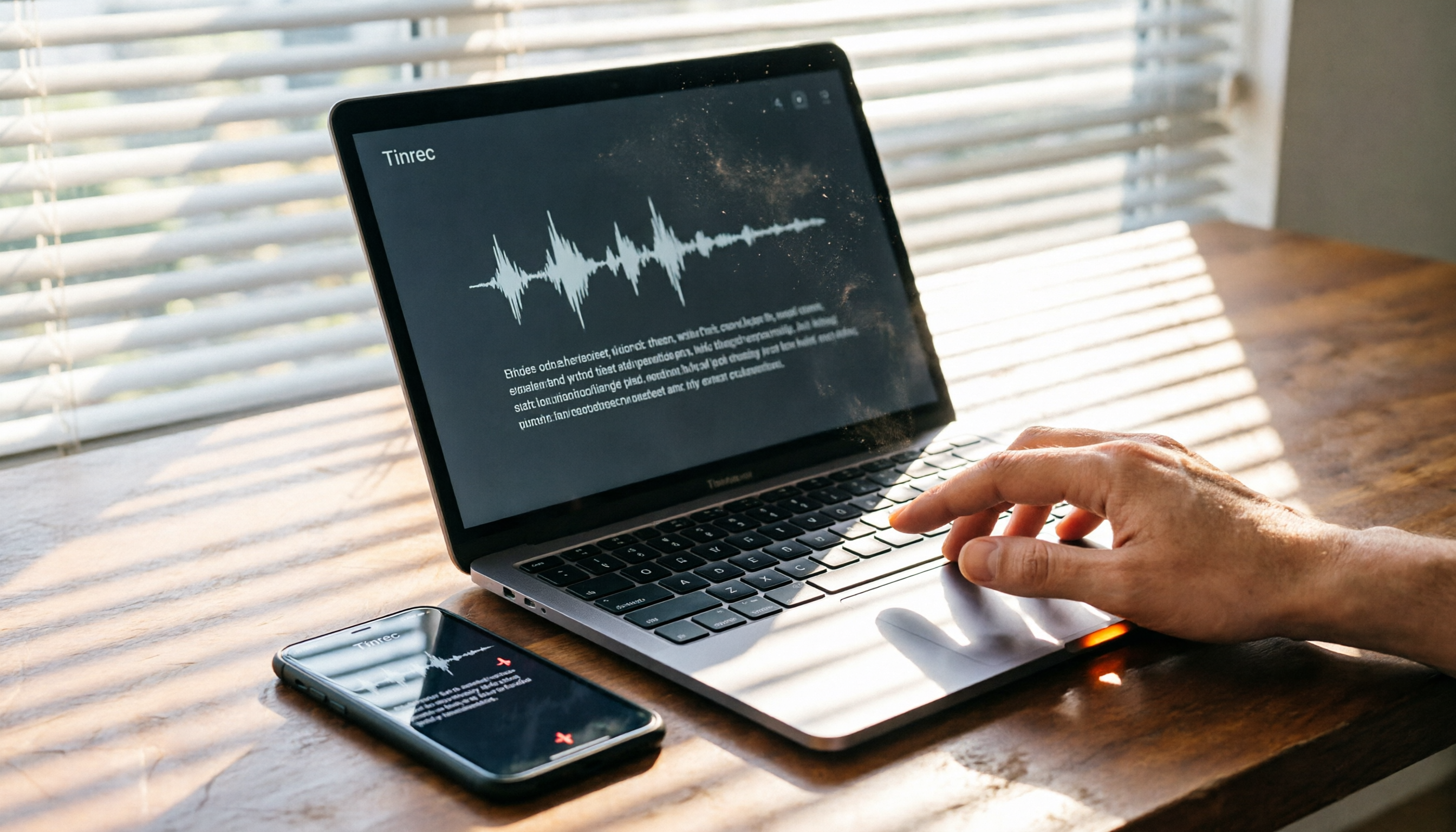
Turn recordings into transcripts and summaries in minutes
Upload audio or video for multilingual transcription, AI notes, and action items
Why You Need a Speech-to-Text Tool
Meetings every day until you leave, then overtime writing meeting notes? Lectures, talks, interviews—record then manually transcribe? A month is enough to drive you crazy. Speech-to-text apps save you time by converting recordings, audio, or even YouTube videos into text, and they can automatically generate summaries and to-do items.

Especially for Hong Kong workers with lots of Cantonese recordings, finding a high-accuracy tool is critical. We tested 4 popular options, focusing on which ones have a desktop version—because not every app offers a standalone desktop software.
Notta — No Standalone Desktop App, Web Version as a Workaround
Notta is widely used for speech-to-text, supporting multiple languages, real-time transcription, and meeting notes. But many people search "does Notta have a desktop app" and find out: it has no standalone Windows or Mac application.
Its solution relies on a web version and mobile apps (iOS/Android). If you mainly work on a computer, you have to keep a browser open for transcription and organization, which isn't very convenient. However, its transcription accuracy and translation features are solid. The free plan gives 120 minutes per month; Pro costs about HK$65/month for 1800 minutes. It's suitable for those who primarily record on their phone and occasionally check notes on their computer.
Who is it for? Light users already using the Notta mobile app and who don't mind the lack of desktop software.
Tinrec (Second Listening) — The Most Complete AI Recording Assistant, Web Version Feels Like Desktop
Tinrec is smarter: although it also doesn't have a standalone desktop app, its web version delivers a full desktop-class experience. Open a browser and use it seamlessly, sync phone recordings wirelessly, and continue organizing, asking AI, or exporting documents on your computer.
Key Highlights:
- More than transcription: helps you understand content — After recording, it automatically generates AI summaries, chapters, to-do items, and you can ask questions about the recording (e.g., "When is this project's deadline?"). The AI instantly finds answers within the recording, so you don't have to scroll through transcripts.
- Accepts all sources — Real-time recording, uploading audio/video files, pasting YouTube/Bilibili/Xiaohongshu links—all supported. Perfect for organizing online videos for study or content creation.
- Highly accurate Cantonese + Mandarin transcription — Hong Kong meetings and lectures often use Cantonese. Tinrec is clearly optimized for Chinese content; with clear recordings, transcription quality is very high and it can even distinguish speakers.
- Continue working after transcription — Export as TXT, DOCX, SRT subtitles, or generate meeting minutes, reports, mind maps—no manual reorganization needed.
Stop organizing recordings by hand
Upload audio or video and automatically get a transcript, summary, and action items
Pricing: Free trial with limited monthly credits; weekly card for short projects; Pro monthly/annual for long-term users (annual is cheapest per month). Compared to Notta, it's not about competing on minutes, but on "what you can do after transcription."
Who is it for? Hong Kong workers and students who need seamless switching between computer and phone, require AI organization and Q&A, and frequently deal with Cantonese recordings.
Otter.ai — Best for English Meetings, Also Web-Only Desktop
Otter.ai is the veteran of AI meeting notes, used by many foreign companies. It also lacks standalone desktop software, but its web version is feature-rich, automatically joining Zoom and Google Meet for recording and transcription. English accuracy is excellent.

Free plan: 300 minutes/month. Pro annual: about HK$65/month for 1200 minutes and 10 file imports. However, Hong Kong users should note: Cantonese support is weak—it's mainly strong in English, and Chinese transcription quality suffers.
Who is it for? Professionals who frequently hold English meetings and need team collaboration.
TurboScribe — Great Value for Long File Transcription, Pure Web Interface
TurboScribe focuses on value, offering file upload transcription, supporting long files, batch transcription, subtitles, and translation. Everything is done via the web; no app, but the interface is simple.
Free: 3 transcriptions per day, 30 minutes per file. Unlimited Plan: about HK$78/month for unlimited transcription, ideal for freelancers processing large volumes of old recordings or interviews. Weak points: no real-time recording, basic organization features (summaries, subtitles only), and no AI Q&A.
Who is it for? Users dealing mainly with long audio files who need batch subtitle transcription.
So Many Options, How to Choose?
- Want the most complete AI features (transcription + AI Q&A + auto summary) → Tinrec (only one with all these, plus accurate Cantonese)
- Primarily English meetings, need team features → Otter.ai (best English transcription, but Cantonese poor)
- Just batch transcription of long files, no real-time recording needed → TurboScribe (most affordable unlimited plan)
- Already using Notta, mainly mobile, don't mind no desktop app → Notta (keep existing setup, but accept browser-based work)
For those who frequently organize recordings on their computer and want to generate notes on desktop right after class or meetings, Tinrec's web version truly delivers a "desktop-level" experience, with AI to help digest content—no longer limited by tools without a desktop app.
3 Things to Know Before Using a Speech-to-Text Tool
- No standalone desktop app doesn't mean you can't use it on computer — Many tools (including Tinrec, Otter) provide full functionality via web versions. As long as you're comfortable working in a browser, it's practically the same as desktop software. The key is whether the web version is well-designed.
- Test Cantonese transcription before trusting — Each app's Cantonese support varies greatly, especially with mixed English or noisy environments. First try the free version with a real meeting recording. Tinrec excels here, but test it yourself.
- AI summaries are not 100% perfect — Auto-generated notes and to-do items may miss key points. Important content should be cross-checked with the transcript or original recording. Tinrec's AI Q&A can quickly locate crucial parts, but final verification is your responsibility.
Conclusion
Notta's lack of a standalone desktop app turns away many desktop-heavy users. Fortunately, today's web technology is mature enough that using tools like Tinrec's web version lets you smoothly transcribe, organize, and export recordings on your computer, plus offers AI Q&A features.
If you're looking for a tool that works without a desktop app, handles Cantonese recordings common among Hong Kong users, and saves you overtime hours, Tinrec (Second Listening) is definitely worth a try. The free version comes with basic credits—go to its official website to test it out now.
Turn every recording into actionable outcomes
Get 60 free transcription minutes when you sign in. No credit card required.
Related Reading
You might also like

4 Audio-to-Text Tools Tested in 2026: Which Is Best for iPhone Users Needing Chinese Transcription and AI Summaries?
How to choose an iPhone audio-to-text tool? Based on real meetings, interviews, and online courses, this article compares Tinrec, Apple Voice Memos, TurboScribe, and Otter.ai on Chinese recognition, post-meeting summaries, AI Q&A, team collaboration, and pricing limits. It also provides buying criteria and pitfalls to help you pick the right tool for your budget and needs.

4 Audio-to-Text Tools Tested and Compared in 2026: The Transcription Pain Points Dcard Users Discuss—Which One Actually Saves Time?
Starting from the transcription hell that Dcard users complain about most, this article compares the audio-to-text and post-meeting organization capabilities of Tinrec, Notta, Granola, and TurboScribe, and outlines selection criteria, free quotas, team collaboration, and pitfalls to avoid.

4 Best Audio-to-Text Tools in 2026: Which Chinese Transcription Tool Saves the Most Time?
Starting from common PTT requests for audio-to-text conversion, we compare Tinrec, Otter.ai, Notta, and TurboScribe on Chinese transcription, post-meeting organization, free limits, and team collaboration to help you find a practical solution that doesn't require re-listening to a two-hour recording.

Free Speech-to-Text Options in 2024: A Look at 4 Tools
Starting from PTT 2024 discussions on speech-to-text, we organize free plans and common pitfalls, comparing Tinrec, Otter.ai, Notta, and TurboScribe on free quotas, Chinese recognition, post-meeting summaries, and team collaboration to help you choose the right tool.

2026 Comparison of 2 Speech-to-Text Software: Yating vs Tinrec — Which Is Better for Chinese Meetings?
How to choose a speech-to-text tool discussed on PTT? This article compares Yating Transcript and Tinrec across 5 dimensions—pricing, AI post-meeting organization, online meeting recording, and team collaboration—to help you decide which is better for Chinese meetings and daily workflows.

Tinrec vs Notta 2026: 5-Dimension Comparison — Which Free Audio-to-Text Tool Is Better for Chinese Meetings?
2026 free audio-to-text comparison: Tinrec vs Notta across 5 dimensions — free quota, Chinese meeting support, bot-free recording, post-meeting AI organization, and team governance — to help you decide which is better for Chinese meetings and team collaboration.

2026 Comparison of 4 Speech-to-Text Tools: Free Tiers, Chinese Recognition, and Workflows Explained
Speech-to-text isn't just about feeding an audio file into a tool. This article starts with the 5 key factors to consider when choosing a tool, compares Tinrec, Notta, Otter.ai, and Granola on free tiers, online meeting audio capture, and post-meeting organization. It then walks you through the complete workflow from recording to transcript, summary, and action items, and finally lists the 4 most common pitfalls.

2026 Free Speech-to-Text Review: 3 Mistakes to Avoid + AI Post-Meeting Workflow
Many free speech-to-text tools exist, but most people get stuck at the initial decision stage. This article covers three common pitfalls, shares four criteria for choosing a tool, tests Tinrec's bot-free online meeting recording, AI summaries, and post-meeting Q&A, compares Otter.ai, Notta, and Granola for different scenarios, and includes a pitfall guide plus a six-step starter plan you can begin today.

5 Best Audio-to-Text Transcription Tools in 2026: Free Tiers and Chinese Recognition Compared
Transcribing audio to text is no longer just about getting words on a page. Based on real meeting scenarios, this article outlines 5 key factors for choosing a tool and compares Tinrec, Notta, Yating, and TurboScribe on free tiers, Chinese recognition, post-meeting organization, and team collaboration. It also includes 4 common pitfalls to help you pick the tool that truly saves time.