
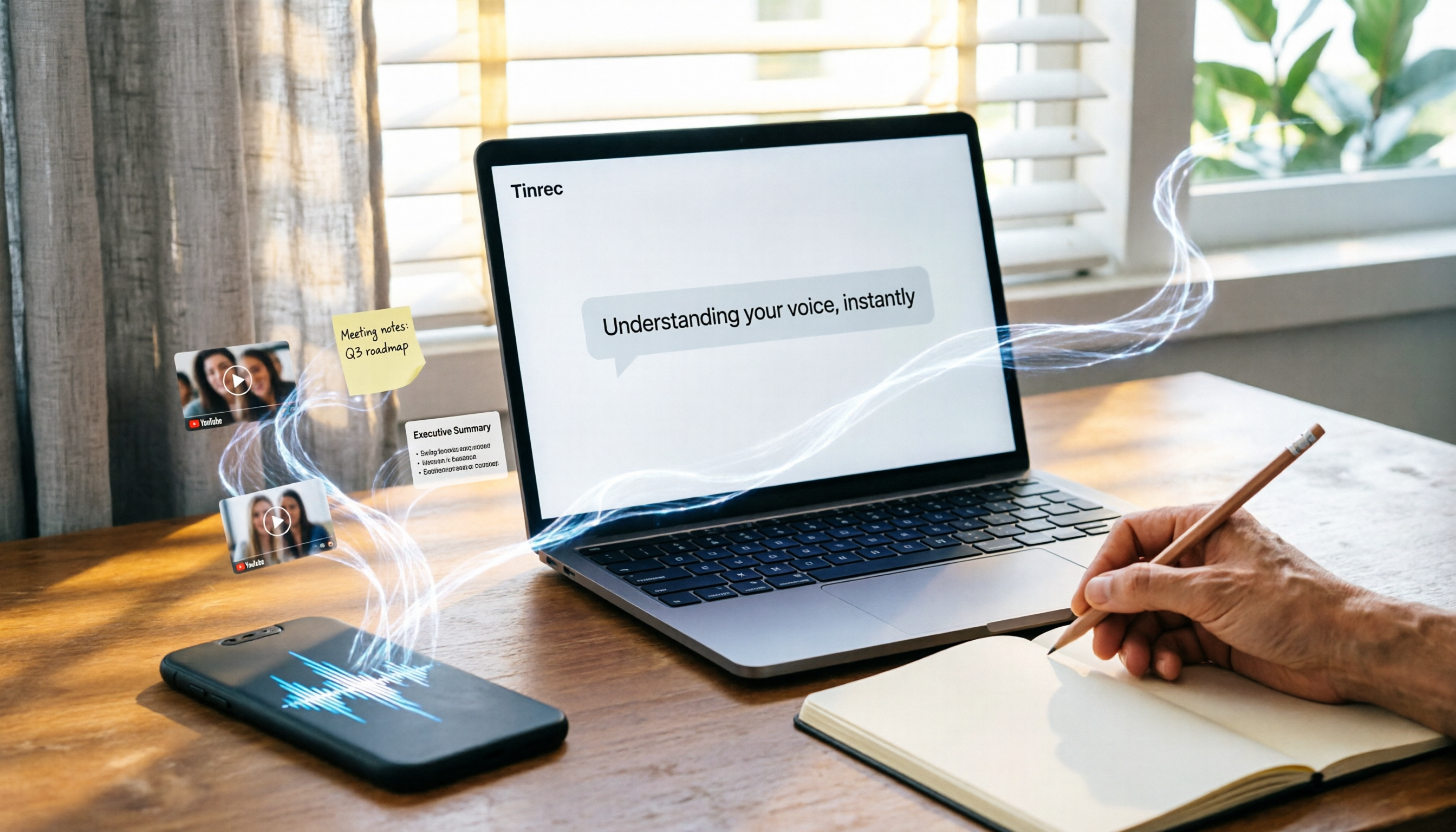
Turn recordings into transcripts and summaries in minutes
Upload audio or video for multilingual transcription, AI notes, and action items
Why Are People Looking for Good Tape Alternatives?
Good Tape is a convenient speech-to-text tool, but have you ever encountered this situation: you have a YouTube video, a podcast link, or a previous meeting recording that needs to be transcribed, yet you can't find a direct way to handle it?

Honestly, I have. Small team, but lots of work. When tools don't work well, productivity suffers.
If you're like me—not just wanting to record, but wanting to turn various audio and video sources into usable notes, tasks, or even reports—then Tinrec is definitely worth checking out.
Tinrec vs Good Tape: What's Different in Core Experience?
I won't say Good Tape is bad, but Tinrec truly fits my actual workflow better in several key dimensions.
Multi-source audio/video support
Good Tape focuses on recording transcription, but Tinrec not only does real-time recording but also allows uploading audio and video files, and even directly pasting YouTube or TikTok links to start parsing. For content creators or those who regularly need to organize online videos, this is a decisive difference.
AI Q&A and post-processing capabilities
Getting a transcript is just the first step. Tinrec's AI chat query feature is what makes it indispensable for me. After a one-hour meeting, just ask "What's the conclusion?" or "Who is responsible for what?" and it gives you the answer—no need to manually scroll through thirty pages of transcript. This is currently not available in Good Tape.
Traditional Chinese and mixed language recognition
In Taiwan, mixing Chinese and English in meetings and courses is common. Tinrec's recognition of Chinese and mixed Chinese-English content is surprisingly stable. Good Tape is just average in this area, while Tinrec's summaries and task extraction clearly grasp the semantics of Chinese better.
Export and workflow integration
Tinrec can export to text, PDF, or even mind maps, and sync directly to Notion or Google Docs. For a small team lead like me who needs to put meeting results into collaboration tools, this saves a ton of copy-pasting time.
Tinrec's Core Features at a Glance
Real-time recording to text
Open Tinrec, record and transcribe simultaneously with almost no lag. During a meeting, you can watch the text in real time to ensure nothing is missed, and by the time the meeting ends, the transcript is already done.
Web video link parsing
Stop organizing recordings by hand
Upload audio or video and automatically get a transcript, summary, and action items
This is my most-used feature lately. Paste a YouTube or TikTok link, and Tinrec automatically grabs the audio and converts it to text, also generating a summary. When organizing market research or competitive analysis, this saves a huge amount of manual video watching time.
AI summarization and task extraction

No exaggeration, Tinrec's summaries are really good. Not the kind of keyword-based simplistic summary, but one that truly understands context and tells you the top three things from the meeting and what to do next.
Multi-format export and knowledge base
You can export organized results as text, PDF, or even mind maps, and sync them to Notion, Google Docs, etc. Over time, you'll build a searchable and queryable recording database, not just a pile of scattered files.
Practical Use Cases
Meeting minutes
Every weekly team meeting, I use Tinrec to record and capture key points. When the meeting ends, the transcript and action items are shared directly to the group, so everyone doesn't have to rely on memory.
Courses and lectures
For online courses or in-person lectures, I record and transcribe, then use AI summaries and chapter splitting to turn two hours of content into notes I can scan in five minutes, doubling review efficiency.
Content creation
When I need to write scripts or organize interview material, I drop the interview recording into Tinrec, get the transcript and summary in seconds, then use AI Q&A to pull out quotable gems—super convenient.
Quick idea recording
When an idea strikes outside, I open Tinrec, record for thirty seconds, and get it transcribed with key points automatically organized. Way faster than typing, and no detail is lost.
Key Points to Consider When Choosing a Speech-to-Text Tool
- Input source diversity: Can the tool handle real-time recording, audio files, video files, and online links? Tinrec covers almost all.
- Post-transcription processing: After transcription, does it have features like summaries, tasks, and Q&A to help you understand the content? Tinrec's auto-summary and AI Q&A turn recordings into actionable material immediately.
- Traditional Chinese and mixed Chinese-English: Many tools still lack good recognition for Chinese or mixed Chinese-English. Tinrec performs significantly better in our daily tests.
- Export and integration: Can the organized results smoothly enter your existing workflow? Tinrec's export options and third-party sync save a ton of copy-paste work.
- Free tier adequacy: Don't rush to pay. Tinrec's free version offers a basic monthly transcription quota. Test it with your own recordings to see if it really fits you.
Conclusion: Is Tinrec Worth a Try?
If you're looking for a tool that not only transcribes audio but also helps you organize various audio/video content into searchable, summarizable, exportable material, Tinrec is currently the closest thing to a "workstation" I've used.
Especially for Traditional Chinese users, its understanding of Chinese and post-processing capabilities truly cater to our actual needs better than most international competitors.
I recommend downloading the free version of Tinrec and running it through your own meetings, courses, or interview recordings to see if the AI summaries and Q&A are truly effective and useful. Instead of constantly reading reviews, experience it yourself for five minutes, and you'll understand what I mean.
Turn every recording into actionable outcomes
Get 60 free transcription minutes when you sign in. No credit card required.
Related Reading
You might also like

5 Best Audio-to-Text Tools in 2026: Free vs. Paid Comparison for Meeting Notes
How to choose an audio-to-text tool? This article compares 5 solutions—Tinrec, Notta, Otter.ai, TurboScribe, and more—across three dimensions: input sources, post-meeting organization, and team collaboration. It includes key buying factors and 4 common pitfalls to help you see the differences from free to paid at a glance and find the best tool for organizing meeting notes.

2026 Comparison of 4 Speech-to-Text Apps: Whose Free Tier Is Enough, and Which AI Summaries Really Save Time?
An hour-long meeting recording can take three to four hours to transcribe manually. This article examines five key factors for choosing a speech-to-text app based on real-world usage, compares Tinrec, Yating Transcription, Otter.ai, and Notta on Chinese recognition, post-meeting organization, free tiers, and team collaboration, and lists four common pitfalls to help you pick the one that truly saves time.

How to Use Tinrec in 2026: Transcribe Online Meetings Without a Bot + Auto-Generate Minutes
A 47-minute meeting recording would take until 9 PM to transcribe by hand. This tutorial uses Tinrec to demonstrate a 5-step workflow for online audio-to-text: record or import, auto-transcribe, quick proofread, generate summaries and action items, and export/share. It also covers FAQs, advanced tips, and alternative tools.

How to Choose Speech-to-Text in 2026: 5 Steps to Test for Free and Avoid Pitfalls
Free speech-to-text tools seem like a bargain, but they often limit recording length, charge for exports, and struggle with mixed-language audio. This article uses 5 steps to help you test whether a tool is worth keeping within its free tier, with Tinrec as an example covering recording, transcription, AI summary, action items, and team knowledge retention. It also includes 5 key buying considerations and FAQs.

5 Best Audio-to-Text Tools in 2026: Tinrec vs Notta and Other PTT Favorites Compared
Starting from the common audio-to-text choices discussed on PTT, this comparison examines Tinrec and Notta across meeting capture, post-meeting organization, team governance, Chinese language experience, and free tiers to help readers determine which tool better fits their workflow.

4 Audio-to-Text Tools Tested in 2026: Which Is Best for iPhone Users Needing Chinese Transcription and AI Summaries?
How to choose an iPhone audio-to-text tool? Based on real meetings, interviews, and online courses, this article compares Tinrec, Apple Voice Memos, TurboScribe, and Otter.ai on Chinese recognition, post-meeting summaries, AI Q&A, team collaboration, and pricing limits. It also provides buying criteria and pitfalls to help you pick the right tool for your budget and needs.

4 Audio-to-Text Tools Tested and Compared in 2026: The Transcription Pain Points Dcard Users Discuss—Which One Actually Saves Time?
Starting from the transcription hell that Dcard users complain about most, this article compares the audio-to-text and post-meeting organization capabilities of Tinrec, Notta, Granola, and TurboScribe, and outlines selection criteria, free quotas, team collaboration, and pitfalls to avoid.

4 Best Audio-to-Text Tools in 2026: Which Chinese Transcription Tool Saves the Most Time?
Starting from common PTT requests for audio-to-text conversion, we compare Tinrec, Otter.ai, Notta, and TurboScribe on Chinese transcription, post-meeting organization, free limits, and team collaboration to help you find a practical solution that doesn't require re-listening to a two-hour recording.

Free Speech-to-Text Options in 2024: A Look at 4 Tools
Starting from PTT 2024 discussions on speech-to-text, we organize free plans and common pitfalls, comparing Tinrec, Otter.ai, Notta, and TurboScribe on free quotas, Chinese recognition, post-meeting summaries, and team collaboration to help you choose the right tool.