
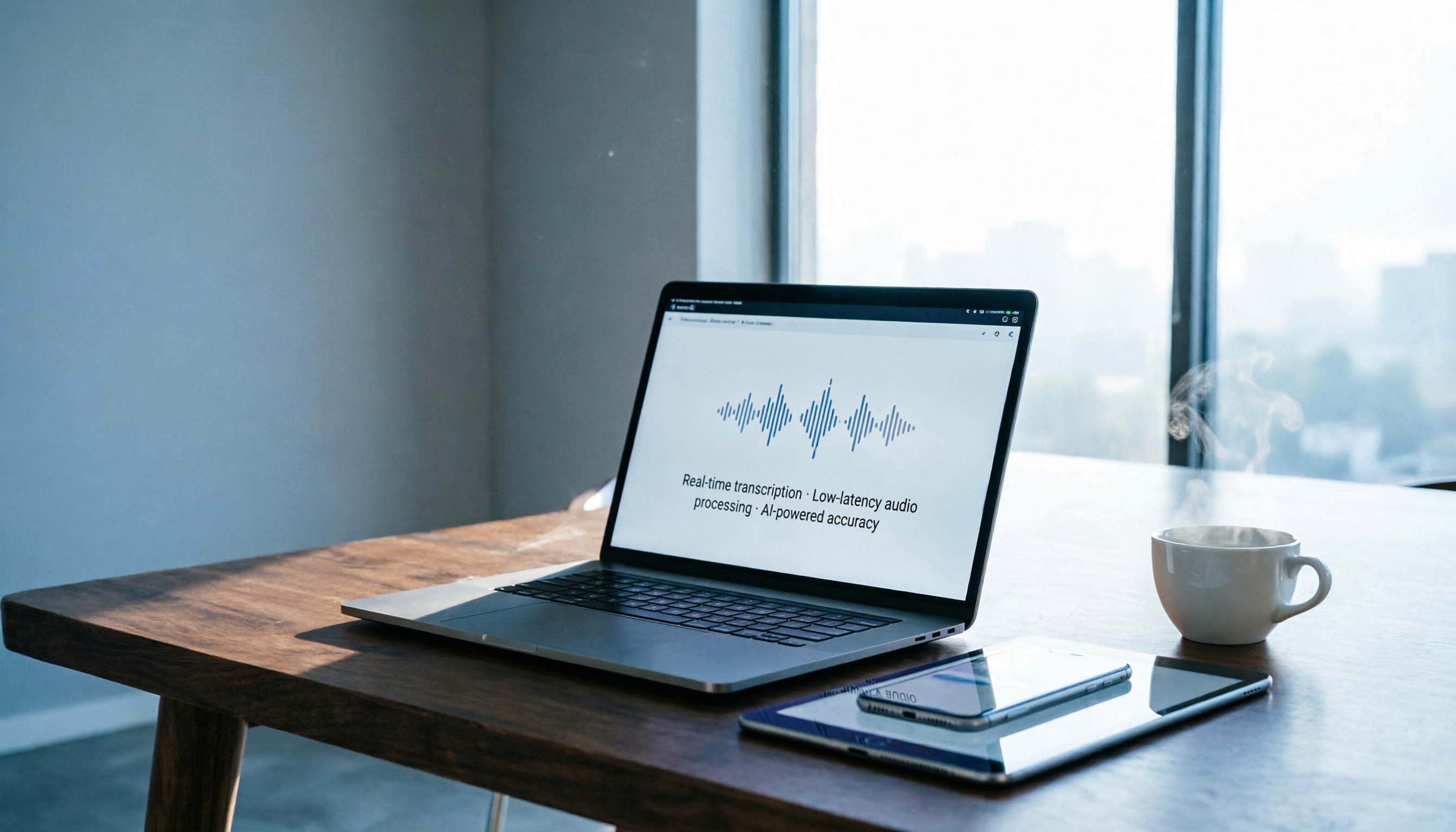
Turn recordings into transcripts and summaries in minutes
Upload audio or video for multilingual transcription, AI notes, and action items
Why Are People Looking for a Good Tape Alternative?
Good Tape is a familiar speech-to-text tool for many users, known for its simplicity in organizing meeting or interview recordings.

However, if you also need to handle online videos, local audio files, or want more than just a transcript—like automatic summaries, action items, or even the ability to ask questions about past recordings—you may start feeling like something is missing. If that sounds like you, then Tinrec is worth a few minutes of your time.
Tinrec vs Good Tape: What's Different in Core Experience?
Input Source Diversity
How useful a recording tool is depends first on what it can ingest. Good Tape focuses on microphone recording and audio file uploads. But in an era where you're also tracking YouTube videos, collecting TikTok ideas, and relistening to podcasts, supporting only local audio files is insufficient. Tinrec not only supports live recording and audio import but also allows you to paste public online video links (YouTube, Bilibili, Xiaohongshu, TikTok), and it automatically downloads the audio track, transcribes it, and generates a summary. For content creators or those who regularly compile online materials, this feature saves several steps.
Post-Transcription Understanding
Many tools stop after producing a transcript, but a 60-minute meeting transcript can be up to 30 pages—you still have to read through it. Tinrec automatically generates an AI summary, breaks it into chapters, extracts action items, and even lets you ask questions about the content. For example, you can ask: "What was the conclusion of this meeting?" or "What budget numbers did the client mention?" It retrieves answers semantically, without you having to manually search for keywords. In my tests with meeting recordings, this feature saved me about 70% of post-meeting organization time.
Cross-Platform and Multilingual Support
If you use an Android phone with an iPad, or a Windows PC at work and a Mac at home, cross-platform availability matters. Tinrec offers iOS and Android apps as well as a web version, with all data synced via the cloud. You can start recording on your phone and continue editing on your computer. For languages, Tinrec is optimized for Chinese (including Traditional Chinese) and Cantonese. In bilingual meetings with English and Chinese, its recognition accuracy is notably better than tools designed primarily for English, making it more suited to actual usage scenarios.
Core Features of Tinrec at a Glance
These are the features I use daily, and where Tinrec truly stands out:
Real-time Audio Transcription: Open the app and start recording; text appears almost instantly with zero delay. During meetings or lectures, you can confirm that key points are being captured, and by the time the session ends, the transcript and summary are already done.
Stop organizing recordings by hand
Upload audio or video and automatically get a transcript, summary, and action items
AI Chat Query: This is my most-used feature. After recording a one-hour interview, just ask Tinrec: "What was the interviewee's view on the new policy?" It provides a summary based on the entire recording's semantics, along with timestamps so you can go back to the original audio. This ability to find answers without flipping through the transcript is something you never want to give up.
Online Video Link Parsing: Drop a YouTube link into Tinrec, and it transcribes the entire video into text, then automatically generates chapter highlights. For someone who needs to gather data, write reports, or collect ideas, this is much faster than watching and typing simultaneously.
Multi-Format Export and Further Processing: Transcribed content can be exported as PDF, Word, TXT, or synced directly to Notion or Google Docs. You can even have the built-in AI Agent generate meeting minutes, reports, or tables based on the recording—an end-to-end organization workflow.

Practical Use Cases
Weekly Meeting Cycle for Office Workers
With at least 3 meetings per week, I use Tinrec to record simultaneously. When the meeting ends, a summary pops up. I copy the summary into Slack, then check the action items to confirm tasks for the week. Previously, I'd spend 15 minutes recalling key points after a meeting; now it takes about 2 minutes.
Literature and Interview Organization for Graduate Students
Qualitative research requires sorting through many interview recordings. In the past, I'd spend hours transcribing. Now, after an interview, I drop the audio file into Tinrec, and both the transcript and AI summary are ready. I quickly cross-reference important sections and ask Tinrec, "What were the main reasons the interviewees mentioned for rejecting?" and about 70% of my research notes are done.
Content Recycling for Creators
After watching an insightful YouTube interview, I simply paste the link into Tinrec. It generates a transcript and summary, giving me a text base to quickly adapt into articles, social media posts, or response videos without rewatching the entire video.
Key Factors to Consider When Choosing a Speech-to-Text Tool
What types of "audio" can it handle? If you need to process not only live recordings but also online videos or historical files, the tool's ability to accept links and import various formats matters. Tinrec covers almost everything, from real-time recording to video links.
How much can it organize beyond the transcript? Getting a transcript is just the first step. AI summaries, action item extraction, and Q&A functionality are where real time savings come in. If you still have to manually organize after every recording, it's not much better than using your phone's built-in voice memo.
Is cross-device usage seamless? Many overlook this, but if you record on your phone and edit on your computer, cloud sync is essential. Tinrec's iOS, Android, and web versions sync well—I haven't encountered data loss so far.
Is the free plan sufficient? Start with the free version to test it on your most common scenarios (meetings, classes, interviews). See if the transcription quality and organization meet your needs. If it works well, then consider upgrading.
Conclusion: Is Tinrec Worth Trying?
If you need more than just a tool that "turns audio into text"—if you want a comprehensive audio/video workspace that organizes recordings, videos, and audio files into usable notes, summaries, and action items—then Tinrec is one of the few options on the market that meets these needs. Especially notable is its ability to process online videos, which is a game-changer for content creators and those who collect large amounts of data. I recommend trying Tinrec's free version first. It comes with a monthly base transcription quota. Run your own recordings or videos through it and see if you're satisfied with the results—you'll know once you try it.
Turn every recording into actionable outcomes
Get 60 free transcription minutes when you sign in. No credit card required.
Related Reading
You might also like

5 Best Audio-to-Text Tools in 2026: Free vs. Paid Comparison for Meeting Notes
How to choose an audio-to-text tool? This article compares 5 solutions—Tinrec, Notta, Otter.ai, TurboScribe, and more—across three dimensions: input sources, post-meeting organization, and team collaboration. It includes key buying factors and 4 common pitfalls to help you see the differences from free to paid at a glance and find the best tool for organizing meeting notes.

2026 Comparison of 4 Speech-to-Text Apps: Whose Free Tier Is Enough, and Which AI Summaries Really Save Time?
An hour-long meeting recording can take three to four hours to transcribe manually. This article examines five key factors for choosing a speech-to-text app based on real-world usage, compares Tinrec, Yating Transcription, Otter.ai, and Notta on Chinese recognition, post-meeting organization, free tiers, and team collaboration, and lists four common pitfalls to help you pick the one that truly saves time.

How to Use Tinrec in 2026: Transcribe Online Meetings Without a Bot + Auto-Generate Minutes
A 47-minute meeting recording would take until 9 PM to transcribe by hand. This tutorial uses Tinrec to demonstrate a 5-step workflow for online audio-to-text: record or import, auto-transcribe, quick proofread, generate summaries and action items, and export/share. It also covers FAQs, advanced tips, and alternative tools.

How to Choose Speech-to-Text in 2026: 5 Steps to Test for Free and Avoid Pitfalls
Free speech-to-text tools seem like a bargain, but they often limit recording length, charge for exports, and struggle with mixed-language audio. This article uses 5 steps to help you test whether a tool is worth keeping within its free tier, with Tinrec as an example covering recording, transcription, AI summary, action items, and team knowledge retention. It also includes 5 key buying considerations and FAQs.

5 Best Audio-to-Text Tools in 2026: Tinrec vs Notta and Other PTT Favorites Compared
Starting from the common audio-to-text choices discussed on PTT, this comparison examines Tinrec and Notta across meeting capture, post-meeting organization, team governance, Chinese language experience, and free tiers to help readers determine which tool better fits their workflow.

4 Audio-to-Text Tools Tested in 2026: Which Is Best for iPhone Users Needing Chinese Transcription and AI Summaries?
How to choose an iPhone audio-to-text tool? Based on real meetings, interviews, and online courses, this article compares Tinrec, Apple Voice Memos, TurboScribe, and Otter.ai on Chinese recognition, post-meeting summaries, AI Q&A, team collaboration, and pricing limits. It also provides buying criteria and pitfalls to help you pick the right tool for your budget and needs.

4 Audio-to-Text Tools Tested and Compared in 2026: The Transcription Pain Points Dcard Users Discuss—Which One Actually Saves Time?
Starting from the transcription hell that Dcard users complain about most, this article compares the audio-to-text and post-meeting organization capabilities of Tinrec, Notta, Granola, and TurboScribe, and outlines selection criteria, free quotas, team collaboration, and pitfalls to avoid.

4 Best Audio-to-Text Tools in 2026: Which Chinese Transcription Tool Saves the Most Time?
Starting from common PTT requests for audio-to-text conversion, we compare Tinrec, Otter.ai, Notta, and TurboScribe on Chinese transcription, post-meeting organization, free limits, and team collaboration to help you find a practical solution that doesn't require re-listening to a two-hour recording.

Free Speech-to-Text Options in 2024: A Look at 4 Tools
Starting from PTT 2024 discussions on speech-to-text, we organize free plans and common pitfalls, comparing Tinrec, Otter.ai, Notta, and TurboScribe on free quotas, Chinese recognition, post-meeting summaries, and team collaboration to help you choose the right tool.