
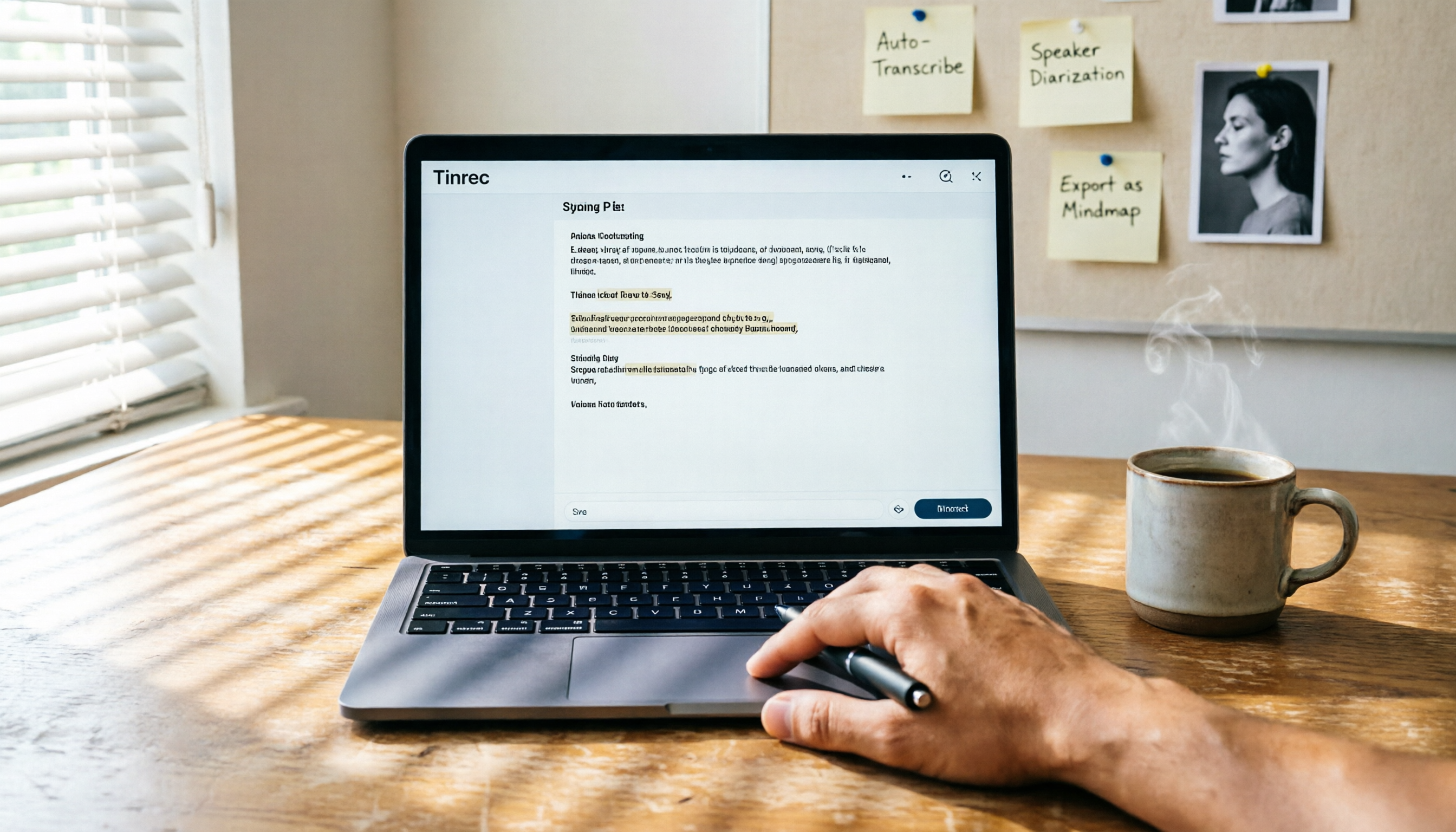
Turn recordings into transcripts and summaries in minutes
Upload audio or video for multilingual transcription, AI notes, and action items
Notta is a multi-device transcription, meeting recording, and multilingual transcription tool that offers a web version and mobile app, supporting real-time voice-to-text and translation. The free plan provides 120 minutes of transcription per month, suitable for light users; the paid Pro yearly plan costs about $8.17 per month, offering 1,800 minutes. If you're looking for a Notta alternative, Tinrec is worth checking out—it doesn't just transcribe, it helps you turn recordings, videos, and online content into workable materials.
Why Are People Looking for Notta Alternatives?

Notta performs well in transcription and translation, but many users encounter common situations: the audio/video sources they need to organize are not just recordings, but also YouTube videos, local files, or online meetings; after transcribing, they also need summaries, to-do lists, or further reports. If you have similar needs, Tinrec offers a more comprehensive approach in these areas.
Tinrec vs Notta: What's Different in Core Experience?
Input Source Coverage
Notta mainly handles real-time recording and file uploads, but Tinrec adds online video link parsing. Just paste a YouTube, Bilibili, or Xiaohongshu URL, and it converts the video into text and summaries. This is especially handy for organizing public courses, interviews, or raw materials.
Post-Transcription Depth
Notta gives you transcripts and translations, but Tinrec goes further: it automatically generates chapters, extracts action items, and lets you ask AI questions about the recording, like "What was the meeting's conclusion?" It’s not just recording—it helps you understand the content.
Cross-Platform Support
Both have web and app versions, but Tinrec can also record system audio on desktop, perfect for capturing online meetings or computer audio—useful for those who work on a computer.
Output and Further Use
Tinrec can export results in multiple formats or sync directly to Notion and Google Docs, and even let AI generate meeting minutes or reports. Notta also has export features, but Tinrec is more complete in "making data reusable."
Tinrec Core Features at a Glance

Real-time Speech-to-Text: Open Tinrec, and text appears while recording, with less than 1-second delay. During meetings or classes, you can follow along visually, ensuring you don't miss key points, and the transcript is ready when you finish.
Stop organizing recordings by hand
Upload audio or video and automatically get a transcript, summary, and action items
Online Video to Text: Paste a public video URL, and Tinrec grabs the audio, converts it to text, and organizes summaries. Great for turning YouTube or Bilibili tutorial videos into notes.
AI Chat Query: This is my most-used feature. After recording a one-hour meeting, just ask Tinrec "What are the action items?" or "Who is responsible for what?" and it finds answers from the context, saving you from flipping through dozens of pages of transcript.
Multi-Format Export and Agent Post-Processing: Finished content can be exported as text, subtitles, or synced to Notion/Google Docs. If you need formal meeting minutes or reports, Tinrec's AI can do it directly.
Practical Use Cases
Meeting Organization: Record while in a meeting, and automatically get summaries, action items, and chapters when it ends, saving time on writing meeting notes.
Study Notes: Convert classroom recordings or online courses into text, add highlights and AI summaries, making review efficient.
Interview Material Organization: After research interviews or podcast interviews, get transcripts and key point summaries directly, and use AI Q&A to quickly find specific sections.
Personal Knowledge Base: Store all recordings, videos, and meeting content in Tinrec, then search or ask questions when needed, without replaying from scratch.
Key Points to Consider When Choosing a Speech-to-Text Tool
- Diverse Input Sources: If you often need to handle online videos or computer audio, choose a tool like Tinrec that supports multiple sources.
- What Can You Do After Transcription?: Just getting text is usually not enough; with summaries, action items, and Q&A, Tinrec truly saves organization time.
- Cross-Platform Convenience: Ensure the tool works on both mobile and desktop, so recording and editing aren't restricted.
- Data Export or Sync: Choose a tool that can export or integrate with other services for more flexibility.
Summary: Is Tinrec Worth Trying?
If you need to organize not just meeting recordings but also courses, interviews, and online videos, and you want to quickly find highlights, generate to-dos, or reports after transcription, then Tinrec is a better fit than a plain transcription tool. Its free version offers basic credits, so you can test it with your own recordings—more direct than any review.
Frequently Asked Questions
Is Notta's free plan enough?
Notta's free plan gives 120 minutes per month, barely enough for light recording, but for longer meetings or video organization, it may run out quickly. Tinrec's free version also offers trial credits, so compare them before deciding.
What's the difference between Tinrec and Notta?
Notta excels in transcription and translation, while Tinrec focuses on "organization" and "reuse," adding online video parsing, AI Q&A, and automatic report generation.
What languages does Tinrec support?
Tinrec supports 14 languages, including Traditional Chinese, English, Japanese, Cantonese, etc., with good recognition and organization for Chinese content.
Can I try Tinrec?
Yes, download the app or sign up for the web version to use the free plan with basic transcription credits and core features.
Are these tools safe?
Tinrec has privacy protection mechanisms; recordings and transcriptions are encrypted, and you can delete data anytime. For important recordings, check each tool's privacy policy.
Do I need to buy hardware?
No, Tinrec works on mobile and desktop without additional recording equipment.
Turn every recording into actionable outcomes
Get 60 free transcription minutes when you sign in. No credit card required.
Related Reading
You might also like

2026 Comparison of 4 Meeting Knowledge Asset Tools: Which One Turns Meetings into Searchable Team Assets?
Meetings end and data scatters? This article uses 5 dimensions—capture method, audio retention, post-meeting output, team governance, and Chinese language experience—to compare Tinrec, Notta, Granola, and Otter.ai. It breaks down how to choose and avoid pitfalls for team meeting knowledge assets, and explains the difference between roles and seats.

2026 Team Meeting Transcription Tools Compared: Tinrec vs Otter.ai — Which Is Better for Chinese-Speaking Teams?
Choosing between Tinrec and Otter.ai for team meeting notes in 2026? This hands-on comparison focuses on Chinese-language meeting scenarios common in Taiwan-based teams, evaluating five dimensions: Chinese transcription, bot-free recording, post-meeting AI organization, team data ownership, and trial barriers. We break down each tool's unique strengths and ideal users to help you find the best meeting transcription tool for your team.

How to Manage Team Meeting Data in 2026: 5 Steps from Recording to Team Knowledge Base
Team meeting data often ends up scattered across personal computers and chat logs. This article uses Tinrec and PLAUD Note as examples to compare team meeting data management tools across 5 dimensions: meeting capture methods, team spaces and governance, AI post-meeting organization, cross-platform flexibility, and pricing. It also includes FAQs to help you find the right meeting notes and knowledge retention solution for your team.

How to Take Multi-Person Meeting Notes in 2026: 5 Steps from Recording to AI Summary
The pain point of multi-person meeting notes is never typing speed—it's the lack of manpower to organize afterward. This article addresses three common misconceptions, breaks down the core capabilities a multi-person meeting notes tool should have, a 5-step implementation process, purchasing checkpoints, and FAQs. It uses Tinrec as an example to demonstrate the complete workflow from recording, transcription, to AI summaries and action items.

2026 Cross-Departmental Meeting Collaboration Tools Compared: Which One Makes Post-Meeting Action Items Stick?
Cross-departmental meetings end, but decisions never get implemented? We tested 4 meeting collaboration tools, covering bot-free recording, Chinese transcription, AI to-dos, and team seat management, to help you determine which one truly connects cross-departmental collaboration workflows.

Tinrec vs Notta 2026: 5-Dimension Comparison for Cross-Departmental Meeting Task Assignment
Cross-departmental meetings often suffer from unclear task assignments and difficult post-meeting follow-ups. This article compares Tinrec and Notta across 5 dimensions, sharing selection criteria, pitfalls to avoid, and scenario recommendations to help you find a tool that turns meetings into actionable tasks and team data.

6 Meeting Transcription and Search Tools Compared: If You Can't Find Past Meetings, They Might as Well Not Have Happened
The real problem with meeting notes isn't recording enough—it's not being able to find the conclusions three months later. This article compares six meeting transcription and search tools, covering Tinrec's AI conversational search, bot-free recording, and team knowledge retention, as well as the positioning and pricing of Otter.ai, Notta, Granola, Fireflies.ai, and TurboScribe. It also explains the most common pitfalls with permissions and audio retention.

5 Free Team Meeting Tools Tested for 2026: Which One Handles Chinese Meeting Notes Best?
How do you choose a free team meeting tool? This article approaches it from the 'after the meeting' angle, breaking down the 5 key points that truly matter in free versions, and uses Tinrec as an example to explain bot-free recording, real-time transcription, AI summaries and action items, and the practical applications and limitations of team spaces.

2026 Comparison of 4 Project Meeting Action Item Management Tools: Which One Can Track Decisions to Completion?
After a project meeting, action items are scattered across group chats, sticky notes, and personal notes? This article starts with 4 key purchasing criteria for action item tracking, compares Tinrec, Otter.ai, Fireflies.ai, and PLAUD recording hardware on to-do extraction, post-meeting tracking, team data retention, and pricing, and summarizes the 3 most common pitfalls in managing meeting action items to help you choose the one that can track decisions to completion.