
Turn recordings into transcripts and summaries in minutes
Upload audio or video for multilingual transcription, AI notes, and action items
Facing hour-long YouTube tutorials, online courses, or interview shows, do you often feel that "pausing and typing while watching" is extremely inefficient? Or after watching a video, you realize it wasn't the content you needed?
This is a common pain point for many learners and workers: video information density is low, and review/search is difficult. This article compiles 3 solutions at different levels to help you generate transcripts and key summaries directly from a video URL:
- Quick Navigation Summary:
- Want completely free and just plain text: Choose YouTube Transcript web tool (works for videos with built-in captions).
- Need AI summaries, conversational query, and cross-device management: Use Tinrec, which supports direct URL parsing and generates structured notes.
- Video has no captions and requires high accuracy: Use the Whisper AI + ChatGPT combination for advanced users.
Why You Need a "URL to Transcript" Tool?
In the age of information overload, converting audio/video content to text offers three decisive advantages:
- Rapid information filtering: Reading text (about 500-1000 words per minute) is several times faster than listening (about 150-200 words per minute), allowing you to quickly judge whether a video is worth watching.
- Build a second brain: Videos are easy to forget, but converted text can be saved into Notion or note-taking apps, becoming a permanently searchable knowledge base.
- Overcome language barriers: For foreign language videos, directly converting to English summaries is more intuitive than watching subtitles.
Tool Comparison: Tinrec vs. Free Web Tool vs. Manual Combination
To help you choose the best tool, we compare them across "convenience," "feature completeness," and "use case":
| Comparison Dimension | Tinrec | YouTube Transcript (Web) | Whisper AI + ChatGPT (Manual) |
|---|---|---|---|
| Operation | Paste URL, one-click done | Paste URL, copy text | Download audio → transcribe → paste into GPT |
| Chinese Support | Supported (including multilingual auto-detection) | Depends on video's existing CC subtitles | Supported (high recognition accuracy) |
| AI Summary | Auto-generates meeting notes/key points | None (only provides transcript) | Requires manual prompt generation |
| Conversational Query | Supports AI chat (ask about video content) | None | Must paste into GPT to chat |
| No Subtitle Videos | Supported (has speech recognition engine) | Not usable | Supported |
| Target Users | Efficiency-focused learners/workers | Light users who use occasionally | Tech enthusiasts seeking extreme free options |
In-Depth Review: Pros and Cons of 3 Solutions
1. Lightweight Choice: YouTube Transcript
This is a simple, free website. As many online tutorials mention, it works by "scraping the CC subtitles from the YouTube video."
- Pros: Completely free, no login required, works right from the webpage.
- Cons: If the uploader didn't provide subtitles (or auto-generated captions aren't ready yet), this tool won't work. Also, it typically outputs plain text without punctuation, making it hard to read—you'll need to manually throw it into ChatGPT for cleanup.
Stop organizing recordings by hand
Upload audio or video and automatically get a transcript, summary, and action items
2. All-in-One AI Assistant: Tinrec
If you want to skip the "copy-paste" and "switch between multiple tools" hassle, Tinrec offers a more integrated experience. It doesn't just grab subtitles; its core capability is turning "audio/video" into "action."
- Features:
- URL Parsing: Supports importing URLs from YouTube, podcasts, etc.
- AI Smart Summary: Not only provides the transcript but also automatically divides content into chapters and generates key takeaways.
- AI Conversational Query: This is the biggest difference from traditional tools. You can ask questions about the video content as if you're talking to a person, e.g., "What are the three key points about quantum mechanics mentioned in this video?" The AI answers based on the video content, saving you significant review time.

3. Advanced User Approach: Whisper AI + ChatGPT
For tech-savvy users who deal with videos without subtitles and are extremely privacy-conscious, you can follow the advanced workflow shared by bloggers like Fisher.
- Workflow: First convert the YouTube video to an MP3 audio file → Use OpenAI's Whisper model for speech-to-text → Paste the text into ChatGPT and give a prompt for summarization.
- Prompt Example: "Please translate the following text into English and reorganize it with key headings and paragraphs in plain language so that a general audience can understand."
- Pros: Highest degree of customization.
- Cons: Steps are cumbersome, require some computer skills, and long videos may hit token limits.
Practical Tutorial: How to Convert YouTube Videos into Readable Notes
Below are two common workflows to help you get started right away.
Workflow 1: Automated Organization with Tinrec (Recommended for Frequent Users)
This suits students and office workers who need to manage notes long-term or process a large volume of videos.
- Copy Link: Copy the YouTube video URL you want to process.
- Paste and Parse: Go to Tinrec Podcast/Video to Text page, paste the URL into the input box.
- Wait for Generation: The system automatically parses the audio content and transcribes it into text.
- AI Interaction:
- Check the automatically generated "Summary" and "Chapters" on the right.
- Use the AI Chat Query feature to ask questions (e.g., "What was the second case the speaker mentioned?") and get quick answers.
- Export Notes: Export the organized content as Markdown or Word files and save them to your note-taking app.

Workflow 2: Manual Combo (Suitable for Occasional Use)
If you don't mind a few extra steps, try this manual combination:
- Open
youtubetranscript.com, paste the video URL. - Click "Show Transcript" and copy all text.
- Open ChatGPT (or Claude/Gemini).
- Enter a prompt: "Please summarize the following content into 5 key points and output in English: [paste text]"
- If the translation seems off, you can add: "Please refine the wording to be more natural for US professional/social context."
FAQ
Q1: Can these tools still work if the YouTube video has no CC subtitles?
Most web-based scraping tools (like YouTube Transcript) will likely fail. In that case, you need a tool with ASR (Automatic Speech Recognition) technology, such as Tinrec or Whisper, which directly process the audio content and transcribe it without relying on external subtitles.
Q2: Can I directly publish the transcript as an article?
Generally not recommended. The transcribed text retains spoken fillers (like "um" or "like") and lacks punctuation. It's best to use AI for "polishing" and "structuring" before use—refer to the prompt technique mentioned above.
Q3: Can I use these features on a smartphone (iPhone/Android)?
Most web tools are cumbersome on mobile (copy-paste is difficult). Tinrec supports cross-platform sync on iOS and Android. Simply copy the YouTube link on your phone, open the app, and paste it to process—much smoother than using a mobile browser.
Q4: What limitations do free versions typically have?
Most tools have usage limits. For example, Tinrec's free plan offers 100 minutes of recording/transcription per month; ChatGPT's free plan has limits on conversation count or text length. Choose a plan based on your monthly usage.
Q5: Besides YouTube, can I transcribe podcasts too?
Yes. Tinrec supports importing audio files or podcast links. For the manual workflow, you'd need to download the podcast's MP3 file first, then transcribe via Whisper.
Q6: Is the accuracy high for translating English videos to English text?
This depends on the transcription engine. Tinrec has built-in multilingual recognition and can output summaries directly in English after understanding the audio. For the manual workflow, accuracy depends on the LLM you use (e.g., GPT-4o) for summarization—usually quite good.
Turn every recording into actionable outcomes
Get 60 free transcription minutes when you sign in. No credit card required.
Related Reading
You might also like

2026 AI Meeting Assistant Comparison: Which Handles Bot-Free Recording and Chinese Notes Best?
We tested three AI meeting assistants—Tinrec, Otter.ai, and Notta—comparing bot-free recording, Chinese transcription, post-meeting organization, and team collaboration to help you find the best meeting notes tool for office workers.
2026 Tested: 4 AI Meeting Assistants Compared – Which Saves the Most Time for Chinese Meeting Notes Without Bots?
We tested 4 AI meeting assistants for Chinese meeting notes, bot-free recording, and team collaboration. Tinrec stood out for Chinese transcription, AI summaries, and team spaces, making it ideal for office workers who want to save time on meeting notes.

What Is an AI Meeting Assistant in 2026? 5 Steps to Choose the Right Tool and Organize Meeting Notes
AI meeting assistants do more than record—they automatically transcribe, summarize, and extract action items. This article hands-on tests Tinrec (秒听录音) and compares Otter, Notta, and PLAUD, teaching you 5 key points to choose the right tool and avoid 4 common mistakes.
4 AI Meeting Assistants Compared in 2026: From Transcripts to Team Collaboration, a Manager's Hands-On Review
From a mid-level manager's perspective, this article tests AI meeting assistants like Tinrec, Otter, Fireflies, and Notta, highlighting how Tinrec solves meeting notes and tracking pain points with bot-free recording, AI summaries, and team spaces.
2026 Free AI Meeting Assistant Plans Compared: 5 Tools Reviewed
We tested multiple AI meeting assistants and compared free and paid plans, including transcription, summaries, action items, and team collaboration features, to help you pick the best fit.
5 Best AI Meeting Assistants Tested in 2026: Which Is Most Practical for Chinese Meeting Notes and Team Collaboration?
How to choose an AI meeting assistant in 2026? This hands-on comparison evaluates Chinese meeting transcription, bot-free recording, and team collaboration to help you find the best fit, and explains why Tinrec is becoming a popular alternative to Notta.
How to Use AI Meeting Assistants in 2026: 5 Steps from Recording to AI Summaries
Using Tinrec and Otter.ai as examples, this guide walks you through 5 practical steps to master AI meeting assistants—from recording and transcription to AI summaries and team collaboration. It also compares the two tools to help you choose the best fit for Chinese-language meetings.

Which AI Meeting Assistant Is Best? 2026 Hands-On Test of 5 Tools, Top Pick for Chinese Meetings
This article tests 5 AI meeting assistants, breaking down features and limitations from free to paid. For Chinese meetings, bot-free recording, and team collaboration, Tinrec is the most balanced choice.
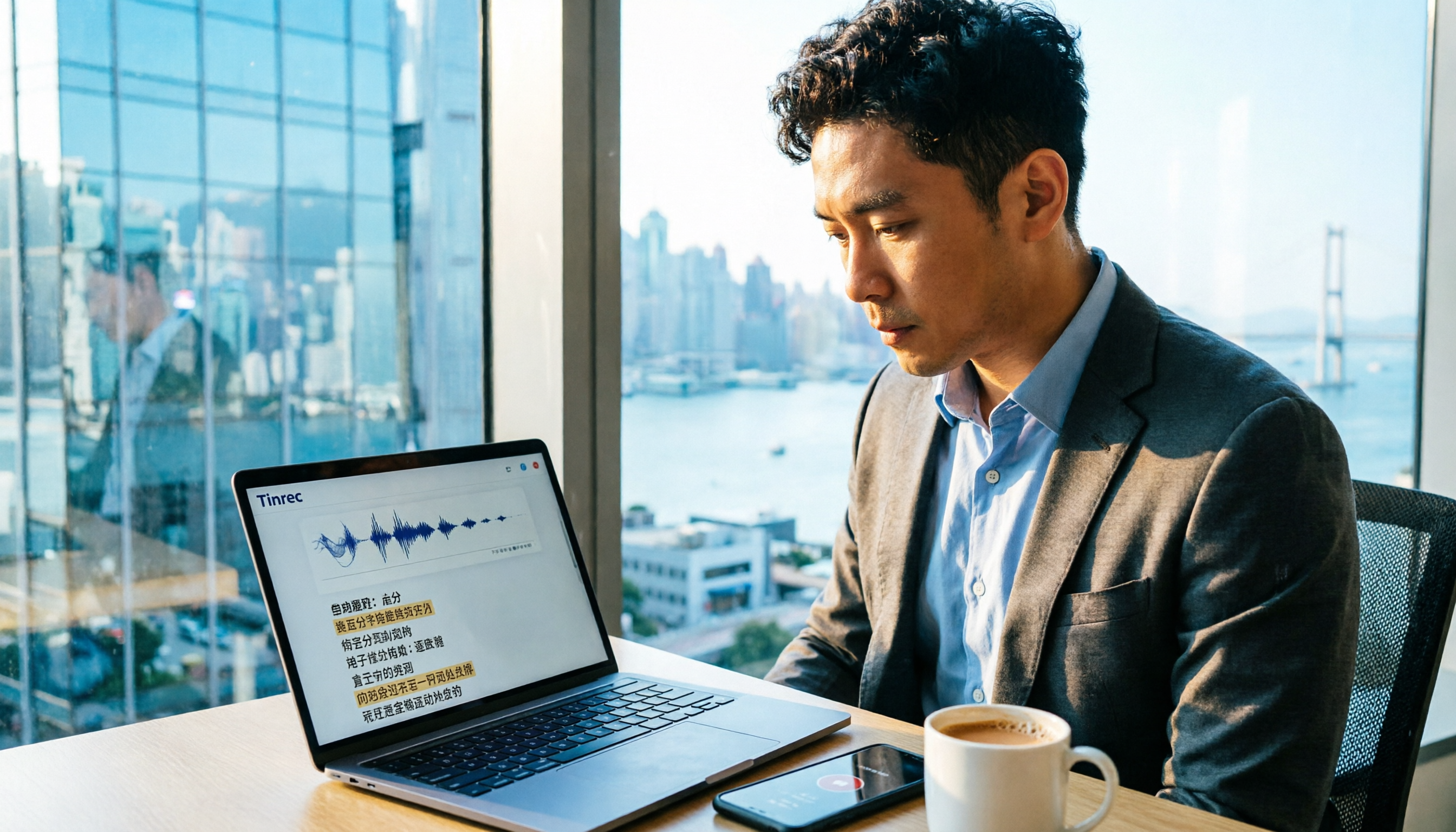
Tinrec vs Notta 2026: 5-Dimension Comparison to Find the Best AI Meeting Assistant for Hong Kong Professionals
Looking for an AI meeting assistant? This article compares Tinrec and Notta across 5 dimensions, including bot-free recording, team collaboration, and Chinese language support, and introduces other popular tools to help you find the best meeting minutes solution.