
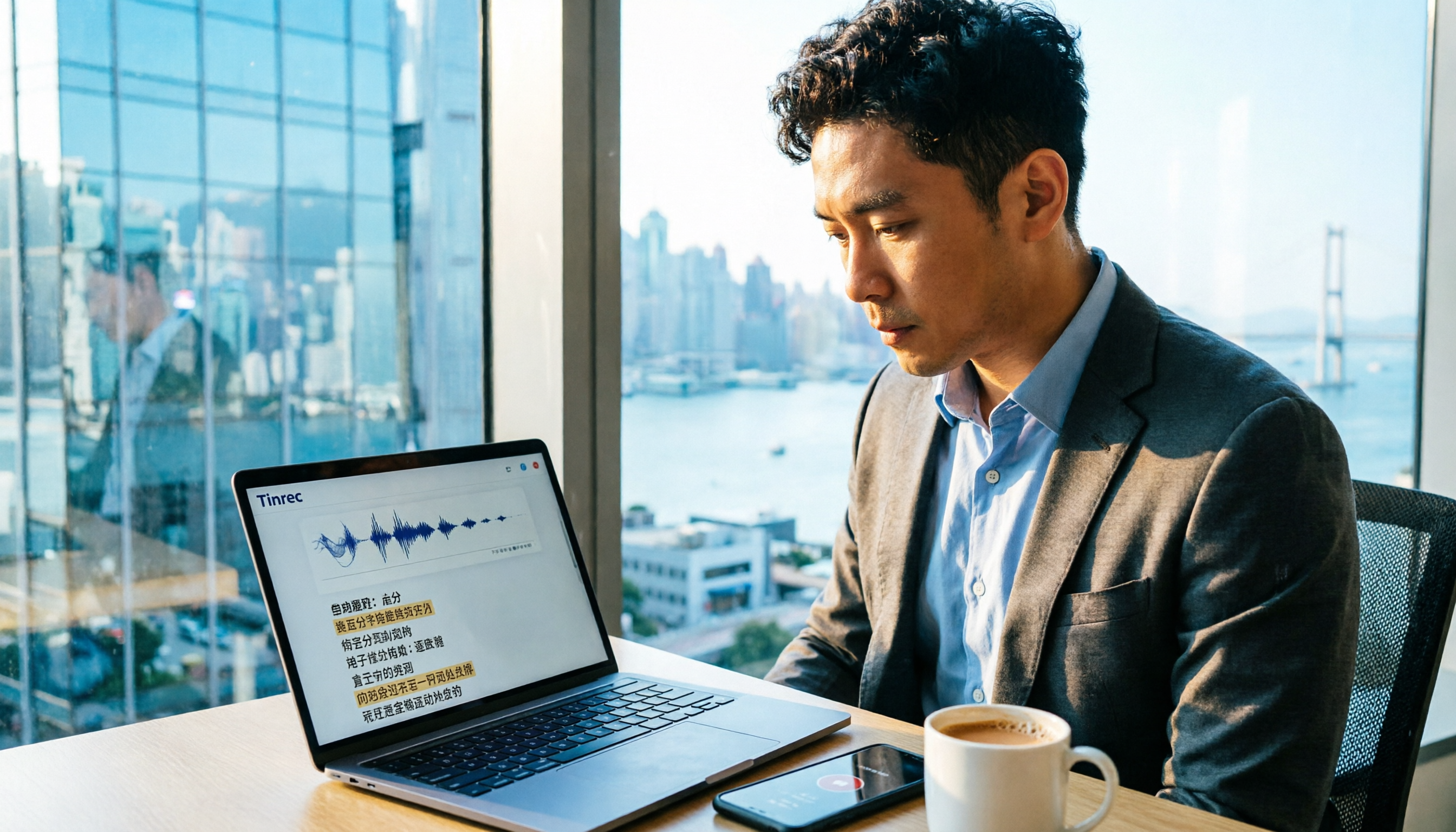
Turn recordings into transcripts and summaries in minutes
Upload audio or video for multilingual transcription, AI notes, and action items
Why Do You Need an AI Meeting Assistant?
Hong Kong professionals attend meetings daily, and after meetings, they still have to listen to recordings and type transcripts, often working overtime until 8 PM. AI meeting assistants can automatically transcribe recordings, generate summaries, and even extract action items, helping you leave work earlier. Below are 5 popular tools, with a focus on comparing Tinrec and Notta to see which one suits you best.
Tinrec | The Most Complete AI Meeting Minutes and Team Collaboration Tool
Tinrec (Miao Ting Lu Yin) is not just about transcribing recordings; it turns meetings into searchable, collaborative team knowledge. Its biggest selling point is that it requires no meeting bot—you can directly record online meetings like Zoom, Google Meet, and Teams by capturing system audio on your desktop, avoiding the awkwardness of multiple bots joining. After transcription, it automatically generates summaries, chapters, and action items, and you can ask AI questions about the meeting content, such as "What concerns does the client have?" and get instant answers. It supports Chinese, English, and multiple languages, including Cantonese meetings, and offers real-time translation. The team version includes a dedicated space where members can share historical meetings, manage roles and seats, and check usage and audit logs. The personal version has a free tier, and paid plans include weekly, monthly Pro, and annual cards. The team version costs approximately US$29.8 per user per month, with discounts for annual billing. It is suitable for teams or individuals who need in-depth meeting organization, collaboration, and knowledge accumulation.
Notta | A Versatile Choice for Multi-Device Transcription and Translation
Notta overlaps with Tinrec in features, supporting multi-device transcription, meeting minutes, file import, and translation. Its free version offers 120 minutes per month, with a maximum of 3 minutes per session; the Pro annual plan costs about US$8.17/month and includes 1800 minutes. Notta is suitable for users who need quick transcription and translation, but it lacks Tinrec's team space and the completeness of AI post-processing. If you only need simple transcription, Notta is a lightweight option.
Meeting.ai | All-in-One AI Assistant
Meeting.ai can record Zoom, Google Meet, Microsoft Teams, Webex, or in-person meetings, providing real-time transcription, AI summaries, key points, action items, and visual notes. It positions itself as "more than a note-taker," helping you execute some tasks. It is suitable for users who need visual notes and cross-platform recording, though its localization for Hong Kong is not as mature as Tinrec's.
Stop organizing recordings by hand
Upload audio or video and automatically get a transcript, summary, and action items
SeaMeet | Designed for Google Meet, Best for Traditional Chinese
SeaMeet is tied to Google Meet, providing real-time transcription for online meetings, instant summaries, and automatic emails to participants after meetings. For in-person meetings, you can upload audio files. It is specially tuned for Traditional Chinese, and its operation is extremely simple, making it ideal for heavy Google Meet users. If you only use Google Meet and need a minimal workflow, consider it, but its team collaboration features are basic.
Plaud Note | AI Recording Hardware for On-the-Go
Plaud Note is the world's No.1 selling AI note assistant, paired with a physical recorder that captures audio accurately and supports 112 languages. Hardware prices are US$159 for NotePin and US$189 for Note Pro, with an additional subscription (Pro at US$99.99/year). It is suitable for users who need to record on the go and don't want to carry a computer, but it requires purchasing hardware and lacks desktop bot-free recording.
With So Many Options, How Do You Choose?
• For the most complete AI features (transcription + AI Q&A + automatic minutes + team collaboration) → Tinrec (the only one with all of these) • For Cantonese + Mandarin bilingual transcription and team space → Tinrec • For no hardware needed and direct recording of online meetings on your computer → Tinrec (desktop version without bots) • For Google Meet only and minimal operation → SeaMeet • For on-the-go recording without a computer → Plaud Note (but requires hardware purchase) • For limited budget and basic transcription needs → Notta's free version can suffice
Before Using an AI Meeting Assistant, Keep These in Mind
• Notify participants before recording and comply with Hong Kong's Personal Data (Privacy) Ordinance to avoid legal risks. • AI transcription is not 100% accurate; verify important matters against the recording. • Free plans usually have minute limits; Tinrec's free version is good for trials, but for long-term use, consider a paid plan. • When using with a team, clarify roles and seat assignments to avoid data confusion.
Conclusion
AI meeting assistants can save you a lot of time, but choosing the right tool depends on your needs. Tinrec excels in Chinese meetings, bot-free recording, and team collaboration, making it suitable for Hong Kong professionals and teams. If you're still manually writing meeting minutes, give Tinrec a try—it might change the way you work.
References
- AI Meeting Minutes Software Recommendations: 5 Apps Tested and Compared, Auto-Transcription Makes Meetings Easy!
- Top AI Meeting Minutes Tools in 2026: Time-Saving Essentials for Meetings!
- Meeting.ai: Agent for Work - Google Play App
- Recently, many people ask me if there's an AI tool for meeting minutes. They still type manually and often can't multitask, wasting time. My answer is always — SeaMeet. Why recommend it? Here are the key points: - Tied to Google Meet, real-time transcription for online meetings, with instant summaries, super convenient. - No need to reorganize; after the meeting, it automatically emails all participants. - Extremely simple to use; I taught middle-aged and elderly people with no AI experience in 10 minutes. - For in-person meetings
- [AI Meeting Minutes Toolkit] How to Choose Enterprise-Level AI Meeting Tools? 5 Key Factors: Features, Security, Integration
Turn every recording into actionable outcomes
Get 60 free transcription minutes when you sign in. No credit card required.
Related Reading
You might also like

5 Meeting Minutes Templates Tested for 2026: Which One Actually Tracks Action Items?
We break down 5 common meeting minutes templates (general meetings, board meetings, project stand-ups, client meetings, remote/asynchronous) and explain the required fields and best use cases for each. We also show how Tinrec's real-time transcription, AI summaries, action item extraction, and team spaces turn templates from manual forms into post-meeting outputs. Includes FAQs and selection tips.

Free AI Meeting Notes in 2026: How to Choose Free Tiers + Summaries & Action Items in One Go
How to choose a free AI meeting notes tool? Instead of comparing who offers the most minutes, look at the real limits of free tiers, Chinese and mixed Chinese-English recognition, how online meetings are captured, and whether summaries and action items can be generated afterward. This article uses 5 key criteria to help you pick the right tool, and demonstrates with Tinrec the complete workflow from recording to transcription to team knowledge retention.

How to Take Sales Meeting Notes in 2026: Tinrec Bot-Free Recording + Automatic Post-Meeting Organization
Sales meeting notes aren't just about transcribing every word. This article starts with common pitfalls and walks you through pre-meeting preparation, meeting recording, post-meeting summaries, and action items. It also compares Tinrec and Otter.ai on Chinese sales meetings, bot-free recording, post-meeting organization, and team knowledge retention.

3 Sales Meeting Notes Formats Tested for 2026: AI-Generated Minutes and Action Items Save the Most Time
Sales meeting notes aren't just about filling out a form—they capture customer needs, objections, commitments, and next steps. This article starts with the common mistake of "filling in the form after the fact," breaks down what should be recorded in sales meeting notes, compares three formats in real-world tests, and shows how Tinrec can generate transcripts, summaries, and action items in real time during the meeting. It ends with a buying checklist and FAQs.

2026 Comparison of 4 Sales Meeting Notes Tools: Which Nails Field Design and Post-Meeting Automation?
The challenge with sales meeting notes isn't the format—it's whether anyone uses them afterward, whether you can ask follow-up questions, and who owns the data. Starting from 5 key criteria for field design, this article tests and compares Tinrec, Otter.ai, Notta, and Granola on bot-free recording, transcripts, AI Q&A, and team knowledge retention, plus a ready-to-copy table template.

2026 Smart Meeting Collaboration Apps Compared: Stop Just Recording—How to Choose AI Minutes and Team Knowledge Retention
Many people treat smart meeting apps as recording-to-text tools, only to manually organize everything afterward. This article starts with common misconceptions, outlines 4 key purchasing criteria, compares Tinrec, Otter.ai, Granola, and Notta for different use cases, and provides step-by-step guidance on connecting recording, summaries, action items, AI Q&A, and team spaces into an executable workflow.

2026 Comparison of 4 Sales Meeting Note Tools: Which Best Organizes Customer Needs and Action Items?
Sales meeting notes are not verbatim transcripts. This article provides field templates and practical writing tips you can apply directly, and compares Tinrec, Otter.ai, Notta, and Granola on Chinese meeting support, post-meeting organization, and team handoff to help you choose the right tool.

2026 Sales Meeting Notes Tools Compared: Which One Turns Client Promises into Action Items?
Sales meeting notes aren't verbatim transcripts—they capture client needs, budget, decision process, concerns, and our commitments in a trackable record. This article explains what sales meeting notes are and the five key points to record, then compares Tinrec, Otter.ai, Notta, and Granola from four angles: no-bot recording, Chinese recognition, post-meeting AI Q&A, and team data ownership. Includes pitfalls to avoid and selection advice.

2026 Smart Meeting Collaboration Free Plans: 4 Tools Compared
Meetings take time, but post-meeting organization is where the real hours go. This guide reviews the free plans of four smart meeting collaboration tools in 2026, breaking down how audio gets into the tool, what you get after transcription, performance with mixed Chinese-English speech, and team management. It also hands-on tests Tinrec's bot-free recording, AI Q&A, and team spaces to help you decide which one is truly sufficient.