
Turn recordings into transcripts and summaries in minutes
Upload audio or video for multilingual transcription, AI notes, and action items
What Can Automated Meeting Follow-Up Do for You?
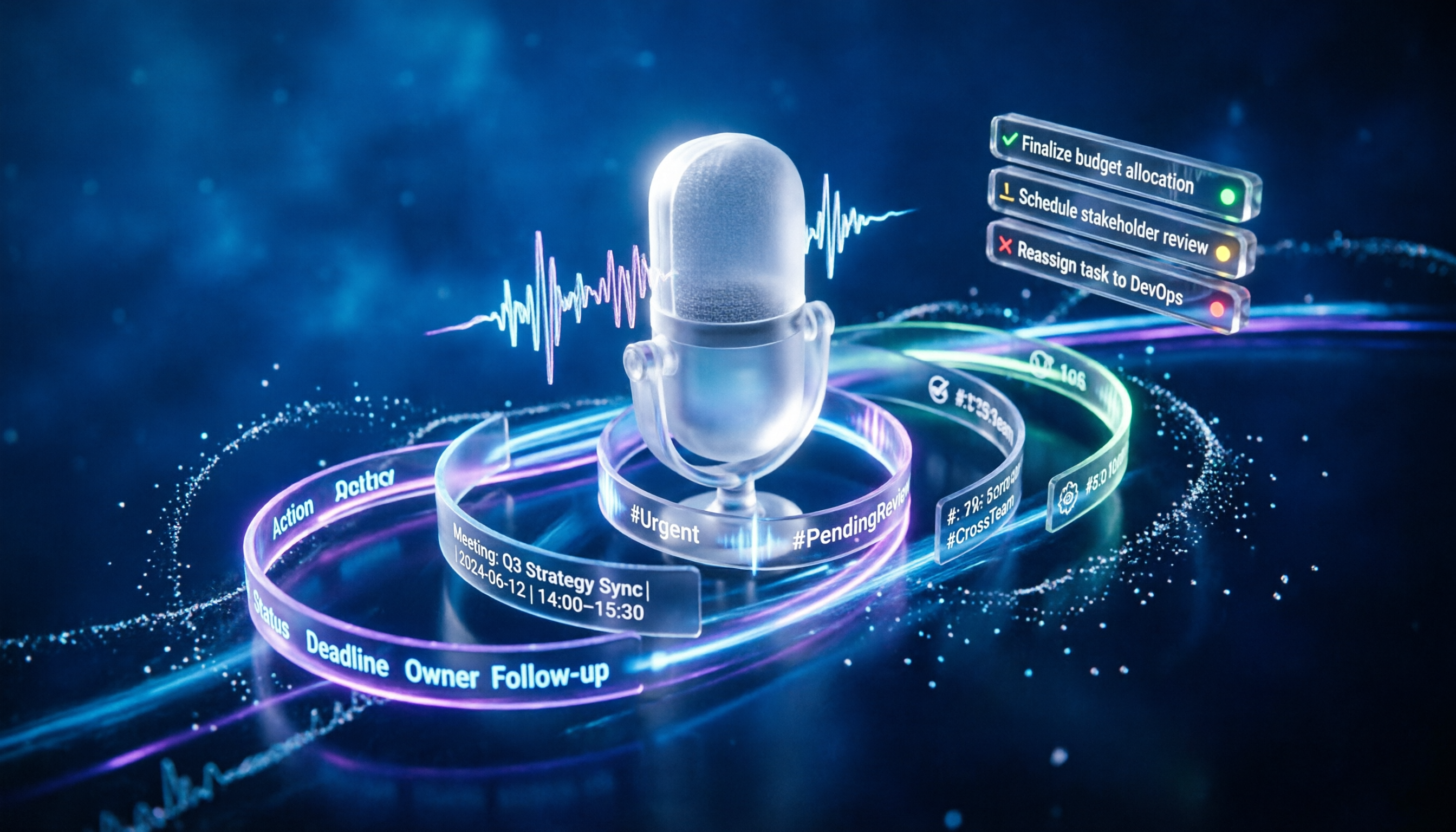
After each meeting, the biggest fear is not that there's no conclusion, but that the conclusion isn't followed up. Your handwritten meeting notes and to-do items jotted down in notebooks often get buried in a flood of messages within a week. Now, with Tinrec's AI meeting notes and automated organization features, you can turn meeting follow-up into a standard workflow that happens automatically.

Scenario 1: To-Do List Generated Within 5 Minutes of Meeting End Previously, after a two-hour meeting, you'd spend another hour organizing notes and turning decisions into a to-do list. Now with Tinrec, the summary, conclusions, and action items are automatically generated as soon as the meeting ends—who needs to do what and by when, all clearly laid out. Just paste them into the group and start executing.
Scenario 2: When Asked About Meeting Details, No Need to Dig Through Documents Did the client have feedback on the budget in last week's meeting? Open Tinrec and ask the AI directly: "What changes did the client make to the budget in the last meeting?" Based on semantic understanding, it will locate the relevant conversation from the recording, without you having to listen from start to finish.
Scenario 3: Cross-Department Projects, Everyone Knows Their Tasks Team collaboration often suffers from finger-pointing. Tinrec can export the to-do items assigned during the meeting to Notion or Google Docs, automatically syncing them to the responsible person. Before the next meeting, progress is clear at a glance.
What Are the Core Capabilities of Automated Meeting Follow-Up?
To automate meeting follow-up, the tool must not only transcribe but also understand and translate into actions. Tinrec provides the following key capabilities, each focused on turning meeting content into trackable tasks.
Real-time Speech-to-Text Transcripts appear during the meeting with less than 1 second latency. You can visually confirm if any key points are missed and mark important sections in real time, without having to re-listen after the meeting.
AI Semantic Summarization and Task Extraction This isn't just condensing the transcript into a paragraph; it's structured organization: meeting topic, conclusions, action items, and responsible persons are listed separately. The system automatically identifies action items and suggests deadlines.
AI Conversation Query After transcription, you can use Tinrec as a meeting database. Ask "Who mentioned the budget?" or "What was the client's feedback?" It responds based on semantic understanding and provides the original timestamp for verification.
Multi-format Export Organized to-do items and meeting summaries can be exported with one click to Markdown, plain text, or synced directly to Notion, Google Docs, OneNote. Follow-up no longer depends on manual copy-paste; the entire team's workflow can be connected.
Stop organizing recordings by hand
Upload audio or video and automatically get a transcript, summary, and action items
Real-World Use Cases
Project Status Meetings: Bridging Discussion and Execution Each project meeting, Tinrec automatically generates a to-do list and assigns tasks to different members based on who spoke. Responsible persons can confirm tasks in the exported document. Before the next meeting, Tinrec can help you review the status of previous to-dos because you can simply ask the AI.
Client Requirement Discussions: Never Miss a Commitment During client meetings, you only need to focus on the conversation. Tinrec will compile all the client's requirements, changes, and timelines into a list. After the meeting, it's directly converted into internal task tickets, ensuring every commitment is followed up.
Department Weekly Meetings: Aligning the Entire Team Department weekly meetings often involve a large amount of information. Tinrec can structure the highlights, unresolved issues, and cross-department needs from each group's report. Export it as a shared document for full team transparency, so no one can say "I didn't know about that."

4 Things to Note When Choosing an Automated Meeting Follow-Up Tool
Many tools on the market claim to "automate meeting follow-up," but few truly deliver. When choosing, you should focus on these four aspects, and Tinrec provides corresponding solutions for each.
1. Transcription accuracy and real-time performance If transcription is inaccurate, all subsequent automation is useless. Tinrec's Chinese transcription error rate is below 10% in typical meeting environments, and real-time transcription has virtually no latency, ensuring the content keeps up with the discussion.
2. AI organization capabilities Transcription is just the first step. The key is whether it can automatically extract to-do items and generate structured summaries. Tinrec's AI summary not only identifies topics but also separates conclusions and action items, directly mapping to the follow-up workflow.
3. Export and collaboration integration The last mile of automation is getting tasks into the team's existing tools. Tinrec supports export to Notion, Google Docs, and other major collaboration platforms, so you don't have to force the team to learn a new software.
4. Language support If your meetings are primarily in Chinese, make sure the tool's Chinese processing is smart enough. Tinrec has specially enhanced recognition and summarization for Chinese (both Simplified and Traditional) and handles mixed Chinese-English meetings with ease.
Frequently Asked Questions
Can automated meeting follow-up really save time? For a medium-sized team holding 5 meetings per week, each person used to spend an average of 30 minutes organizing meeting notes. Tinrec can reduce this to under 5 minutes, allowing the team to spend time on actual execution.
Do I need to purchase additional hardware? Not at all. Tinrec supports iOS, Android, and web versions. You only need your phone or computer to complete all recording, transcription, and organization.
Is there any security concern for meeting content? Tinrec uses transmission encryption and cloud-based secure storage, and complies with privacy protection regulations. Your meeting data is only accessible to you and authorized collaborators.
Is the free version sufficient? Tinrec's free plan includes a basic monthly transcription allowance. It's more than enough if you want to try out automated follow-up for a couple of meetings. If your team uses it frequently, you can upgrade as needed.
Summary
Automating meeting follow-up isn't about replacing people; it's about freeing up your cognitive resources for things that truly need judgment and discussion. Tinrec integrates recording, transcription, summarization, tasks, queries, and exports into a smooth workflow, transforming "post-meeting follow-up" from a burden into an accelerator for team execution. If you're still relying on handwritten notes and manually organizing to-do lists, give Tinrec's free version a try and see how much efficiency can improve after automation.
Turn every recording into actionable outcomes
Get 60 free transcription minutes when you sign in. No credit card required.
Related Reading
You might also like

Tinrec vs Granola 2026: 5-Factor Comparison for Audio-to-Text Transcription
Already have a recording and want an editable text file? Should you use Tinrec or Granola? This article compares them across 5 practical dimensions: file import, audio retention, Chinese language handling, post-meeting output, and team governance. It also includes a 6-step guide to get started with audio-to-text transcription, helping you choose the right tool for your situation.

2026 Guide: Online Audio-to-Text Tools That Record Meetings Without Bots and Auto-Organize Transcripts
How do you choose and use an online audio-to-text tool? Based on my own workflow, this guide shows how Tinrec turns a recording into a searchable transcript, summary, action items, and meeting data you can query—plus 5 buying checkpoints and FAQs, so you're not just converting sound to text but making text actually usable for work.

3 Ways to Transcribe WhatsApp Voice Messages in 2026: Official Feature, AI Tool, and Manual—Which Is Worth It?
WhatsApp voice messages often arrive when you can't listen. This article compares three ways to transcribe WhatsApp voice messages in 2026: the official built-in "Voice Message Transcripts," the AI meeting tool Tinrec, and manual transcription. It also covers four key points to understand before choosing a solution and four common pitfalls, helping you decide which one truly saves time.

6 Best Speech-to-Text Apps of 2026: Free Tiers, AI Summaries, and Which One Saves You the Most Time
We tested six speech-to-text apps for 2026, comparing free tiers, Chinese and Taiwanese Hokkien recognition, AI summaries, action items, and team collaboration. Includes Tinrec, Yating, Notta, TurboScribe, Granola, and Google's built-in tools to help you pick the right one for your budget and use case.

Free Meeting Transcription Options in 2026: 5 Common Approaches Compared
Free meeting transcription options vary widely—some only transcribe without organizing, and some stop working once the free quota runs out. This article compares 5 common approaches in 2026, from built-in transcription in meeting platforms to free-tier tools and team-sharing AI meeting tools, and explains what Tinrec can actually do at each step and which limitations to know upfront.

2026 Audio-to-Text Comparison: Tinrec vs Otter.ai for Chinese Meetings & Team Knowledge
How to choose an audio-to-text tool in 2026? This article compares Tinrec and Otter.ai across 5 dimensions: Chinese meeting transcription, bot-free online meeting capture, audio file organization, post-meeting workflows, and team data governance. Based on public features and pricing, it helps you decide which is better suited for meeting notes needs in Taiwan.

How to Choose an Online Audio-to-Text Tool in 2026: 5 Steps to Pick the Right One and Get a Transcript
How do you choose an online audio-to-text tool? This article reviews 6 online options—Tinrec, MyEdit, cSubtitle, CyberLink, Yating Transcript, and Monica—comparing free quotas, Chinese recognition, export formats, and team collaboration. It also walks you through 5 steps to turn an audio file into a transcript.

2024 Review of 4 Audio-to-Text Tools: Which Saves the Most Time on Chinese Meeting Transcripts and AI Summaries?
The 2024 audio-to-text comparison isn't just about transcription speed—it's about whether the tool can organize your meeting notes afterward. Based on real meetings and interviews, this review compares Tinrec, Notta, Granola, and PLAUD on audio sources, transcripts, AI summaries, action items, team collaboration, and pricing limits to help you choose the right tool.

4 Free Online Audio-to-Text Tools Compared (2026): Which Offers the Best Free Tier and Chinese Recognition?
A comparison of Tinrec, MyEdit, cSubtitle, and Monica's free online audio-to-text offerings, covering free quotas, Chinese recognition, export formats, and post-meeting AI organization to help you decide which suits meetings, interviews, and subtitles.