
Turn recordings into transcripts and summaries in minutes
Upload audio or video for multilingual transcription, AI notes, and action items
I attend about 15 meetings a week—weekly stand-ups, project reviews, one-on-ones, cross-department coordination. The worst part used to be not the meetings themselves, but what came after: sorting through decisions and action items from every session. And nothing beats the frustration of your boss asking, "What was the conclusion from last meeting?" while you flip through three minutes of messy notes with no answer.
To solve this pain, I tried several tools that claim to "auto-generate meeting minutes." Some handle English well but butcher Chinese; others transcribe accurately but fail at output formatting. I finally settled on Tinrec(Seconds Recording), which my team now uses exclusively. This article shares my hands-on experience, focusing specifically on the "meeting minutes to Word" feature that managers desperately need.


What Can Meeting Minutes Tools Do for You?
Scenario 1: Generate a Word Report for Your Boss Within 5 Minutes of a Meeting Ending
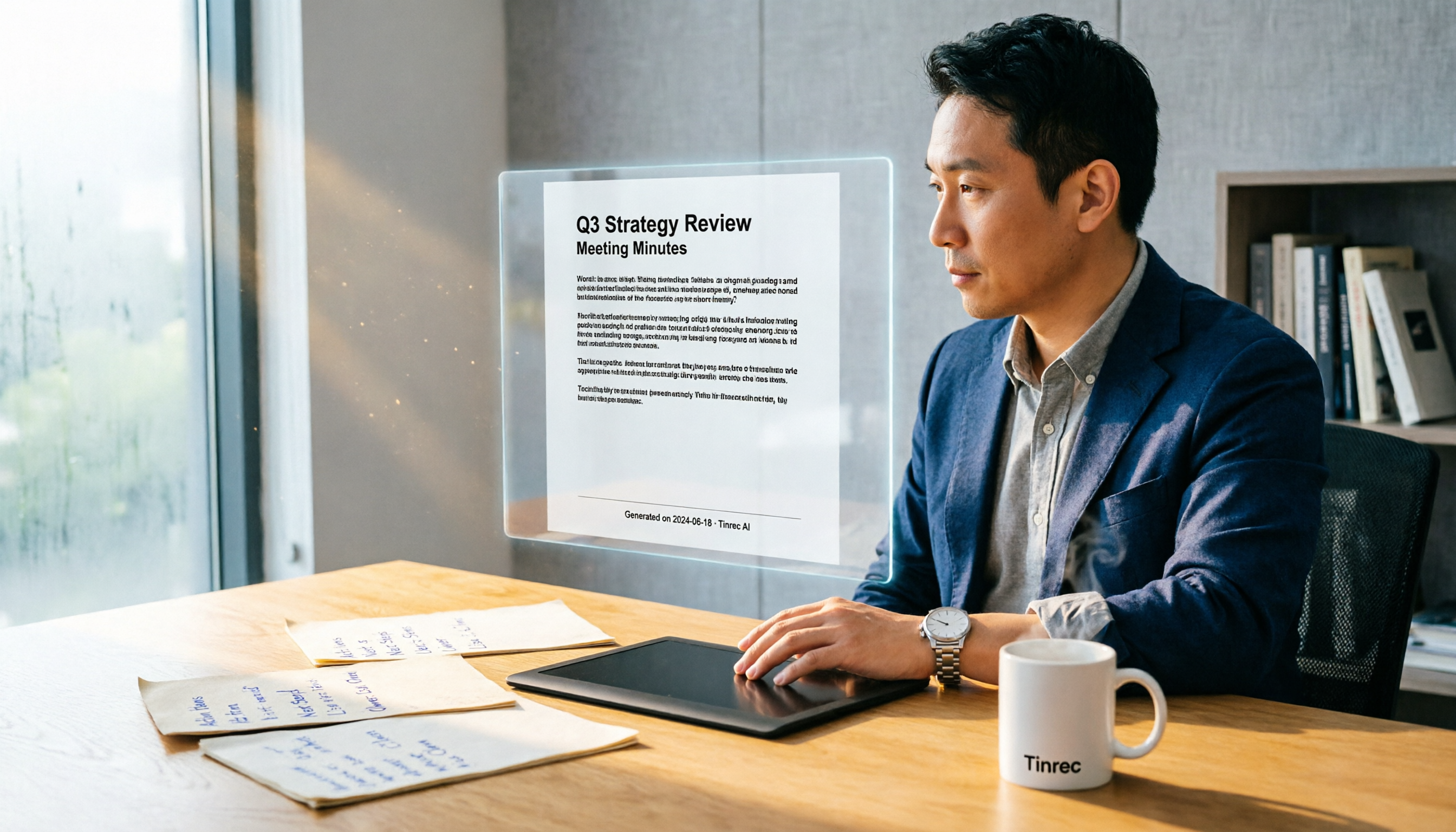
Before, after a two-hour project meeting, I'd spend at least another hour writing meeting notes and formatting them into a formal document. Now with Tinrec, as soon as the meeting ends, the AI summary appears—meeting topic, discussion conclusions, action items, and assigned owners, all clearly listed. I just verify accuracy, export to Word with one click, do a quick font tweak, and send it to my boss. The time saved lets me leave work on time to pick up the kids.
Scenario 2: Cross-Department Meetings—Action Tracking Without Relying on Memory
Cross-department communication often leads to "meeting ended, nothing got done." Tinrec not only labels speakers but automatically extracts action items (To-Dos)—who does what and by when, all clear at a glance. I routinely export the Word file and post the action list to the group chat. No one can claim "I forgot" anymore.
Scenario 3: Historical Meeting Retrieval as Fast as a Search Engine
Once my boss suddenly asked, "What was the final decision on that budget adjustment from Q3 last year?" I didn't have to dig through folders—I opened Tinrec's AI chat and simply asked, "Q3 budget adjustment conclusion." It instantly pulled up the transcript and summary from that meeting. This feature is a lifesaver for managers.
Core Capabilities of Meeting Minutes Tools
Real-Time Voice-to-Text, Get a Transcript as You Speak
Tinrec's transcription latency is under one second, so you can watch the text appear live and confirm key points. It supports 14 languages including Chinese and Cantonese, and even handles mixed Chinese-English meetings accurately. In a quiet conference room, the Chinese character error rate is about 8.3%, meaning fewer than one wrong character per ten sentences—more than adequate.
AI-Structured Summaries—Not Just Condensation, but Reorganization
Many tools simply compress the transcript into a paragraph, but Tinrec breaks the content into: meeting topic, discussion conclusions, action items, and next meeting time. That's the kind of meeting minutes managers want—not a lazy summary.
Stop organizing recordings by hand
Upload audio or video and automatically get a transcript, summary, and action items
Smart Q&A, Ask About Meeting Content Like You Would an Assistant
After transcription, you can directly ask Tinrec: "Who mentioned the budget in the meeting?" or "What was the client's feedback?" It uses semantic understanding to find the answer, so you don't have to listen to the entire recording.
Multiple Export Formats: Word, PDF, and More
Takreorganized minutes and to-do lists can be exported from Tinrec as Word, PDF, TXT, and other formats. I personally use Word export most often because it fits directly into our company's document workflow or can be shared with managers who don't use the app.
Cross-Platform Use: Record on Phone, View on Computer, Edit on Web
Tinrec has iOS, Android, and web versions. Record offline meetings on your phone, then organize on your computer seamlessly.
Real-World Use Cases
Project Status Meetings: Record with the Tinrec app, get instant summaries, export Word meeting notes after the meeting, and send to the team so everyone knows their tasks.
Client Requirements Interviews: Record client needs, let AI automatically extract key requirements and action items, export as a Word interview record, send to the client for confirmation—professional and time-saving.
Online Course Notes: Paste an online course link into Tinrec; it directly extracts the audio, transcribes it, produces key summaries, and exports as a Word file for easy review.
Points to Consider When Buying a Meeting Minutes Tool
1. Test Chinese Accuracy Yourself—Don't Rely on Official Claims
Initially I used Otter.ai—great for English, but disastrous with Chinese: professional terms and mixed-language content completely failed. Then I switched to Notta, which had decent transcription quality, but the AI summaries were too brief, and Word export required a lot of manual formatting. Only when I tried Tinrec did Chinese recognition and summary structure truly meet my needs. Test with your own meeting recordings for the most accurate assessment.
2. Can It Export Directly to Word? That's Crucial for Managers
Some tools only provide online links or PDF, but many companies rely on Word for approvals. Tinrec's Word export preserves headings, paragraphs, and bullet points, requiring almost no adjustment when pasted into a document.
3. AI Should "Organize," Not Just "Transcribe"
Transcription is only the first step. The real time-savers are summaries, action item extraction, and Q&A. Tinrec's AI chat lets you ask about past meeting content like you would an assistant, bringing historical data to life.
4. Cross-Platform Support Determines Convenience
You won't always be at a computer during meetings. Basic requirements include recording instantly on your phone and editing on your computer later. Tinrec offers both an app and web version, so even if you forget your phone, you can upload files via the web.
5. Price Should Match Usage Frequency—Don't Just Look at Monthly Fees
Tinrec's free plan gives 100 minutes per month, enough for beginners to try 2-3 meetings. For daily use like mine, the Pro annual plan works out to less than a daily cup of coffee.
FAQ
Q: Can Tinrec directly generate meeting minutes in Word format? A: Yes. After recording and transcription, the AI automatically generates a summary and action items. In the app or web version, click "Export" and select Word (.docx) format to download or share.
Q: Will the exported Word file formatting be messy? A: In our tests, the structure is clear with headings and bullet points, but you may want to tweak fonts and sizes in Word—takes less than two minutes.
Q: Can the free version export Word? A: Yes, the free plan also supports multiple export formats, only with limited transcription minutes. If you only have a few meetings per month, the free version is sufficient.
Q: When there are multiple speakers, can the minutes distinguish who said what? A: Tinrec supports speaker separation. The transcript and summary label different speakers, and action items can be assigned to specific individuals.
Summary
If you're like me—constantly running from meeting to meeting and expected to produce polished meeting records for your boss—investing in a good AI meeting minutes tool is totally worth it. I went from Otter to Notta and finally settled on Tinrec because its Chinese understanding, summary structure, and Word export best match what managers need.
Stop handwriting notes. Download the free version of Tinrec, try it on one meeting recording, and experience the feeling of producing a Word summary in 5 minutes. Once you try it, you'll never go back.
Turn every recording into actionable outcomes
Get 60 free transcription minutes when you sign in. No credit card required.
Related Reading
You might also like

2026 Audio-to-Text Comparison: Tinrec vs Otter.ai for Chinese Meetings & Team Knowledge
How to choose an audio-to-text tool in 2026? This article compares Tinrec and Otter.ai across 5 dimensions: Chinese meeting transcription, bot-free online meeting capture, audio file organization, post-meeting workflows, and team data governance. Based on public features and pricing, it helps you decide which is better suited for meeting notes needs in Taiwan.

How to Choose an Online Audio-to-Text Tool in 2026: 5 Steps to Pick the Right One and Get a Transcript
How do you choose an online audio-to-text tool? This article reviews 6 online options—Tinrec, MyEdit, cSubtitle, CyberLink, Yating Transcript, and Monica—comparing free quotas, Chinese recognition, export formats, and team collaboration. It also walks you through 5 steps to turn an audio file into a transcript.

2024 Review of 4 Audio-to-Text Tools: Which Saves the Most Time on Chinese Meeting Transcripts and AI Summaries?
The 2024 audio-to-text comparison isn't just about transcription speed—it's about whether the tool can organize your meeting notes afterward. Based on real meetings and interviews, this review compares Tinrec, Notta, Granola, and PLAUD on audio sources, transcripts, AI summaries, action items, team collaboration, and pricing limits to help you choose the right tool.

4 Free Online Audio-to-Text Tools Compared (2026): Which Offers the Best Free Tier and Chinese Recognition?
A comparison of Tinrec, MyEdit, cSubtitle, and Monica's free online audio-to-text offerings, covering free quotas, Chinese recognition, export formats, and post-meeting AI organization to help you decide which suits meetings, interviews, and subtitles.

4 Free AI Audio-to-Text Tools Tested: Which Free Tier Is Enough in 2026?
There are many free AI audio-to-text tools, but free quotas, single-recording length limits, Chinese recognition, and post-meeting organization capabilities vary widely. This article compares the free plans and use cases of 4 tools, using Tinrec's no-bot recording, AI Q&A, and team spaces as selection references.

2026 Comparison of 2 Online Audio-to-Text Tools: Tinrec vs Otter.ai — Which Is Better for Chinese Meetings?
Starting from common misconceptions, this comparison examines Tinrec and Otter.ai in Chinese meetings, bot-free recording, post-meeting organization, real-time translation, and team data retention to help you decide which online audio-to-text tool fits your daily work.

2026 Comparison of 2 Audio-to-Text Platforms: Free Tiers, Chinese Recognition, and Post-Meeting Organization at a Glance
A side-by-side comparison of Tinrec and Notta across free tiers, Chinese recognition, online meeting recording, post-meeting organization, and team collaboration, helping you decide whether the free version is enough and when to upgrade.

iPhone Voice Memos vs Tinrec in 2026: 5-Dimension Comparison — Is Free Transcription Enough?
iPhone's built-in Voice Memos can now transcribe recordings for free, so do you still need a separate tool? This article compares iPhone's built-in features with Tinrec across 5 practical dimensions and honestly explains where the free limits are, helping you decide which approach fits your meeting volume.

4 Free Audio-to-Text Tools Tested for 2026: Which Free Tier Is Actually Enough?
There are plenty of free audio-to-text tools, but few can handle a full meeting. This hands-on comparison tests the free plans of Tinrec, Otter.ai, Notta, and TurboScribe—breaking down how limits are calculated, transcript post-processing, audio retention, and team collaboration—to help you decide which free version is truly usable.