
Turn recordings into transcripts and summaries in minutes
Upload audio or video for multilingual transcription, AI notes, and action items
Which Meeting Closure AI Tool Is Best? 2026 Hands-on Test of 3 Tools – Free Version Sufficient for Most
If you frequently have meetings, you know the struggle: lively discussions during the meeting, but organizing notes afterward feels like another nightmare. Some rely on notebooks, others on voice recorders, but they all get stuck in the endless loop of "listening to recordings, transcribing, and summarizing key points." This year, I tested three AI tools focused on meeting closure and found that with the right tool, the entire process can be streamlined into four steps: Record → Transcribe → Organize → Follow up. Among them, Tinrec's free version covers the core functions most people need, making it suitable for meetings, interviews, lectures, and more. It supports iOS, Android, and web, and you can sign up with Google or Apple ID.

Before You Start: What You Need to Prepare
Before using Tinrec to build a meeting closure system, confirm a few things:
- A smartphone or computer (Tinrec is cross-platform; recording on your phone is most convenient)
- Download the Tinrec app or log in via the web (free registration, no credit card required)
- Prepare an upcoming (or already recorded) meeting audio file
- A stable internet connection (real-time transcription requires internet; download language packs for offline use)
Step 1: Record High-Quality Meeting Content
The goal of this step is to obtain a clear recording—all subsequent AI processing relies on it.
Open Tinrec, tap the record button on the home screen to start recording. Place your phone in the center of the meeting table for even audio pickup; for one-on-one interviews, place it between the two people. Avoid noises like tapping the table or rustling papers during recording.
Why emphasize recording quality? Because the accuracy of AI transcription is directly related to audio clarity. Rather than spending time proofreading later, invest 30 seconds during recording to confirm positioning and environment.
After recording, you'll see the recording on the Tinrec home screen, with duration and file size displayed.
Step 2: Let AI Transcribe into Text
Tinrec transcribes text in real time as you record, so you can see the progress. If you upload a pre-recorded audio file (supports mp3, m4a, wav, etc.), transcription completes within a few minutes.
There's a thoughtful design: Tinrec automatically segments text by paragraph and speaker, rather than dumping a block of text. You can click on a paragraph in the transcript to play the corresponding audio and verify accuracy.
Step 3: Quick Proofreading and Marking Key Points
After transcription, I usually skim through, listening and editing. Tinrec's "Speaker Differentiation" feature automatically labels each speaker as Speaker 1, Speaker 2, etc. For familiar teams, you can manually rename them for clarity later.
For important sections, use the "Notes and Key Point Marking" feature to capture them instantly—they'll be automatically organized when generating meeting minutes later.
Step 4: Let AI Generate Meeting Minutes and Action Items
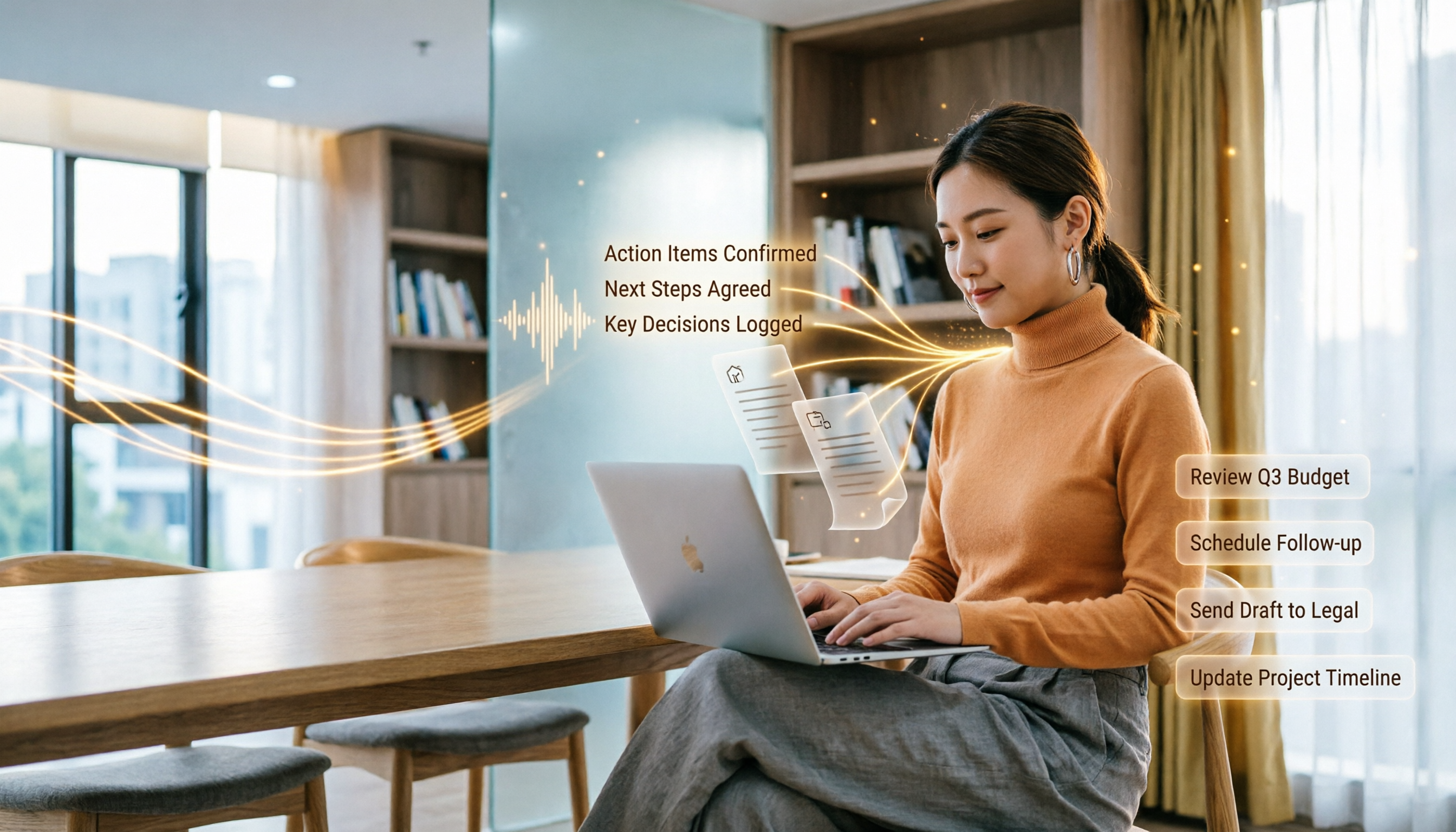
This is where Tinrec saves the most effort. Click "AI Summary," and it generates structured meeting minutes based on the transcript and your marks, including: meeting summary, section highlights, discussion decisions, and action items.
Stop organizing recordings by hand
Upload audio or video and automatically get a transcript, summary, and action items
Action items even list responsible persons and deadlines (if mentioned in the discussion). You can directly export the minutes as PDF, Word, or plain text to share with the team or archive.
Step 5: Export and Sync to Your Workflow

After completing the minutes, Tinrec supports export in multiple formats: transcript can be exported as TXT, Word, PDF; minutes can be exported as Markdown, PDF; and you can also sync to third-party tools like Notion, Google Docs, OneNote, etc.
I personally sync to Notion for further task management—the process takes less than 30 seconds, easily closing the last mile of the meeting loop.
Frequently Asked Questions and Troubleshooting
Q: Is the free plan's transcription quota sufficient? Tinrec's free plan includes a basic monthly transcription allowance (actual limit on official website). For the average office worker meeting 4–6 times per month, each 30–60 minutes, it's usually enough. If you have a week with many meetings, you can purchase a weekly card.
Q: How accurate is Chinese transcription? Under clear recording, standard accent, and no severe overlapping speech, accuracy is above 95%. If there is background noise in the meeting room, enable the built-in intelligent noise reduction to significantly improve results.
Q: Can it distinguish who said what in a group meeting? Yes, Tinrec automatically differentiates speakers and allows renaming. However, if multiple people speak simultaneously, it may still misidentify—try to take turns speaking during meetings.
Q: Can I import recordings from Zoom or Google Meet for transcription? Yes, download the meeting recording and import the audio file into Tinrec. Direct cloud recording link support would be more convenient; manual import is not too troublesome for now.
Q: Compared to other meeting note tools, what are Tinrec's advantages? Otter.ai and Fireflies.ai are more like "meeting bots" that automatically join online meetings; Notta and TurboScribe excel at file transcription and subtitles. Tinrec is more of an "audio/video processing workbench" that handles not only meetings but also course recordings, interviews, and YouTube video transcription. It also has an AI chat feature to query historical recordings, offering greater flexibility.
Q: Is privacy secure? Where are recordings stored? Recordings and transcription data are encrypted and stored; users can delete them anytime. Refer to the privacy policy on the official website. For highly confidential meetings, ensure compliance with your company's security policies.
Advanced Tips: 3 Ways to Double Tinrec's Efficiency
1. Use AI Chat to Query Historical Meeting Content
Tinrec has a built-in AI Q&A feature. You can ask like a colleague: "In the last product meeting, what was the conclusion about Q3 budget?" It will find relevant sections from past recordings. Currently, most competitors only support Q&A for a single recording; Tinrec can query across recordings (Pro plan).
2. Quickly Extract Key Points from Online Videos
Paste a YouTube or Bilibili video link, and Tinrec downloads the audio, transcribes it, and summarizes it. This saves 70% of time compared to watching the full video—great for research, competitive analysis, or learning.
3. Use Agent to Auto-Generate Custom Reports
Beyond meeting minutes, Tinrec's Agent feature can automatically generate project reports, client interview summaries, or organize multi-perspective feedback into tables based on recordings. This is especially useful when processing many interview recordings.
If You Don't Use Tinrec, Here Are Alternatives
- Otter.ai: Good for English online meetings and team collaboration, free plan offers 300 minutes per month. But weak in Chinese and offline file processing.
- Notta: Strong multilingual transcription with real-time translation, free plan 120 minutes per month. Downside: video link transcription requires paid plan.
If you want to handle meetings, courses, interviews, and video organization all in one, without spending extra on hardware or tying to a meeting platform, Tinrec's free version remains the most balanced choice.
Conclusion
Meeting closure doesn't require expensive systems—just connect "Recording → Transcription → Organization → Follow-up." Tinrec's free plan meets most people's needs: real-time voice-to-text, AI summaries, to-do lists, multi-format export, and even online video parsing. Next time after a meeting, don't stare at a blank Word document. Download Tinrec and try it—save your time for what truly needs thinking.
Turn every recording into actionable outcomes
Get 60 free transcription minutes when you sign in. No credit card required.
Related Reading
You might also like

2026 Audio-to-Text Comparison: Tinrec vs Otter.ai for Chinese Meetings & Team Knowledge
How to choose an audio-to-text tool in 2026? This article compares Tinrec and Otter.ai across 5 dimensions: Chinese meeting transcription, bot-free online meeting capture, audio file organization, post-meeting workflows, and team data governance. Based on public features and pricing, it helps you decide which is better suited for meeting notes needs in Taiwan.

How to Choose an Online Audio-to-Text Tool in 2026: 5 Steps to Pick the Right One and Get a Transcript
How do you choose an online audio-to-text tool? This article reviews 6 online options—Tinrec, MyEdit, cSubtitle, CyberLink, Yating Transcript, and Monica—comparing free quotas, Chinese recognition, export formats, and team collaboration. It also walks you through 5 steps to turn an audio file into a transcript.

2024 Review of 4 Audio-to-Text Tools: Which Saves the Most Time on Chinese Meeting Transcripts and AI Summaries?
The 2024 audio-to-text comparison isn't just about transcription speed—it's about whether the tool can organize your meeting notes afterward. Based on real meetings and interviews, this review compares Tinrec, Notta, Granola, and PLAUD on audio sources, transcripts, AI summaries, action items, team collaboration, and pricing limits to help you choose the right tool.

4 Free Online Audio-to-Text Tools Compared (2026): Which Offers the Best Free Tier and Chinese Recognition?
A comparison of Tinrec, MyEdit, cSubtitle, and Monica's free online audio-to-text offerings, covering free quotas, Chinese recognition, export formats, and post-meeting AI organization to help you decide which suits meetings, interviews, and subtitles.

4 Free AI Audio-to-Text Tools Tested: Which Free Tier Is Enough in 2026?
There are many free AI audio-to-text tools, but free quotas, single-recording length limits, Chinese recognition, and post-meeting organization capabilities vary widely. This article compares the free plans and use cases of 4 tools, using Tinrec's no-bot recording, AI Q&A, and team spaces as selection references.

2026 Comparison of 2 Online Audio-to-Text Tools: Tinrec vs Otter.ai — Which Is Better for Chinese Meetings?
Starting from common misconceptions, this comparison examines Tinrec and Otter.ai in Chinese meetings, bot-free recording, post-meeting organization, real-time translation, and team data retention to help you decide which online audio-to-text tool fits your daily work.

2026 Comparison of 2 Audio-to-Text Platforms: Free Tiers, Chinese Recognition, and Post-Meeting Organization at a Glance
A side-by-side comparison of Tinrec and Notta across free tiers, Chinese recognition, online meeting recording, post-meeting organization, and team collaboration, helping you decide whether the free version is enough and when to upgrade.

iPhone Voice Memos vs Tinrec in 2026: 5-Dimension Comparison — Is Free Transcription Enough?
iPhone's built-in Voice Memos can now transcribe recordings for free, so do you still need a separate tool? This article compares iPhone's built-in features with Tinrec across 5 practical dimensions and honestly explains where the free limits are, helping you decide which approach fits your meeting volume.

4 Free Audio-to-Text Tools Tested for 2026: Which Free Tier Is Actually Enough?
There are plenty of free audio-to-text tools, but few can handle a full meeting. This hands-on comparison tests the free plans of Tinrec, Otter.ai, Notta, and TurboScribe—breaking down how limits are calculated, transcript post-processing, audio retention, and team collaboration—to help you decide which free version is truly usable.