
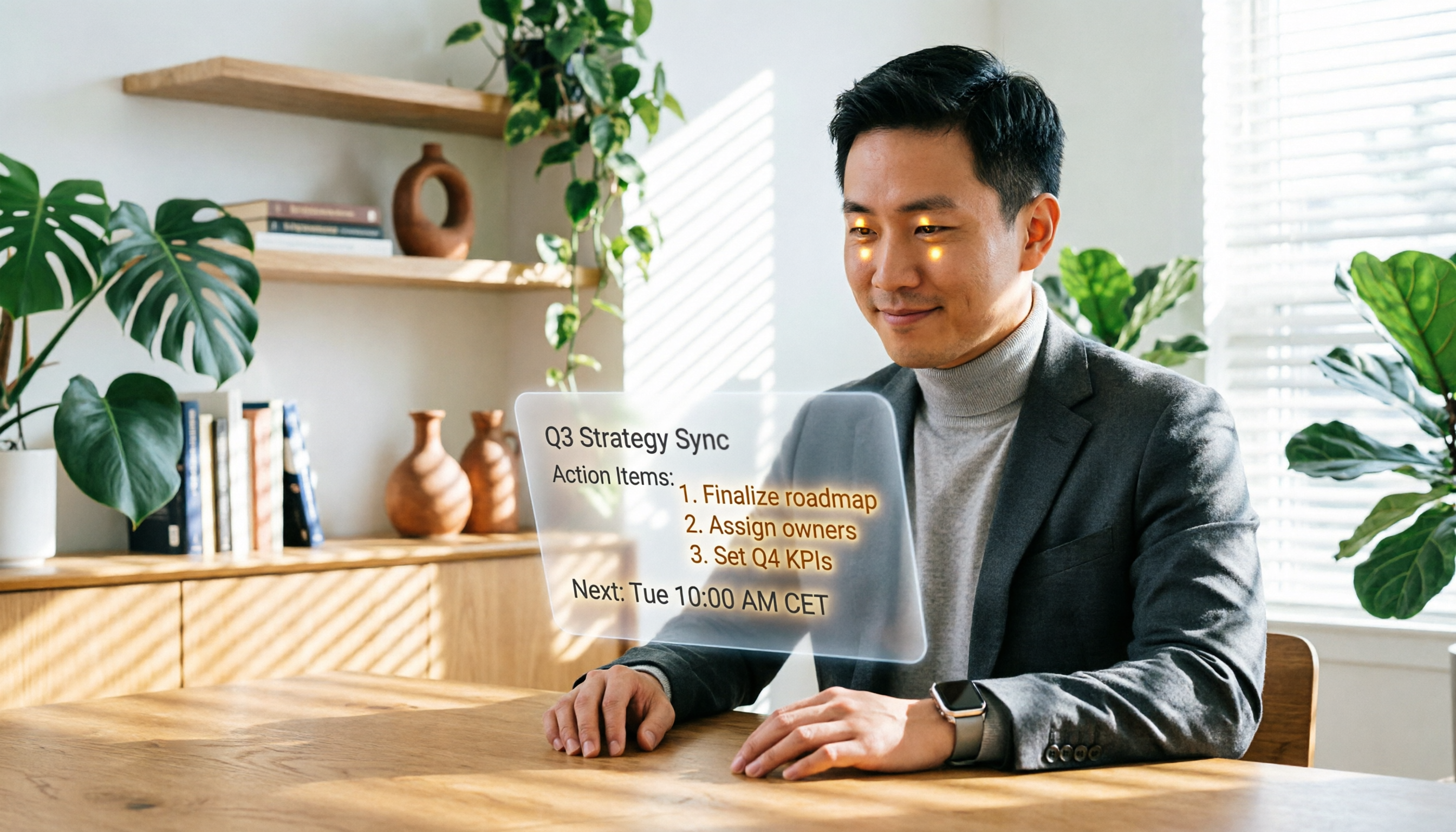
Turn recordings into transcripts and summaries in minutes
Upload audio or video for multilingual transcription, AI notes, and action items
Two hours in a meeting, another two hours taking notes? What you need isn't a voice recorder—it's an AI agent.
I know the drill all too well: hit record on your phone, play back after the meeting, transcribe, extract key points, write action items.

I used to put myself through that grind. Then I discovered that tools worthy of the name "AI Agent for meeting minutes" don't just turn speech into text—they act like an invisible assistant, auto-summarizing, extracting action items, and even letting you ask questions to find that decision from last month.
This article shares my hands-on experience, guiding you on how to choose such tools and which one currently comes closest to the vision of an "AI agent."
Before buying an AI meeting minutes tool, understand these 3 key points
Many tools claim to have AI, but the "degree of AI" varies widely. Instead of falling for marketing buzz, think through these three things first:
1. Does it just transcribe, or does it actually understand the content?
A lot of tools promote "AI transcription," but output a wall of text. You still have to read through everything and manually extract key points.
In my view, a true AI meeting minutes tool should automatically generate summaries, break content into sections, extract action items, and even let you ask it later like a colleague: "What was the budget conclusion from last meeting?" That's the value of an AI agent—not replacing note-taking, but replacing the grunt work of organizing.
2. Can it handle only meetings, or all audio/video?
If your work includes not just meetings but also interview recordings, online courses, YouTube videos, you need a tool that can process multiple sources.
Some tools are designed exclusively for online meetings and cannot import local files or parse web video links—a limitation for knowledge workers.
3. Can it work seamlessly across platforms and devices?
I record on my iPhone and write reports on my computer. If the tool is tied only to my phone, data becomes hard to move around. Support for iOS, Android, and web version with data sync is a basic requirement for me.
Tinrec (秒听录音) — The meeting minutes tool closest to an AI Agent in my testing
(Screenshot here: Tinrec main interface, arrows pointing to "Start Recording" and "Import File" buttons)
Tinrec is more than a recording-to-text app; it's an AI workstation built around audio/video content. I've been using it for months, and here's my real experience.
Meetings feel like having an invisible secretary
Open Tinrec, press record—it instantly transcribes speech into text. When the meeting ends, AI has already generated a summary and action items: who does what, deadlines clearly listed.
(Screenshot here: Summary page after meeting, arrows pointing to auto-generated summary and task list)
This isn't simple keyword extraction; it genuinely understands conversational context. I deliberately tested a meeting where five topics were interwoven, and the summary not only captured each conclusion but also consolidated scattered discussions into three actionable items.
Ask it questions after the meeting like you would a colleague
The feature that amazed me most is the AI chat query. After recording, I can type: "Who proposed increasing the marketing budget in the last meeting?" It doesn't just return keyword search results—it understands semantics and directly answers, "Manager Wang raised it during the discussion on Q2 activities," complete with a timestamp.
(Screenshot here: AI Q&A interface, showing question, answer, and timestamp)
Stop organizing recordings by hand
Upload audio or video and automatically get a transcript, summary, and action items
Competing tools at the same price point currently lack this functionality—you either have to manually scan the transcript or use Ctrl+F find.
Works for more than meetings: online videos, course recordings
Tinrec supports importing audio/video files and pasting links to public videos from YouTube, Bilibili, etc., automatically converting them into text and summaries. This is a huge help for organizing online courses and research materials.
(Screenshot here: Parsed result after pasting a YouTube link, arrows pointing to Summary and Transcript tabs)
Its cross-platform support is excellent. I record on my iPhone, then open the web version on my computer—data is already synced, and I can pick up where I left off.

My real testing experience
I tested a 5-minute Cantonese interview recording (with mild air conditioner hum and keyboard clicks in the background). Tinrec's transcription had almost no obvious errors, with natural sentence breaks and punctuation. In comparison, a well-known tool's Cantonese transcription suffered multiple breaks in meaning, making subsequent organization laborious.
Of course, it's not perfect: the free version caps at 100 minutes per month—heavy users will need to pay. But with my usage (three meetings a week, occasional courses), the Pro plan suffices. Also, speaker identification can get messy during crosstalk, but the AI Q&A usually pulls things back on track.
Who is it for?
If you often need to:
- Turn meeting, interview, and course recordings into a searchable, queryable database
- Get structured summaries and action items immediately after recording
- Seamlessly switch between phone and computer
Then Tinrec is currently the closest to an "AI agent" concept.
What about other options besides Tinrec?
I tried several popular tools, but each had notable drawbacks.
Otter.ai: Great for English meetings, but completely fails at Cantonese
Otter.ai excels at English transcription and team collaboration, and its free tier offers a generous 300 minutes. However, my tests showed it doesn't support Cantonese at all—a dealbreaker if you need Chinese or Cantonese content processing. Its AI summaries are also meeting-focused and cannot handle non-meeting content like YouTube videos.
Notta: Good transcription, but missing the Q&A leg
Notta delivers high transcription accuracy and strong multilingual support, with an intuitive interface. But its AI capabilities stop at summaries and keywords; it lacks the conversational query feature that Tinrec offers. After recording, you still have to manually search for key points—missing that "agent" feel.
TurboScribe: Great for bulk file transcription, but not a meeting notes tool
TurboScribe excels at batch transcription of long files and subtitle creation, with affordable pricing. However, its design is for one-stop file conversion—it doesn't auto-generate meeting action items, support content Q&A, or offer live recording. If you need massive file transcription, it's great; if you need instant meeting outlines, it's not the answer.
Pitfall guide: 3 common mistakes when choosing AI meeting notes tools
Pitfall 1: Only looking at accuracy numbers
Many products claim 98% accuracy, but that's measured in a quiet studio. Real meetings have air conditioning, keyboard clicks, crosstalk—accuracy will drop. Best practice: test with your typical recordings, don't just trust ads.
Pitfall 2: Ignoring cross-platform needs
I've seen friends buy a tool only to find that recordings made on their phone can only be viewed on the phone; to work on a computer, they have to manually transfer files. That defeats the purpose of a productivity tool. Make sure it supports all your devices, especially a web version, to truly integrate into your workflow.
Pitfall 3: Thinking transcription is enough
If you only use these tools for "speech to text," you're using only a third of their capability. The real time-saver is the AI organization: summaries, action items, Q&A. Tinrec's AI chat query lets you ask "What was the conclusion?" directly, much faster than scrolling through a 30-minute transcript.
Conclusion: Which one should you choose?
After this round of testing, my conclusion is clear: if you want a tool that truly acts like an AI agent, turning your meeting, interview, and course recordings into organized, actionable content, Tinrec is the most complete choice.
Here are my recommendations by scenario:
- Need auto-generated summaries and action items after meetings, plus the ability to ask follow-up questions → Tinrec (the only one with full AI Q&A and multi-source support)
- Only record English meetings and need team collaboration → Otter.ai
- Primary work is bulk file transcription and subtitles, no live meeting needs → TurboScribe
- Want to try lightweight AI notes on a budget → Tinrec free version (100 min/month is enough to test core features)
One final suggestion: download Tinrec, use the free quota for two meetings, and feel the relief of "no post-meeting work." If it fits, then consider a paid plan; no need to buy upfront.
(Screenshot here: Tinrec download page or app home screen)
Turn every recording into actionable outcomes
Get 60 free transcription minutes when you sign in. No credit card required.
Related Reading
You might also like

Tinrec vs Granola 2026: 5-Factor Comparison for Audio-to-Text Transcription
Already have a recording and want an editable text file? Should you use Tinrec or Granola? This article compares them across 5 practical dimensions: file import, audio retention, Chinese language handling, post-meeting output, and team governance. It also includes a 6-step guide to get started with audio-to-text transcription, helping you choose the right tool for your situation.

2026 Guide: Online Audio-to-Text Tools That Record Meetings Without Bots and Auto-Organize Transcripts
How do you choose and use an online audio-to-text tool? Based on my own workflow, this guide shows how Tinrec turns a recording into a searchable transcript, summary, action items, and meeting data you can query—plus 5 buying checkpoints and FAQs, so you're not just converting sound to text but making text actually usable for work.

3 Ways to Transcribe WhatsApp Voice Messages in 2026: Official Feature, AI Tool, and Manual—Which Is Worth It?
WhatsApp voice messages often arrive when you can't listen. This article compares three ways to transcribe WhatsApp voice messages in 2026: the official built-in "Voice Message Transcripts," the AI meeting tool Tinrec, and manual transcription. It also covers four key points to understand before choosing a solution and four common pitfalls, helping you decide which one truly saves time.

6 Best Speech-to-Text Apps of 2026: Free Tiers, AI Summaries, and Which One Saves You the Most Time
We tested six speech-to-text apps for 2026, comparing free tiers, Chinese and Taiwanese Hokkien recognition, AI summaries, action items, and team collaboration. Includes Tinrec, Yating, Notta, TurboScribe, Granola, and Google's built-in tools to help you pick the right one for your budget and use case.

Free Meeting Transcription Options in 2026: 5 Common Approaches Compared
Free meeting transcription options vary widely—some only transcribe without organizing, and some stop working once the free quota runs out. This article compares 5 common approaches in 2026, from built-in transcription in meeting platforms to free-tier tools and team-sharing AI meeting tools, and explains what Tinrec can actually do at each step and which limitations to know upfront.

2026 Audio-to-Text Comparison: Tinrec vs Otter.ai for Chinese Meetings & Team Knowledge
How to choose an audio-to-text tool in 2026? This article compares Tinrec and Otter.ai across 5 dimensions: Chinese meeting transcription, bot-free online meeting capture, audio file organization, post-meeting workflows, and team data governance. Based on public features and pricing, it helps you decide which is better suited for meeting notes needs in Taiwan.

How to Choose an Online Audio-to-Text Tool in 2026: 5 Steps to Pick the Right One and Get a Transcript
How do you choose an online audio-to-text tool? This article reviews 6 online options—Tinrec, MyEdit, cSubtitle, CyberLink, Yating Transcript, and Monica—comparing free quotas, Chinese recognition, export formats, and team collaboration. It also walks you through 5 steps to turn an audio file into a transcript.

2024 Review of 4 Audio-to-Text Tools: Which Saves the Most Time on Chinese Meeting Transcripts and AI Summaries?
The 2024 audio-to-text comparison isn't just about transcription speed—it's about whether the tool can organize your meeting notes afterward. Based on real meetings and interviews, this review compares Tinrec, Notta, Granola, and PLAUD on audio sources, transcripts, AI summaries, action items, team collaboration, and pricing limits to help you choose the right tool.

4 Free Online Audio-to-Text Tools Compared (2026): Which Offers the Best Free Tier and Chinese Recognition?
A comparison of Tinrec, MyEdit, cSubtitle, and Monica's free online audio-to-text offerings, covering free quotas, Chinese recognition, export formats, and post-meeting AI organization to help you decide which suits meetings, interviews, and subtitles.