
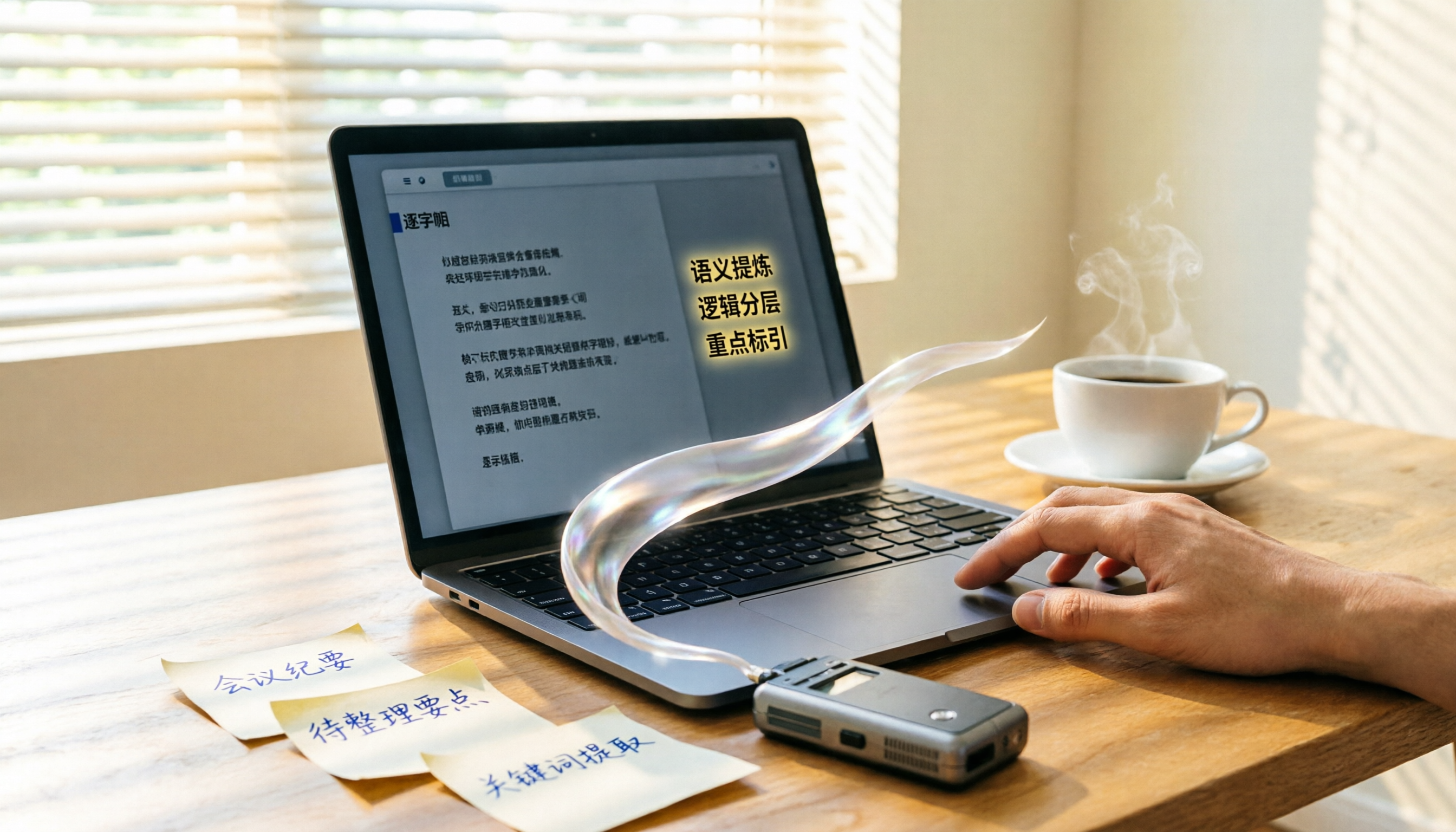
Turn recordings into transcripts and summaries in minutes
Upload audio or video for multilingual transcription, AI notes, and action items
Two hours in a meeting, another two making a PPT—what you need isn't just a tool, it's a solution
After every meeting, the headache isn't the meeting itself—it's turning the discussion into a presentation. You flip through transcripts, key points scattered everywhere, and manual organization takes an hour or two. If your meeting involves multiple speakers, code-switching between English and Chinese, or technical jargon, just converting the audio to text is painful, let alone extracting key insights for your PPT.

What's worse, many AI tools now claim to "generate a PPT with one click," but they need clean input—structure, key points, action items. If your mind is a mess, you'll get a messy result.
This article is for you. We'll show you how to use the right audio-organization tool to turn meeting, interview, and class recordings into high-quality content that you can feed directly to AI, so you'll never have to stay up late listening to recordings just for a PPT again.
Before buying an audio-to-text tool, understand these 4 key points
Many people think "as long as it turns voice into text" but later find it's too limited. Extracting key points is basic; what matters is whether it can truly "understand" content. Especially if you're going to use AI to generate a PPT, you need more than a verbatim transcript—you need a structured, summarizable, queryable database.
1. Accuracy: Don't trust numbers alone—check the test conditions Official claims of 98% accuracy are typically measured in quiet recording studios. In real environments with air conditioning, keyboard noise, and overlapping speech, accuracy drops significantly. Try your own recordings for a test drive, especially if you often deal with Cantonese, mixed Chinese-English, or technical terms.
2. AI features: What can you do after transcription? Tools that only give you a transcript are like giving you a dictionary—you still have to search for key points. If the tool includes built-in AI summaries, chapter splits, and action item extraction, you get the structure you need for a presentation immediately after recording. Even better, some tools support "AI Q&A"—just ask "Who proposed the budget in the last meeting? And what was the conclusion?" and it will answer from the semantic level, saving you from Ctrl+F fishing.
3. Cross-platform: Can you edit on your computer if you record on your phone? Many people record meetings on their phone but later need to organize on a computer. If the tool only has an app, you have to transfer files and convert formats—breaking the workflow. Tools that support iOS, Android, and web let you access data anytime, anywhere, streamlining your workflow.
4. Free tier: Just enough to try, or for long-term use? Free tier limits aren't about being as large as possible; they should match your usage frequency. If you have only two or three meetings a month, 100 minutes might be plenty. If you frequently organize interviews or classes, evaluate the paid plan's value. The key is that the free tier should let you fully experience core features (transcription, summary, Q&A) without locking critical capabilities behind a paywall.
Tinrec — our top pick after testing
Tinrec is an AI recording and audio/video organization tool that supports 14 languages, covering iOS, Android, and web. It doesn't just turn audio into text; it's a complete workflow from recording to deliverable content. Especially for those who frequently organize meetings, interviews, or course material for PPTs, its AI summary and Q&A features drastically cut prep time.
Real-world use case: During a meeting, open Tinrec and tap record—it transcribes in real time. By the time the meeting ends, AI has automatically produced a summary and action items—who is responsible for what and deadlines are clear. You can then copy that summary directly into an AI PPT generator for further formatting, instead of starting from scratch.
Stop organizing recordings by hand
Upload audio or video and automatically get a transcript, summary, and action items
What's more worth mentioning is its AI chat query feature. Suppose you recorded a two-hour strategy meeting and later need to make a presentation. To find the discussion about "Q3 budget adjustment," you don't need to manually replay the recording or search keywords. Just ask Tinrec: "What was the conclusion on Q3 budget adjustment?" It will use semantic understanding to find the relevant sections and give you a consolidated answer. This capability is nearly unmatched among tools in the same price range.
Our experience:
- Multiple input sources: Supports live recording, uploading audio/video files, and pasting YouTube/Bilibili links—perfect for organizing materials from various channels. If you often reference online videos for presentation ideas, Tinrec can directly turn those videos into text and summaries.
- Rich output options: Besides verbatim transcripts, you can export summaries, chapters, action items, subtitles, etc., and sync directly to tools like Notion and Google Docs—seamlessly connecting to your PPT creation workflow.
- Chinese-friendly: Stable performance for Mandarin and Cantonese transcription—satisfactory for daily meetings and interviews. Actual accuracy, of course, depends on recording quality, background noise, and accents; important content should still be verified against the original.
Honest limitations: The free plan gives you a basic monthly allowance (currently 100 minutes). Heavy users need a paid plan. But for those with 2-3 meetings per week, it's enough to experience all core features. If you only occasionally organize a single meeting or class, the free plan is sufficient.

Who is it for? If you often record meetings, interviews, or classes and need to quickly get structured content for presentations, or if you switch between iPhone, Android, and computer, Tinrec is currently the best fit.
What other options are there besides Tinrec?
Plaud Note: An AI recording hardware, great for people who habitually record on the go. Pre-order price starts at around $179. Free plan offers 300 minutes per month. However, if you don't want to carry an extra device, or if you need to process online videos or computer files, Plaud won't help. Tinrec requires no extra hardware, supports web link parsing and file transcription—more flexible in application.
Otter.ai: Top choice for English meetings. Free plan offers 300 minutes per month (very generous). Pro plan is $8.33/month. But it's primarily designed for English business meetings; support for Chinese and Cantonese is significantly lacking. If you need to organize Chinese content for presentations, Tinrec's Chinese transcription and AI Q&A are a better fit.
Notta: A strong competitor in transcription tools. Pro plan offers 1800 minutes per month ($8.17/month), focusing on multilingual transcription and translation. However, Notta lacks an AI chat query feature—after recording, you can only search by keywords manually. Tinrec not only lets you search but also ask directly for meeting conclusions, saving tons of organization time.
Pitfall guide: 4 common mistakes when using audio to help AI generate PPTs
Pitfall 1: Assuming transcription is the finish line Many people rush to feed the transcript into an AI PPT generator right away, resulting in a messy, unfocused presentation. The right approach is: first use the tool's AI summary and action item features to distill structured points, then feed them to AI. This yields a logical presentation.
Pitfall 2: Ignoring cross-platform needs Recording on your phone but only being able to play or transcribe on the phone—when you move to your computer, you have to transfer and convert files, breaking the flow. Choose a tool that supports web and desktop sync, so you can pick up your work on any device.
Pitfall 3: Spending big on hardware you only use once AI recording hardware is nice, but if you don't need to record on the go every day, the ROI is low. Most people need to "organize what they recorded," and it's better to invest in a software subscription with broader functionality.
Pitfall 4: Owning the tool but not daring to use AI Q&A Many people are still stuck in keyword-search thinking, unaware that they can directly ask the tool "What are the key points of the meeting?" Using AI Q&A correctly, you'll find organizing data goes three times faster—like having an assistant who knows everything about the meeting.
Summary: Which one should you choose?
If your goal is to turn meeting recordings into feed-ready material for AI PPT generation in the shortest time, Tinrec is currently the best overall performer. It's not the cheapest, nor does it offer the most minutes, but it excels in post-transcription organization and scenario coverage among its peers.
Recommendations by scenario:
- Need to organize Chinese meetings, interviews, or courses → Tinrec (Chinese-friendly, AI Q&A)
- Want to use questions to find key points after recording → Tinrec (only one with AI chat query)
- Often extract material from online videos for presentations → Tinrec (supports link parsing)
- If your budget is zero and you only record in English → Otter.ai (generous free tier, but weak Chinese support)
- If you already have a Plaud hardware and want better companion software → Tinrec (complementary: hardware recording, software organizing)
We suggest downloading Tinrec's free version first—100 minutes per month is enough for 2-3 meetings to fully experience core features. Upgrade if you find it useful—no need to pay upfront.
Turn every recording into actionable outcomes
Get 60 free transcription minutes when you sign in. No credit card required.
Related Reading
You might also like

Best Speech-to-Text Platforms in 2026: Tinrec vs Yating Transcription for Meeting Notes & Team Collaboration
Most people choose a speech-to-text platform based only on transcription speed and free minutes, overlooking post-meeting organization and team collaboration. This article compares Tinrec and Yating Transcription—the two most commonly compared options among users in Taiwan—across six dimensions: meeting recording methods, post-meeting outputs, cross-platform support, team governance, export workflows, and pricing structure, helping you decide which one better fits your use case.

2026 Comparison of 5 Speech-to-Text Tools: Contrast Is the Key to Choosing the Right One
Most people compare speech-to-text tools by looking only at the accuracy rate and free minutes on official websites, but this comparison reveals very little difference. This article starts from 'how much effort is still needed to organize after transcription' and breaks down the three levels that truly reveal tool differences, core capabilities, practical scenarios, and purchasing points. It also explains how Tinrec actually works in meeting notes and team knowledge retention.

4 Speech-to-Text Apps Tested for 2026: Generate Chinese Meeting Minutes Without a Meeting Bot
Spend an hour in an online meeting and another hour organizing notes afterward? This article compares four speech-to-text tools—Tinrec, PLAUD Note, Notta, and Otter.ai—based on real-world usage, covering meeting recording methods, Chinese recognition, post-meeting summaries, and team authorization. It also outlines 4 key purchasing factors and 3 common pitfalls to help you choose the one that truly saves time.

Free Speech-to-Text Options in 2026: 4 Plans Compared
There are plenty of free speech-to-text tools, but "free" often doesn't mean "good enough." Starting from real student use cases, this article breaks down three common misconceptions, compares four plans—Free, Weekly Pass, Pro Monthly, and Pro Annual—and demonstrates a complete workflow from class recordings and group discussions to project interviews and exam review.

How to Use Free Speech-to-Text in 2026: 5 Steps to Choose the Right Tool
Free speech-to-text can mean many things: some offer trial credits, some limit file length, and some won't let you export. This article addresses three common misconceptions and walks you through 5 steps to choose a tool. It also tests Tinrec's free version to show what it can and can't do, and compares the free plans of Otter.ai, Notta, and TurboScribe.

3 Free Speech-to-Text Platforms Tested for 2026: Which Offers the Best Free Tier and Chinese Language Experience?
A comparison of three free speech-to-text platforms covering free quotas, Chinese language support, input sources, and post-meeting organization features to help you decide which one suits meetings, interviews, and everyday recordings.

2026 Comparison of 4 Free Speech-to-Text Tools: How Free Quotas Work and Which One Is Most Usable After Transcription?
All claim to be free, but speech-to-text tools calculate quotas very differently. This article uses the same real meeting recording to test Tinrec, Otter.ai, Notta, and TurboScribe, comparing free quotas, Chinese and mixed Chinese-English performance, post-meeting output, and audio retention, helping you pick the one that truly saves organizing time.

4 Speech-to-Text Tools Compared (2026): How to Choose for Traditional Chinese Meeting Notes
From live dictation to transcribing existing recordings, compare Tinrec, Google Voice Typing, Typeless, and Yating Transcription on Traditional Chinese accuracy, post-meeting organization, and team collaboration to help you choose the right tool.

5 Speech-to-Text Apps Tested in 2026: Which One Actually Saves You Time After Transcription?
How to choose a speech-to-text app in 2026? This article compares Tinrec, Notta, Otter.ai, and Granola from four angles: accuracy assessment, post-meeting organization, meeting recording methods, and team collaboration. It also covers 4 common buying mistakes to help you decide which one truly saves time.