

Turn recordings into transcripts and summaries in minutes
Upload audio or video for multilingual transcription, AI notes, and action items
Why Do You Need Speech-to-Text?
I recently had to process a two-hour client interview recording. Before, I’d listen and type manually, often spending an entire day on just a few hours of audio.

But things are different now.
I just drop the file into a tool, and in minutes I get a full transcript, along with auto-generated summaries and action items.
This isn’t magic—AI speech-to-text tools have matured enough to turn audio into usable data. This article covers 5 tools I’ve used, from free to paid, so you can get a clear picture.
Tinrec (秒聽錄音) – The Most Complete AI Transcription Assistant
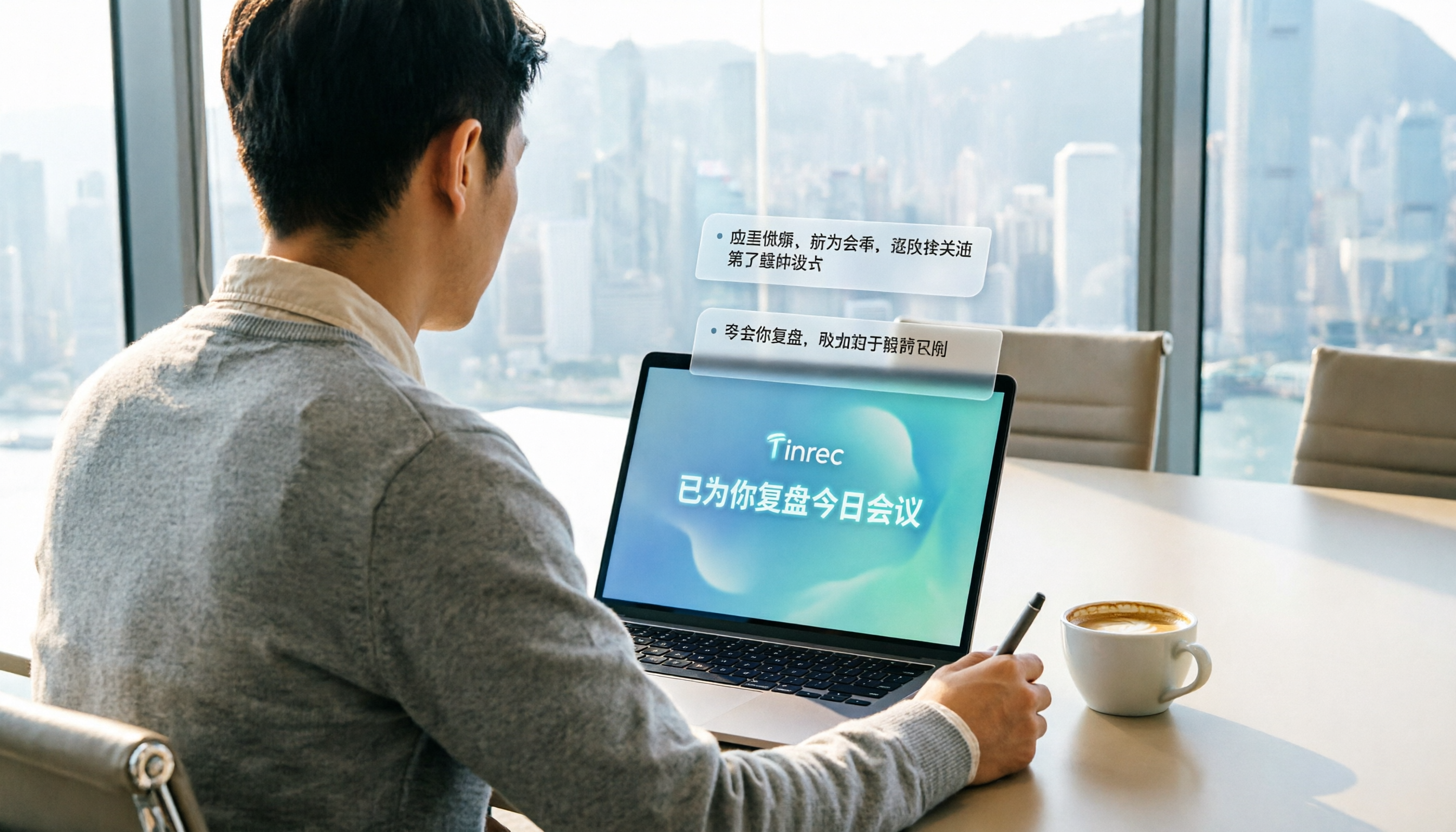
The tool I’ve been using heavily lately is Tinrec. It’s more than just a transcriber—it’s an AI assistant that helps you understand content.
With Tinrec, you can record meetings, import audio files, or paste links from YouTube and other online videos, and it automatically converts them into transcripts.
Once transcribed, it extracts key points, generates chapters, summaries, and action items.
My favorite thing is dropping in an interview and asking, “What specific action items were mentioned?”—it pulls them right from the transcript, saving me time from re-listening.
(Screenshot: Tinrec’s AI chat query feature, with an arrow pointing to the dialog where “What are the action items from this meeting?” was entered)
Tinrec also identifies different speakers, making it great for interviews and multi-person meetings.
It offers a free plan for trial, and if you need more, consider the Pro monthly or yearly subscription.
Ideal for anyone who needs to process meetings, classes, interviews, podcasts, or online videos.
Otter.ai – The Veteran for English Meeting Notes
Otter.ai is a pioneer in AI meeting notes, best suited for English speakers who need to automatically join online meetings, get real-time transcription, and collaborate with teams.
It automatically labels speakers and generates summaries after meetings, perfect for business teams.
The free plan offers 300 minutes of transcription per month, and the Pro plan costs about $8.33/month when billed annually.
If you primarily have English meetings and need to share notes with a team, Otter is a solid starting point.
Fireflies.ai – Attractive Free Unlimited Transcription
Fireflies.ai boasts “unlimited transcription on the free plan,” which is very generous for individual users.
Stop organizing recordings by hand
Upload audio or video and automatically get a transcript, summary, and action items
It supports over 100 languages, integrates with Zoom, Google Meet, etc., and lets you ask questions to your recordings via AskFred.
However, the free plan has storage and team feature limitations, so it’s more suitable for light personal use.

If you need unlimited transcription and don’t mind fewer organization features, give Fireflies a try.
Notta – Multi-Language Transcription & Translation
Notta is comprehensive in transcription, meetings, and translation, with real-time bilingual support, especially for those dealing with multilingual content.
The free plan gives 120 minutes per month, and Pro costs about $8.17/month when billed annually.
It overlaps with Tinrec in features, but Tinrec emphasizes online video support, AI Q&A, and post-processing.
Suitable for users who need subtitles, translation, or cross-language meetings.
TurboScribe – Focused on Long File Transcription
TurboScribe is a file transcription specialist, ideal for processing long audio, large volumes of files, and subtitles.
The free plan lets you transcribe 3 files per day (each up to 30 minutes), while the paid plan is $10/month for unlimited transcription and includes translation.
If you frequently have many audio files to convert to text, TurboScribe is highly efficient.
However, if you need live recording, meeting organization, or AI Q&A, you’ll need to pair it with other tools.
So Many Options – How to Choose?
- Want one tool for meetings, classes, videos, plus AI Q&A and auto organization → Tinrec (the only one that supports live recording, links, and file upload simultaneously, with Chinese optimization)
- Need unlimited transcription and don’t care much about organization → Fireflies free plan (unlimited monthly, good for individuals)
- Primarily English meetings with team collaboration → Otter.ai (established meeting bot with a complete ecosystem)
- Need multilingual real-time translation and subtitles → Notta (strong bilingual support, great for global meetings)
- Often have large audio files to transcribe → TurboScribe (fast, supports batch processing)
For most scenarios, I’d directly recommend Tinrec because it doesn’t just export audio to text—it also handles summaries, Q&A, and export, saving you even more time.
3 Things to Know Before Using Speech-to-Text
- Audio quality is everything: Background noise, accents, and overlapping speech affect accuracy. Record in a quiet environment or use an external mic when possible.
- Free plans have limits: Almost all tools offer free trials, but minutes or uploads are capped. If you have weekly meetings or classes, a paid plan is more cost-effective.
- Double-check AI summaries: AI can quickly extract key points but may misinterpret or miss details. For important decisions or documents, re-listen or refer back to the transcript.
Summary
Turning audio into text is truly simple now.
From free trials to paid upgrades, these 5 tools can save you tons of manual notetaking time.
I suggest starting with Tinrec’s free plan to test live recording, file import, or pasting online video links, and experience the full workflow of transcription, summary, and AI Q&A before deciding to upgrade.
Try them step by step, and you’ll soon master turning audio into actionable information.
Turn every recording into actionable outcomes
Get 60 free transcription minutes when you sign in. No credit card required.
Related Reading
You might also like

2026 Horizontal Comparison of 6 AI Recording Tools: Find the Best Speech-to-Text Solution for You
A methodology article by a productivity consultant who tested 6 AI recording tools, teaching you how to turn recordings into actionable knowledge, not just transcripts.

2026 Audio File to Text Buying Guide: Real Tests and Recommendations for 2 Products
A mid-level manager tests Tinrec and Plaud Note audio-to-text tools, comparing them across five dimensions: input flexibility, transcription accuracy, post-processing capabilities, cross-platform support, and price-to-value ratio, to help you find the most time-saving audio organization solution.

Best Speech-to-Text Apps in 2026: Tested 5, This One Nails Interview Transcription
Tired of manually transcribing interviews? Our editor tested 5 speech-to-text tools to find the best one for Hong Kong users, helping you save overtime hours.

Best AI Agent for Generating Word Documents? 2026 Review of 3 Tools, Tinrec Takes the Lead
Tired of overtime from transcribing meeting recordings into Word documents? This hands-on review compares Otter, Notta, and Tinrec – from recording to auto-generated meeting notes in Word – to find the most helpful tool for you.

2026 Horizontal Comparison of 5 AI Meeting Productivity Tools: Find the Best Meeting Management Solution for You
Tired of piles of meeting recordings with no time to organize? This article reviews 5 AI meeting tools, from real-time transcription and summary generation to cross-source database search, helping you find a way to turn meeting content into actionable plans.

The Ultimate Guide to AI Meeting Minutes in 2026: Automate Summaries & Action Items
A practical guide for SME managers and team leads to understand AI meeting minutes tools, from pain points and key selection criteria to hands-on recommendations, so you don't waste money.

Tinrec vs Otter.ai 2026: AI Agent To-Do Extraction 4-Dimension Comparison – Which Is Better for Taiwanese Users?
This article compares Tinrec and Otter.ai in AI agent automatic to-do extraction across four dimensions: accuracy, Chinese support, use cases, and pricing. It helps Taiwanese users choose the best AI meeting note tool.
Which AI Meeting Recap Tool is Best? 2026 Test of 2 Popular Options Shows This One Has the Most Features
Which AI meeting recap tool saves the most time? We tested Tinrec and PLAUD NOTE, two hot options, comparing AI processing, multi-source support, and pricing to tell busy professionals which one is their savior.

2026 Comparison of 5 AI Office Assistants: Which One Saves the Most Time for Small Teams?
A hands-on comparison of 5 AI office assistant tools, from meeting transcription and audio/video processing to AI-powered query — see which ones actually save small teams significant time.