
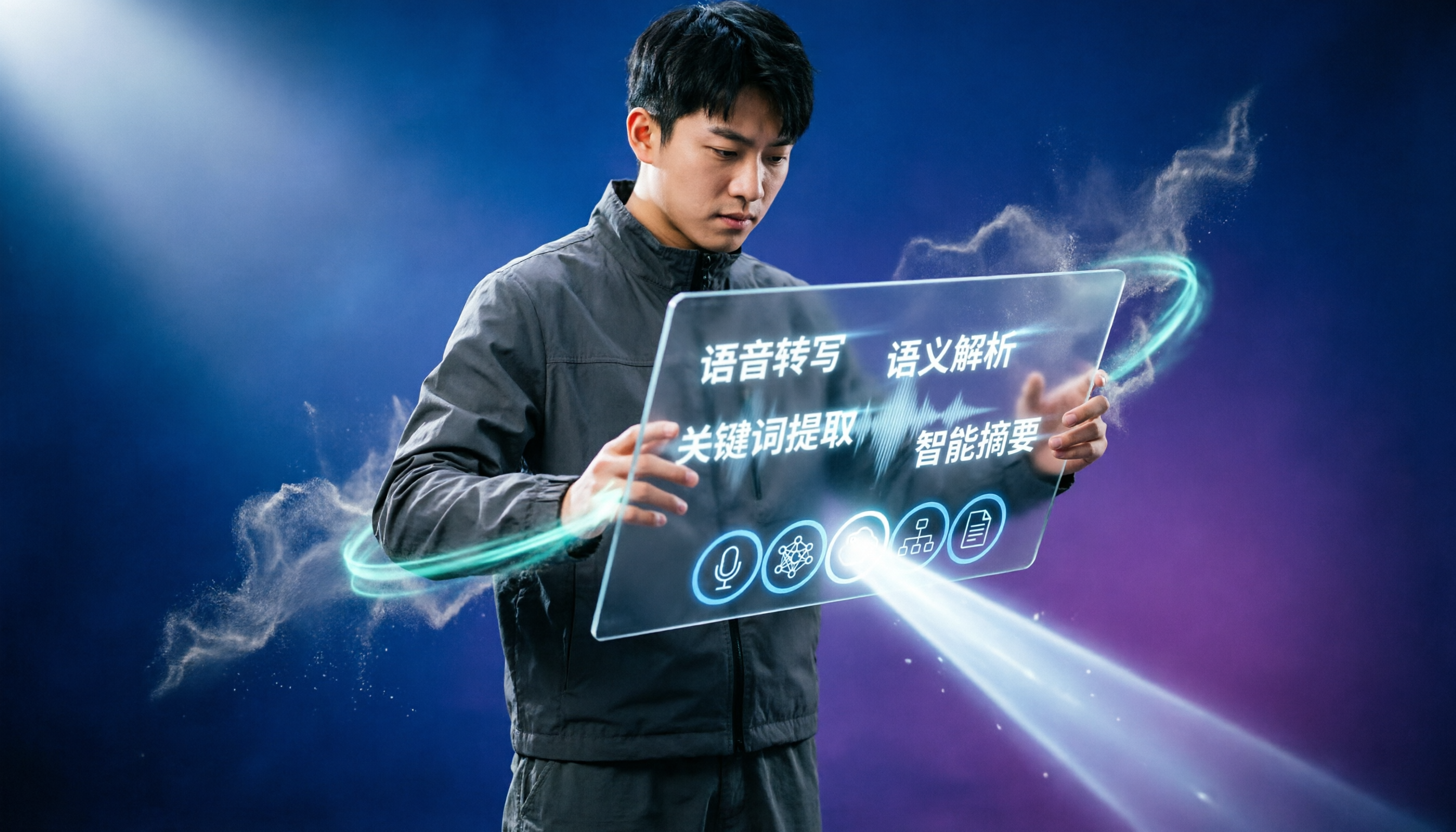
Turn recordings into transcripts and summaries in minutes
Upload audio or video for multilingual transcription, AI notes, and action items
What Can Interview Transcription Do for You?
For graduate students, interviews are the most critical data source in qualitative research, but the subsequent task of transcribing audio is often the most painful part. Tinrec is not just a simple transcription tool; it directly transforms your interview recordings into analyzable, searchable, and citable research material.

Scenario 1: Get a transcript of a one-hour interview in 5 minutes Previously, you might have spent 4-6 hours replaying and typing. Now, with Tinrec for example, simply upload your interview audio file, and the AI can produce a complete transcript within minutes, automatically adding timestamps for quick navigation to key sections.
Scenario 2: Automatically extract interview highlights without replaying After the interview, Tinrec automatically generates a structured summary, including the main viewpoints, keywords, and emotional shifts of the participant. You no longer need to listen from start to finish to grasp the overall picture.
Scenario 3: Query interview content like asking an assistant When writing your thesis and needing to cite a specific quote but forgetting the exact time, you can directly type in Tinrec's AI chatbox, "What were the participant's views on the policy change?" The system will semantically locate the relevant section and provide the answer.
What Are Tinrec's Core Capabilities?
Graduate students don't just need a simple recorder; they need an assistant that helps them jump from "organizing data" to "analyzing data." Tinrec's core capabilities are designed around this goal.
Real-time Speech-to-Text: Transcript as you interview If you're used to recording interviews with a laptop or phone, Tinrec supports real-time transcription with less than 1 second delay. As the participant finishes a sentence, the text appears almost simultaneously. You can review on the spot whether you missed key questions, and it's also convenient for quick later review.
Import Audio for Transcription: Supports Various Formats Most graduate students use a digital recorder or built-in phone recording, then organize later. Tinrec supports uploading common audio formats like mp3, wav, m4a, and can even transcribe directly from YouTube or cloud drive links without manual downloading and conversion.
AI Summarization & Key Point Marking: Turn long interviews into short reports Getting a transcript is just the first step. Tinrec further analyzes the content, automatically generating summaries, chapter topics, and keyword clouds. You can also manually mark key points on the transcript; all marks are compiled in the "Memo" area for easy cross-referencing later.
Automatic Speaker Diarization: See who said what at a glance Interviews often involve two or more participants. Tinrec can automatically identify different speakers and label them as Speaker 1, Speaker 2 in the transcript. You only need to rename them afterward (e.g., "Participant A", "Moderator"), saving you from voice identification.
AI Chat Query: Ask instead of search This is Tinrec's most powerful research assistant feature. After transcription, you can ask natural language questions like "What obstacles did the participant mention?" or "What common themes came up across multiple participants?" The AI semantically understands the entire audio database and directly gives you answers with cited passages.
Practical Application Scenarios: Graduate Interview Research
One-on-One In-Depth Interviews
This is the most common research form. Simply open Tinrec's live recording during the interview or upload the audio file afterward. The system will produce a full transcript, auto-summary, and speaker labels. You can also quickly find specific viewpoints via AI query, saving at least 70% of organizing time.
Stop organizing recordings by hand
Upload audio or video and automatically get a transcript, summary, and action items
Focus Group Interviews
Multi-person discussions are prone to overlapping voices and difficulty identifying speakers. Tinrec's speaker diarization performs well in groups of 3-5 people (recommended use of a lavalier microphone for better audio quality). You can see each speaker's sections in the meeting log and grasp the overall discussion direction through AI summaries.
Multilingual Interviews
If your research involves immigrants, migrant workers, or foreign-language participants, Tinrec supports transcription and translation in 14 languages, including Chinese, English, Japanese, Korean, Cantonese, and more. After transcription, you can ask questions in Chinese, and the AI will search across languages for answers, breaking language barriers.

Longitudinal Studies
Audio files from multiple interviews scattered across different folders are hard to consolidate and analyze. Tinrec offers a database concept: you can place all recordings from the same research project in one category and return anytime to query and compare participant viewpoints across time points, like a dedicated research knowledge base.
4 Things to Consider When Choosing an Interview Transcription Tool
1. Transcription Accuracy: Don't just look at official numbers Many tools claim accuracy above 95%, but that's in quiet lab conditions. Graduate interviews may take place in coffee shops, participants' homes, or outdoors, where background noise is significant. Test with your own interview recordings using a free trial. For example, with Tinrec, under typical meeting room conditions with phone recording, Chinese transcription has a character error rate of about 8-12%, sufficient for research analysis; double-check important quotes against the original audio.
2. Speaker Diarization: Key to organizing efficiency If the tool can't automatically label who is speaking, you still have to spend time listening and marking. Tinrec's speaker diarization can accurately distinguish 2-4 speakers in clear recordings, and renaming is intuitive—a must-check feature when purchasing.
3. AI Organizing Features: Transcription is just the beginning; analysis is key If you only get a transcript, you still need to highlight and summarize yourself. Tinrec's automatic summaries, keyword extraction, and AI chat query help you jump directly to the analysis stage. When choosing a tool, check if it offers "post-transcription" organizing capabilities rather than just comparing price and minutes.
4. Privacy & Research Ethics: Where does your interview data live? Research data often involves participant privacy. When using cloud tools, confirm data storage location and encryption mechanisms. Tinrec's privacy policy states that data is encrypted during transmission and storage, and your recordings are not used for model training. Still, obtain participant consent before uploading and regularly delete unnecessary recordings after analysis.
Frequently Asked Questions
Q: Is the free tier enough? A: If you conduct no more than 2-3 hours of interviews per month, Tinrec's free tier provides enough basic transcription allowance for transcripts and testing. However, during heavy interview periods, consider upgrading to the Pro plan, which costs less per month than hiring a part-time transcriptionist.
Q: My interviews mix Chinese and English. Is recognition good? A: Tinrec performs well with mixed Chinese-English content, correctly transcribing common proper nouns and English terms. But if three or more languages or heavy dialects are involved, test with a short audio sample first.
Q: What export formats are available? Can I use it with thesis analysis software? A: Tinrec supports export to txt, docx, srt subtitle files, and integrates with third-party tools to sync content to Notion, Google Docs, etc. For qualitative analysis software like NVivo or MAXQDA, export as txt file for direct use.
Q: Can I transcribe audio from my phone? Do I need special equipment? A: No extra hardware needed. Tinrec has iOS and Android apps; your phone serves as both recorder and transcription tool, and you can also upload old recordings. As long as the audio is clear, the built-in microphone meets basic recognition needs. For frequent formal interviews, a cheap lavalier microphone is recommended.
Summary
Graduate students' most valuable resource is not the tool budget, but the time and energy for data analysis. Tinrec transforms interview recordings from "transcription hell" into a "searchable knowledge base". It not only quickly delivers transcripts but also lets you interact with your data through queries, focusing on truly important research findings.
If you're preparing a thesis or research proposal, download Tinrec's free version and try it. Monthly basic transcription allowance is enough to experience the full workflow of one interview—see how AI turns an hour of audio into directly analyzable material, so you can focus on writing your paper.
Turn every recording into actionable outcomes
Get 60 free transcription minutes when you sign in. No credit card required.
Related Reading
You might also like

5 Best Speech-to-Text Software in 2026: Which Free Version Is Good Enough?
A practical guide to 5 speech-to-text tools, covering free online tools, open-source software, and built-in dictation, plus common pitfalls and selection tips for beginners.

2025 Speech-to-Text Guide: 7 Tools, How to Choose, Free & Paid Plans
How to choose a speech-to-text tool in 2025? This guide covers two needs—live dictation and audio file transcription—and reviews 7 practical options including Yating Transcription, Whisper, MacWhisper, Word Online dictation, TicNote Cloud, and Google Cloud Speech-to-Text. It lists free quotas, paid pricing, and limitations, plus selection steps and FAQs.

How to Choose Speech-to-Text in 2026: 5 Steps to Find the Right Tool from Dcard Discussions
Searching 'speech-to-text' on Dcard, you might scroll through lists and download tools, only to get stuck when it's time to deliver a transcript. This article breaks down the selection logic from five often-overlooked dimensions and then guides you through 5 steps to find the truly suitable tool from discussion threads.

5 AI Speech-to-Text Tools Tested: Which PTT-Favorite Actually Saves You Time?
After every meeting, you're stuck with a 1-2 hour audio file and scrolling through PTT for tool recommendations? This guide compares the most discussed AI speech-to-text solutions on PTT and social media—covering Chinese recognition, AI summaries, cross-platform support, and free tiers. We also hands-on test Tinrec's real-time transcription and AI chat query to help you pick the one that truly saves time for meeting notes, interview transcription, and class notes.

2026 Dcard Speech-to-Text Discussion Roundup: 5 Key Criteria to Decide Between Free and Paid
A roundup of 2026 Dcard and community discussions on speech-to-text, starting with the most common decision question—'Is the free version enough?'—and breaking down 5 purchase criteria, selection order for 3 scenarios, and 4 common pitfalls, so you can confirm what you really need before paying for a subscription.

Best Speech-to-Text Apps in 2026: We Tested 4, and This One Is the Easiest for Chinese Meetings
If you're constantly chasing meeting notes, comparing free minutes isn't as important as finding a tool that actually captures decisions and action items after the meeting. Written from a mid-level manager's real-world perspective, this article covers 4 key factors for choosing a speech-to-text app, tests Tinrec, Granola, Notta, and PLAUD, and includes a pitfalls guide plus scenario-based recommendations.

4 Free Speech-to-Text Platforms Tested and Compared in 2026: Which One Makes Meeting Notes and Post-Meeting Cleanup Easier?
How do you choose a free speech-to-text platform? This article compares Tinrec, TurboScribe, Granola, and Otter.ai from four angles: free quota, input sources, post-meeting organization, and team collaboration. It helps you determine which one suits meeting notes, interview transcription, and team sharing, and summarizes common limitations and pitfalls of free versions.

2026 Comparison of 3 Free Speech-to-Text Solutions: Tinrec, Granola, and Google Docs Voice Typing — Which Is Enough?
Starting from common misconceptions about free speech-to-text, this hands-on comparison tests the free workflows of Tinrec, Granola, and Google Docs Voice Typing. It breaks down file import, audio retention, post-meeting organization, Chinese translation, team collaboration, and export limits to help you decide which free solution is sufficient.

2026 Voice-to-Text Tools Compared: Which Handles Chinese Meetings Best?
PTT is full of voice-to-text tools, but the real challenge is post-meeting wrap-up. This article compares Tinrec, Otter.ai, Notta, and Granola across Chinese meetings, online recording, AI summaries, and team collaboration to help you choose the right tool for your meeting scenario.