
Turn recordings into transcripts and summaries in minutes
Upload audio or video for multilingual transcription, AI notes, and action items
Why Podcasters Need Better Transcription Tools
If you've ever hosted an interview-style show, you know the pain: a 40-minute interview can take half a day to manually transcribe, not to mention extracting quotable highlights for promos, writing show notes, or listing post-production tasks. Many podcasters skip structured content altogether and just release the raw interview to save time, but that makes it harder for new listeners to quickly grasp key points.

Traditional recorders only capture audio, and basic transcription services turn speech into text but still require manual cleanup. Tinrec thinks differently: it combines recording, understanding, organizing, and exporting into a single workflow. Once your interview is done, the transcript, key takeaways, chapter markers, and even to-do items are ready—so you can focus on creating your show.
How Tinrec Solves Podcasters' Recording Challenges
Tinrec is an AI-powered audio and video organizer, but it's much more than just "speech-to-text." Under the hood, it offers a workflow that goes from capture to comprehension to action—perfect for podcasters who handle lots of interviews and recordings.
- Multiple input sources: Whether it's live recording, importing old audio/video files, or pasting a YouTube link, Tinrec can turn it into usable material.
- More than just a transcript: After transcription, AI automatically generates summaries, chapters, and highlight markers—saving you manual effort.
- AI chat queries: You can ask Tinrec like an assistant: "What was the most interesting experience the guest mentioned?" or "Where is the section about marketing strategy?"
- Multi-format export: Transcripts, notes, and to-do lists can be exported directly to Notion, Google Docs, or downloaded as files, seamlessly integrating into your post-production workflow.
Top 5 Tinrec Features Every Podcaster Should Use
1. Live Transcription for Instant Show Scripts
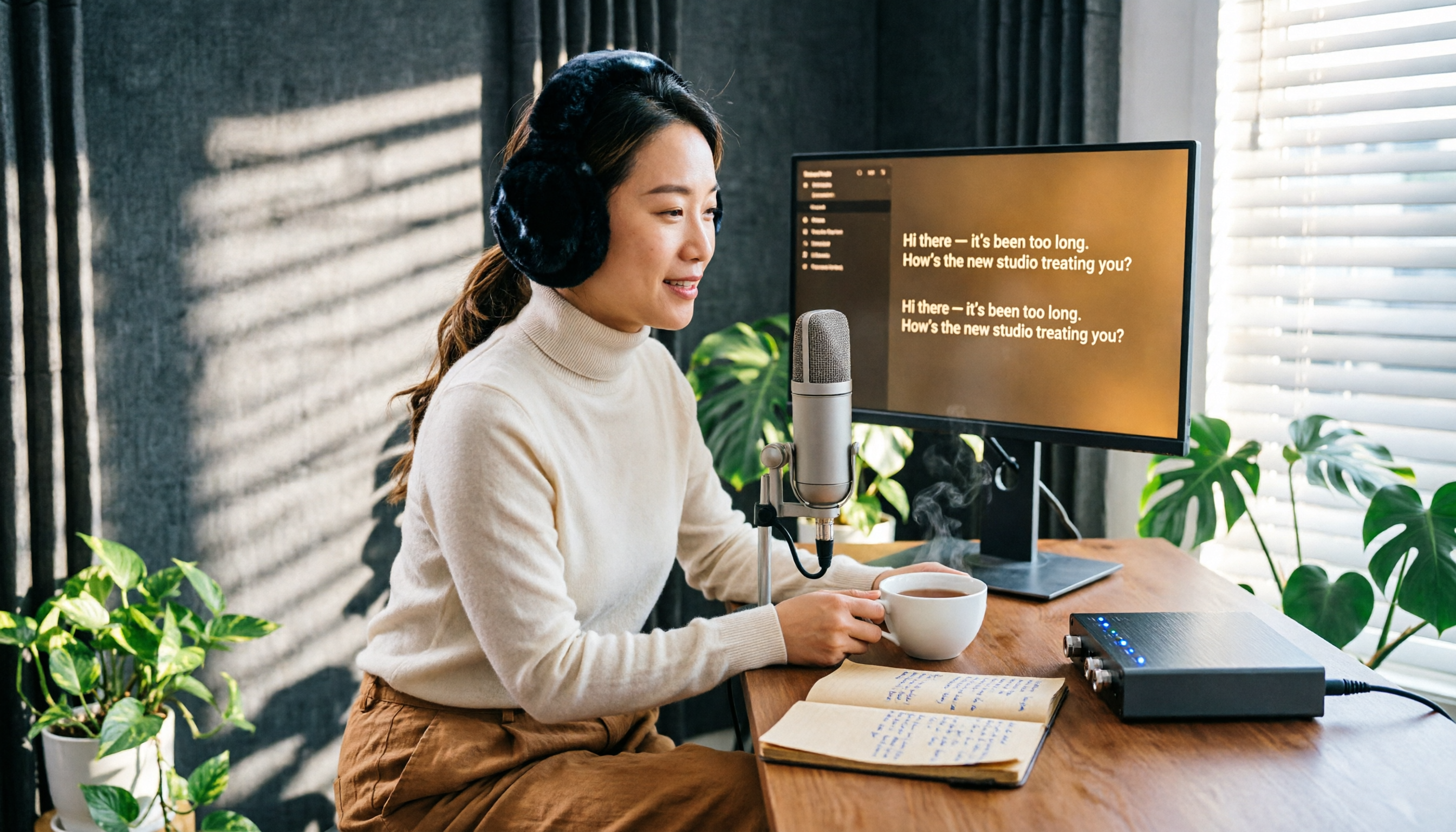
Start recording in Tinrec, and text appears almost in real time, with less than a second delay. This is a game-changer for capturing guest quotes exactly—you can see the text flow during the interview, check if any keywords are missed, and when the interview ends, the transcript is already done. In a quiet studio, accuracy for mixed Chinese-English content is solid, and even slight accents can be easily corrected using the chapter breakdown later.
Stop organizing recordings by hand
Upload audio or video and automatically get a transcript, summary, and action items
2. Import Old Recordings to Build a Searchable Archive
Many podcasters have hundreds of episodes but never had time to transcribe them. Tinrec supports importing audio and video files—you can batch upload past shows and get all transcripts at once. After transcription, you can use AI chat to query the entire archive, search for specific topics discussed by guests, or find past quotes to use in new episodes or social media posts.
3. Use Online Video Links to Expand Your Research

Suppose you want to reference an expert interview on YouTube or analyze a competitor's show structure—no more manual transcribing. Just paste the public video link, and Tinrec extracts the audio and generates a transcript with chapter summaries, letting you quickly skim key points. For podcasters producing high volumes of content weekly, this is like having an extra research assistant.
4. AI Summaries and Chapters: Show Notes in 10 Minutes
Long interviews often leave you forgetting where key points were. Tinrec automatically splits recordings into titled chapters and produces an overall episode summary. You can copy the summary as shownotes or turn chapter titles into timestamps for listeners to jump to interesting parts. In testing, a 30-minute interview goes from recording to complete notes in under 10 minutes.
5. Extract To-Dos and Export to Multiple Formats to Streamline Post-Production
After an interview, you usually have a list of to-dos: editing, adding subtitles, writing social posts, sending thank-you emails to guests. Tinrec can automatically extract action items from the conversation and supports exporting as Txt, Word, Notion, Google Docs, etc. You can drop the to-do list directly into your team's collaboration tool or import the transcript into editing software as a subtitle base—reducing rework.
3 Key Criteria for Choosing a Transcription Tool
Before picking a tool, evaluate it on these three aspects:
- Range of input sources: Your material may come from live recordings, old files, or online shows you want to analyze. Tinrec supports real-time recording, audio/video file imports, and online video links—covering the three most common source types for podcasters, so you don't need to switch tools for different scenarios.
- Post-transcription intelligence: A raw transcript isn't enough. You need summaries, chapters, highlights, and searchability. Tinrec's AI summary and chat query features let you quickly locate specific parts—like "the segment where the guest talked about startup failures" or "three books the guest recommended"—dramatically cutting post-production time.
- Export compatibility with your workflow: The tool must integrate into your production pipeline. Tinrec's multi-format exports and third-party integrations let transcripts, notes, and to-do lists flow directly into Notion, Google Docs, or your editing software, rather than being locked in a closed app.
Conclusion: Is Tinrec Worth Trying for Podcasters?
If you spend hours after every interview transcribing and organizing notes, Tinrec can likely save you 70% or more of post-production time. It's not just a transcription tool—it's a digital production assistant that understands content, extracts key points, and delivers actionable exports. Especially for Chinese-language podcasts, Tinrec handles mixed Chinese-English content more naturally than many foreign tools, and its chapter and summary features are far more useful than just a raw transcript.
Start with the free version—it includes a basic monthly transcription quota. Run your own interview through the whole workflow, from recording to getting complete notes. That experience is more convincing than any review. Let technology handle the busywork so you can focus on telling your stories.
Turn every recording into actionable outcomes
Get 60 free transcription minutes when you sign in. No credit card required.
Related Reading
You might also like

5 AI Speech-to-Text Tools Compared for 2026: Which Has the Most Reliable Speaker Diarization?
Getting a transcript is one thing, but figuring out who said what is the real challenge when reviewing meetings and interviews. This article focuses on speaker diarization as a key selection criterion, comparing the strengths and limitations of Google Cloud Speech-to-Text, Yating Transcription, Otter.ai, RecCloud, and Vocol.ai, and highlights three common pitfalls to help you choose the right tool for your use case.

Best Speech-to-Text Apps in 2026: 4 Tested, This One Handles Taiwanese Mandarin and Mixed Chinese-English Best
A two-hour meeting recording often takes three hours to review and organize. This article compares four speech-to-text apps based on real-world use cases, covering language support, external audio import, transcript organization, and free tier differences. It also includes a three-step practical tutorial and common pitfalls to help you choose the right tool.

4 Best Speech-to-Text Apps in 2026: Real-Time Translation vs. Transcription—Which Saves More Time?
After a mixed Chinese-English meeting, do you still have to replay the recording, type a transcript, and then translate it? This article starts from real-world scenarios, outlines 4 key factors for choosing a speech-to-text tool, and compares Tinrec, Monica, JotMe, and Yating Transcription on real-time translation, transcription, and post-meeting organization to help you find the most time-saving option.

Speech to Text in Traditional Chinese 2026: PTT-Recommended Tools & 3-Step Transcript Workflow
PTT threads are full of speech-to-text recommendations, but the real reason answers diverge is that people are asking different questions. This guide starts with the decision point: what will you do with your recording afterward? It breaks down the challenges of recognizing mixed Traditional Chinese contexts, four key selection criteria, how to choose among PTT-favored tools, and includes my 3-step transcript organization workflow with a copyable prompt template.

2026 Training Course Recording Notes Free Solutions: 4 Options Compared
The most time-consuming part of organizing training course recordings is often not the recording itself, but re-listening and taking notes. This article reviews 4 available recording-to-text and note-organization solutions in 2026, comparing free quotas, accent support, post-session audio upload, and AI summary features, with a practical workflow and three common pitfalls to help you choose a truly time-saving approach.

2026 Comparison of 5 Audio-to-Text Tools: Which Timestamp Jumping Saves the Most Time?
Whether transcripts are searchable and timestamps are clickable matters more for review efficiency than recognition accuracy. This article covers 5 practical audio-to-text solutions, from free online converters to Word's built-in transcription, comparing their timestamp jumping methods, export formats, and use cases to help you choose the right tool.

2026 Comparison of 5 Audio-to-Text Tools: Online Sharing and Collaboration Are the Real Differentiators
Audio-to-text tools aren't just about transcription speed—what matters is whether you can share the transcript online and collaborate with team members. Based on real student project experience, this article outlines 4 key selection criteria, compares tools like Tinrec, Vocol.ai, Yating Transcript, and Otter.ai, and summarizes 4 common pitfalls to avoid.

How to Choose a Doctor's Consultation Recording App in 2026: 3 Public Data Comparisons and Pitfall Guide
Short consultation times and endless charting are daily realities for many doctors. This article compiles public information on three consultation recording apps for physicians, covering speech-to-text, SOAP structuring, EMR export, and privacy consent—explaining how to choose and where pitfalls lie.

How to Convert Audio to SRT in 2026: Auto-Generate Subtitles with Timecodes
Dropping an audio file into a tool and expecting perfect subtitles? You'll likely have to redo everything if you skip two steps. This guide uses Tinrec to demonstrate the complete workflow—from importing audio and AI-generating SRT with timecodes to reviewing after export—plus 5 key factors to consider when choosing a tool.