
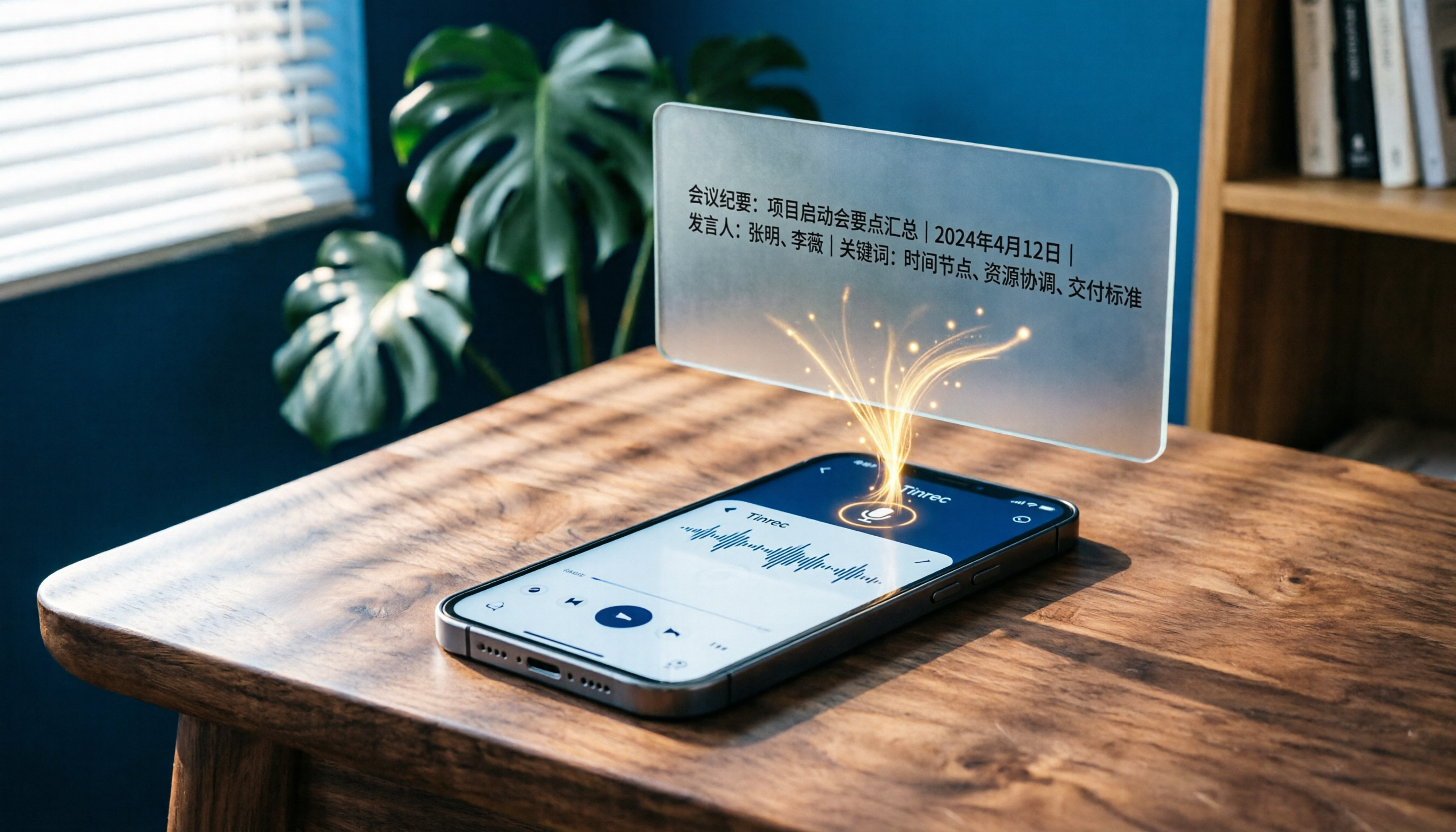
Turn recordings into transcripts and summaries in minutes
Upload audio or video for multilingual transcription, AI notes, and action items
Recently, while organizing meeting recordings, course audio files, and several interviews accumulated over the first half of the year, I found an awkward situation: I had nearly 40 hours of recordings on my phone, but less than a third had been properly turned into notes that could be searched and revisited.
I tried two different approaches: a dedicated AI recording hardware device and a software-based service. Along the way, I gradually clarified what I really needed and identified five key decision points.

If you're also searching for "which voice recorder brand is best," this article lays out my five steps in detail, and it might help you avoid some unnecessary detours.
PLAUD Note vs Tinrec: Quick Overview
PLAUD Note is an AI recording hardware device designed for standalone use, long battery life, and one-tap recording—ideal for users who like to carry a dedicated voice recorder. Tinrec, on the other hand, is an AI-based recording and audio/video organization software that works on phones, computers, and web browsers. Its core concept is to turn recordings and various audio/video files into organized, searchable, and reusable data.
While one is hardware and the other is a software platform, both address the same fundamental question: how to turn sound into something useful. This article compares them across five steps.
Step 1: Take Stock of Your Recording Sources—Don't Just Think About "Recording"
My first step was to honestly assess where my audio came from. Besides in-person meetings and spontaneous ideas captured on the go, I often need to organize online courses, YouTube interviews, old meeting recordings, and even screen recordings of online meetings.
PLAUD Note's strength lies in the device itself: it's great to carry around, you press a button to record during meetings or interviews, and the battery life is reassuring. But when I need to process not "live recordings" but MP3 files on my computer, videos downloaded from YouTube, or a Zoom recording, the hardware can't help.
Tinrec's difference is clear here: it's not just a voice recorder—it's a multi-source organization hub. I can directly paste links from YouTube or TikTok, upload audio files from my computer, or start live recording on the web. For me, this step decided half the choice: what I really need is not "buy another voice recorder" but to get all audio data into one place.
→ This step: Tinrec better suits multi-source organization needs.
Step 2: Ask Yourself "What Do I Want It to Become After Recording?"
Many people get stuck choosing a recording tool because they only think about "recording" and "transcription." But the more critical question is: after transcription, what do you want?
PLAUD Note's app offers summaries, highlights, and AI Q&A—basic organization features exist. But they are tied to the device's app, and the experience is more like "record, then check results on your phone."
Tinrec goes further. I upload a meeting recording, and it not only provides a transcript but also automatically splits it into chapters, lists action items, generates a summary, and lets me directly ask questions about the recording: "What did someone say when discussing the budget?" It finds the relevant segment. This AI-powered query capability turns recordings from "archives" into "dialogable databases."
Stop organizing recordings by hand
Upload audio or video and automatically get a transcript, summary, and action items
→ This step: Tinrec's depth of organization and ability to follow up is clearly superior.
Step 3: Calculate the Hidden Costs of Equipment and Convenience
PLAUD Note is a physical voice recorder. The benefit is independence—one press to record, no need to pull out your phone. But conversely, it's another thing to carry, charge, and remember. In my experience, after buying a hardware recorder, I used it actively for the first two months, started forgetting it in the third month, and eventually it sat quietly in my bag.

Tinrec works directly on your phone, tablet, and computer, and the web version is also available. No additional equipment needed, and you won't miss a meeting because you forgot the hardware. For most users who already rely on their phones for everything, this "zero extra device" convenience is more practical in the long run.
→ This step: Tinrec has the advantage in convenience and reducing the mental burden of carrying hardware.
Step 4: Evaluate Real-World Performance with Chinese and Mixed Languages
In Taiwan's context, recordings often mix Chinese and English, occasionally with some Taiwanese Hokkien. This was the aspect I cared about most in my tests.
PLAUD Note's transcription performs well in most English environments, but when it comes to Chinese, especially Chinese-English mixed content, accuracy noticeably drops, requiring significant manual correction afterward.
Tinrec handles Chinese much better. I tested the same Chinese-English mixed meeting recording, and Tinrec's transcript required almost no major edits. Even proper names and technical terms were captured more accurately, and the generated Chinese summary read naturally.
→ This step: In Chinese and mixed-language scenarios, Tinrec delivers a better experience.
Step 5: Compare Long-Term Costs and Flexibility
PLAUD Note is a one-time hardware purchase (Pro version about $179 USD), but to continue using advanced transcription features, you need a yearly subscription. If you want unlimited transcription, the annual fee is higher. Overall, it's a "large upfront cost + ongoing annual fee" structure.
Tinrec is fully subscription-based, with a free tier to start. If you only organize occasionally, the free quota is enough; for occasional heavy use, you can buy a week pass; for long-term users, the Pro monthly or annual plan can bring the monthly cost down significantly. This flexibility is much more accessible for those unsure about their usage frequency.
→ This step: Tinrec is more friendly in terms of entry barrier and plan flexibility.
What Are the Unique Advantages of Each?
Tinrec's Unique Advantages
- Multi-source integration: Meetings, courses, YouTube, TikTok, local files—all can be imported without switching tools.
- Comprehensive post-transcription processing: Automatic summaries, chapters, action items, and the ability to query the recording directly, turning audio into a knowledge base you can converse with.
- Better Chinese experience: Transcription quality for Chinese-English mixed and general meeting scenarios is closer to Taiwan usage habits than most general tools.
- Zero hardware barrier: Works on your phone and computer—no extra device to carry.
PLAUD Note's Unique Advantages
- Standalone hardware: One-tap recording without pulling out your phone, strong battery life, ideal for long recording sessions.
- Tangible feel and focus: For some, a physical recorder provides a sense of ritual that says "I'm recording now," reducing distractions from phone notifications.
Conclusion: Which Should You Choose?
- If you need a dedicated voice recorder and most of your scenarios are face-to-face interviews or in-person meetings, PLAUD Note remains a solid hardware choice.
- If your recording scenarios are more varied—online meetings, courses, interviews, YouTube videos, old audio files—and you want more than just archiving, with automatic summaries, querying, and export to notes, then Tinrec is closer to what you need.
- If you care about Chinese transcription quality or often deal with Chinese-English mixed discussions, Tinrec's performance is clearly more reliable.
- If you don't want to spend on hardware upfront, Tinrec's free tier and week pass let you test at minimal cost before committing to a subscription.
In a nutshell: For most users who need to "turn audio into usable data," Tinrec is the more complete solution. I recommend starting with the free version, running your own real recordings through these five steps, and seeing if it's the answer you've been looking for.
Turn every recording into actionable outcomes
Get 60 free transcription minutes when you sign in. No credit card required.
Related Reading
You might also like

2026 Speech-to-Text Tools Compared: Which One Handles Chinese Best According to Dcard 2024 Discussions?
Starting from Dcard discussions about speech-to-text, this article focuses on Tinrec and Notta, the two most frequently compared tools. It compares them on online meeting recording methods, Chinese and mixed Chinese-English recognition, post-meeting organization, team collaboration, free quotas, and pricing to help you decide which one to choose.

Tinrec vs Notta 2026: 5-Factor Comparison for Medical Consultation Recording Apps
Back-to-back clinic visits make it hard to remember what was said and even harder to look up later. This article compares Tinrec and Notta across five practical dimensions—Chinese consultation transcription, post-visit organization, and team sharing—and includes four common pitfalls of clinic recording plus selection advice.

5 AI Speech-to-Text Tools Tested for 2026: Which PTT-Favorite Actually Works for Meeting Minutes?
There's a lot of discussion on PTT about AI speech-to-text, but most reviews only cover transcription accuracy and skip how to use the output. This article starts from real meeting scenarios, outlines 4 key buying factors, and hands-on compares 5 popular tools including Tinrec, Otter.ai, Notta, and Granola. It also honestly lists free quotas and paid pricing to help you decide which one truly saves time on meeting notes.

2026 iPhone Meeting Transcription Showdown: Free Built-in vs. AI Tools—Which Saves More Time?
We tested four iPhone meeting transcription solutions in 2026, from the free built-in Voice Memos to Tinrec, Otter.ai, and Notta. Here's how to decide which one best fits your meeting needs for transcripts, AI summaries, action items, and team collaboration.

5 Gemini Meeting Transcription Options Tested for 2026: Is the Free Version Enough?
Many people upload meeting recordings to Gemini only to find that long recordings yield just a summary. This article reviews 5 Gemini meeting transcription options, from Gemini, Gemini Notebook, and Google AI Studio to Tinrec, with hands-on testing and pricing limits, helping you choose the right approach for short meetings or team knowledge retention.

2026 AI Meeting Notes Comparison: Beyond Notion AI Free — Who Is Tinrec For?
Starting from student use cases, this article debunks common misconceptions about 'Notion AI free meeting notes' and presents Tinrec as an alternative, comparing meeting capture, free quotas, post-meeting organization, and team collaboration, with practical examples for classes, group discussions, and internship interviews.

5 Transcription Tools Tested and Compared in 2026: Is Google Translate Transcription Good Enough? Which Saves the Most Time for Meeting Notes?
Google Translate's Transcribe feature can generate transcripts while recording audio, but it only supports Android and 8 languages, and cannot upload existing audio files. This article walks through its usage and limitations, then compares the scenarios where Tinrec, Otter.ai, Notta, and TurboScribe each fit best.

2026 Comparison of 3 Meeting Notes Methods: LINE vs ChatGPT vs Tinrec — Which Saves the Most Time?
After the meeting ends, the LINE group is still buzzing, but no one has organized the recording? This article compares three meeting notes approaches — LINE, ChatGPT, and Tinrec — covering bot-free recording, transcript organization, AI action items, and team data governance. It includes hands-on workflow tests and pitfalls to help you choose a meeting notes solution that truly saves time.

2026 Meeting Minutes Tools Buying Guide: 3 Hands-On Tests and Chinese Meaning of Meeting Minutes
The Chinese for 'meeting minutes' is '會議紀錄' (meeting record), not '會議幾分鐘' (how many minutes the meeting lasts). This article first explains the Chinese meaning of 'minutes', its plural usage, and common misunderstandings, then outlines the fields a meeting record should have and 4 key points for choosing a tool. It also compares Tinrec, Otter.ai, Notta, and Granola in hands-on tests, covering differences, quotas, and limitations, and finally provides a pitfall guide and selection advice.