
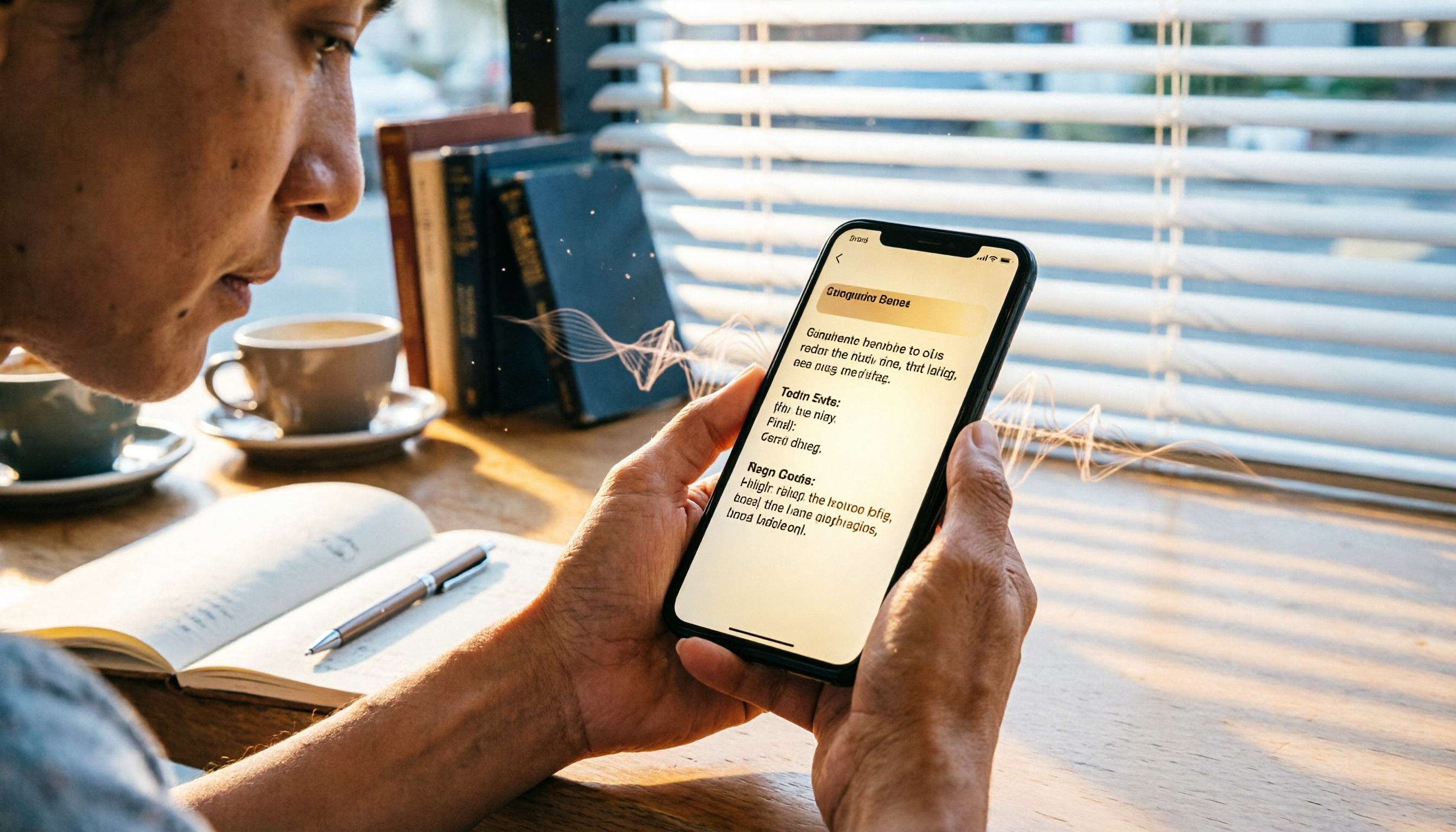
Turn recordings into transcripts and summaries in minutes
Upload audio or video for multilingual transcription, AI notes, and action items
What Can AI Recording Apps Like Tinrec Do for You?
Traditional voice recorders have a simple task: press record, save the audio file, and that's it. Later, if you need to find an important conversation, you might have to listen from start to finish.

But with AI recording apps like Tinrec, recording is just the first step. It can also:
- Auto-generate transcripts: Get a complete text record within minutes of recording—no more manual transcription.
- AI summaries and action items: Right after a meeting, get a summary and even a list of who needs to do what.
- Ask questions about your recording: Want to find "the budget number the client mentioned"? Just type your question to the AI, and it finds it—much faster than re-listening to an hour of audio.
Voice recorders can hardly do any of this. You'd still need to transfer files to a computer, open software, and then figure out how to organize. Tinrec lets you complete the entire process on your phone.
Tinrec's Core Capabilities: Not Just Recording, but Understanding
Voice recorders are basically just for recording, maybe with some noise reduction. Tinrec includes "organizing" and "understanding" as well.
Real-time Speech-to-Text
Transcribes as you record, with less than a second of delay. During meetings, you can glance at the screen to make sure you didn't miss anything important. With a voice recorder, you can only replay later.
AI Semantic Summarization
Not just condensing the transcript into a paragraph—it structures the content: meeting topic, conclusions, action items, responsibilities, all listed separately. Traditional recorders can't do this at all.
AI Conversational Query
After recording, you can ask Tinrec questions like "What did the client say about pricing in the meeting?" It answers based on the semantic content. Imagine doing that with a voice recorder—you'd have to listen to the entire meeting to find the answer.
Multi-source Input
Tinrec can not only record but also upload local audio files, paste YouTube video links, and even parse public videos from TikTok, Bilibili, and others. Voice recorders can only capture live audio; handling other files requires separate tools.
Multi-format Export
Transcriptions can be exported as Word, PDF, subtitle files, and synced to Notion or Google Docs. Voice recorder? You usually have to organize manually.
Real-World Use Cases
Scenario 1: Meeting Notes
With a voice recorder: After the meeting, transfer the file to your computer, open a player, listen slowly, and type notes. A two-hour meeting might take an extra hour to organize.
With Tinrec: Real-time transcription during the meeting, and after it ends, the AI summary is ready, including action items. A quick review and your meeting notes are done.
Stop organizing recordings by hand
Upload audio or video and automatically get a transcript, summary, and action items
Scenario 2: Lecture Recording
With a voice recorder: Record the entire class, listen again at home, struggle to find key points, and rely on memory to skip around.
With Tinrec: Transcribes while recording. After class, use the AI query to ask "Which pages did the teacher mention as exam focus?" The answer appears instantly, doubling your study efficiency.
Scenario 3: Interview Transcription
With a voice recorder: After the interview, manual transcription takes hours, and you might miss some sentences due to unclear audio.
With Tinrec: Upload the interview file, get a transcript in minutes, ask the AI for a summary, and directly extract quotable quotes.

Scenario 4: Content Creation
With a voice recorder: Record a podcast or video narration, then repeatedly listen to organize into a script or article.
With Tinrec: Paste a video link, get the transcript and summary instantly, turning it into blog post or social media content.
4 Things to Consider When Choosing a Recording Tool
If you're debating between a voice recorder and an app, evaluate these four points.
1. Auto-Organization Ability
After recording, do you want a "to-be-organized" file or one that's already organized for you? Tinrec automatically provides summaries, action items, and chapters after transcription, saving tons of post-processing time. Voice recorders just record; you organize yourself.
2. Convenience of Use
Voice recorders need to be carried, and you might forget them or they may run out of battery. Tinrec lives in your phone—something you already carry. Open the app and start recording without needing an extra device. Plus, real-time transcription lets you verify content on the spot.
3. Scalability and Cross-Scenario Use
Voice recorders can only handle live recordings. To organize old audio files on your computer or online videos, you need additional tools. Tinrec handles recording, file transcription, and online video parsing in one app, covering more use cases.
4. Long-Term Cost
A decent voice recorder can be quite expensive, and transcription or summary features may require extra fees—or may not exist at all. Tinrec offers a free plan with basic monthly credits, and paid plans start with a weekly pass for short-term needs. Pro monthly or annual plans suit heavy users. No need to spend on hardware upfront.
Frequently Asked Questions
Q: Isn't voice recorder audio quality better?
A: Not necessarily. Most modern phones have decent microphones, and apps like Tinrec use noise reduction and voice enhancement to achieve sufficient transcription accuracy in typical meeting or classroom environments. Unless you're recording in extremely noisy settings, a phone app is often enough.
Q: Does recording with an app drain battery?
A: Tinrec processes real-time transcription in the cloud, so the phone only handles recording and data transmission, consuming power similar to a regular recording app. If you're worried about long meetings, a power bank solves the problem.
Q: Is a voice recorder more private?
A: It depends on your habits. With a recorder, the file is stored on the device. If you lose it, the content could be exposed. Tinrec uses cloud storage with encrypted transmission and has privacy protection mechanisms. Both have risks, but apps usually offer more granular access control.
Q: I'm not tech-savvy—isn't a voice recorder simpler?
A: Actually, Tinrec's interface is very intuitive. Open the app, press record, and you're off—just like a voice recorder. But after recording, Tinrec automatically organizes the content, reducing downstream hassle.
Q: Is the free plan enough?
A: The free plan offers basic monthly transcription credits. If you only record meetings or classes occasionally, you can experience the core features for free. Upgrade only when you need more transcription—no long-term commitment required.
Summary
The gap between voice recorders and AI recording apps is no longer just "hardware vs. software." Modern recording tools need to do more than just store audio—they must quickly turn recordings into actionable information. Tinrec's real-time transcription, AI summarization, multi-source input, and cross-platform export far exceed what traditional voice recorders can offer. If you're still on the fence, try Tinrec's free plan first—without spending a dime, you can experience the efficiency of AI-assisted recording.
Turn every recording into actionable outcomes
Get 60 free transcription minutes when you sign in. No credit card required.
Related Reading
You might also like

2026 AI Meeting Notes Comparison: Beyond Notion AI Free — Who Is Tinrec For?
Starting from student use cases, this article debunks common misconceptions about 'Notion AI free meeting notes' and presents Tinrec as an alternative, comparing meeting capture, free quotas, post-meeting organization, and team collaboration, with practical examples for classes, group discussions, and internship interviews.

5 Transcription Tools Tested and Compared in 2026: Is Google Translate Transcription Good Enough? Which Saves the Most Time for Meeting Notes?
Google Translate's Transcribe feature can generate transcripts while recording audio, but it only supports Android and 8 languages, and cannot upload existing audio files. This article walks through its usage and limitations, then compares the scenarios where Tinrec, Otter.ai, Notta, and TurboScribe each fit best.

2026 Comparison of 3 Meeting Notes Methods: LINE vs ChatGPT vs Tinrec — Which Saves the Most Time?
After the meeting ends, the LINE group is still buzzing, but no one has organized the recording? This article compares three meeting notes approaches — LINE, ChatGPT, and Tinrec — covering bot-free recording, transcript organization, AI action items, and team data governance. It includes hands-on workflow tests and pitfalls to help you choose a meeting notes solution that truly saves time.

2026 Meeting Minutes Tools Buying Guide: 3 Hands-On Tests and Chinese Meaning of Meeting Minutes
The Chinese for 'meeting minutes' is '會議紀錄' (meeting record), not '會議幾分鐘' (how many minutes the meeting lasts). This article first explains the Chinese meaning of 'minutes', its plural usage, and common misunderstandings, then outlines the fields a meeting record should have and 4 key points for choosing a tool. It also compares Tinrec, Otter.ai, Notta, and Granola in hands-on tests, covering differences, quotas, and limitations, and finally provides a pitfall guide and selection advice.

How to Take Gemini Meeting Notes in 2026: 5 Steps from Recording to AI Summary
Before searching for a 'Gemini meeting notes app,' determine three things: your Google plan eligibility, whether your meeting is multilingual, and whether the notes are for personal or team use. This article breaks down the real limitations of Google Meet's 'Take notes for me,' compares Tinrec, Otter.ai, and Notta with hands-on testing, and includes a 5-step workflow plus 4 common pitfalls to avoid.

iPhone Voice Memos vs Tinrec in 2026: 5-Factor Comparison — Which Is Better for Transcribing Meetings?
From the built-in iPhone Voice Memos app to Tinrec, we compare 5 practical factors to help you decide which iPhone transcription solution best fits your meetings, interviews, and team collaboration.

4 AI Meeting Notes Tools Tested for 2026: Which Saves the Most Time for Cantonese Meetings?
Cantonese meetings with mixed Chinese and English, then having to listen to recordings and type up minutes yourself? This article breaks down 4 key factors for choosing an AI meeting notes tool and compares Tinrec, Subanana, Notta, and PLAUD to clarify which suits Hong Kong teams and which are traps.

2026 Comparison of 3 Meeting Minutes Templates: Tinrec Auto-Generates Chinese Minutes Fastest
When searching for meeting minutes Chinese templates, most people want a format they can directly apply. This article provides 3 Chinese meeting minutes templates for enterprise project meetings, client interviews, and school club meetings, and compares Tinrec and Notta on bot-free recording, Chinese transcription, post-meeting outputs, and team data retention, helping you decide whether to write manually or use a tool.

2026 Mac Transcription Software Guide: Tinrec's Bot-Free Recording + AI Q&A for Meeting Notes
The real difference between Mac transcription apps isn't how fast they transcribe—it's how much time you spend organizing afterward. This guide compares MacWhisper and Tinrec across five dimensions: how meetings are captured, post-meeting output, AI follow-up questions, cross-language handling, and team data ownership. Includes a ready-to-use starter checklist.