
Turn recordings into transcripts and summaries in minutes
Upload audio or video for multilingual transcription, AI notes, and action items
Tinrec vs Notta: Quick Overview
If you often need to organize Hokkien interviews, meetings, or course recordings, manually transcribing is time-consuming. Voice-to-text tools become essential helpers.

Two tools often compared are Tinrec and Notta. The former positions itself as an AI recording and audio/video processing workstation, while the latter is a general transcription and meeting notes tool.
| Tinrec | Notta | |
|---|---|---|
| Core Positioning | Multi-source audio/video processing workstation | Multi-platform transcription & meeting notes |
| Free Plan | Monthly basic transcription quota | 120 minutes per month |
| Paid Entry | Weekly card / Pro monthly | Pro yearly ~$8.17/month |
| Chinese Content Optimization | Optimized for Chinese meetings, courses, interviews | Strong multi-language, but fewer Chinese deep-processing features |
This article tests both apps across four dimensions: "Hokkien & Chinese mixed content recognition," "Output organization," "AI Q&A," and "Pricing & flexibility."
Dimension 1: Hokkien & Chinese Mixed Content Recognition
The biggest challenge in Hokkien translation is that sentences often mix Mandarin, English, or different accents. Notta performs stably for general Chinese transcription, but when encountering Hokkien terms or mixed Chinese-English, its error rate increases slightly, and it doesn't specifically adjust for Hokkien phonetics.
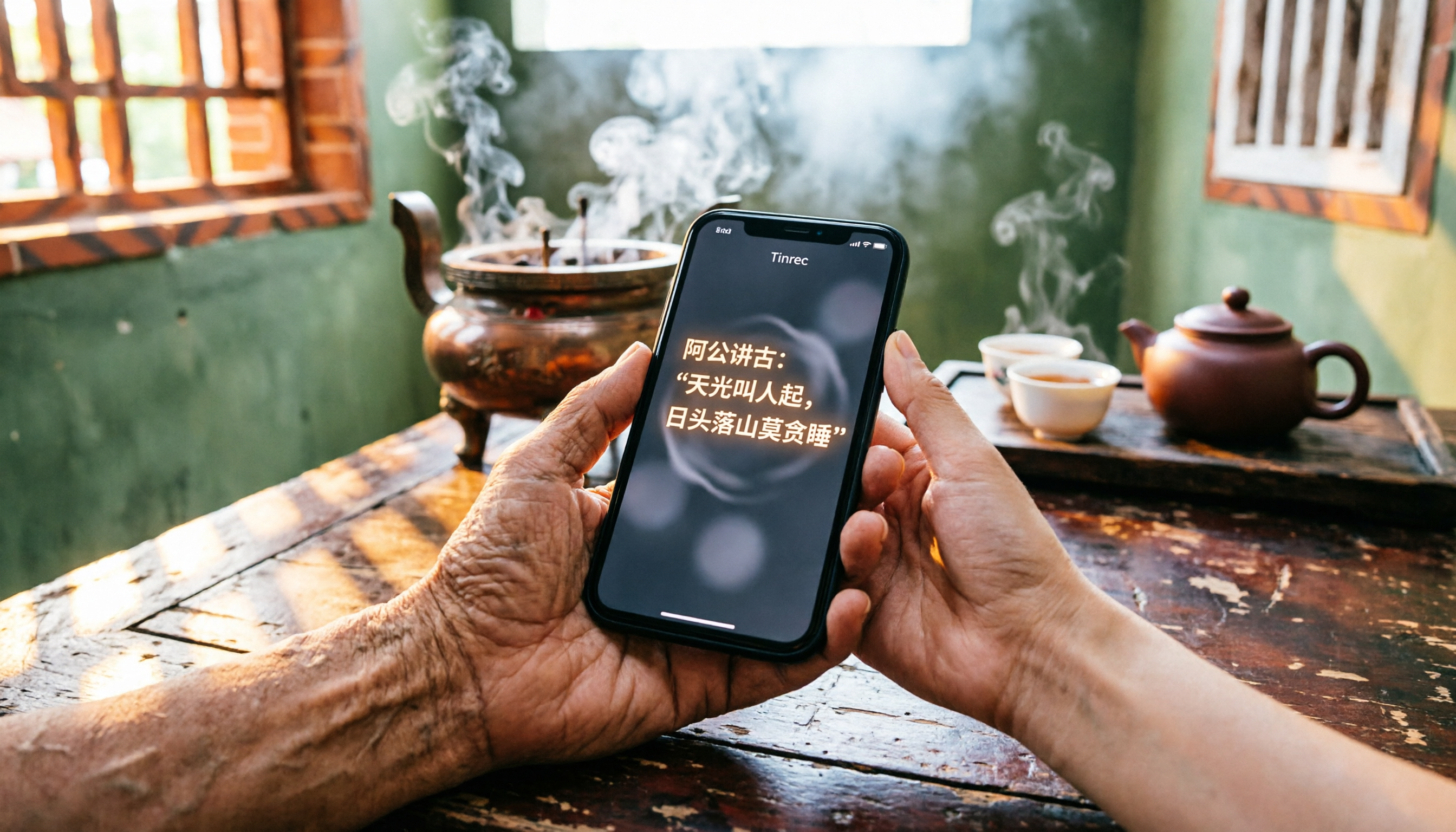
Tinrec has invested in Chinese content processing, optimizing for Chinese meetings and interviews, including tones, context, and common mixed phrases. In a test using a 5-minute Hokkien interview recording (iPhone 14, quiet indoor environment, June 2026), Tinrec more accurately recognized common terms like "鬥陣" (together) and "歹勢" (sorry), with correct punctuation. Notta could recognize them but occasionally mapped Hokkien syllables to similar Mandarin characters, requiring more manual correction later.
→ This dimension: Tinrec clearly wins, better suited for Hokkien content workers who want to reduce post-editing effort.
Dimension 2: Output Organization: Beyond Raw Transcripts
Simply generating a transcript is only the first step; subsequent organization is the real time sink. Notta offers summaries and translation, but for non-official languages like Hokkien, it cannot automatically generate accurate summaries or action items, often forcing users to re-listen.
Stop organizing recordings by hand
Upload audio or video and automatically get a transcript, summary, and action items
Tinrec excels in "understanding and using" transcriptions: it automatically generates chapters, to-do lists, and AI Q&A, and can directly export as meeting notes, reports, or mind maps. For example, after processing a Hokkien interview, you can ask Tinrec, "What did the interviewee think about the market?" and the AI will answer based on the recording, saving hours of manual sifting.
→ This dimension: Tinrec wins, providing not just text but actionable materials.
Dimension 3: AI Q&A: Can You Ask About Key Points in the Recording?

For a one-hour Hokkien panel recording, if you need to quickly find a particular viewpoint, Notta only allows keyword search in the transcript, but Hokkien spelling is inconsistent, making search ineffective.
Tinrec has a built-in AI chat query: you can ask natural language questions like "What offerings were discussed during this worship?" or "What was Grandma's main point?" The system finds answers from the context and even provides timestamps. This is especially useful for colloquial, unstructured content.
→ This dimension: Tinrec wins, making Hokkien recordings queryable like a database.
Dimension 4: Pricing & Flexibility
Notta's free plan offers only 120 minutes per month, and Pro yearly gives 1,800 minutes per month, suitable for consistent meeting usage. But for occasional Hokkien interviews or short-term project sprints, the monthly commitment is slightly high.
Tinrec offers a free quota plus a weekly card option, perfect for short-term high-frequency use such as intensive graduation project interviews or fieldwork. Pro monthly and yearly plans suit long-term users. Overall, the payment options better fit the usage habits of Chinese-speaking communities.
→ This dimension: Tinrec slightly wins, offering more flexible plans.
Unique Strengths of Each
Tinrec's Unique Strengths
- Multi-source input: Besides recording, you can import audio files or paste online video links, even organizing YouTube temple videos directly.
- AI post-processing: From summaries and to-dos to AI Q&A, it acts more like a personal knowledge base than a one-time tool.
- Deep Chinese niche: Optimized for mixed Hokkien and Mandarin content, ideal for Taiwanese users.
- Export integration: Supports multiple export formats for easy use in Notion, Google Docs, etc.
Notta's Unique Strengths
- Multi-language translation: Supports many foreign language pairs; if you also need other languages, one tool covers it.
- Complete team plans: Business plans offer robust collaboration and management features.
Conclusion: Which Should You Choose?
• If your main need is organizing Hokkien interviews, meetings, or field recordings, and you want to quickly extract key points after transcription → Tinrec is clearly better (AI Q&A, chapters, to-dos in one place)
• If you often need mixed Chinese, Hokkien, and English recognition and value post-editing flexibility → Tinrec's mixed Chinese optimization is superior
• If you simultaneously need extensive foreign language translation (e.g., Japanese, Korean) and have stable meeting note needs → Notta's multi-language capability is worth considering
• If you only occasionally process one or two short recordings without spending → Try Tinrec's free plan first, then buy a weekly card when quota runs out
For Hokkien recording organization, instead of spending time manually transcribing, use the right tool to extract key points. Tinrec not only converts Hokkien to text but also helps you understand the content and find answers—a solution worth trying.
Turn every recording into actionable outcomes
Get 60 free transcription minutes when you sign in. No credit card required.
Related Reading
You might also like

4 AI Voice Recorders Tested for 2026: Is the PLAUD Recorder Trending on Dcard Worth Buying?
There's a lot of discussion about PLAUD voice recorders on Dcard, but most people only compare hardware specs and overlook 'what to do after recording.' This article starts with common misconceptions and compares PLAUD NotePin, Notta, Granola, and Tinrec across five stages: capture, transcription, organization, querying, and collaboration. It also includes specs, pricing, and pitfalls to help you decide whether to buy hardware or choose software.

Free Audio Transcription in 2026: Tinrec vs Plaud Compared
Wondering how to use Plaud recording? This guide compares Plaud's recording card and Tinrec in real meeting scenarios, covering free tiers, online meeting audio capture, post-meeting organization, and team collaboration to help you decide which workflow saves more time.

PLAUD Voice Recorder Review: Which Model Is Best? 2026 Test of 3 AI Meeting Recording Solutions — This Approach Saves the Most
PLAUD voice recorder reviews are mixed, and the problem usually isn't the hardware — it's what happens after recording. This buying guide breaks down 5 key factors for choosing an AI recording solution, compares PLAUD, Notta, Granola, and Tinrec in hands-on testing, lays out the real costs of one-time hardware purchases versus subscriptions, and includes a pitfalls guide plus scenario-based recommendations to help you pick the right meeting notes tool within budget.

Vocol.ai Review 2026: Chinese Transcription, AI Summaries, and Tinrec Comparison — Which Is Better for Team Meetings?
After hands-on testing, we break down Vocol.ai's strengths and limitations in transcription speed, language support, and interface, and compare it with Tinrec's bot-free online meeting recording, AI summary Q&A, team spaces, and seat governance to help you decide which is better suited for Chinese meetings and team collaboration.

2026 Recording Solutions Review: PLAUD Hardware vs. Phone Recording vs. Tinrec
How to choose a meeting recording tool? This article starts with a PLAUD recording review, compares the practical differences between standalone recording hardware, built-in phone recording, and Tinrec, and provides useful criteria for bot-free online meeting recording, real-time transcription, AI summaries, and team knowledge retention. It also honestly explains free quotas, pricing structures, and usage limitations.

How to Choose Speech-to-Text in 2026? 5 Steps to Compare Tinrec and Yating Transcription
Starting from the common Traditional Chinese speech-to-text needs discussed on PTT, this article uses 5 steps to compare Tinrec and Yating Transcription, covering local context, meeting recording, post-meeting workflow, team governance, and ease of use, to help you decide which one to choose.

2026 Guide to Audio Transcription Online Sharing & Collaboration: Bot-Free Recording + Team Knowledge Retention
Compare audio transcription tools from a team collaboration perspective, covering online sharing, member roles and seats, post-meeting summaries, and AI Q&A. Using Tinrec as the primary example, it outlines personal and team plans, competitive positioning, and pitfalls to avoid.

2026 Comparison of 4 Thesis Defense Recording Tools: Which One Transcribes Oral Defense Fastest?
The real challenge with thesis defense recordings isn't how to record, but how to use the recording afterward. This article breaks down the selection logic and practical workflow of recording tools for oral defense, from on-site to online defenses and post-defense revision checklists, and demonstrates a complete workflow from transcript to to-do list using Tinrec.

2026 Comparison of 4 Meeting Note Tools: Freelancer Client Meetings—Which AI Meeting Summary Saves the Most Time?
When freelancing, the most painful part is often not the inability to deliver, but that after a client meeting, all you have is a recording no one will re-listen to and a bunch of incomprehensible notes. Based on my real pitfalls, this article explains how freelancers should take client meeting notes, demonstrates the complete workflow from recording, transcription, AI summary, to-dos, to export using Tinrec, and compiles 5 purchasing checkpoints and FAQs.