
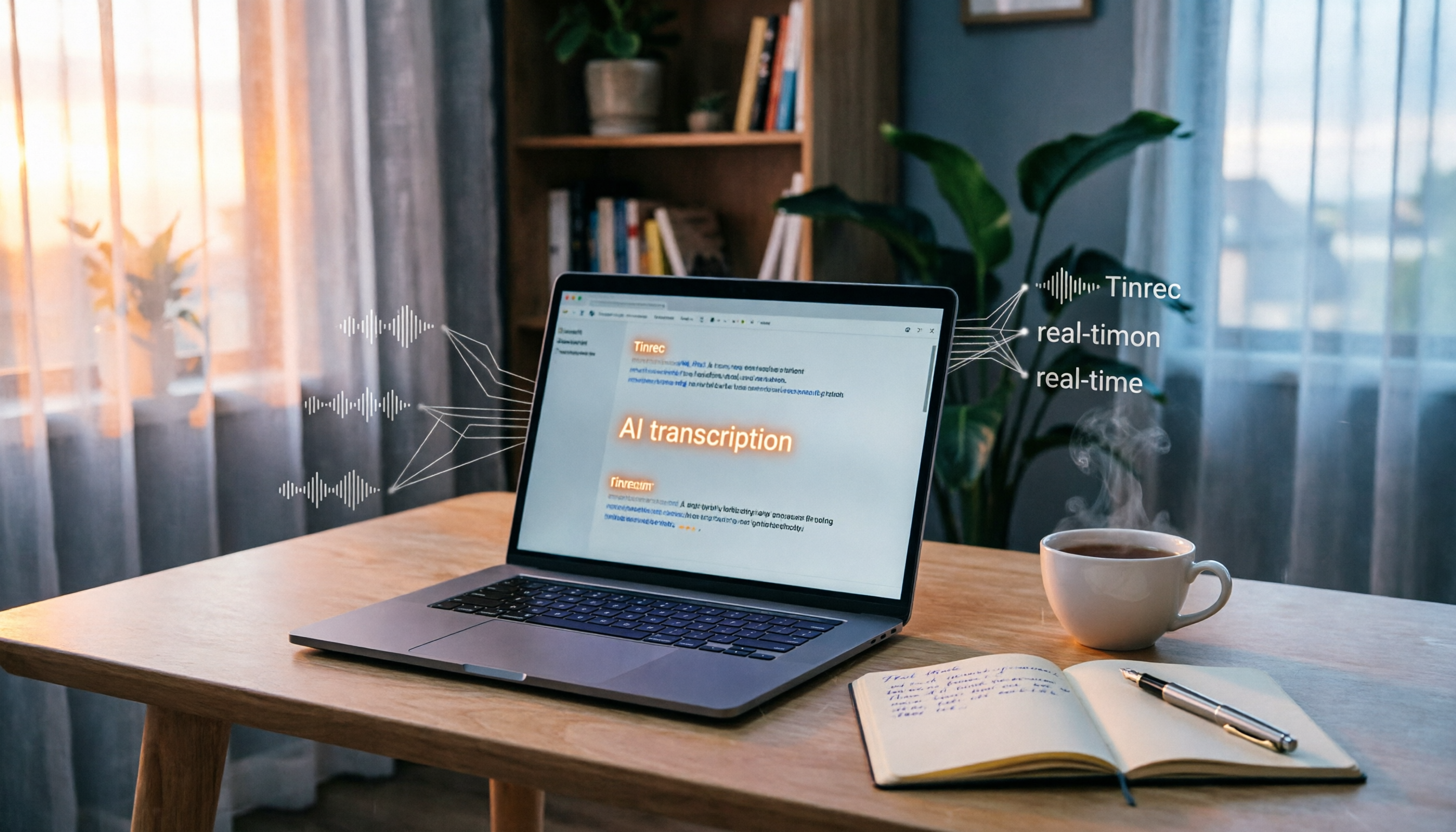
Turn recordings into transcripts and summaries in minutes
Upload audio or video for multilingual transcription, AI notes, and action items
Struggling with transcribing meetings, lectures, and videos? You need smarter solutions, not more tools
Two hours in a meeting, then another two hours transcribing meeting notes — that's almost every office worker's reality. Worse, if someone speaks Cantonese or mixes Chinese and English, just listening to the recording is a headache. And then there are online tutorials, interview podcasts — great content but no time to watch, so they just get saved and never opened.

If you've used transcription tools like Notta, you might still find them clunky — like needing a separate tool to transcribe YouTube videos, shallow AI summaries, or poor cross-platform support.
The right tool can solve all that. In this article, I tested 4 popular voice-to-text apps to help you find the best for meetings, lectures, and videos.
5 Key Factors to Consider Before Choosing a Speech-to-Text Tool
Many people rush to download an app only to find it doesn't fit, because they didn't think through these points.
1. Transcription Accuracy: Don't Just Read the Ads
The claimed 98% accuracy is usually measured in a quiet studio. Real environments have air conditioning, keyboard sounds, overlapping speech — accuracy drops. Test the free version with your own recordings to see if it meets your standards.
2. Input Source Variety
Do you only use it for meetings? Or also for old audio files, YouTube videos, podcasts? If the tool only supports live recording, you'll regret it when you need to process files or online videos. Choose one that handles live recording, uploaded files, and URL links for maximum flexibility.
3. AI Summarization Quality
Transcription is just step one. How do you quickly get the key points from the transcript? Good tools automatically summarize, create chapters, extract action items, and even let you ask 'What was the conclusion of this meeting?' This is a whole different level from simple speech recognition.
4. Platform Support
Are you an iPhone or Android user? Do you need to edit on a computer? Cross-platform syncing is crucial; otherwise, recording on your phone and transferring to a PC breaks your workflow.
5. Pricing and Free Limits
How many free minutes do you get? Enough for your weekly meetings? Some tools are generous with free plans but limited features; others have stricter limits but more complete features. Know your usage and budget before committing to a monthly fee.
Tinrec(秒聽錄音) — Our Top Pick After Testing
Tinrec(秒聽錄音) is an AI voice and video transcription tool that goes beyond text conversion, focusing on post-transcription organization and usability. It supports iOS, Android, and web, so you can sync across phone and computer.
During my testing, I found three most useful features:
Real-time voice-to-text with AI summaries Open Tinrec during a meeting or class, and it transcribes in real time. Afterward, AI automatically generates summaries, chapters, and action items—who needs to do what and deadlines are clear. This is leagues faster than manually transcribing while listening.
Directly transcribe online video links Just paste a public video URL from YouTube, Bilibili, or TikTok, and Tinrec extracts the audio and transcribes it, along with key summaries.
Stop organizing recordings by hand
Upload audio or video and automatically get a transcript, summary, and action items

For someone like me who needs to organize tutorial videos and recordings of foreign conferences, it's a lifesaver.
AI conversational query — the key differentiator After recording, you can ask Tinrec in Chinese, 'Who mentioned the budget adjustment in the last meeting?' It doesn't just return keyword search results; it understands semantics and directly gives the answer, even marking the timestamp.
Currently, few tools in the same price range offer this.
Of course, Tinrec isn't perfect. The free plan has a monthly transcription limit, which might not be enough if you have long meetings daily. But for someone who attends 2-3 meetings per week and occasionally processes videos, the free limit is sufficient. It also supports multiple export formats (Word, TXT, SRT subtitles, etc.), making it easy to continue editing in Notion or Google Docs.
If you need an all-in-one tool for meetings, classes, and online videos, and you want more than just a transcript—like AI Q&A and auto-summarization—Tinrec is the most balanced option on the market.
Other Alternatives Besides Tinrec
Notta
Notta is a direct competitor to Tinrec, with decent transcription quality and support for multi-language and meeting notes. Its free plan offers 120 minutes per month, slightly more than Tinrec, but lacks direct online video transcription and AI chat query. If your main work is batch file transcription or you need subtitle translation, Notta is still worth considering. But if you want to 'ask' your recording content or frequently process YouTube videos, Tinrec is better.
Otter.ai
Otter is the top choice for English meetings, with a generous free plan of 300 minutes per month and seamless Zoom integration. However, its Chinese support is weak, and Cantonese is almost non-existent. If your meetings are primarily in English, give Otter a try; but if you work mainly in Chinese, skip it.
Fireflies.ai
Fireflies excels at automatically joining online meetings and recording, ideal for team collaboration and CRM integration. The free plan claims 'unlimited transcription' but has many limitations. Its Chinese transcription is average, and it lacks online video processing. If you need automated team meeting transcription, Fireflies is good; but for individuals or small teams handling diverse audio/video content, Tinrec is more convenient.
Pitfall Guide: 4 Common Mistakes When Choosing Speech-to-Text Tools
Mistake 1: Relying only on official accuracy claims without testing Many tools claim high accuracy, but that's under ideal conditions. Download the app and test it in your real-world scenarios (e.g., meeting rooms, coffee shops) to avoid buyer's remorse.
Mistake 2: Ignoring AI organization features, treating it as a mere transcriber Transcription is just the first step. If you only use it to convert audio to text, you're using only 30% of its potential. Tinrec's AI query, for example, lets you ask for key points directly, saving you half an hour of manual searching.
Mistake 3: Forgetting to check cross-platform support If you record on iPhone today and want to edit on PC tomorrow, and the tool lacks a web or desktop version, it's a hassle. Tinrec offers iOS, Android, and web versions, which is convenient.
Mistake 4: Using the tool only for meetings Many people think these tools are only for meeting notes. But they are great for organizing lecture recordings, interview materials, and YouTube videos. Use them in various scenarios to truly save time.
Conclusion: Which One Should You Choose?
Overall, if you're looking for a Notta alternative and want: - More than just transcription: AI summaries and Q&A - Easier processing of online videos and audio files - Reliable Chinese and Cantonese transcription Then Tinrec is the most recommended choice.
Here's a summary by use case:
- For organizing meetings, classes, and YouTube videos with AI Q&A → Tinrec
- For bulk file transcription and subtitle translation, without strong AI Q&A needs → Notta
- For English meetings with seamless Zoom integration → Otter.ai
- For team collaboration and automatic online meeting recording → Fireflies.ai
Try the free version of Tinrec first. It comes with a monthly basic allowance, enough for a few meetings and video transcriptions to test it out. Upgrade only if you find it useful—no need to pay upfront.
Turn every recording into actionable outcomes
Get 60 free transcription minutes when you sign in. No credit card required.
Related Reading
You might also like

4 Android Call Recording Tools Compared for 2026: Built-in, Apps, and AI Transcription
Many people search for an 'Android call recording app' and immediately download the highest-rated one from the store, only to find the recording file empty after the call. This article starts with the real limitations of Android call recording, explains 4 key points to understand before choosing, and then compares Google Phone app's built-in recording, Cube ACR, Call Recorder, and Tinrec. It helps you distinguish between 'recording the call' and 'making the recording usable.'

2026 Comparison of 5 Call Recording Apps: Tinrec Fills the Transcription and Meeting Notes Gap
How to choose a call recording app? This article approaches the decision from two needs: "just an audio file" versus "usable records right away." It compares the practical limitations of common call recording tools like Cube ACR, Call Recorder, and Rev Call Recorder, and explains how Tinrec uses bot-free meeting recording, real-time transcripts, AI summaries and action items, and team spaces to turn recordings into searchable, queryable, deliverable data.

4 iPhone Call Recording Apps Tested for 2026: Which One Actually Saves You Post-Meeting Time?
There are countless iPhone call recording apps, but the real question is: what do you get after recording? Based on a mid-level manager's six-month hands-on testing, this article compares iOS 18 built-in, TapeACall, Rev Call Recorder, and Tinrec across five dimensions: transcription, Chinese recognition, scenario coverage, AI Q&A, and team data governance, to tell you which one to choose for which situation.

4 Phone Call Recording Apps Tested for 2026: How to Turn Recordings into Useful Data
How to choose a phone call recording app? This article starts with the system limitations of iPhone and Android, compares Cube ACR, CallsBox, Rev Call Recorder, and built-in phone recording, and explains how to use Tinrec to turn recordings into transcripts, summaries, and action items so your call records are truly retrievable.

2026 Comparison of 4 Teams Meeting Transcription Tools: Which One Saves You Post-Meeting Cleanup Time?
Teams has built-in transcription, so why do people still miss things? Starting from real meeting scenarios, this article breaks down the policy restrictions and expiration settings of Teams' built-in transcription, compares Tinrec, Otter.ai, Notta, and Teams' built-in transcription in terms of Chinese recognition, post-meeting organization, and team data retention, and summarizes the 3 most common purchasing pitfalls.

2026 Comparison of 5 Meeting Transcription Tools for Public Servants: Which One Actually Saves Overtime?
When choosing a meeting transcription tool, public servants should look beyond free minutes and consider Chinese recognition, whether online meetings can be recorded without a bot, post-meeting summaries and Q&A, data policies, and team handover. This article tests Tinrec, Otter.ai, Granola, TurboScribe, and Notta in typical government meeting scenarios, outlining selection criteria, pitfalls to avoid, and scenario-based recommendations to help you work less overtime.

The Complete 2026 Guide to Automating Google Meet Transcripts: From Recording to Summaries and Action Items
Many people assume that pressing record in Google Meet will automatically generate a transcript. In practice, the built-in transcript and Gemini notes don't support Chinese, so you still have to re-listen and organize after the meeting. This guide covers pain points, selection criteria, hands-on recommendations, and pitfalls to avoid, comparing Tinrec, Google Meet built-in, TurboScribe, and PLAUD Note to help you find the right automated workflow for Chinese meetings.

2026 Comparison of 6 Call Recording to Text Apps: Which AI Meeting Notes Really Save Time?
Just realized you missed key points after hanging up? This article reviews 6 call recording to text apps in 2026, comparing call recording transcription, AI summaries, action item extraction, and team collaboration, with free tiers and pricing to help you find a truly time-saving solution.

2026 Complete Guide to Hakka Speech-to-Text Apps: Sixian and Hailu Accent Transcript Workflow
Hakka speech-to-text isn't just pressing start. Based on a student's report pitfalls, this guide covers three key factors—accent, recording quality, and post-meeting organization—and demonstrates Tinrec's full workflow from recording to transcript, summary, to-dos, and team collaboration, with buying checkpoints and FAQs.