

Turn recordings into transcripts and summaries in minutes
Upload audio or video for multilingual transcription, AI notes, and action items
Why Are People Looking for Google Meet Alternatives?
Google Meet itself has live captions, but they only support English, and after the meeting ends, you only get a simple transcript with no summary, action items, or follow-up organization. If you need to manage online meetings, in-person discussions, lecture recordings, or online videos, you'll find the built-in tools insufficient.

Besides not being able to manage all audio sources across platforms, the free version's transcription time is also limited. If you're looking for an assistant that can better digest various audio and video content, Tinrec is worth keeping an eye on.
Tinrec vs Google Meet: What's Different in Core Experience?
Language Support: Google Meet captions are limited to English, while Tinrec supports over 14 languages, accurately recognizing mixed Chinese, Cantonese, and English.
Cross-Platform Organization: Google Meet recordings are only stored in Google Drive and are hard to integrate with other tools; Tinrec can accept real-time recordings, file uploads, and pasted web links, managing everything in one dashboard and exporting to Notion, Google Docs, and more.
AI Post-Processing: After a Google Meet, you only get a transcript. Tinrec automatically generates summaries, chapters, and action items, and you can use AI Q&A to ask for details, like "What was the meeting decision?" or "What are my tasks?"
Input Sources: Google Meet can only record meetings on its platform; Tinrec covers online meetings, offline recordings, audio/video files, and public videos from YouTube, TikTok, etc., covering more scenarios.
Free Plan: Google Meet requires a paid plan for longer transcription. Tinrec's free plan offers 100 minutes of transcription per month, so you can try before deciding.
Tinrec's Core Features at a Glance
Real-Time Recording to Text: During meetings or classes, open Tinrec to record and transcribe in real time with almost zero delay. When the meeting ends, the transcript is ready.
Stop organizing recordings by hand
Upload audio or video and automatically get a transcript, summary, and action items
Audio/Video File to Text: Upload old recordings, interview files, or podcast MP3s to convert them into editable text with one click.
Web Video Link Parsing: Paste a YouTube or TikTok URL, and Tinrec automatically extracts the audio and converts it to text, generating a key summary perfect for research or content repurposing.
AI Summaries and Action Item Extraction: For a one-hour meeting, AI condenses it into a five-minute read of key points and lists who should do what, so nothing is missed.
AI Chat Query: Your recording library becomes a second brain. Can't remember a meeting conclusion? Just ask Tinrec via text, and it finds the answer from your history.

Real-World Use Cases
Hybrid Work Meetings: Start Tinrec recording during a Google Meet. After the meeting, it automatically produces a bilingual (Chinese/English) transcript, summary, and action items, which you can save directly to Notion to sync with your team.
Student Online Classes: As the teacher teaches via Google Meet, Tinrec records the full session in the background. After class, review key points with AI Q&A and create mind maps.
Content Creators: When you find an inspiring YouTube video, use Tinrec to parse the link and quickly get a text transcript and key points as material for video scripts.
Interview Research: Record an expert interview, upload the audio file, and Tinrec converts it to a transcript. Then ask AI about specific viewpoints to extract quotable sentences.
Key Points When Choosing a Recording-to-Text Tool
Multi-Source Input Support: Don't limit yourself to one platform. Choose a tool that handles meetings, files, and online videos to meet all needs. Tinrec does this well.
AI Organization Capability: A transcript alone isn't enough. Automatic summaries, action items, and Q&A are key to boosting efficiency. Tinrec's AI post-processing is among the most intuitive I've used.
Cross-Device Sync: Record on your phone, organize on your computer. Tinrec's iOS, Android, and web versions sync instantly, so you can work anywhere.
Is the Free Plan Sufficient?: Tinrec's free plan offers 100 minutes per month, enough for occasional meetings. If you need more, the Pro plan has transparent pricing with no hidden limits.
Privacy and Permissions: Recording files are encrypted and not used to train public models, which is important for business users.
Conclusion: Is Tinrec Worth a Try?
If you're tired of Google Meet's basic built-in transcription and want to turn meetings, classes, and various audio/video content into actionable information, Tinrec is one of the few options on the market that fully meets your needs. Especially for Chinese speakers, its recognition and organization are more practical than many foreign tools. Start with the free plan—100 minutes per month—and test it with your own recordings. That's more effective than any review.
Turn every recording into actionable outcomes
Get 60 free transcription minutes when you sign in. No credit card required.
Related Reading
You might also like

2026 Comparison of 5 Meeting Transcription Tools for Public Servants: Which One Actually Saves Overtime?
When choosing a meeting transcription tool, public servants should look beyond free minutes and consider Chinese recognition, whether online meetings can be recorded without a bot, post-meeting summaries and Q&A, data policies, and team handover. This article tests Tinrec, Otter.ai, Granola, TurboScribe, and Notta in typical government meeting scenarios, outlining selection criteria, pitfalls to avoid, and scenario-based recommendations to help you work less overtime.

The Complete 2026 Guide to Automating Google Meet Transcripts: From Recording to Summaries and Action Items
Many people assume that pressing record in Google Meet will automatically generate a transcript. In practice, the built-in transcript and Gemini notes don't support Chinese, so you still have to re-listen and organize after the meeting. This guide covers pain points, selection criteria, hands-on recommendations, and pitfalls to avoid, comparing Tinrec, Google Meet built-in, TurboScribe, and PLAUD Note to help you find the right automated workflow for Chinese meetings.

2026 Comparison of 6 Call Recording to Text Apps: Which AI Meeting Notes Really Save Time?
Just realized you missed key points after hanging up? This article reviews 6 call recording to text apps in 2026, comparing call recording transcription, AI summaries, action item extraction, and team collaboration, with free tiers and pricing to help you find a truly time-saving solution.

2026 Complete Guide to Hakka Speech-to-Text Apps: Sixian and Hailu Accent Transcript Workflow
Hakka speech-to-text isn't just pressing start. Based on a student's report pitfalls, this guide covers three key factors—accent, recording quality, and post-meeting organization—and demonstrates Tinrec's full workflow from recording to transcript, summary, to-dos, and team collaboration, with buying checkpoints and FAQs.
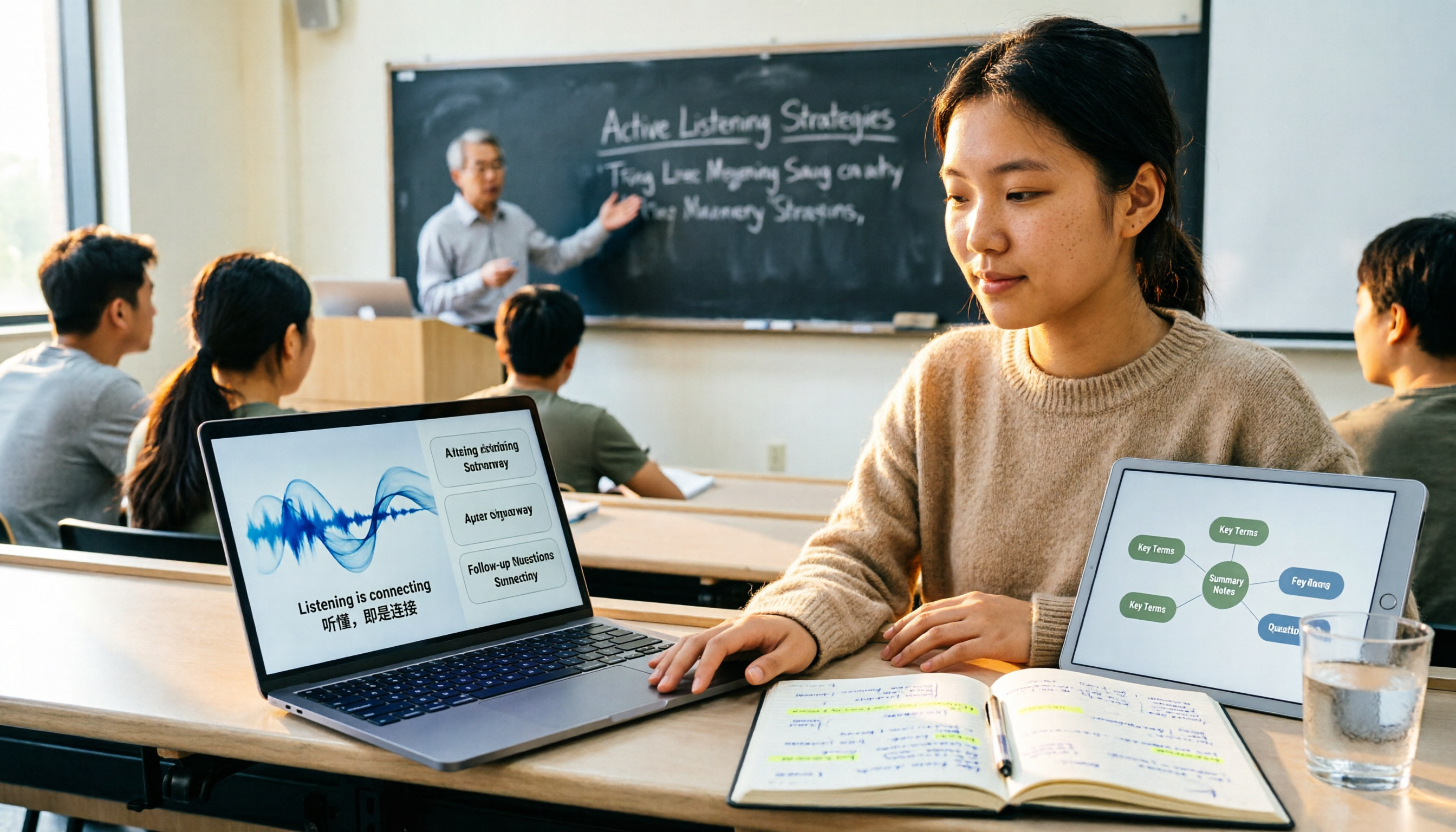
2026 Comparison of 4 Lecture Recording & Translation Tools for International Students: Understand Foreign Language Classes Without Re-listening
2026 comparison of lecture recording and translation tools for international students, starting from common pitfalls, comparing Tinrec, Otter.ai, Notta, and Google Translate to help you choose a classroom tool that records and transcribes simultaneously, offers bilingual viewing, and provides post-class summaries and Q&A.

Best Voice Note Apps in 2026: Hands-On Test of 4 Tools—This One Excels at AI Summaries and Post-Meeting Q&A
A mid-level manager who attends 15 meetings a week shares honest feedback after testing 4 voice note and AI organization tools. From 'what you get after transcription' and 'how meetings are recorded' to 'can you ask follow-up questions' and 'team governance,' we break down 4 key criteria for choosing a tool, and candidly explain who Tinrec, Granola, Otter.ai, and PLAUD are each suited for—and where the pitfalls lie.

2026 Comparison of 3 WhatsApp Audio-to-Text Solutions: Built-in Transcription vs. AI Organization
Transcribing WhatsApp voice messages and transcribing call recordings are two different things. This article starts with common misconceptions and compares WhatsApp's built-in transcription, Notta, TurboScribe, and Tinrec in terms of their actual differences in organizing call and meeting content, with cost and quota details, to help you choose the approach that truly saves time.

2026 Slack Meeting Recording AI Comparison: 4 Tools Tested — Which One Actually Turns Meetings into Usable Records?
Slack Huddles disappear as soon as they end — a common pain point for many teams. This article starts from real usage scenarios, breaks down 5 key buying criteria, and compares Tinrec, Slack's built-in AI recording, Notta, and Otter.ai on meeting capture methods, post-meeting outputs, cross-meeting Q&A, and team governance. It also includes a pitfalls guide and scenario-based selection advice.

How to Review Interview Recordings in 2026: 5 Steps to Summarize Key Points with AI Analysis Tools
Stop replaying entire interview recordings. Using Tinrec as an example, this article walks you through 5 steps to transcribe interview recordings, summarize key points, ask follow-up questions with AI, export and archive, and collaborate with your team—plus answers to common questions and tool selection advice.