

Turn recordings into transcripts and summaries in minutes
Upload audio or video for multilingual transcription, AI notes, and action items
Why Are People Looking for Alternatives to Google Meet Whiteboard?
When you have a Google Meet call, you can open a whiteboard (Jamboard or integrated third-party whiteboard) and draw things or write key points with colleagues—it feels convenient. But the problem is, it's just a virtual whiteboard. Once the meeting ends, you still have to go back through your scribbled notes and screenshots, then slowly type up meeting minutes—time just slips away. If you've ever had a two-hour meeting and then had to stare at whiteboard screenshots to recall the key points, you know why so many people are looking for alternatives: what you need isn't another board, but something that automatically turns meeting content into text, summaries, and action items, so you have deliverables immediately. If you have similar needs, Tinrec is worth checking out.

Tinrec vs Google Meet Whiteboard: What are the Key Differences?
Recording Method: Manual Notes vs. Full Automatic Transcription
The most time-consuming part of a meeting isn't the discussion—it's converting that discussion into text afterward. Google Meet Whiteboard relies on manually writing down key points; no matter how much you draw, it's still just an image, and later you have to mentally translate it back into text. Tinrec is different: once you start recording, it transcribes in real time with less than 1 second delay. By the time the meeting ends, the verbatim transcript is ready. No more staring at whiteboard screenshots and slowly typing—you have a complete text record to use.
Output: A Picture vs. Structured Meeting Data
The whiteboard gives you a picture, maybe with a few arrows and boxes. But Tinrec gives you a set of structured data: verbatim transcript, AI summary, auto-generated chapters, extracted action items, and even a ready-to-use meeting minutes document. You no longer need to organize everything from scratch—just click a button and you have a presentable document.
Search and Reuse: No Way to Find vs. AI-Powered Query
Once you save whiteboard screenshots to Drive, finding a specific decision weeks later means opening each image one by one. Tinrec turns all recordings into a searchable text library. You can just ask in the app, "Who was responsible for following up with Client A in the last meeting?" and it will give you an answer based on semantic understanding. No more relying on memory and luck.
Cross-Platform Coverage: Web Only vs. Mobile, Desktop, and Web
Google Meet Whiteboard is mainly used on the desktop web version, making it hard to review when you're out and about. Tinrec supports iOS, Android, and web versions, so whether you're in the office, a cafe, or on the road, you can record, organize, and access your content anytime—truly fitting the mobile work habits of today's professionals.
Tinrec Core Features at a Glance
Real-Time Transcription: Open Tinrec, and as you record, text appears instantly. During a meeting, you can watch the screen to ensure nothing is missed. When the meeting ends, the verbatim transcript is ready, saving you at least 30 minutes of typing.
Stop organizing recordings by hand
Upload audio or video and automatically get a transcript, summary, and action items
AI Summary and Chapter Segmentation: After a one-hour meeting, Tinrec automatically splits it into chapters, each with a one-line summary. You don't have to listen from start to finish—just jump to the "Budget Discussion" or "Next Meeting Date" section.
AI-Powered Q&A: Want to know "What special requirements did the client have?" or "Who is responsible for follow-up?" Just type your question into Tinrec, and it will analyze the entire recording and give you an answer. No more manually combing through dozens of pages of transcripts—you'll amaze your colleagues with your speed.

Automatic Action Item Extraction: Meetings often end with "who will do what and by when." Tinrec can automatically extract these action items into a to-do list and sync them to your calendar or note-taking app, ensuring no one drops the ball.
Multi-Format Export: Organized content can be exported as Word, PDF, TXT, or directly synced to Notion or Google Docs. You can continue working with whatever tool you prefer without being locked into one platform.
Practical Use Cases
Team Project Meetings: After a meeting, the whiteboard leaves you with just a bunch of arrows and hearts, but Tinrec gives you a complete record, summary, and action items. The project manager can paste action items directly into Asana, and the whole team can follow up that same day.
Online Courses and Lectures: Instead of drawing a mind map on the whiteboard, use Tinrec to record the entire session. It automatically transcribes and splits into chapters. Later, when you review, just search for keywords to find relevant explanations, making studying several times more efficient.
Journalist Interviews: The worst part of interviews is having to listen to recordings and type up notes afterward. Tinrec transcribes as you record, so when the interview ends, you already have a draft. You can even ask "What was the interviewee's stance on the new policy?" and get key points immediately, helping you submit your story faster.
Personal Idea Recording: When an idea strikes while you're out walking, instead of opening Google Meet Whiteboard to draw, use Tinrec to speak for two minutes. It will automatically transcribe and summarize, and you can search for it later or export it to Evernote for further editing.
Key Points to Consider When Choosing a Transcription Tool
Language Support: In Hong Kong, meetings often mix Cantonese and English. If a tool only handles Mandarin or English, it will frequently misrecognize keywords, wasting your time. Tinrec supports 14 languages and is optimized for Cantonese tones and mixed-language scenarios, reducing errors.
Cross-Platform Convenience: You don't want data out of sync when you use your computer in the office and your phone on the go. Tinrec offers iOS, Android, and web versions, so one account seamlessly switches between devices.
Beyond Transcription: If you only need verbatim text, many free tools can do that. But for automatic summaries, chapter segmentation, Q&A, and action items, you need deep AI integration. Tinrec's AI post-processing turns recordings into truly useful documents, not just a wall of text.
Free Trial: It's normal to try before you pay. Tinrec's free plan offers 100 minutes of transcription per month, enough to test with meetings, courses, and interviews. Confirm it really helps before deciding to upgrade.
Conclusion: Is Tinrec Worth a Try?
Instead of still figuring out how to make the most of Google Meet Whiteboard, switch your mindset: the point of a meeting isn't how nice the board is, but what results you get afterward. Tinrec turns recordings into text, summaries, and action items automatically—no more relying on whiteboard screenshots to slowly create minutes. You can search and ask questions anytime, truly helping professionals save overtime spent on meeting minutes. If you have meetings, classes, or interviews every week, download the free version of Tinrec and use the 100 minutes monthly allowance to test it with your own recordings—the effect will be more direct than any review.
Turn every recording into actionable outcomes
Get 60 free transcription minutes when you sign in. No credit card required.
Related Reading
You might also like

2026 Comparison of 5 Meeting Transcription Tools for Public Servants: Which One Actually Saves Overtime?
When choosing a meeting transcription tool, public servants should look beyond free minutes and consider Chinese recognition, whether online meetings can be recorded without a bot, post-meeting summaries and Q&A, data policies, and team handover. This article tests Tinrec, Otter.ai, Granola, TurboScribe, and Notta in typical government meeting scenarios, outlining selection criteria, pitfalls to avoid, and scenario-based recommendations to help you work less overtime.

The Complete 2026 Guide to Automating Google Meet Transcripts: From Recording to Summaries and Action Items
Many people assume that pressing record in Google Meet will automatically generate a transcript. In practice, the built-in transcript and Gemini notes don't support Chinese, so you still have to re-listen and organize after the meeting. This guide covers pain points, selection criteria, hands-on recommendations, and pitfalls to avoid, comparing Tinrec, Google Meet built-in, TurboScribe, and PLAUD Note to help you find the right automated workflow for Chinese meetings.

2026 Comparison of 6 Call Recording to Text Apps: Which AI Meeting Notes Really Save Time?
Just realized you missed key points after hanging up? This article reviews 6 call recording to text apps in 2026, comparing call recording transcription, AI summaries, action item extraction, and team collaboration, with free tiers and pricing to help you find a truly time-saving solution.

2026 Complete Guide to Hakka Speech-to-Text Apps: Sixian and Hailu Accent Transcript Workflow
Hakka speech-to-text isn't just pressing start. Based on a student's report pitfalls, this guide covers three key factors—accent, recording quality, and post-meeting organization—and demonstrates Tinrec's full workflow from recording to transcript, summary, to-dos, and team collaboration, with buying checkpoints and FAQs.
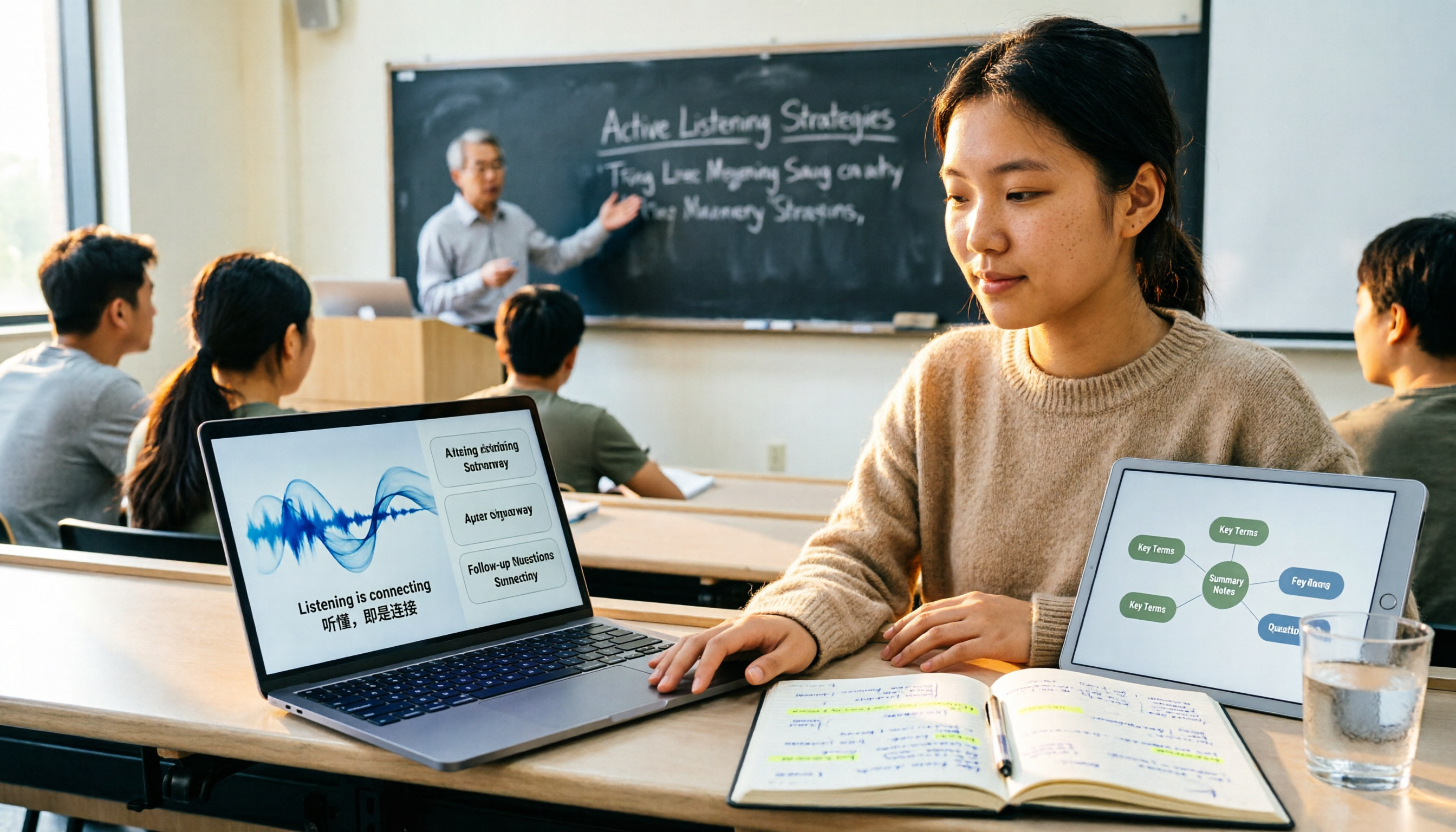
2026 Comparison of 4 Lecture Recording & Translation Tools for International Students: Understand Foreign Language Classes Without Re-listening
2026 comparison of lecture recording and translation tools for international students, starting from common pitfalls, comparing Tinrec, Otter.ai, Notta, and Google Translate to help you choose a classroom tool that records and transcribes simultaneously, offers bilingual viewing, and provides post-class summaries and Q&A.

Best Voice Note Apps in 2026: Hands-On Test of 4 Tools—This One Excels at AI Summaries and Post-Meeting Q&A
A mid-level manager who attends 15 meetings a week shares honest feedback after testing 4 voice note and AI organization tools. From 'what you get after transcription' and 'how meetings are recorded' to 'can you ask follow-up questions' and 'team governance,' we break down 4 key criteria for choosing a tool, and candidly explain who Tinrec, Granola, Otter.ai, and PLAUD are each suited for—and where the pitfalls lie.

2026 Comparison of 3 WhatsApp Audio-to-Text Solutions: Built-in Transcription vs. AI Organization
Transcribing WhatsApp voice messages and transcribing call recordings are two different things. This article starts with common misconceptions and compares WhatsApp's built-in transcription, Notta, TurboScribe, and Tinrec in terms of their actual differences in organizing call and meeting content, with cost and quota details, to help you choose the approach that truly saves time.

2026 Slack Meeting Recording AI Comparison: 4 Tools Tested — Which One Actually Turns Meetings into Usable Records?
Slack Huddles disappear as soon as they end — a common pain point for many teams. This article starts from real usage scenarios, breaks down 5 key buying criteria, and compares Tinrec, Slack's built-in AI recording, Notta, and Otter.ai on meeting capture methods, post-meeting outputs, cross-meeting Q&A, and team governance. It also includes a pitfalls guide and scenario-based selection advice.

How to Review Interview Recordings in 2026: 5 Steps to Summarize Key Points with AI Analysis Tools
Stop replaying entire interview recordings. Using Tinrec as an example, this article walks you through 5 steps to transcribe interview recordings, summarize key points, ask follow-up questions with AI, export and archive, and collaborate with your team—plus answers to common questions and tool selection advice.