

Turn recordings into transcripts and summaries in minutes
Upload audio or video for multilingual transcription, AI notes, and action items
How to Record Google Meet in UAE in 2026: A Complete 5-Step AI Guide
Last semester, I took an international online course. The professor was in the US teaching via Google Meet, and I was in the UAE, initially panicking—unstable internet, built-in captions often lagging, and by midterms, my notes were a mess. Luckily, I found Tinrec, a recording and organizing tool that automatically turned each class's highlights into notes in 5 steps. This guide is for fellow students in the UAE.

Google Meet Built-in Captions vs Tinrec: Quick Overview
Google Meet offers real-time captions, which automatically appear when your connection in the UAE is stable, but they're only for "live" reference—you can't download a transcript later, and there's no summary or key points. Tinrec is an AI-powered recording and audio/video organization app that captures Google Meet audio, transcribes it into text, and automatically generates summaries, to-dos, and even allows you to ask AI questions about your notes. Their purposes are completely different: one is an in-meeting assistive caption, the other is a post-meeting complete recording and organization tool.
| Feature | Google Meet Built-in Captions | Tinrec |
|---|---|---|
| Core Function | Real-time captions | Record & transcribe, AI summary, Q&A, export |
| Post-meeting Transcript | No | Yes, searchable, copyable |
| AI Post-processing | No | Summary, chapters, to-dos, mind maps |
| Input Sources | Google Meet only | Recording, audio files, online video links, online meeting recordings |
| Platform | Web (during meeting) | iOS, Android, Web |
| Price | Free | Free tier with monthly quota; Pro ~NT$150/month |
Below is a direct comparison from five dimensions that matter to students.
Dimension 1: Transcription Completeness
Google Meet's built-in captions only show during the meeting; you can't go back and search for what the professor said last week, and if your internet drops for a few minutes, those captions are lost too. Before midterms, I tried to recall a model explanation but had no clue.
Tinrec, once you start recording, converts the entire Google Meet audio into a full transcript. You can review it later, search by keyword, and manually mark highlights. For students, this turns the entire semester's online classes into a searchable database.
→ This dimension: Tinrec clearly wins.
Dimension 2: AI Post-processing Capability
Built-in captions are just "captions"—nothing more. You have to listen and take notes yourself; a three-hour class often leaves your hand sore and you miss key points.
Stop organizing recordings by hand
Upload audio or video and automatically get a transcript, summary, and action items
Tinrec, after transcription, can generate AI summaries, split chapters, and extract to-dos with one click. My current workflow: record the whole class → use Tinrec to transcribe → click "Summary" for a quick review → paste to-dos into Notion as next week's study goals. The night before finals, this process was far more efficient than my messy handwritten notes.
→ This dimension: Tinrec clearly wins.
Dimension 3: Input Source Diversity
Google Meet captions only exist within the meeting. If your professor uses Zoom or your group discussion is on LINE, it's useless.
Tinrec can record Google Meet, but also supports uploading audio files, pasting YouTube or Bilibili links for transcription, and even recording ambient sound via your phone. I attended an online seminar using Cisco Webex; I turned up my computer speaker, opened Tinrec on my phone, and still got the transcript and summary.

→ This dimension: Tinrec clearly wins.
Dimension 4: Export and Subsequent Use
Google Meet captions cannot be exported as text; the only way to save them might be screenshots, but with faces all over the screen, it's useless.
Tinrec can export transcripts, summaries, to-dos, etc., as TXT, PDF, or sync directly to Notion and Google Docs. When dividing group work, I exported the meeting transcript to Google Docs and shared it with teammates, so no one argued about who said what.
→ This dimension: Tinrec clearly wins.
Dimension 5: Price and Free Quota (Student Perspective)
Google Meet captions are completely free—that's unbeatable.
Tinrec's free version has a monthly transcription quota. I calculated that if you only record the most important classes (e.g., 2 classes per week, 3 hours each), the free tier is probably enough. If you need to record group discussions and tutoring sessions too, consider the Pro plan, which costs about the same as two late-night snacks—well worth it for a semester's worth of recorded notes.
→ This dimension: Google Meet wins on price, but Tinrec's paid plan is student-friendly.
What Are Their Unique Advantages?
Tinrec's Unique Advantages:
- Powerful Post-recording Organization: Not just text, but highlights, to-dos, perfect for busy students.
- Multi-source Compatibility: Handles Google Meet, Zoom, in-person class recordings, online videos—one app for all audio/video.
- AI Q&A Like a Tutor: Ask Tinrec "What does that term the professor mentioned mean?" and it answers based on the recording.
- Cross-device Sync: Record on phone, review on computer; record in the library, organize at home.
Google Meet Built-in Captions' Unique Advantages:
- Zero Barrier, No Installation: Captions appear as soon as you join a meeting, ideal for instant understanding.
- Completely Free: For students on a tight budget, it's still a basic option.
Summary: Which Should You Choose?
- If you only need "real-time understanding" during Google Meet classes and don't mind having no post-meeting record → Google Meet built-in captions are enough.
- If you want to turn the entire semester's online classes, group discussions, and even review videos into searchable, revisable notes → Tinrec is better.
For most students taking online courses in the UAE, where the internet can be unstable, relying solely on real-time captions is risky. A transcript you can review later is essential for exams and reports. I used it for a whole semester, climbing from the bottom of the class in midterms to the top five in finals—Tinrec is definitely a lifesaver. I recommend starting with the free version and testing it with your own class recordings.
Turn every recording into actionable outcomes
Get 60 free transcription minutes when you sign in. No credit card required.
Related Reading
You might also like

2026 Comparison of 5 Meeting Transcription Tools for Public Servants: Which One Actually Saves Overtime?
When choosing a meeting transcription tool, public servants should look beyond free minutes and consider Chinese recognition, whether online meetings can be recorded without a bot, post-meeting summaries and Q&A, data policies, and team handover. This article tests Tinrec, Otter.ai, Granola, TurboScribe, and Notta in typical government meeting scenarios, outlining selection criteria, pitfalls to avoid, and scenario-based recommendations to help you work less overtime.

The Complete 2026 Guide to Automating Google Meet Transcripts: From Recording to Summaries and Action Items
Many people assume that pressing record in Google Meet will automatically generate a transcript. In practice, the built-in transcript and Gemini notes don't support Chinese, so you still have to re-listen and organize after the meeting. This guide covers pain points, selection criteria, hands-on recommendations, and pitfalls to avoid, comparing Tinrec, Google Meet built-in, TurboScribe, and PLAUD Note to help you find the right automated workflow for Chinese meetings.

2026 Comparison of 6 Call Recording to Text Apps: Which AI Meeting Notes Really Save Time?
Just realized you missed key points after hanging up? This article reviews 6 call recording to text apps in 2026, comparing call recording transcription, AI summaries, action item extraction, and team collaboration, with free tiers and pricing to help you find a truly time-saving solution.

2026 Complete Guide to Hakka Speech-to-Text Apps: Sixian and Hailu Accent Transcript Workflow
Hakka speech-to-text isn't just pressing start. Based on a student's report pitfalls, this guide covers three key factors—accent, recording quality, and post-meeting organization—and demonstrates Tinrec's full workflow from recording to transcript, summary, to-dos, and team collaboration, with buying checkpoints and FAQs.
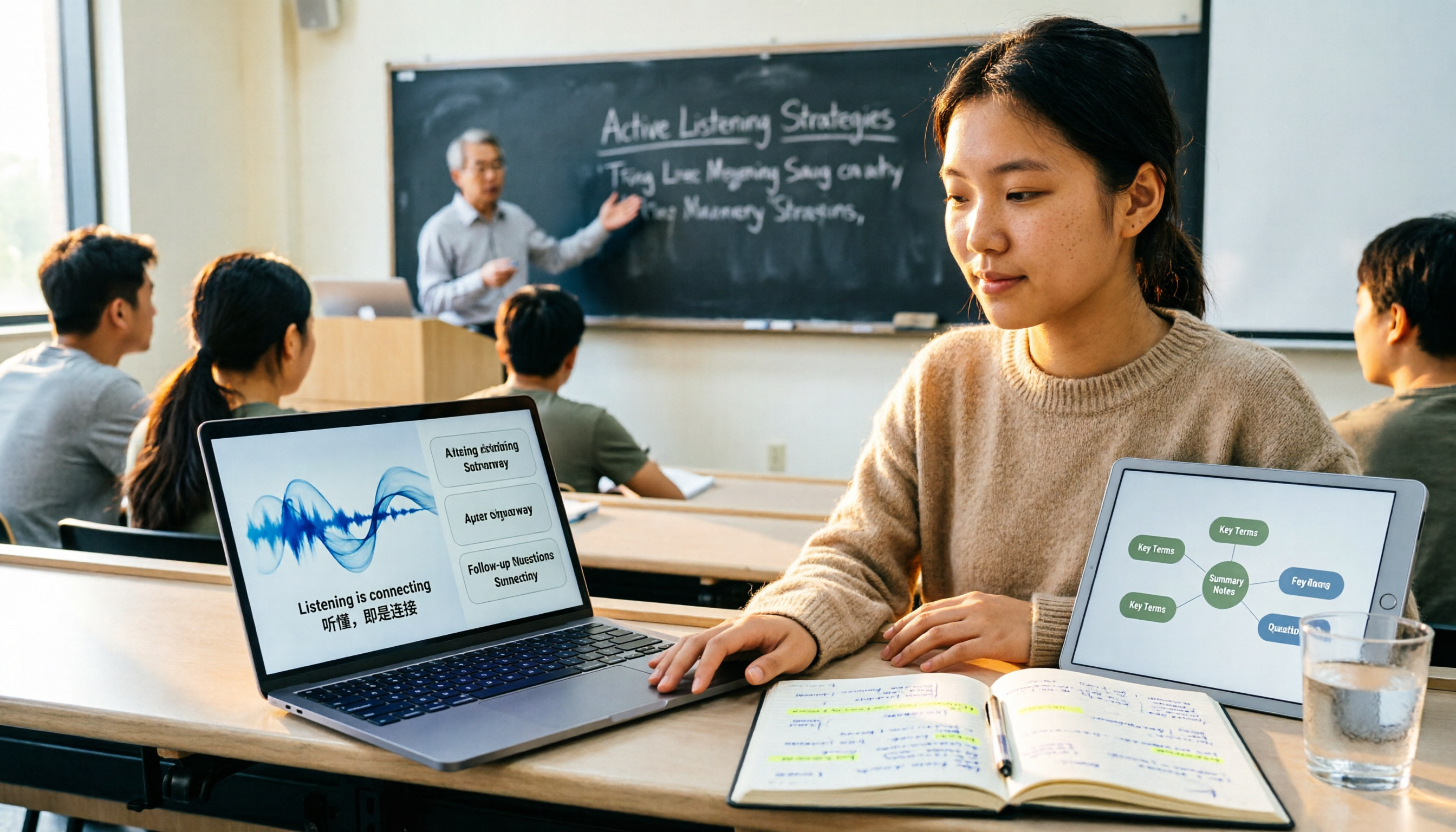
2026 Comparison of 4 Lecture Recording & Translation Tools for International Students: Understand Foreign Language Classes Without Re-listening
2026 comparison of lecture recording and translation tools for international students, starting from common pitfalls, comparing Tinrec, Otter.ai, Notta, and Google Translate to help you choose a classroom tool that records and transcribes simultaneously, offers bilingual viewing, and provides post-class summaries and Q&A.

Best Voice Note Apps in 2026: Hands-On Test of 4 Tools—This One Excels at AI Summaries and Post-Meeting Q&A
A mid-level manager who attends 15 meetings a week shares honest feedback after testing 4 voice note and AI organization tools. From 'what you get after transcription' and 'how meetings are recorded' to 'can you ask follow-up questions' and 'team governance,' we break down 4 key criteria for choosing a tool, and candidly explain who Tinrec, Granola, Otter.ai, and PLAUD are each suited for—and where the pitfalls lie.

2026 Comparison of 3 WhatsApp Audio-to-Text Solutions: Built-in Transcription vs. AI Organization
Transcribing WhatsApp voice messages and transcribing call recordings are two different things. This article starts with common misconceptions and compares WhatsApp's built-in transcription, Notta, TurboScribe, and Tinrec in terms of their actual differences in organizing call and meeting content, with cost and quota details, to help you choose the approach that truly saves time.

2026 Slack Meeting Recording AI Comparison: 4 Tools Tested — Which One Actually Turns Meetings into Usable Records?
Slack Huddles disappear as soon as they end — a common pain point for many teams. This article starts from real usage scenarios, breaks down 5 key buying criteria, and compares Tinrec, Slack's built-in AI recording, Notta, and Otter.ai on meeting capture methods, post-meeting outputs, cross-meeting Q&A, and team governance. It also includes a pitfalls guide and scenario-based selection advice.

How to Review Interview Recordings in 2026: 5 Steps to Summarize Key Points with AI Analysis Tools
Stop replaying entire interview recordings. Using Tinrec as an example, this article walks you through 5 steps to transcribe interview recordings, summarize key points, ask follow-up questions with AI, export and archive, and collaborate with your team—plus answers to common questions and tool selection advice.