

Turn recordings into transcripts and summaries in minutes
Upload audio or video for multilingual transcription, AI notes, and action items
2026 Comparison of 2 Meeting Transcription Tools: Google Meet Built-in Transcription vs. Professional Organization Solution Explained
Google Meet Built-in Transcription vs. Tinrec | Quick Overview

Since 2021, Google Meet has provided real-time captions and meeting transcription in certain Google Workspace editions, making it a handy built-in option for English-speaking users. Tinrec (秒听录音) is a cross-platform AI recording and audio/video organization tool for iOS, Android, and the web, designed to turn recordings into reusable knowledge.
The fundamental difference: Google Meet transcription is a "meeting add-on" that can only be triggered during Meet calls and outputs raw text; Tinrec is an "organization hub" that can convert audio and video from meetings, lectures, interviews, videos, etc., into summaries, chapters, action items, and even let you ask follow-up questions about the content.
| Google Meet Built-in Transcription | Tinrec | |
|---|---|---|
| Primary Focus | Real-time captions and post-meeting text records during meetings | AI recording and multi-source audio/video organization tool |
| Input Sources | Google Meet meetings only | Live recording, local audio/video files, YouTube/Bilibili/Xiaohongshu links, computer system audio |
| Cost Threshold | Requires Google Workspace Business Standard or above (approx. $10 USD/month) | Free tier provides basic monthly quota; Pro plan about $7 USD/month |
| Platforms | Web (within meetings) | iOS, Android, Web with cloud sync across devices |
| Ideal Use Cases | English-centric internal meetings | Chinese meetings, online courses, interviews, video content, personal knowledge base, etc. |
This article compares them across five dimensions: "Input Source Diversity," "Post-Transcription Organization," "Language and Chinese Support," "Cross-Platform and Data Accumulation," and "Export and Subsequent Use," before providing a final recommendation.
Dimension 1 | Input Source Diversity: Meetings vs. All Audio/Video
Google Meet transcription is completely tied to a single meeting platform: you must enable it within a Meet call and it can only capture that call's audio. If a recording comes from other sources—like a mobile recording of an in-person meeting, a classroom lecture, a podcast file, or a YouTube video—Google Meet cannot process it at all.
Tinrec, on the other hand, opens up recording sources: you can record meetings or lectures directly on your phone, upload local mp3/mp4/wav files, or even paste public video links (YouTube, TikTok, Bilibili, etc.) for automatic parsing. This means one tool handles all your audio/video content for the week, without switching between apps.
→ This dimension: Tinrec clearly wins.
Dimension 2 | Post-Transcription Organization: Raw Transcript vs. Actionable Data
Google Meet's transcription result is a "speaker-labeled transcript" saved in Google Drive. You can search keywords and copy text, but there are no automatic summaries, no highlights, no action item extraction—you still have to manually read through the transcript to know what to do.
Stop organizing recordings by hand
Upload audio or video and automatically get a transcript, summary, and action items
After transcription, Tinrec automatically generates AI summaries and breaks down content into chapters. It can also extract to-do lists from the conversation, minimizing post-meeting organization time. Furthermore, you can ask AI questions about any recording, such as "Was the budget discussed in this meeting?" or "Which three key theories did the teacher mention?"—turning static text into an interactive database.
→ This dimension: Tinrec clearly wins.
Dimension 3 | Language and Chinese Support: English-First vs. Better Suited for Chinese Content
According to Google's official documentation, Meet's transcription currently supports English primarily and is sensitive to accents and noise. If a meeting mixes English and Chinese, Cantonese, or Taiwanese Mandarin, recognition quality drops significantly and may fail to generate correct text. For teams that primarily communicate in Chinese, practical usability is limited.
Tinrec has integrated Chinese, Traditional Chinese, and multilingual scenarios from its product design inception. Whether it's an all-Chinese meeting, a mixed Chinese-English discussion, or a Chinese online lecture, transcription quality is specifically tuned. In practice, it is much better suited for local users who need to convert Chinese meetings into action items or turn Chinese videos into text summaries.

→ This dimension: Tinrec clearly wins.
Dimension 4 | Cross-Platform and Data Accumulation: Scattered Meeting Notes vs. Centralized Personal Knowledge Base
Google Meet transcripts are "one-time products"—they exist only in that meeting's Google Doc, isolated from other meetings, courses, or project files. Over time, you end up with dozens of scattered transcripts that are hard to organize into a systematic knowledge base.
Tinrec offers iOS, Android, and web versions, with all recordings and transcriptions synced under a single account. You can browse past recordings across devices, ask questions about content, and even search for specific keywords mentioned in previous meetings. For individuals or small teams who need to review repeatedly and accumulate project knowledge, this is closer to a "growing recording database."
→ This dimension: Tinrec clearly wins.
Dimension 5 | Export and Subsequent Use: Simple Copy vs. Multiple Formats and Regeneration
Google Meet transcripts can be copied as text or downloaded as Google Docs, but the format is fixed and lacks structured options. If you want to turn meeting decisions into a table, paste lecture notes into Notion, or extract highlights from an interview for a presentation, you still need to organize manually.
Tinrec supports export to TXT, PDF, Word, SRT subtitles, Markdown, and more, and can sync with Notion, Google Docs, OneNote, Dropbox, etc., in one click. Additionally, its Agent post-processing feature can directly generate meeting minutes, reports, or tables based on the recording content, significantly reducing the time cost of follow-up paperwork.
→ This dimension: Tinrec clearly wins.
Unique Advantages of Each?
Tinrec's Unique Advantages (3)
- Not just a meeting tool: Classroom recordings, interviews, podcasts, YouTube videos—any audio/video content can be imported and organized, building a complete personal knowledge base with a single tool.
- Act immediately after transcription: AI summaries, chapters, action item extraction, and instant Q&A turn recordings from "just stored" into actionable material that drives work forward.
- More friendly for native Chinese speakers: Provides stable recognition and organization results in multilingual and mixed Chinese-English scenarios, closer to local real-world use.
Google Meet Built-in Transcription's Unique Advantages (2)
- Zero extra installation: Workspace users can activate it with a button during meetings, suitable for light needs "occasionally needing English meeting transcripts."
- Deep integration with Google ecosystem: Transcripts directly saved to Drive, no need to export for collaboration—provided your entire workflow stays within Google's environment.
Summary: Which One Should You Choose?
- If you need to organize Chinese meetings, online courses, interviews, or web videos → Tinrec (automatic summaries, action items, Q&A all in one)
- If you want to build a searchable and queryable personal recording knowledge base → Tinrec (cross-platform sync, no more archived recordings)
- If you often process public video content like YouTube, TikTok, Xiaohongshu → Tinrec (paste link to parse, Google Meet can't do this)
- If you only have English internal meetings on Google Meet and don't need summaries or subsequent organization → Google Meet built-in transcription is sufficient
One sentence summary: Google Meet's transcription is a sticky note during meetings; Tinrec turns recordings into a database you can work with, review, and repurpose. For most Chinese-speaking users who frequently handle audio/video knowledge, Tinrec is the more complete choice.
Turn every recording into actionable outcomes
Get 60 free transcription minutes when you sign in. No credit card required.
Related Reading
You might also like

2026 Comparison of 5 Meeting Transcription Tools for Public Servants: Which One Actually Saves Overtime?
When choosing a meeting transcription tool, public servants should look beyond free minutes and consider Chinese recognition, whether online meetings can be recorded without a bot, post-meeting summaries and Q&A, data policies, and team handover. This article tests Tinrec, Otter.ai, Granola, TurboScribe, and Notta in typical government meeting scenarios, outlining selection criteria, pitfalls to avoid, and scenario-based recommendations to help you work less overtime.

The Complete 2026 Guide to Automating Google Meet Transcripts: From Recording to Summaries and Action Items
Many people assume that pressing record in Google Meet will automatically generate a transcript. In practice, the built-in transcript and Gemini notes don't support Chinese, so you still have to re-listen and organize after the meeting. This guide covers pain points, selection criteria, hands-on recommendations, and pitfalls to avoid, comparing Tinrec, Google Meet built-in, TurboScribe, and PLAUD Note to help you find the right automated workflow for Chinese meetings.

2026 Comparison of 6 Call Recording to Text Apps: Which AI Meeting Notes Really Save Time?
Just realized you missed key points after hanging up? This article reviews 6 call recording to text apps in 2026, comparing call recording transcription, AI summaries, action item extraction, and team collaboration, with free tiers and pricing to help you find a truly time-saving solution.

2026 Complete Guide to Hakka Speech-to-Text Apps: Sixian and Hailu Accent Transcript Workflow
Hakka speech-to-text isn't just pressing start. Based on a student's report pitfalls, this guide covers three key factors—accent, recording quality, and post-meeting organization—and demonstrates Tinrec's full workflow from recording to transcript, summary, to-dos, and team collaboration, with buying checkpoints and FAQs.
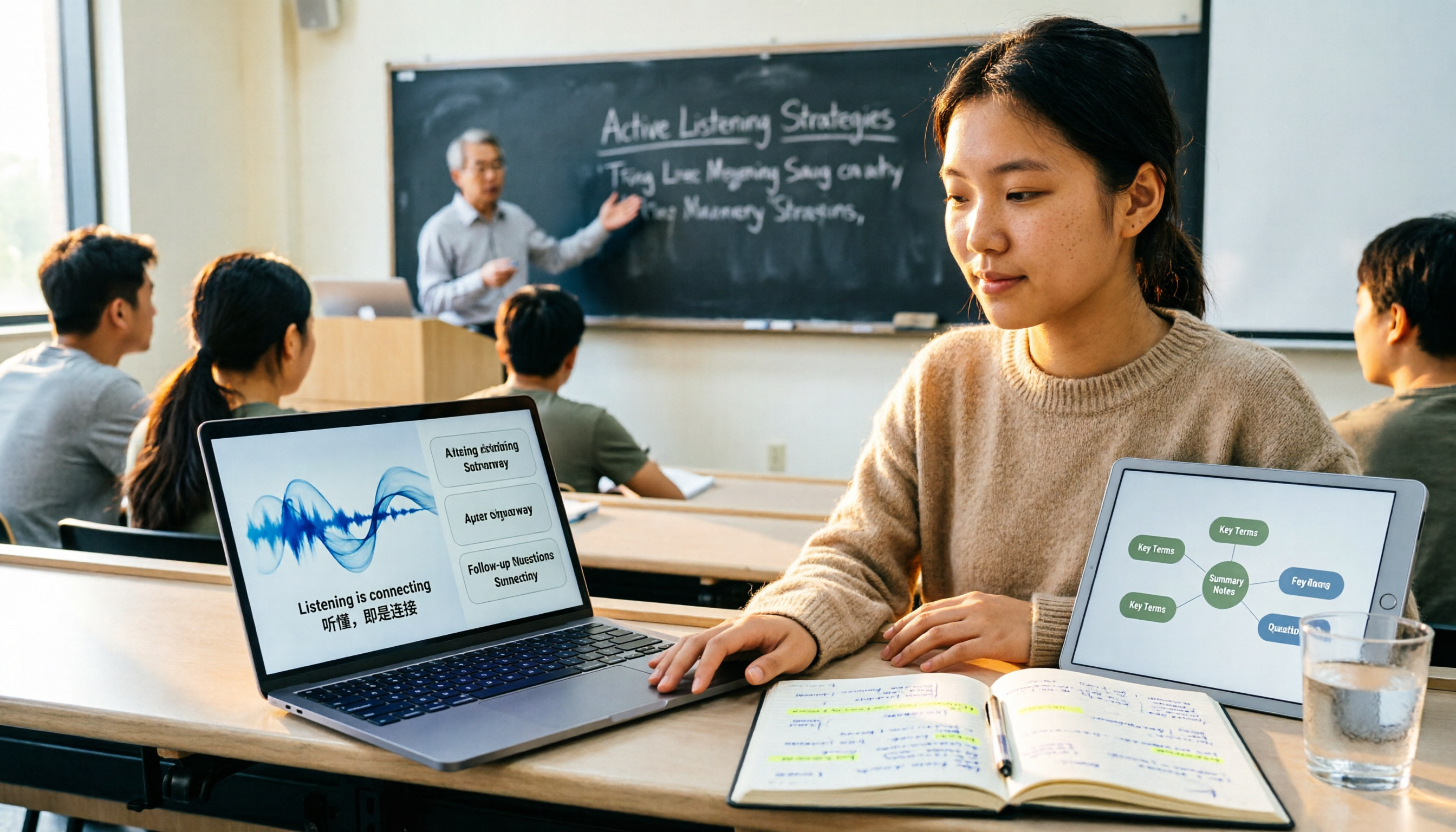
2026 Comparison of 4 Lecture Recording & Translation Tools for International Students: Understand Foreign Language Classes Without Re-listening
2026 comparison of lecture recording and translation tools for international students, starting from common pitfalls, comparing Tinrec, Otter.ai, Notta, and Google Translate to help you choose a classroom tool that records and transcribes simultaneously, offers bilingual viewing, and provides post-class summaries and Q&A.

Best Voice Note Apps in 2026: Hands-On Test of 4 Tools—This One Excels at AI Summaries and Post-Meeting Q&A
A mid-level manager who attends 15 meetings a week shares honest feedback after testing 4 voice note and AI organization tools. From 'what you get after transcription' and 'how meetings are recorded' to 'can you ask follow-up questions' and 'team governance,' we break down 4 key criteria for choosing a tool, and candidly explain who Tinrec, Granola, Otter.ai, and PLAUD are each suited for—and where the pitfalls lie.

2026 Comparison of 3 WhatsApp Audio-to-Text Solutions: Built-in Transcription vs. AI Organization
Transcribing WhatsApp voice messages and transcribing call recordings are two different things. This article starts with common misconceptions and compares WhatsApp's built-in transcription, Notta, TurboScribe, and Tinrec in terms of their actual differences in organizing call and meeting content, with cost and quota details, to help you choose the approach that truly saves time.

2026 Slack Meeting Recording AI Comparison: 4 Tools Tested — Which One Actually Turns Meetings into Usable Records?
Slack Huddles disappear as soon as they end — a common pain point for many teams. This article starts from real usage scenarios, breaks down 5 key buying criteria, and compares Tinrec, Slack's built-in AI recording, Notta, and Otter.ai on meeting capture methods, post-meeting outputs, cross-meeting Q&A, and team governance. It also includes a pitfalls guide and scenario-based selection advice.

How to Review Interview Recordings in 2026: 5 Steps to Summarize Key Points with AI Analysis Tools
Stop replaying entire interview recordings. Using Tinrec as an example, this article walks you through 5 steps to transcribe interview recordings, summarize key points, ask follow-up questions with AI, export and archive, and collaborate with your team—plus answers to common questions and tool selection advice.