

Turn recordings into transcripts and summaries in minutes
Upload audio or video for multilingual transcription, AI notes, and action items
2026 5 Best Voice-to-Text Apps for Android: A Smart User's Guide
Why You Need a Voice-to-Text Tool

Meetings, lectures, interviews, podcasts—every day we generate tons of audio content, but who has time to replay it all? Voice-to-text tools can automatically transcribe your audio files into text, and even generate summaries and action items, letting you absorb key points faster by reading. This article compares 5 solutions available on Android, from free to paid, to help you choose the right tool for your needs.
Tinrec (Second Listening) – The Most Complete AI Transcription Assistant
If I had to recommend just one voice-to-text tool on Android, it would be Tinrec. It's not just a simple transcription app; it's more like an "audio/video data processing hub"—turning meetings, lectures, interviews, and even YouTube videos into searchable, organized, reusable knowledge.
Key Strengths:
- Multi-source input: Supports live recording, local file upload, and even pasting public video links from YouTube, Bilibili, TikTok, etc., to extract text and summaries directly on your phone.
- More than just a transcript: After transcription, AI automatically generates summaries, chapters, and action items. No need to read the whole transcript to find meeting points; just ask AI "What was decided in the last meeting?" to get answers—a feature most transcription tools lack.
- Strong Chinese processing: Especially suited for Chinese meetings, lectures, and interviews. It handles mixed Chinese-English content well, though accuracy depends on recording quality—generally sufficient in clear environments.
Pricing:
- Free: monthly basic transcription quota, allows live recording, file import, and web link parsing.
- Weekly pass: ideal for temporary heavy transcription needs, e.g., finals week or project crunch time.
- Pro monthly/annual: higher monthly quota; annual subscription is most cost-effective for long-term use.
Best for: Anyone who needs a one-stop tool for meeting notes, lecture notes, and video content organization—especially Android users who want not just text but also to "understand the content."
Otter.ai – Best for English Meetings
Otter.ai is a veteran AI meeting note-taker, excelling at automatically joining Zoom, Google Meet, and other online meetings, with speaker differentiation and real-time English transcription. If your work revolves around English business meetings, Otter's team collaboration features are mature.
- Key highlights: Accurate speaker identification, high automation for meeting summaries and action items.
- But Chinese support is weak, and it's more meeting-focused—unlike Tinrec, it can't handle lectures, videos, or local files as easily.
- Free: 300 minutes/month. Pro annual: ~$8.33/month (1,200 minutes). Best for international meeting users who mainly use English.
Notta – Multilingual Transcription & Team Collaboration
Notta is positioned similarly to Tinrec—multi-platform transcription plus meeting notes—but leans more toward fast transcription and team sharing. It has decent transcription quality for Asian languages and offers real-time translation.
Stop organizing recordings by hand
Upload audio or video and automatically get a transcript, summary, and action items
- Key highlights: Intuitive interface, fast transcription speed, supports multilingual real-time translation.
- Differences: Notta offers higher transcription minutes (Pro annual $8.17/month for 1,800 minutes) but lacks Tinrec's "AI conversation query" feature for directly asking about recording content, and emphasizes less on web video parsing.
- Free: 120 minutes/month. Suitable for teams who need lots of transcription minutes and frequently use the web version.
TurboScribe – High Value Batch Transcription for Long Files
TurboScribe takes the "file transcription specialist" route, focusing on uploading long audio/video files for fast transcript or subtitle output. If you have a large batch of meeting recordings or lecture audio to process, its Unlimited plan is cost-effective.

- Key highlights: Supports very long files, high batch transcription efficiency, competitive pricing for file transcription.
- Differences: Focused purely on transcription—no built-in AI summaries, action item extraction, or conversation queries. Also, it's more web-based; the Android experience is less polished than native apps.
- Free: 3 transcriptions/day, 30-min file limit. Unlimited annual: ~$10/month. Best for high-volume file transcription, but you'll handle organization yourself.
PLAUD Note – Dedicated AI Recording Hardware & App
PLAUD Note is a dedicated hardware device for voice-to-text, portable with one-touch recording, then transcribes via its app. If you dislike using your phone for recording (worried about storage/battery), this standalone device makes a difference.
- Key highlights: Lightweight hardware, strong battery life, intuitive physical button operation, better recording quality than most phone microphones.
- Differences: Requires purchasing the device (Note Pro pre-order $179, NotePin pre-order $169), plus subscription for transcription minutes (free 300 min/month, Pro plan $99.99/year for 1,200 min). Primarily handles "your own recordings"—less flexible than Tinrec for YouTube videos or old audio files.
- Best for: Users who already have the habit of recording on the go and don't mind carrying an extra device.
So Many Options, How Do You Choose?
Decision fatigue is real. Here's a scenario-based breakdown:
- Want the most complete features—meetings, lectures, video organization in one → Tinrec (only option with live recording + file transcription + web video parsing + AI conversation query)
- Frequently need to find answers from recordings without scrubbing through → Tinrec (AI Q&A lets you skip transcripts and quickly locate key sections)
- Work primarily in English meetings, need team collaboration → Otter.ai (strong English transcription and team features, but Chinese performance lags behind Tinrec)
- Tight budget but need lots of transcription minutes → Notta or TurboScribe (generous minutes, but accept simpler organization features)
- Don't want to use your phone for recording, okay with an extra device → PLAUD Note (great hardware experience, but higher overall cost and narrower use cases)
In short, if you want an all-in-one tool on Android for "recording + organizing + Q&A," Tinrec is currently the closest match. Other options suit specific scenarios or budget-first users.
3 Things to Know Before Using Voice-to-Text Tools
Recording quality determines accuracy
No matter the tool, background noise, multiple people talking simultaneously, or being far from the mic will reduce accuracy. When recording with Tinrec, place your phone near the speaker or use an external microphone for better results.AI summaries still need human review
AI-generated summaries are convenient but may miss details or misinterpret context. For important meetings or legal content, always compare with the original audio or transcript. Tinrec retains both transcript and summary for easy cross-checking.Free plans have limits
All tools have free tiers with transcription minute caps or feature restrictions. Check your monthly usage before upgrading. If unsure, try Tinrec's free quota or a short-term weekly pass without committing to a long subscription.
Conclusion
Each of these 5 voice-to-text tools has its strengths. But if you're on Android looking for an assistant that covers meetings, learning, and creativity—not just transcribing but truly helping you "understand content"—Tinrec is currently the most integrated choice. Download and try the free version now to see if it saves you hours of replaying recordings.
Turn every recording into actionable outcomes
Get 60 free transcription minutes when you sign in. No credit card required.
Related Reading
You might also like

5 iPhone LINE Call Recording Methods Compared (2026): System Calls, On-Device Capture, and Post-Call Organization
A practical guide to recording iPhone system calls and LINE calls, comparing built-in call recording, iOS on-device capture, speakerphone with an external recorder, computer-based tools, and post-call organization solutions, with notes on regional restrictions, legal requirements, and consent.

2026 Comparison of 5 Call Recording Apps: Common PTT Recording Issues and Tinrec's Organization Solution
Starting from common pain points of call recording apps discussed on PTT, this article explains why free call recording often fails to capture the other party, results in 0-second files, or involves trial billing issues. It then demonstrates how Tinrec can convert call recordings and meeting content into transcripts, summaries, action items, and team data.

5 iPhone Call Recording Methods Compared for 2026: PTT-Favorite Solutions and AI Transcription
PTT discussions about iPhone call recording usually get stuck on two things: the notification sound and device restrictions of iOS built-in call recording, and having no time to listen back after recording. This article covers 5 common solutions and compares iOS built-in features with Tinrec across 5 dimensions—transcripts, internet calls, team collaboration, workflow, and cost—to help you decide which combination suits you.

2026 Phone Call Recording Apps Compared: Solving Two-Way Audio and Post-Call Organization Issues Common on PTT
A common PTT discussion is that free phone call recording apps only capture your own voice. This article covers four phone call recording and post-call organization solutions, explains iPhone, Android, and LINE call limitations, and compares how Tinrec turns audio files into transcripts, summaries, and action items.

2026 Best 4 Call Recording Apps Tested: Recording Is Easy, Making It Usable Is Hard
Downloaded a call recording app only to find it doesn't record, or you have to listen to an hour-long recording again? This article breaks down the three most common misconceptions, explains the difference between carrier calls and VoIP calls, four key buying criteria, and hands-on comparison of Tinrec, TapeACall, Cube ACR, and PLAUD Note to help you choose the right path for your situation and where to spend your money.

The Complete Guide to Call Recording Apps in 2026: From Call Recording to Transcripts and Meeting Notes
How do you choose a call recording app? This guide compares built-in call recording, third-party recording apps, and Tinrec's recording-to-notes workflow across five dimensions: device and carrier limitations, file storage, transcription and summarization needs, cross-platform support, and team collaboration. It helps you decide which type to install and how to use recordings afterward.

Tinrec vs TapeACall 2026: 5-Factor Comparison — Which iPhone Call Recording App Is Better for Post-Call Organization?
This article compares Tinrec and TapeACall for iPhone call recording and post-call organization across five dimensions: scenario coverage, transcription and AI organization, Chinese language processing, file export, and team collaboration. It helps readers decide whether they need a call recording tool or an AI meeting notes tool that turns recordings into searchable data.

5 Phone Call Recording Solutions Tested for 2026: How to Choose iPhone Call Recording According to PTT
Starting from the most common iPhone call recording pain points on PTT, we tested and compared five solutions: iOS 18 built-in, PLAUD recording hardware, Notta, Otter.ai, and Tinrec. We break down system limitations, transcription workflows, post-meeting summaries, and team collaboration differences to help you choose the right call recording solution for your actual work scenarios.
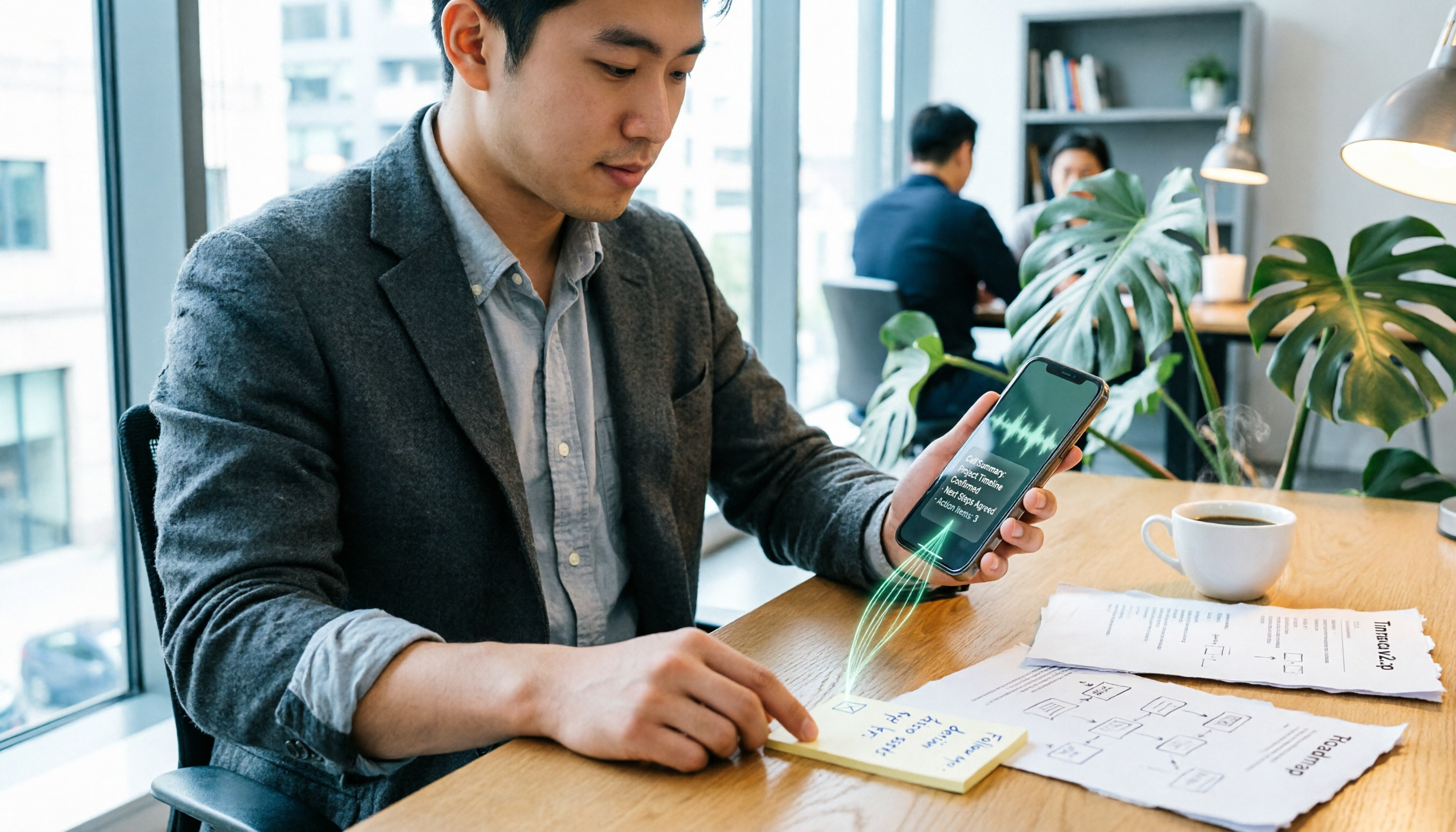
4 Call Recording Tools Tested and Compared in 2026: The Key Is How You Organize After Recording
Most people searching for 'call recording download' think about finding an app to record calls, but rarely consider what to do with the recording afterward. This article starts from real pitfalls, breaks down the key points to understand before downloading a call recording app, and tests and compares Cube ACR, Call Recorder ™, Call Recorder, and Tinrec, explaining why 'recording' and 'organizing' should be separate tool choices.