
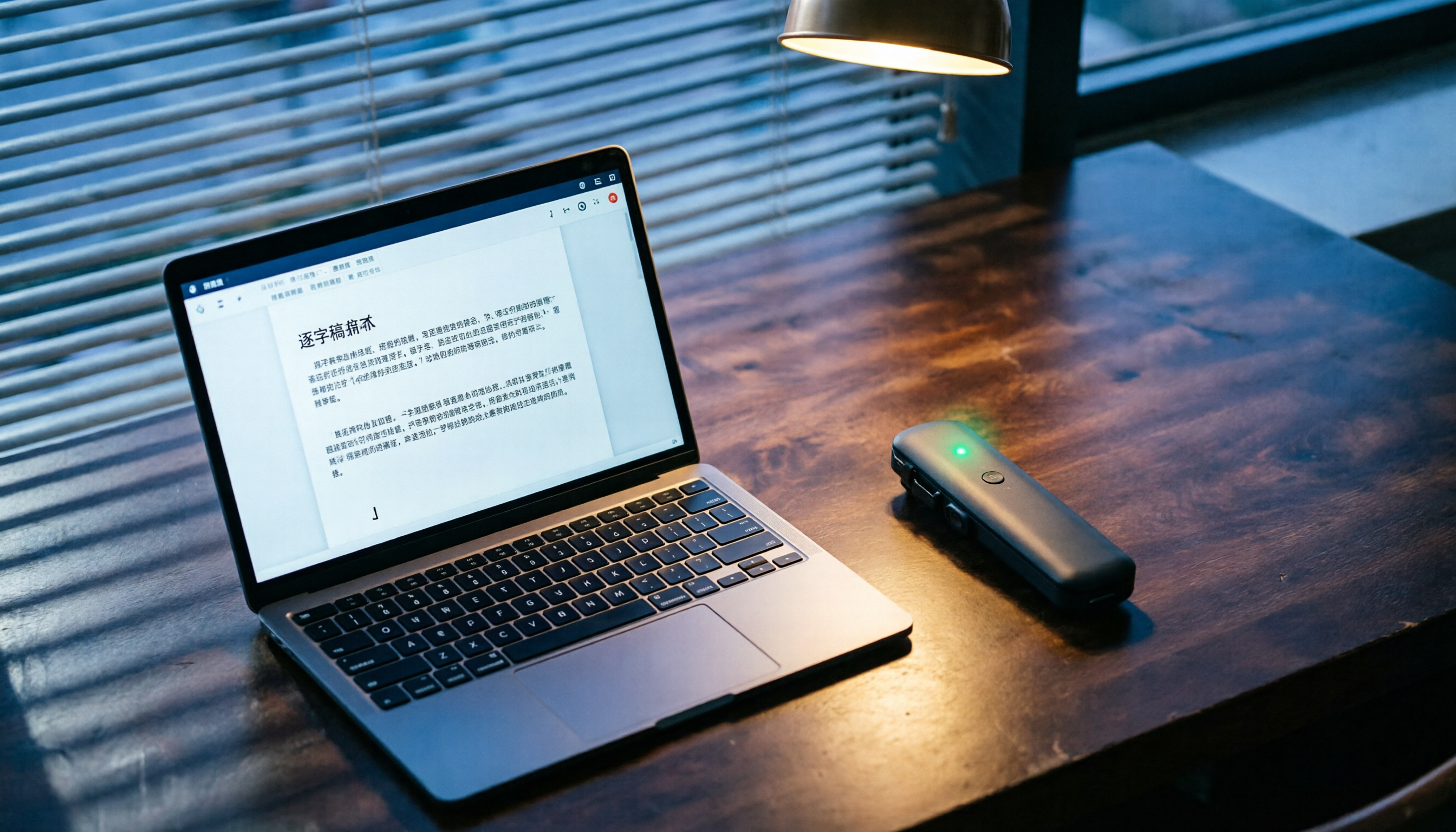
Turn recordings into transcripts and summaries in minutes
Upload audio or video for multilingual transcription, AI notes, and action items
Tinrec vs Plaud Note: Which One Is Better for Students? A 5-Dimension Comparison
Last semester I took a Database Management course. The professor talked faster than a machine gun and flipped through slides even quicker. I tried taking notes by hand, but when I opened my notebook before the midterm, I couldn't even understand my own writing. So I started looking into speech-to-text tools, thinking I could record the whole lecture and organize it later at home. At first I bought a Plaud Note because many people online recommended that little gadget, saying its recording quality was great and it could automatically transcribe. But after using it for over a month, I realized it had some downsides for a college student. Later, a senior recommended Tinrec (Miao Recorder), and I used it for an entire semester—from midterms to finals—and honestly, it became my study lifesaver. Here's my real experience, comparing Plaud Note and Tinrec head-to-head.

Tinrec vs Plaud Note: Quick Overview
Plaud Note is an AI recording hardware device—you need to buy that little gadget to record, then use its app to transcribe. Tinrec is a pure software app that works on your phone, computer, and web browser—no extra device needed. Price-wise, the Plaud Note hardware alone costs $179 (around NT$5,700), and you still need to pay an annual subscription for more transcription minutes. Tinrec has a free version with a basic monthly quota, and its Pro monthly plan costs about the same as a boba tea. For budget-conscious students, this difference is huge.
| Item | Plaud Note | Tinrec |
|---|---|---|
| Type | Hardware recorder | Software app |
| Price Entry | Hardware $179+ annual fee | Free version available, Pro monthly $5 |
| Platform | iOS, Android app | iOS, Android app, web version |
| Core Features | Recording, transcription, AI summary | Recording, transcription, AI summary, chapters, to-do extraction, AI Q&A, online video transcription |
This article compares them across five dimensions: price, convenience during lectures, transcription quality, post-class organization, and cross-platform usage—to see which is the best choice for students.
Dimension 1: Price and Student Budget
With Plaud Note, you first have to spend money on the hardware—the entry-level model costs over $179, and that doesn't even include full transcription minutes. Its free plan gives only 300 minutes per month, which for a college student is nowhere near enough—I average about 200 minutes per week just from lectures and discussions. To get 1,200 minutes, you need the annual plan at around $100, meaning the first year (hardware plus annual fee) comes to nearly $280.
Tinrec requires no hardware purchase—just install the app on your phone and start recording. The free version gives a decent monthly quota; I only used it for important classes (like Database and Algorithms) and it was plenty. If you need to record every lecture, the Pro monthly plan is $5—less than two energy drinks. The annual plan is even more cost-effective, at under $3 per month. For students working part-time, Tinrec's pricing is much more friendly.
→ This dimension: Tinrec clearly wins—low entry cost and flexible student plans.
Dimension 2: Lecture Recording Convenience
Plaud Note is a small gadget you can clip onto your backpack; that is convenient. But one day I forgot to bring it, and the professor happened to hint at exam questions—I had to scribble frantically in my notebook, and my hand almost gave out. Also, recording files need to sync through the app, which can be slow, making it annoying to quickly replay something between classes.
Stop organizing recordings by hand
Upload audio or video and automatically get a transcript, summary, and action items
Tinrec is a phone app—nobody leaves their phone behind. Before class, open the app, tap record, and you're set. Right after recording, you can view the transcript and even mark key points while recording. It also supports background recording, so you can look up information or reply to messages while recording.
→ This dimension: Tinrec wins slightly. The hardware is independent, but if you forget it, you're out of luck; your phone is always with you, so Tinrec fits the real lecture scenario better.
Dimension 3: Transcription Quality and Chinese Accuracy
Plaud Note uses AI transcription. In quiet environments, Chinese recognition is decent, but when the professor mixes in English (like saying "this query you need to use an index to improve"), some technical terms get mangled. Once, during a Database lecture, it transcribed "B+ tree" as "B plus tree"—made me laugh while reviewing.
Tinrec has better optimization for Chinese. For mixed Chinese-English course content, the transcribed text is much more coherent. I tested the same 10-minute Database recording (middle of the classroom, iPhone 14, October 2025), and Tinrec had noticeably fewer errors. It also automatically adds punctuation, making it read like natural language.
→ This dimension: Tinrec wins—more accurate for Chinese and mixed-language scenarios.

Dimension 4: Post-Class Organization and AI Features
Recording is only the first step; quickly turning it into notes is key. Plaud Note's app automatically generates a summary and mind map, which is nice, but it can't extract to-do items from the recording or split it into chapters. I usually have to manually divide sections and note down assignment deadlines separately.
Tinrec's organization features are practically designed for students. It automatically splits a two-hour recording into chapters like "Chapter 1: Normalization Introduction" and "Chapter 2: SQL Syntax Practice," letting me jump directly to the part I want. The AI summary doesn't just give an overview—it extracts key terms and points. The to-do extraction feature can pull action items like "Submit ER diagram next week" from discussions. The coolest part is AI Q&A—before finals, I asked it "Did the professor say BCNF will be on the exam?" and it found the answer from the entire semester's recordings—like cheating!
→ This dimension: Tinrec wins big—post-class organization and AI features are far superior, saving my semester more than once.
Dimension 5: Cross-Platform Use and Diverse Scenarios
Plaud Note mainly uses the phone app; you record on your phone and view it there or sync to the cloud. But it has no web version. When I'm writing a report on my desktop in the dorm, I have to pick up my phone to check recordings—very inconvenient.
Tinrec has iOS, Android, and a web version. I record on my phone during class, then when I get back to the dorm, I open the web version on my computer to directly listen to recordings, view transcripts, and copy key points into my report—the workflow is seamless. It can even take a YouTube or Xiaohongshu link and convert the video into text and a summary, which is super helpful for finding references for my senior project. Plaud Note can't do that at all.
→ This dimension: Tinrec clearly wins—cross-platform access removes learning barriers, and the online video transcription is a huge bonus.
What Unique Advantages Does Each Have?
Tinrec's Unique Advantages
- No hardware needed, your phone is your recorder: Zero equipment cost, start anytime, anywhere—painless for student budgets.
- Comprehensive AI post-class organization: Automatic chapters, summary, to-do extraction, AI Q&A—like a personal tutor, boosting review efficiency before exams.
- Cross-platform and online video parsing: Syncs between phone and computer, and can grab highlights from YouTube videos—great for reports and research.
- Friendly pricing: Free version sufficient for light use; paid plans cost as much as a coffee, no hidden fees.
Plaud Note's Unique Advantages
- Independent recording hardware: Great audio quality, clip it on and go—suitable for long offline recording sessions.
- Long battery life: The hardware can record for many hours without worrying about your phone dying.
Conclusion: Which One Should You Choose?
- If you're on a tight budget and want to do everything with your phone → Tinrec (no hardware, free version is enough to try)
- If you need quick note organization after class and AI Q&A before exams → Tinrec (Plaud Note's organization is too basic)
- If you often write reports on your computer and need cross-platform access to recordings → Tinrec (the web version is just convenient)
- If you just want a no-brainer recording device and don't worry about phone battery → Plaud Note is okay
One sentence summary: For most students, Tinrec is the more complete and cost-effective choice. I've used it for a semester and already convinced three classmates to install it. My advice: download the free version of Tinrec, try it out in a couple of lectures, and upgrade if you like it. No need to spend money on hardware upfront.
Turn every recording into actionable outcomes
Get 60 free transcription minutes when you sign in. No credit card required.
Related Reading
You might also like

4 Free AI Meeting Notes Tools Tested for 2026: Which Free Tier Is Most Generous?
Are free AI meeting notes tools actually usable? This article examines four tools with free plans—Tinrec, Otter.ai, Notta, and Granola—through three key questions: how meetings get into the tool, how free quotas are calculated, and whether recordings are retained. It compares their free limits, ideal use cases, and common pitfalls when choosing, so you can confirm whether a tool can truly produce usable meeting notes without spending money.

4 AI Meeting Transcription Tools Tested: Which Free Tier Handles Cantonese Best in 2026?
Meetings in Cantonese mixed with English still require manual notes afterward? This article compares 4 AI meeting transcription tools that support Cantonese from a mid-level manager's real-world perspective, breaking down free tiers, language processing, post-meeting organization, and team collaboration as 4 key purchasing factors. It also explains Tinrec's actual performance and limitations in bot-free recording, AI Q&A, and team knowledge retention.

4 Online To-Do List Tools Tested and Compared in 2026: Which One Automatically Generates Action Items After Meetings?
After a meeting ends, you often have to recall and manually enter action items yourself—missing one or two is the norm. This article compares the practical differences among 4 online to-do list tools: what scenarios StickyList, Zenlist, and Microsoft To Do are each suited for, and how Tinrec automatically generates transcripts, summaries, and action items from meeting recordings, including team plan roles, seats, and pricing details.

The Complete 2026 To-Do List Guide: 5 Keys to Turn Recordings into Actionable Lists
Many people download countless to-do list apps but still miss tasks. This guide, based on real student scenarios, explains common pitfalls of to-do list management, the core capabilities a tool should have, and how to use Tinrec to automatically turn class recordings, group discussions, and interviews into actionable to-do lists.

6 AI Meeting Note Tools Tested for 2026: Is the Free Version Enough?
Starting from the real pain point of a mid-level manager with 15 meetings a week, this hands-on comparison tests 6 AI meeting note tools—Tinrec, Otter.ai, Notta, Granola, TurboScribe, and PLAUD—and gives actionable advice on the questions most often asked on Dcard: "Is the free version enough?" "How accurate is Chinese?" and "Is it easy to use?" It also covers free quotas, post-meeting organization, and buying considerations for team collaboration.

5 iPhone LINE Call Recording Methods Compared (2026): System Calls, On-Device Capture, and Post-Call Organization
A practical guide to recording iPhone system calls and LINE calls, comparing built-in call recording, iOS on-device capture, speakerphone with an external recorder, computer-based tools, and post-call organization solutions, with notes on regional restrictions, legal requirements, and consent.

2026 Comparison of 5 Call Recording Apps: Common PTT Recording Issues and Tinrec's Organization Solution
Starting from common pain points of call recording apps discussed on PTT, this article explains why free call recording often fails to capture the other party, results in 0-second files, or involves trial billing issues. It then demonstrates how Tinrec can convert call recordings and meeting content into transcripts, summaries, action items, and team data.

5 iPhone Call Recording Methods Compared for 2026: PTT-Favorite Solutions and AI Transcription
PTT discussions about iPhone call recording usually get stuck on two things: the notification sound and device restrictions of iOS built-in call recording, and having no time to listen back after recording. This article covers 5 common solutions and compares iOS built-in features with Tinrec across 5 dimensions—transcripts, internet calls, team collaboration, workflow, and cost—to help you decide which combination suits you.

2026 Phone Call Recording Apps Compared: Solving Two-Way Audio and Post-Call Organization Issues Common on PTT
A common PTT discussion is that free phone call recording apps only capture your own voice. This article covers four phone call recording and post-call organization solutions, explains iPhone, Android, and LINE call limitations, and compares how Tinrec turns audio files into transcripts, summaries, and action items.