
Turn recordings into transcripts and summaries in minutes
Upload audio or video for multilingual transcription, AI notes, and action items
The Complete Guide to Speech-to-Text in 2026: Features, Use Cases, and How to Choose the Right Tool
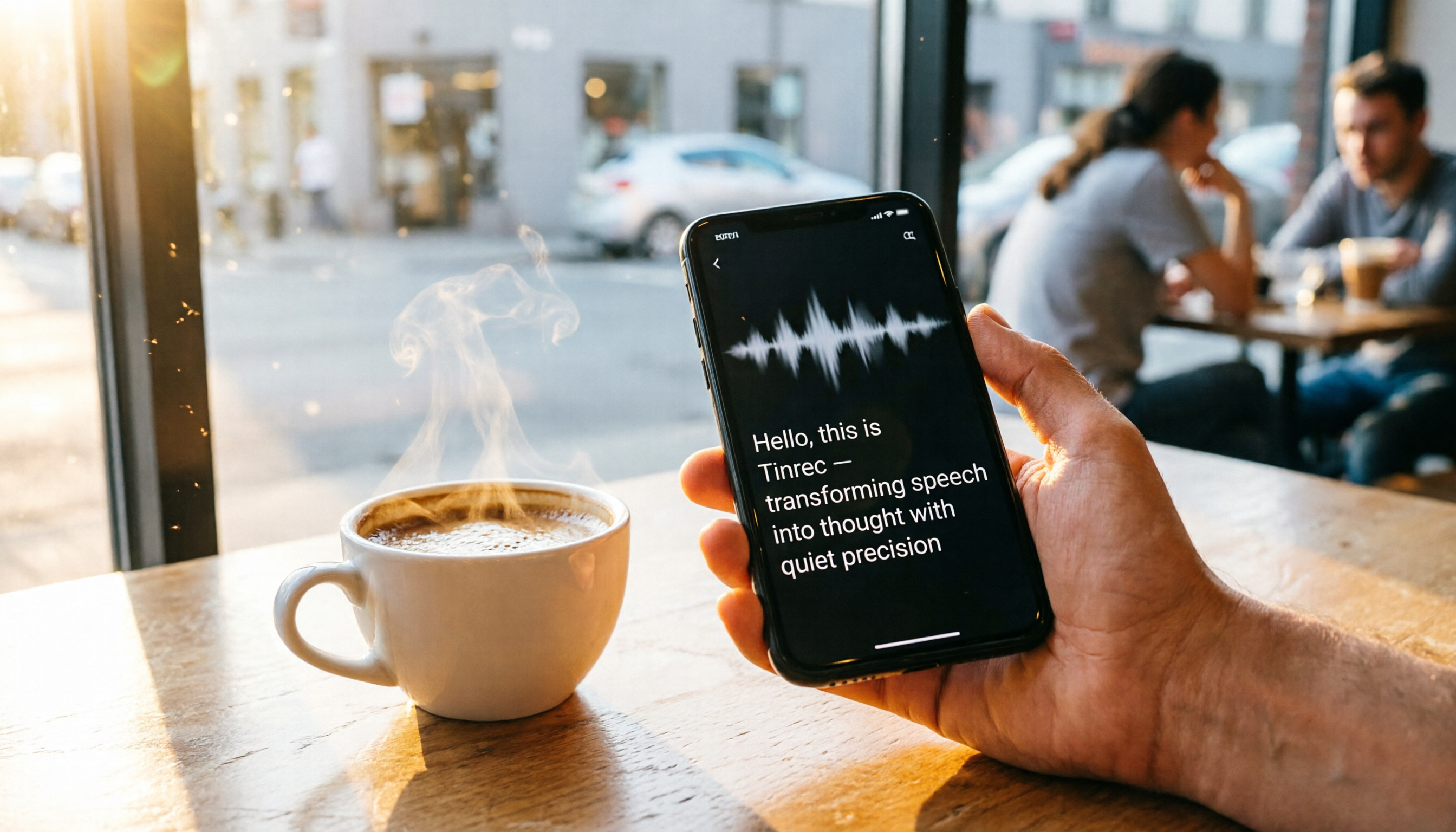
Speech-to-text is already a mature technology, but many people still don't know how to use it or where to apply it. This article skips the complicated theory and takes a practical approach, using Tinrec (秒聽錄音) as an example to show you what a worthwhile speech-to-text tool looks like.

What Can Speech-to-Text Do for You?
Speech-to-text isn't just about converting sound into text; its real benefit is turning content that you'd otherwise forget into searchable, organized, reusable data. With Tinrec, here's how you can use it:
Scenario 1: Get meeting minutes in 5 minutes after a meeting
In the past, after a two-hour meeting, you might spend another hour organizing the minutes. Now with Tinrec, by the time the meeting ends, the AI has already generated a summary, conclusions, and action items—who's responsible for what and deadlines are all clear at a glance.
Scenario 2: Stop frantically taking notes in class
Students and professionals attending training courses often fear missing key points the instructor makes. Record the entire lecture with Tinrec, and it doesn't just give you a verbatim transcript—it automatically splits content into chapters, highlights key points, and can even organize complex theories into mind maps, making review incredibly fast.
Scenario 3: Get a verbatim transcript immediately after an interview
For research or interviews, the most time-consuming part is going back to listen to recordings and transcribing them. Tinrec can transcribe in real time while recording, and you can search for key sentences directly in the app, saving a ton of time when looking for quotes.
What Are the Core Capabilities of Speech-to-Text?
Choosing a speech-to-text tool isn't just about how fast it transcribes; it's about what else it can do after transcription. Here are the four capabilities I find most useful, and Tinrec excels at all of them:
Real-time verbatim transcription: Text appears as you record, no waiting
Tinrec's real-time transcription latency is under one second, so during a meeting you can visually confirm you're capturing key points and even glance back at previous lines—very intuitive.
AI semantic summarization: Structured organization, not just condensation
Many tools just give you a condensed paragraph, but Tinrec's summary automatically extracts meeting topics, discussion conclusions, action items, assignees, and even marks who said what at which minute and second—reading the summary gives you full control of the meeting.
AI conversation queries: Turn recordings into a searchable database
After transcription, you can directly ask Tinrec questions like "Who mentioned the budget during the meeting?" or "What was the client's feedback?"—it answers based on semantic understanding, so you don't have to re-listen or search manually.
Multiple input and output sources: Not limited to phone recordings
Tinrec can handle live recordings, uploaded audio files, YouTube or TikTok video links, and even record online meetings from your computer. Transcribed content can be exported as Word, PDF, or TXT, or synced directly to Notion or Google Docs, so you're never tied to a single tool.
Practical Use Cases
Here are four scenarios where I or people around me use speech-to-text most often, and they perfectly highlight Tinrec's strengths.
Stop organizing recordings by hand
Upload audio or video and automatically get a transcript, summary, and action items
Meeting minutes: From chaotic discussions to clear action items
Every week, meetings generate lots of discussion, and the worst outcome is unclear conclusions and vague assignments. Record the entire meeting with Tinrec, and it automatically extracts action items and assignees. After the meeting, share the organized summary in the group chat so everyone knows what to do. For cross-department or external meetings, you can save the audio and later ask the AI "What requirements did the client mention last time?" without digging through files.
Classes and online courses: Turn audio into chapter-marked notes
A two-hour lecture will always have gaps in handwritten notes. Record it with Tinrec, and the AI summary will split it into chapters, highlight key points, and even generate a mind map. When reviewing for an exam, just search for keywords or ask Tinrec "What is the main argument of Chapter 2?"—faster than flipping through notes.

Web video content organization: YouTube and TikTok clips too
Many people watch YouTube to learn, but videos are too long and they don't have time to watch from start to finish. Tinrec supports pasting video links and directly generates transcripts and summaries. I tried a 15-minute tutorial video; in less than 3 minutes I had the full key points, and I could export the text to read at my leisure. This is also super convenient for content creators gathering resources.
Personal knowledge base: Bring old recordings to life
Past interview recordings, course audio, and idea memos often sit untouched after being stored. Upload them to Tinrec, and not only are they all transcribed, but you can also use AI Q&A to search—"Did that talk last year mention any data on AI trends?"—and find the answer instantly. It's like having a searchable audio database.
4 Things to Consider When Choosing a Speech-to-Text Tool
There are many speech-to-text tools on the market, but not all are right for you. Here are four key points I focused on during testing, and you can directly compare Tinrec's performance.
1. Accuracy: Test it yourself, don't rely on marketing
Many tools claim high accuracy, but real-world conditions include background noise, multiple speakers, accents, and other variables. I recommend testing with your own recordings. Tinrec performs quite well in standard meetings and clear audio, especially for Mandarin Chinese (Taiwan) recognition.
2. Transcription is not the end; post-processing ability is key
If the tool only gives you a verbatim transcript, you still have to summarize the key points yourself. Tinrec's AI summaries, action item extraction, and conversation queries let you jump straight to work and get deliverable results—crucial for busy professionals.
3. Input sources must be broad enough to avoid vendor lock-in
Some tools only support phone recordings, others are tied to specific meeting software. Tinrec handles live recording, audio files, video links, and even computer system audio—whether you're in a meeting, class, or watching a video, one tool covers it all.
4. A free plan should let you truly test the tool to decide if it's worth paying for
Tinrec's free plan offers a basic monthly transcription allowance, enough to try a few meetings or classes. If you only need it occasionally, the free plan may suffice; if you need more minutes or advanced features, then consider the Pro plan—no need to pay upfront.
Frequently Asked Questions
Q1: Can speech-to-text accuracy reach 100%?
No, and no tool can achieve that. Accuracy depends on recording quality, background noise, overlapping speech, accents, and specialized terminology. Tinrec performs well with clear audio, but for important content, it's recommended to double-check against the original.
Q2: Is a free speech-to-text tool sufficient?
If you only transcribe a short recording occasionally, Tinrec's free monthly allowance is usually enough. But if you have meetings, classes, or interviews every week, you may need a paid plan for more minutes and advanced features.
Q3: Is it legal to use Tinrec to transcribe web videos?
Technically possible, but please confirm that you own the copyright to the video or comply with the platform's terms of service. Tinrec is just a tool; legal use is the user's responsibility.
Q4: Can I use it on both phone and computer?
Yes. Tinrec has iOS and Android apps and a web version, with data synced across devices. I record meetings on my phone, then review the transcript and summary on my computer's web version—smooth experience.
Q5: I don't need meeting minutes; I just want to transcribe podcasts or YouTube content. Is it suitable?
Absolutely. Tinrec's web video link transcription and file upload features are designed exactly for such needs. Paste the link, and it will organize the key points for you, great for note-taking or content repurposing.
Summary
Speech-to-text is no longer a future technology—it's a practical tool you can use today to save time. If you're still manually transcribing or relying on memory to write meeting minutes, I highly recommend giving it a try. Download Tinrec's free version, which gives you monthly allowance to experience it. Start with one meeting or one class and see what it's like to have organized data ready right after recording.
Turn every recording into actionable outcomes
Get 60 free transcription minutes when you sign in. No credit card required.
Related Reading
You might also like

2026 Free To-Do App Comparison: Which One Can Auto-Generate Tasks?
There are plenty of free to-do apps, but what makes people give up often isn't the features—it's that the list is always empty. This article starts from where tasks come from, comparing Tinrec, Microsoft To Do, Todoist, and Apple Reminders, discussing the limits of free versions, the relationship between tasks and their original context, and how to auto-generate tasks after meetings.

3 Brainstorming Apps Tested and Compared in 2026: How Tinrec Turns Ideas into Actionable Meeting Notes
Searching for "brainstorming app" often brings up puzzle games or mind mapping tools, but what teams really need is a tool that can record, transcribe, summarize, and turn discussions into action items. This article focuses on Tinrec as the main test subject, explaining what a brainstorming app can do for you, its core capabilities, practical use cases, and purchasing considerations, along with FAQs.

2026 Meeting Summary Apps: Auto Transcripts + AI Action Items, How to Choose from 4 Tested Options
How to choose a meeting summary app? Starting from common misjudgments, we tested Tinrec, Notta, Meeting Ink, and Granola using the same criteria, and compiled 4 key purchasing factors, a pitfall guide, and scenario-based recommendations.

5 AI Meeting Note Tools Tested for 2026: Is the Free Version Enough?
From free quotas and meeting capture methods to team permissions, we break down 5 key criteria for choosing an AI meeting notes tool in 2026. Using Tinrec, we test transcription, summaries, action items, AI Q&A, and team features to help you decide if the free version is sufficient or if you need to upgrade.

2026 AI Meeting Notes Comparison: Is Notion AI's Free Plan Enough?
Can Notion AI's meeting notes really work on the free plan? This article examines free quotas, audio capture methods, post-meeting organization, and team data, comparing Notion AI, Tinrec, Otter.ai, and Notta. We also highlight three common pitfalls to help you decide which tool truly fits your meeting needs before spending money.

4 Free AI Meeting Notes Tools Tested for 2026: Which Free Tier Is Most Generous?
Are free AI meeting notes tools actually usable? This article examines four tools with free plans—Tinrec, Otter.ai, Notta, and Granola—through three key questions: how meetings get into the tool, how free quotas are calculated, and whether recordings are retained. It compares their free limits, ideal use cases, and common pitfalls when choosing, so you can confirm whether a tool can truly produce usable meeting notes without spending money.

4 AI Meeting Transcription Tools Tested: Which Free Tier Handles Cantonese Best in 2026?
Meetings in Cantonese mixed with English still require manual notes afterward? This article compares 4 AI meeting transcription tools that support Cantonese from a mid-level manager's real-world perspective, breaking down free tiers, language processing, post-meeting organization, and team collaboration as 4 key purchasing factors. It also explains Tinrec's actual performance and limitations in bot-free recording, AI Q&A, and team knowledge retention.

4 Online To-Do List Tools Tested and Compared in 2026: Which One Automatically Generates Action Items After Meetings?
After a meeting ends, you often have to recall and manually enter action items yourself—missing one or two is the norm. This article compares the practical differences among 4 online to-do list tools: what scenarios StickyList, Zenlist, and Microsoft To Do are each suited for, and how Tinrec automatically generates transcripts, summaries, and action items from meeting recordings, including team plan roles, seats, and pricing details.

The Complete 2026 To-Do List Guide: 5 Keys to Turn Recordings into Actionable Lists
Many people download countless to-do list apps but still miss tasks. This guide, based on real student scenarios, explains common pitfalls of to-do list management, the core capabilities a tool should have, and how to use Tinrec to automatically turn class recordings, group discussions, and interviews into actionable to-do lists.