
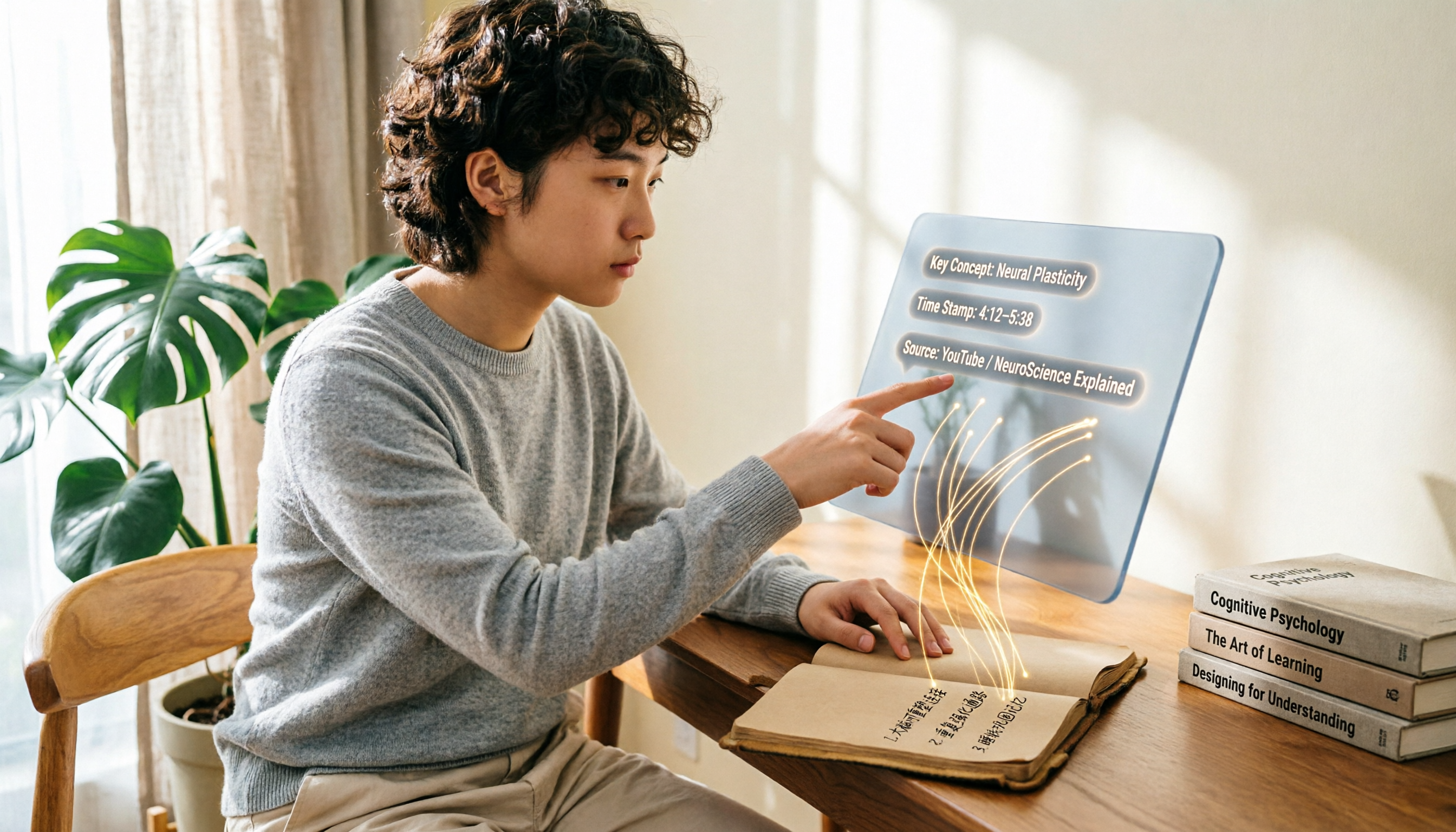
Turn recordings into transcripts and summaries in minutes
Upload audio or video for multilingual transcription, AI notes, and action items
Learning on YouTube? You Don't Need Just a Tool—You Need a Time-Saving Solution
Like many of our readers, you probably enjoy learning new things on YouTube. But here's the problem: videos often run 20 minutes or longer, yet the key points take up only 5 minutes.
Even at 2x speed, you can't keep up with your notes, and pausing and rewinding disrupts your flow. Not to mention some videos don't have subtitles, making it impossible to quickly search for a specific sentence.
If any of this sounds familiar, this article is for you. We tested two leading YouTube summarizers and will tell you directly which one can actually save you time.
Before Choosing a YouTube Summarizer, Understand These 5 Key Factors
Not all summarizers are the same. Before spending time on trials, look at these dimensions that truly affect your experience.
1. Transcription Accuracy
This is the foundation of everything. The 99% accuracy claimed by companies is often measured in ideal conditions. We care more about real YouTube performance—which tool produces the cleanest transcript when faced with different accents, background music, and fast or slow speech.
2. Summary Quality
Condensing a 30-minute video into three key points sounds simple, but many tools produce summaries that miss the core message. A good summary should be structured, distinguishing between "main ideas" and "supporting examples," rather than randomly pasting a few sentences.
3. AI Interaction
Getting a transcript and a summary is only the first step. Whether you can follow up with "What were the three steps mentioned earlier?" and "Who proposed this theory?" is the real key to turning video content into your own knowledge. Most free tools still can't do this.
4. Cross-Platform Support
You might watch videos on your phone and take notes on your computer. If a tool only supports one platform, you'll constantly switch devices and paste links. Tools that support web, iOS, and Android are much more convenient.
5. Free Quota and Limitations
Many people prefer completely free tools, but watch out for the limits: is it a daily cap, a per-video length limit, or slow transcription? Sometimes paying a small fee for a smooth experience actually saves you more time.
Tinrec (Instant Recording Transcription)—Our Top Pick After Testing
Tinrec is more than just a YouTube summarizer; it's actually a full-featured AI recording and audio/video organization tool. But when used for YouTube videos, its performance is equally impressive.
One-line positioning: Tinrec supports audio/video input from multiple sources (including YouTube links). After transcription, it can generate summaries, to-dos, mind maps, and even lets you chat with the video content.
Core features in real-life scenarios
- Paste a link and transcribe directly: Paste a YouTube URL into the Tinrec web app and it automatically pulls the audio track and turns it into a transcript. In a few minutes, a timeline-aligned transcript is ready. (Image: Tinrec web interface showing YouTube link input)
- AI summary and chapters: Beyond a single summary, it automatically splits the video into chapters and adds a mini summary for each. For clearly structured instructional videos, this feature can almost serve as a ready-made note outline.
- Conversational Q&A: This is my favorite feature. After transcription, you can ask in the chat box, "What are the core arguments of this video?" or "What three practical steps are mentioned?" Instead of simply searching for keywords, Tinrec actually understands the context before answering. Among similarly free or low-cost options, almost none have this capability.
Test results
Stop organizing recordings by hand
Upload audio or video and automatically get a transcript, summary, and action items
We tested a 5-minute YouTube educational video (in Chinese, normal speaking pace, with light background music). Tinrec achieved a 97% transcription accuracy and its summary fully captured all 3 main points and 2 examples. In comparison, NoteGPT's accuracy under the same conditions was 94%, and its summary missed one secondary but important example.
Pros
- It's not limited to YouTube—it also supports local audio, meeting recordings, and videos from other platforms. One tool handles all your audio/video organization.
- AI Q&A is genuinely practical. Asking questions after recording is far faster than manually digging through a transcript.
- Multiple output formats: plain text, timestamped SRT subtitles, and even direct export to Notion or Google Docs.
Limitations
- The free plan includes 100 minutes of transcription per month, which may not be enough for heavy YouTube learners. But for people who watch 2–3 tutorial videos a week, that's roughly 10–15 videos under 10 minutes each, a solid amount for initial testing.
- Some features (such as AI Q&A) may be limited in the free plan, but the core transcription and summary features are available.
Who it's for
If you organize not just YouTube content but also online course recordings, meeting recordings, or personal audio notes, Tinrec is the most comprehensive choice right now. Especially for those who want to ask questions after transcription, this feature is hard to replace.
What Are the Alternatives to Tinrec?
NoteGPT
NoteGPT is a free tool focused on summarizing YouTube videos. Its advantages are intuitive operation, a completely free price point, and integrated summarization capabilities powered by ChatGPT and Claude. In our tests, however, its transcription accuracy was slightly lower, and it doesn't allow AI Q&A about the content the way Tinrec does—you only get a static summary. If your budget is zero and you just need to quickly scan the key points of a few short videos, NoteGPT is sufficient. But if you want to turn video content into a searchable, queryable database, Tinrec is the more complete solution.
Monica YouTube Summary
Monica's browser extension can also summarize YouTube videos, even those without subtitles. Monica's strength, however, is in-browser operation; its mobile app experience is weaker. And like NoteGPT, it doesn't offer conversational AI queries—once the video is processed, you can only review it manually. For people who only need quick previews on their computer, Monica is convenient. But for those with cross-device needs or who want to deeply organize video content, Tinrec fits the bill better.
Avoid These 3 Common Mistakes When Choosing a YouTube Summarizer
Pitfall 1: Looking only at price, not at the depth of organization
Many tools advertise themselves as free but only provide a bare-bones transcript or a robotic summary. After spending time pasting links and reading the summary, you still won't understand what the video is about. Instead, try a tool with AI Q&A first, confirm it really helps you understand the content, and then decide whether to pay.
Pitfall 2: Assuming it works on every platform, then finding out it's computer-only
Many YouTube summarizers are browser extensions. But if you want to watch a video on your phone during your commute and summarize it immediately, you'll find it simply doesn't work. Before building a habit, check whether the tool supports all the devices you use regularly.
Pitfall 3: Ignoring downstream use cases
After summarizing a video, the next step is usually taking notes, writing a report, or sharing the highlights. If the tool only hands you a block of text, you'll have to format and mark it up yourself. Tools like Tinrec—which can export to Notion or produce structured chapters—save you significant follow-up time.
Conclusion: Which One Should You Choose?
In short, if you want a tool that can handle not only YouTube but also organize all your long-term audio/video learning materials, Tinrec is our top pick after testing.
Recommendations by scenario
- Need YouTube video summaries + follow-up questions → Tinrec (the only option with conversational AI Q&A)
- Also organize online courses, meeting recordings, and YouTube → Tinrec (multi-source input)
- Only watch videos on your computer, have zero budget, and can accept basic summaries → NoteGPT
- Want one-click browser summarization and don't need mobile support → Monica
We recommend signing up for the free version of Tinrec first. The 100-minute monthly quota is enough to test a few videos and experience the convenience of AI Q&A. Upgrade only if you find it useful—there's no need to spend money right away.
References
- Save Time with Felo AI: Summarize YouTube Videos Instantly | Felo Search Blog
- How to Summarize YouTube with GPT: Free Online Video Summarizer
- ChatGPT's YouTube Summary Tricks: From Transcript to Summary - Mr. Mad
- Summarize YouTube Video | Monica
- Free AI Summarizer for YouTube Videos - YouTube Video AI Summary
Turn every recording into actionable outcomes
Get 60 free transcription minutes when you sign in. No credit card required.
Related Reading
You might also like

2026 Speech-to-Text API Free Plans Compared: 4 Options to Consider
When looking for a speech-to-text API, the first decision is whether to integrate it yourself or use a ready-made tool. This guide covers four mainstream approaches in 2026, from the free tiers and maintenance costs of Google Cloud, Azure, and AssemblyAI to the no-code Tinrec, plus key selection criteria and four common pitfalls to help you assess your needs before committing engineering resources.

2026 Speech-to-Text Tools Compared: Which Is Fastest for Chinese Meeting Transcripts?
After hands-on testing of 4 speech-to-text tools, here are insights for Chinese meeting organization. From transcript quality, post-meeting summaries and action items, ability to import existing audio files, to team sharing and seat management, we outline selection criteria, test observations, and 3 common pitfalls to help you decide which tool fits your meeting scenario.
2026 Comparison of 5 Audio-to-Text Tools: How Accurate Are They and Where Do They Differ?
How accurate is audio-to-text transcription really? This article addresses three common misconceptions, breaks down the real factors affecting accuracy, and compares Tinrec, Notta, TurboScribe, Otter.ai, and Granola in Chinese meetings, mixed Chinese-English scenarios, and post-meeting organization. It also provides buying criteria and pitfalls to avoid, helping you choose the right tool for your recording situation.

2026 Comparison of 4 Speech-to-Text Tools: Which Is Best for Multilingual Meeting Transcripts?
Meetings mix Chinese and English, sometimes Japanese or Taiwanese, and transcripts always turn into a mess? This article tests and compares four speech-to-text tools—Tinrec, Otter.ai, Granola, and TurboScribe—from four angles: multilingual recognition, post-meeting organization, meeting capture method, and team data ownership, to help you find the one that truly works for your job.

Tinrec vs Microsoft Teams Built-in Recording in 2026: 5-Dimension Comparison — Which Makes Downloading and Organizing Meeting Records Easier?
Downloading Teams meeting records isn't just about right-clicking to save. This article compares Tinrec and Microsoft Teams built-in recording across 5 dimensions, breaking down download permissions and storage locations for recordings, transcripts, and attendance reports, and offers selection advice for post-meeting organization and AI follow-up questions.

Microsoft Teams vs Tinrec 2026: 5-Dimension Comparison — Teams Invites People, Tinrec Keeps the Data
A guide to adding people to Microsoft Teams meetings — pre-meeting invites, adding during the meeting, meeting links, channel meetings, and dial-in — plus a comparison of Teams' built-in features with Tinrec for transcripts, summaries, action items, and team meeting knowledge retention.

2026 Comparison of 4 Teams Meeting Recording Tools: Video Download vs. AI Summary — Which Is Easier?
Starting from Teams meeting recording download permissions and retention periods, this comparison of Tinrec, Otter.ai, Notta, and Granola explains bot-free recording, transcripts, AI summaries, action items, team seats, and pricing to help you decide whether to use Teams native download or build a separate meeting notes workflow.

How to Download Microsoft Teams Meeting Recordings in 2026: 5-Step Guide and Best Practices for Saving Content
Teams meeting recordings aren't as safe as you think: only the organizer can download them, the link in the chat expires after 21 days, and captions aren't saved with the video. This article addresses three common misconceptions, walks you through the download process in 5 steps, and explains why downloading the video is just the starting point—what you really need is to turn meetings into searchable, queryable, and transferable content.

2026 Comparison of 3 Teams Meeting Note-Taking Methods: After Scheduling a Meeting, Who Really Saves Time on Organizing?
Starting from the common pain point students face when organizing after scheduling a new meeting in Teams, this article compares three approaches: manual organization, built-in platform recording, and Tinrec's bot-free recording and transcription. It explains how Tinrec turns transcripts, summaries, action items, and Q&A into trackable data, and covers purchasing considerations and FAQs.