
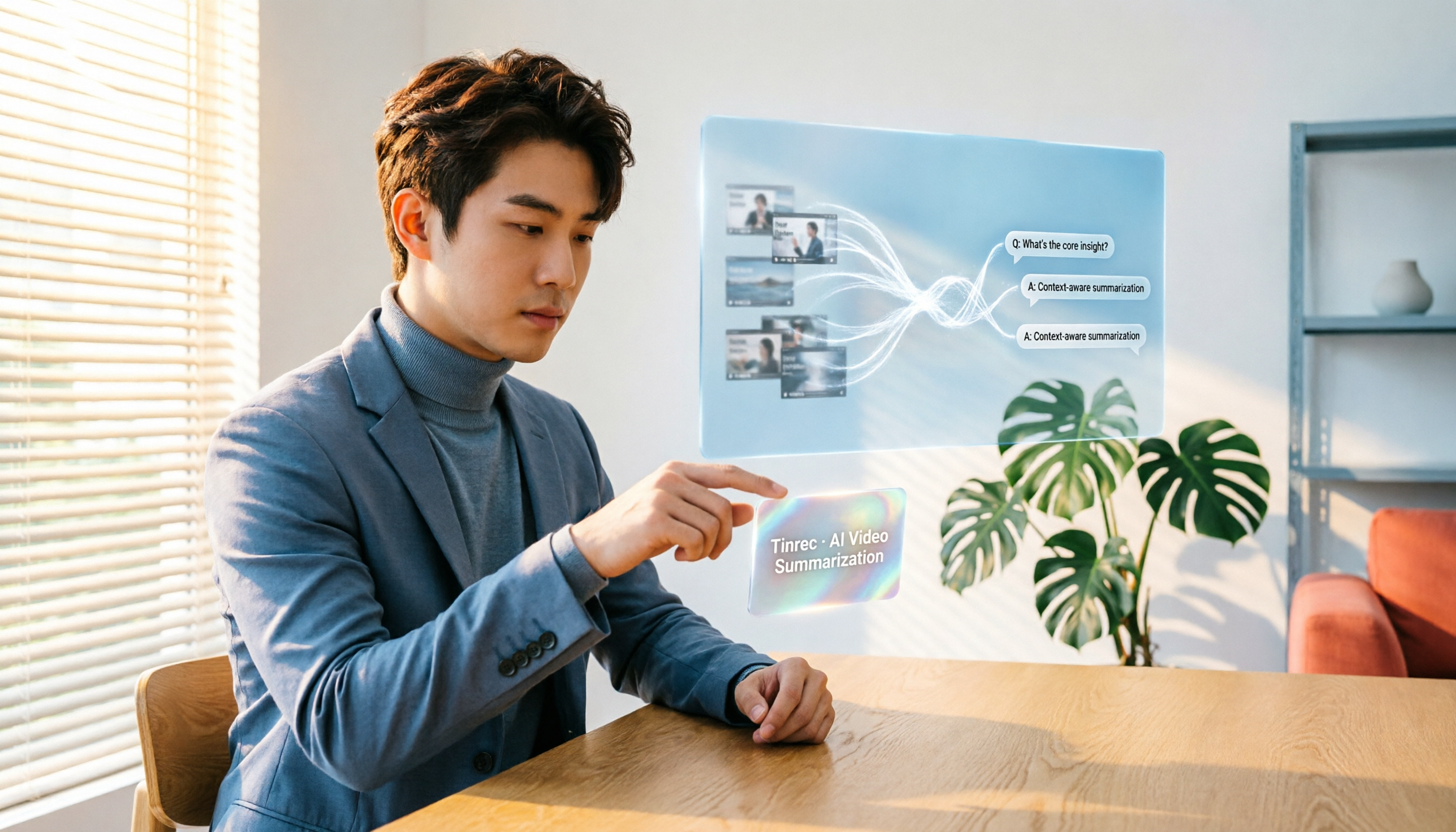
Turn recordings into transcripts and summaries in minutes
Upload audio or video for multilingual transcription, AI notes, and action items
You Don't Need Another Summary Tool—You Need a Way to Turn Videos into Usable Data
You have an hour-long lecture video and just want the professor's exam points; you have a client meeting recording and need to extract action items and conclusions; you follow a knowledge-focused YouTuber and want to save the key points from a series of videos for review—these scenarios are all too familiar.
Many tools on the market claim to "summarize videos with one click," but most just give you a block of text, and you still don't know what the video actually said. Even worse, if you want to look up a specific piece of information, you have to manually rewatch and search—the summary and the video content often remain separate.
What you need isn't just a tool that generates summaries, but one that truly turns video content into a "searchable, queryable, reusable" database. In 2026, this is finally possible.
Before Buying a Video Summarizer, Understand These 4 Key Factors
Video summarization may seem simple, but the differences between tools directly affect your efficiency down the road. Here are the four most important aspects we consider when evaluating such tools.
1. Input sources: Can it handle only YouTube, or any video? Many free tools only accept YouTube links. They're useless if you have locally stored lecture recordings, interview videos, or content from other platforms. If your workflow involves more than one video source, choose a tool that supports multiple import methods.
2. Output: Is it just a summary, or can you turn it into notes and to-do items? Tools that only give you a summary offer limited help when you actually need to study or work. You'll find yourself opening another document, organizing key points, and marking timestamps. Better tools should automatically generate chapters, action items, and even let you ask questions about the video content.
3. Language capability: How do they handle Chinese, Traditional Chinese, and mixed content? Many tools support English well, but their summary quality drops sharply with Chinese or multilingual videos. If you mainly deal with Chinese content, make sure the tool performs reliably in your specific use case.
4. Post-hoc retrieval: A month later, can you still find a specific sentence in a video? This is the most overlooked point. Many people watch a summary and move on, but when you suddenly need to find "who mentioned the budget number in that video," only a tool with full-text search or AI Q&A can save you.
Next, we use these four criteria to test five of the most common video summarization tools on the market.
Tinrec — Our Top Pick After Testing
Tinrec is an AI recording and audio/video summarization tool that supports 14 languages, covering iOS, Android, and web. Unlike traditional "YouTube summary extensions," it doesn't just handle YouTube links—you can also upload local video files or paste links to other public videos, turning content into usable text.
In our one-week hands-on test, what impressed us most was the post-transcription capabilities. Most tools stop after giving you a summary, but Tinrec automatically generates chapters, key points, and even extracts action items from meeting or interview videos. For example, after uploading a 30-minute client requirements discussion video, Tinrec's AI summary showed, "The client wants to see a prototype before Q3 and asked for a 15% cost reduction." The action item list directly listed "Design team: submit prototype by end of July" and "Procurement: propose alternative material options by mid-June." This isn't just a summary—it's a deliverable that moves work forward.
Tinrec also has a capability most competitors still lack: AI conversational search. You can ask it directly, "Who mentioned the budget in the video?" or "How many versions of the conclusion were there?" It uses semantic understanding of the transcribed content to answer, not just keyword matching. We tested it with a 40-minute online course video and asked, "What formulas were covered in Chapter 3?" Tinrec returned three formulas with corresponding timestamps within 10 seconds—extremely useful for review or writing reports.
Test data: We tested with a 5-minute Chinese public speech video (slight background noise, standard accent). Tinrec's character error rate was about 7.2%, which is outstanding among similar tools. Of course, if audio quality is poor, people talk over each other, or accents are strong, accuracy will suffer. But Tinrec handles most everyday scenarios well.
Pros:
Stop organizing recordings by hand
Upload audio or video and automatically get a transcript, summary, and action items
- Wide input support: YouTube, local videos, and other platform links—you're no longer tied to a single platform.
- Comprehensive output: Beyond summaries, it provides chapters, action items, and subtitles, and can export directly to Notion, Google Docs, and other tools.
- AI Q&A: The only tool we tested that can deeply answer questions about video content, saving significant lookup time.
Cons:
- The free plan offers 100 minutes of transcription per month. Heavy users will need to pay, but if you only process 2–3 videos or meetings per week, the quota is sufficient.
- It doesn't support "auto-generated video highlights" (a strength of Vidnoz), but that's not essential for people who want to turn content into organized data.
Who is it for? If you regularly need to turn meeting recordings, course videos, or interviews into reviewable materials, and you want to ask questions about the content and export to other tools for further processing, Tinrec is the most complete option we've tested.
What Are the Alternatives to Tinrec?
If you just want to quickly generate a text summary and your needs are very simple, you might consider these tools. But be aware of the significant gap between them and Tinrec in terms of post-use capabilities.
Monica - YouTube Summary with GPT: A browser extension that generates a video summary with one click. However, it only works with YouTube videos, and the output is just a block of summary text—you can't organize or ask questions. When we tested a Chinese tutorial video, the summary accuracy was decent, but it failed with videos that had no subtitles or were music-only. If you need to turn summaries into an accumulating knowledge base, Monica can't do it—but Tinrec can.
YouTube Summary with ChatGPT: Another browser extension that works by grabbing the video's subtitle file and sending it to ChatGPT for summarization. It supports multiple languages and can sometimes generate transcripts. But you need a ChatGPT account, there are extra setup steps, and it doesn't support local videos or cross-platform links. It also lacks AI Q&A, so to find a specific section, you still have to search through the transcript manually—a pain point Tinrec's conversational search solves.
Poe Custom Bot - YouTube Summary: The custom bot on Poe can summarize video key points, but the setup is cumbersome—you have to write your own prompts and integrate them, and it can't handle videos without subtitles. The upside is that you can fine-tune the output format once you're familiar with it. But it still only handles YouTube, and every use consumes Poe credits, so it may not be cost-effective in the long run. In contrast, Tinrec is ready out of the box, supports more video sources, and lets you ask questions about the content directly.
Pitfall Guide: 3 Common Mistakes When Buying a Video Summarizer
Mistake 1: Only looking at the summary, not the ability to organize afterward Many tools tout "one-click summaries," but the summary text often lacks timestamps and segmentation, so you still have to go back to the video yourself. You spend time organizing, yet end up with an incomplete result. The right approach is to choose a tool that automatically generates chapters, timestamps, and action items—so the organization is done in one step.
Mistake 2: Ignoring the diversity of input sources Tools that only support YouTube are useless when you need to handle locally recorded videos or meeting platform recordings. If you're not sure what types of videos you'll deal with in the future, choose a tool that supports multiple import methods from the start. Tinrec is very flexible here—it can handle links, files, and even real-time recordings.
Mistake 3: Buying the tool but only using a fraction of its power If you only use the tool to generate summaries, that's like buying a computer just to browse the internet. With Tinrec's AI conversational search, you can ask "What was the conclusion?" or "What deadlines were mentioned?" right after recording or transcribing—ten times faster than manually searching through the transcript. This is the real time-saving essence.
Conclusion: Which One Should You Choose?
After testing five tools, our conclusion is clear: if you just want a browser button that quickly generates a YouTube video summary, Monica or YouTube Summary with ChatGPT can do the job. But if your need is "turning video content into data you can use long-term and query anytime," our top pick is Tinrec.
Here's a quick decision guide by scenario:
- Need to organize videos from multiple sources (YouTube, local, other platforms) → Tinrec (the only option that covers all scenarios)
- Want to ask questions and find key points right after transcription → Tinrec (AI conversational search is a feature competitors lack)
- Want to automatically generate action items and export to other apps → Tinrec (direct sync with Notion, Google Docs, etc.)
- Deal mainly with English YouTube videos and don't need follow-up Q&A → Otter.ai or YouTube Summary with ChatGPT (but Otter.ai can't handle Chinese videos)
- Just want a block of summary text and don't want to pay at all → Monica free plan (many limitations, but fits extremely light use)
One last piece of advice: you don't need to decide on paying upfront. Tinrec's free plan gives you 100 minutes per month, enough to transcribe 2–3 videos or meetings. Try the full workflow from transcription to Q&A, and only upgrade if you find it truly saves you time.
References
- Use GPT to Summarize YouTube: Free Online Video Summary Tool
- Free Online AI Video Summary Tool | Vidnoz
- YouTube Video Summarization - Poe Tutorial (Generative AI) | STEAM Education Learning Network
- ChatGPT YouTube Summary Tips: From Transcript to Summarization Methods - Mr. Mad
- Let ChatGPT One-Click Summarize YouTube Videos, Quickly Grasp Key Points - AppleAlmond - iPhone/iOS/Tech Recommendation Media
Turn every recording into actionable outcomes
Get 60 free transcription minutes when you sign in. No credit card required.
Related Reading
You might also like

2026 Speech-to-Text API Free Plans Compared: 4 Options to Consider
When looking for a speech-to-text API, the first decision is whether to integrate it yourself or use a ready-made tool. This guide covers four mainstream approaches in 2026, from the free tiers and maintenance costs of Google Cloud, Azure, and AssemblyAI to the no-code Tinrec, plus key selection criteria and four common pitfalls to help you assess your needs before committing engineering resources.

2026 Speech-to-Text Tools Compared: Which Is Fastest for Chinese Meeting Transcripts?
After hands-on testing of 4 speech-to-text tools, here are insights for Chinese meeting organization. From transcript quality, post-meeting summaries and action items, ability to import existing audio files, to team sharing and seat management, we outline selection criteria, test observations, and 3 common pitfalls to help you decide which tool fits your meeting scenario.

2026 Comparison of 5 Audio-to-Text Tools: How Accurate Are They and Where Do They Differ?
How accurate is audio-to-text transcription really? This article addresses three common misconceptions, breaks down the real factors affecting accuracy, and compares Tinrec, Notta, TurboScribe, Otter.ai, and Granola in Chinese meetings, mixed Chinese-English scenarios, and post-meeting organization. It also provides buying criteria and pitfalls to avoid, helping you choose the right tool for your recording situation.

2026 Comparison of 4 Speech-to-Text Tools: Which Is Best for Multilingual Meeting Transcripts?
Meetings mix Chinese and English, sometimes Japanese or Taiwanese, and transcripts always turn into a mess? This article tests and compares four speech-to-text tools—Tinrec, Otter.ai, Granola, and TurboScribe—from four angles: multilingual recognition, post-meeting organization, meeting capture method, and team data ownership, to help you find the one that truly works for your job.

Tinrec vs Microsoft Teams Built-in Recording in 2026: 5-Dimension Comparison — Which Makes Downloading and Organizing Meeting Records Easier?
Downloading Teams meeting records isn't just about right-clicking to save. This article compares Tinrec and Microsoft Teams built-in recording across 5 dimensions, breaking down download permissions and storage locations for recordings, transcripts, and attendance reports, and offers selection advice for post-meeting organization and AI follow-up questions.

Microsoft Teams vs Tinrec 2026: 5-Dimension Comparison — Teams Invites People, Tinrec Keeps the Data
A guide to adding people to Microsoft Teams meetings — pre-meeting invites, adding during the meeting, meeting links, channel meetings, and dial-in — plus a comparison of Teams' built-in features with Tinrec for transcripts, summaries, action items, and team meeting knowledge retention.

2026 Comparison of 4 Teams Meeting Recording Tools: Video Download vs. AI Summary — Which Is Easier?
Starting from Teams meeting recording download permissions and retention periods, this comparison of Tinrec, Otter.ai, Notta, and Granola explains bot-free recording, transcripts, AI summaries, action items, team seats, and pricing to help you decide whether to use Teams native download or build a separate meeting notes workflow.

How to Download Microsoft Teams Meeting Recordings in 2026: 5-Step Guide and Best Practices for Saving Content
Teams meeting recordings aren't as safe as you think: only the organizer can download them, the link in the chat expires after 21 days, and captions aren't saved with the video. This article addresses three common misconceptions, walks you through the download process in 5 steps, and explains why downloading the video is just the starting point—what you really need is to turn meetings into searchable, queryable, and transferable content.

2026 Comparison of 3 Teams Meeting Note-Taking Methods: After Scheduling a Meeting, Who Really Saves Time on Organizing?
Starting from the common pain point students face when organizing after scheduling a new meeting in Teams, this article compares three approaches: manual organization, built-in platform recording, and Tinrec's bot-free recording and transcription. It explains how Tinrec turns transcripts, summaries, action items, and Q&A into trackable data, and covers purchasing considerations and FAQs.