
Turn recordings into transcripts and summaries in minutes
Upload audio or video for multilingual transcription, AI notes, and action items
What Can Speech-to-Text (Recording Transcription) Do for You?
Here, "speech-to-text" means converting spoken content into written text—in other words, transcribing recordings. You no longer need to replay audio files repeatedly or manually type everything out.
For example, Tinrec can directly turn meeting recordings, lecture audio, interview content, and even sound from online videos into searchable, editable transcripts.
Specifically, these scenarios will feel familiar:
Scenario 1: Get Meeting Notes Immediately After a Meeting Ends In the past, a two-hour meeting meant another hour of sorting out the key points afterward. With Tinrec, you can record and transcribe simultaneously, so by the time the meeting is over, the transcript, AI summary, and action items are already generated—who is responsible for what, and the deadlines, all clear.
Scenario 2: No More Scrambling to Take Notes During Class or Lectures Upload an entire lecture recording to Tinrec. It automatically divides the content into chapters and highlights the key points. You can simply focus on listening, then review the organized notes later.
Scenario 3: Quickly Produce Transcripts for Interviews or Research Whether it's user interviews or expert discussions, drop the audio file into Tinrec and get a complete transcript in minutes. You can also use the AI Q&A to directly ask things like "What did the interviewee think about the price?" without listening from start to finish.
Scenario 4: Organize YouTube or Podcast Content Paste a public link, and Tinrec will convert the audio into text, complete with a summary and chapters, making it easy to absorb the content or use it as source material.
What Are the Core Capabilities of Speech-to-Text (Recording Transcription)?
There are many transcription tools, but Tinrec is more than just a transcript—it emphasizes "what you can do after the transcription." Below are the core capabilities that I think set it apart from typical transcription tools.
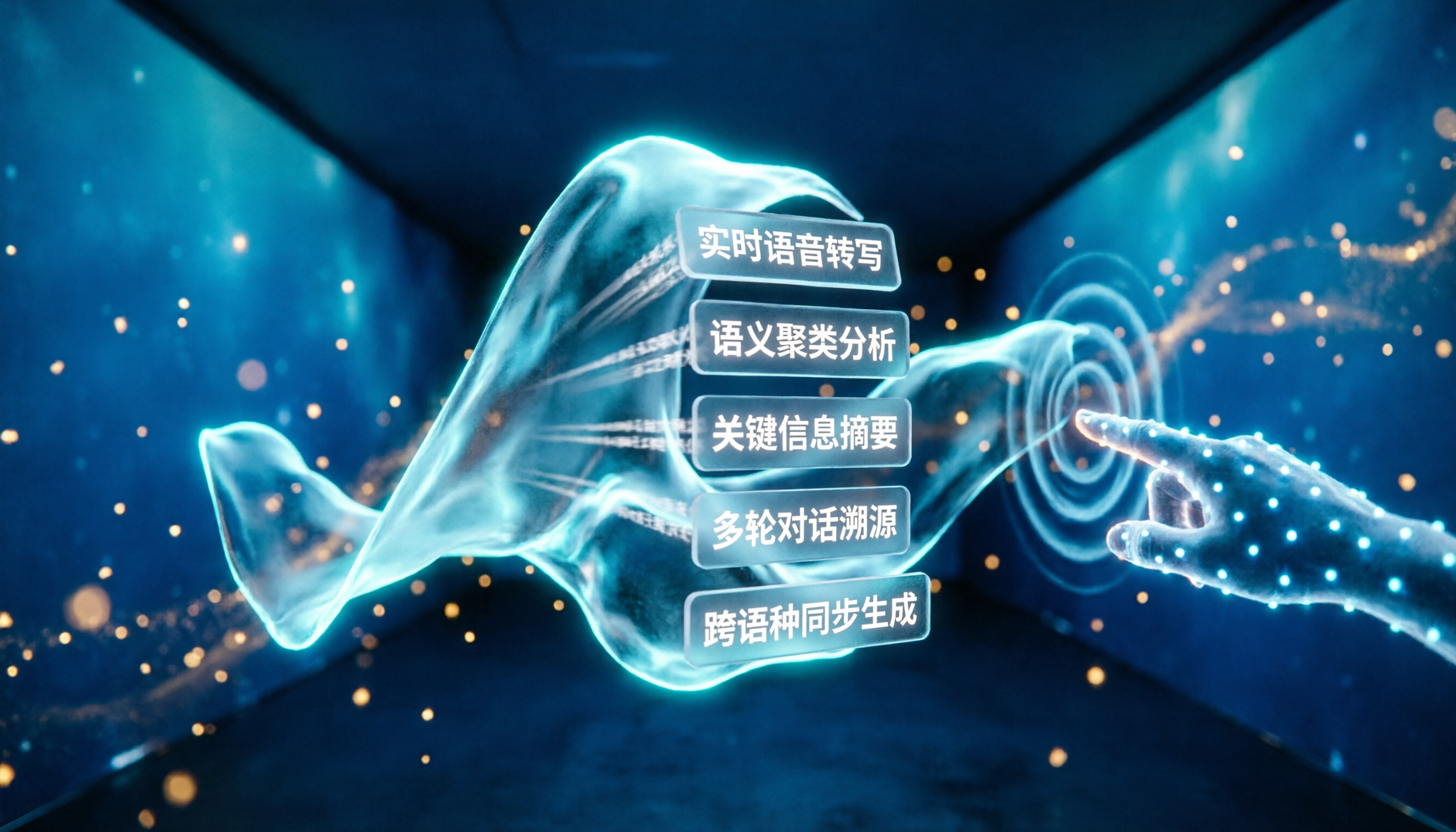
Real-Time Transcript: Transcribe as You Record, No Waiting Open Tinrec during a meeting or class, and as the audio comes in, the text appears on screen almost simultaneously, with less than 1 second of latency. You can watch the text to make sure you haven't missed anything important, and you won't need to rework it later.
AI Structured Summary: Not Just Condensing, but Organizing Many people think a summary is just shortening a long piece of text, but Tinrec provides structured summaries—meeting topics, discussion conclusions, action items, and responsible persons are all listed separately. You can see the key points of the meeting at a glance.
AI Chat Query: Ask About Recording Content Like a Database After transcription, you can type questions directly in Tinrec, such as "Who mentioned the budget in the meeting?" or "What was the customer's reaction to the new feature?" It uses semantic understanding to give you the answer directly, so you don't have to go back and listen to the recording.
Multi-Source Input: Accepts Various Files, Not Just Recordings Besides live recording, Tinrec also supports uploading audio files, video files, and even pasting public links from YouTube, Bilibili, or Xiaohongshu for transcription. Computer meetings and impromptu phone recordings can all be imported—it's a cross-source organization hub.
Post-Processing and Export: Bring Data into Your Workflow The transcribed text doesn't just stay in the app. You can export it as TXT, Word, or PDF, and also sync to Notion, Google Docs, or Dropbox. Furthermore, AI can generate meeting minutes, reports, or tables based on the transcript, turning it into a deliverable document.
Practical Use Cases
Use Case 1: The Weekly Team Meeting for Office Workers
Every week, meetings seem to run long, and missing a single action item can cause problems later. My habit is to start Tinrec live recording at the beginning of the meeting, letting it transcribe and take notes as we go. Afterward, I just look at the AI summary and action items—no need to rely on memory or flip through notebooks.
Stop organizing recordings by hand
Upload audio or video and automatically get a transcript, summary, and action items
Use Case 2: Classroom Review for Students
A two-hour lecture is exhausting if you only have the recording to listen back to. I upload the entire lecture audio to Tinrec, let it split the content into chapters and highlight the key points, and then review the organized material. I can also use the AI Q&A to quickly find where a specific theory was discussed.
Use Case 3: Content Creators Organizing Source Material
When you need to quote from a podcast or interview for a video or article, it used to mean repeatedly scrubbing back and forth to transcribe. Now, you can just paste the video link into Tinrec and get the transcript and summary in minutes—much faster to extract the key points.
Use Case 4: Building a Personal Knowledge Base
If you're like me and keep important meetings, lectures, and even random voice memos, Tinrec makes those historical recordings searchable. Once they are transcribed, you can find past discussions anytime using keywords, without opening each file one by one.
4 Things to Keep in Mind When Choosing a Transcription Tool
There are many tools like this on the market, but if you're looking for the right solution, these points can help you narrow it down quickly.
1. Accuracy: Don't Just Look at Official Numbers Everyone claims to be accurate, but real-world usage is affected by background noise, accents, and multiple speakers. My advice is to try it with your own recordings. Tinrec performs well enough in typical clear recording conditions, but if you have lots of technical jargon or noisy environments, it's best to try the free version first.
2. Post-Transcription Organization Capabilities Converting speech to text is just the first step; what matters is whether the tool helps you organize the content afterward. Tinrec's AI summary, chapters, action items, and Q&A functionality turn a simple transcript into work-ready material, saving you hours of manual formatting.
3. Language and Accent Support If you need support for Cantonese, mixed Chinese-English, or multiple languages, make sure the tool can handle it. Tinrec currently supports 14 languages, including Chinese, English, and Cantonese, which is more than enough for most users.
4. Cross-Platform and Export Flexibility Make sure the tool works on the devices you commonly use. Tinrec offers iOS and Android apps, plus a web version, so you can use it on both your computer and phone. You can also export your transcriptions to other tools, so you're not locked into a single app.
Frequently Asked Questions
Q1: What's the difference between Tinrec and a regular recording app?
A regular recording app just captures audio; Tinrec takes it further by transcribing the audio into text, organizing it with summaries, chapters, and action items, and allowing you to ask questions about the content and export it. It's more like a post-recording organization platform.
Q2: How long can I use the free plan, and is there a word limit?
The Tinrec free plan provides 100 minutes of transcription per month, which covers live recording, file uploads, and online video parsing. That's plenty for light users.
Q3: How accurate is speech-to-text transcription?
In clear voice recordings with no significant background noise, Tinrec's transcription quality is quite good. However, actual accuracy can still be affected by recording quality, accents, and multiple people speaking at once. For important content, it's recommended to double-check against the original audio.
Q4: Can I use Tinrec to transcribe YouTube videos?
Yes. Just paste a public YouTube video link, and Tinrec will extract the audio track and convert it to text, while also generating a summary and chapters. This is very convenient for quickly digesting video content.
Q5: Can I export to Word or PDF?
Yes. Tinrec supports exporting to TXT, Word, and PDF, and it can also sync to tools like Notion or Google Docs, giving you flexibility for reports or notes.
Q6: Can it distinguish who is speaking when multiple people are in a meeting?
Currently, Tinrec focuses on transcription and organization. Speaker separation features may vary by version, so please refer to the latest in-app documentation. Even without automatic labeling, the transcript's timeline and clearly separated paragraphs still help you quickly locate each person's remarks.
Conclusion
Speech-to-text tools have moved beyond simply "turning audio into text." Tinrec combines transcription, organization, Q&A, and export into one workflow, turning meeting, lecture, interview, or video content into truly usable data.
If you often find it laborious to process meetings, classes, or recordings, why not start with the free version? 100 minutes per month is enough to transcribe a few meetings or videos, and you can experience how AI can boost your productivity.
References
Turn every recording into actionable outcomes
Get 60 free transcription minutes when you sign in. No credit card required.
Related Reading
You might also like

What Is LINE IN Recording in 2026? 2 Recording Solutions Compared: Don't Confuse It With LINE Call Recording
LINE IN recording captures a line-level input signal, which is completely different from recording a LINE call. This article first explains in 3 minutes the equipment, connections, and most common volume misunderstanding for LINE IN, then compares PLAUD NotePin and Tinrec across five dimensions: device requirements, post-meeting organization, scenario coverage, Chinese-language experience, and team collaboration, to help you decide which method to use for preserving important audio.

How to Save LINE Voice Messages to Your Phone in 2026: 5-Step Guide
How do you save LINE recordings to your phone? This guide tackles three common misconceptions and walks you through five steps to download LINE voice messages, convert them to MP3, and back them up to the cloud. It also explains why LINE call recording isn't managed by LINE and how to turn saved audio into searchable, queryable text data.

How to Save LINE Recordings in 2026: 5-Step Guide to Voice Messages, Call Recordings & Backup
LINE recordings come in two types—chat voice messages and call recordings—and they're saved completely differently. This guide walks you through 5 steps to save voice messages to your phone, computer, and cloud, explains how to handle call recordings, covers 4 common mistakes that make files disappear, and shows how to turn saved recordings into searchable, queryable text with AI tools.

3 LINE Voice Message Download Methods Tested in 2026: Which One Actually Works?
LINE doesn't offer an official download button for voice messages, and online tutorials contradict each other. This guide covers three approaches—saving via Keep Notes, sharing to Files, and third-party backup tools—comparing compatible devices, batch capability, and real limitations, plus how to transcribe recordings after downloading.

2026 Comparison of 4 Meeting Notes Export Tools: Which One Lets You Take Transcripts and Action Items With You?
Exporting meeting notes isn't just about clicking download. This article starts from real scenarios like student projects and group discussions, breaks down export formats, whether action items and owners are preserved, and whether they can be brought into Notion and Google Docs. It also tests Tinrec's export workflow for transcripts, summaries, action items, and team spaces, with 5 buying checkpoints and FAQs.

2026 Voice-to-Text Tool Comparison: Tinrec vs Notta for Chinese Meeting Notes and Post-Meeting Workflows
How to choose a voice-to-text tool in 2026? This article compares Tinrec and Notta across 5 dimensions: meeting capture method, Chinese and multilingual experience, post-meeting outputs, audio retention, and team governance. It also summarizes pricing and use cases to help you decide if the free version is enough or if a team plan is worth upgrading.

The Complete 2026 Guide to Online Meeting Notes: From Recording to Transcripts, Summaries, and Action Items
From recording online meetings to transcripts, summaries, and action items, here are four key factors for choosing an online meeting notes tool. We tested Tinrec's bot-free recording and AI Q&A workflow, compared Otter.ai, Notta, and Granola for different use cases, and included a pitfalls guide and getting-started checklist.

2026 Offline Speech-to-Text Comparison: Only a Few Actually Work Without Internet
Many people think offline speech-to-text is safe as long as you disconnect from the internet, but in practice they often get stuck with no punctuation, completely wrong technical terms, and having to re-listen to the recording themselves. This article breaks down 4 key buying factors, compares Google AI Edge Eloquent, Whisper Notes, Voice2Sub, and Tinrec, and lists 4 common pitfalls to help you find a truly time-saving approach that balances privacy and efficiency.

Tinrec vs Otter.ai in 2026: 5-Dimension Comparison, Tinrec Wins for Chinese Meeting Interface
Compare Tinrec and Otter.ai's speech-to-text interfaces across Chinese interface, operation steps, bot-free recording, post-meeting organization, and team governance to help you choose the one that works better for you.