
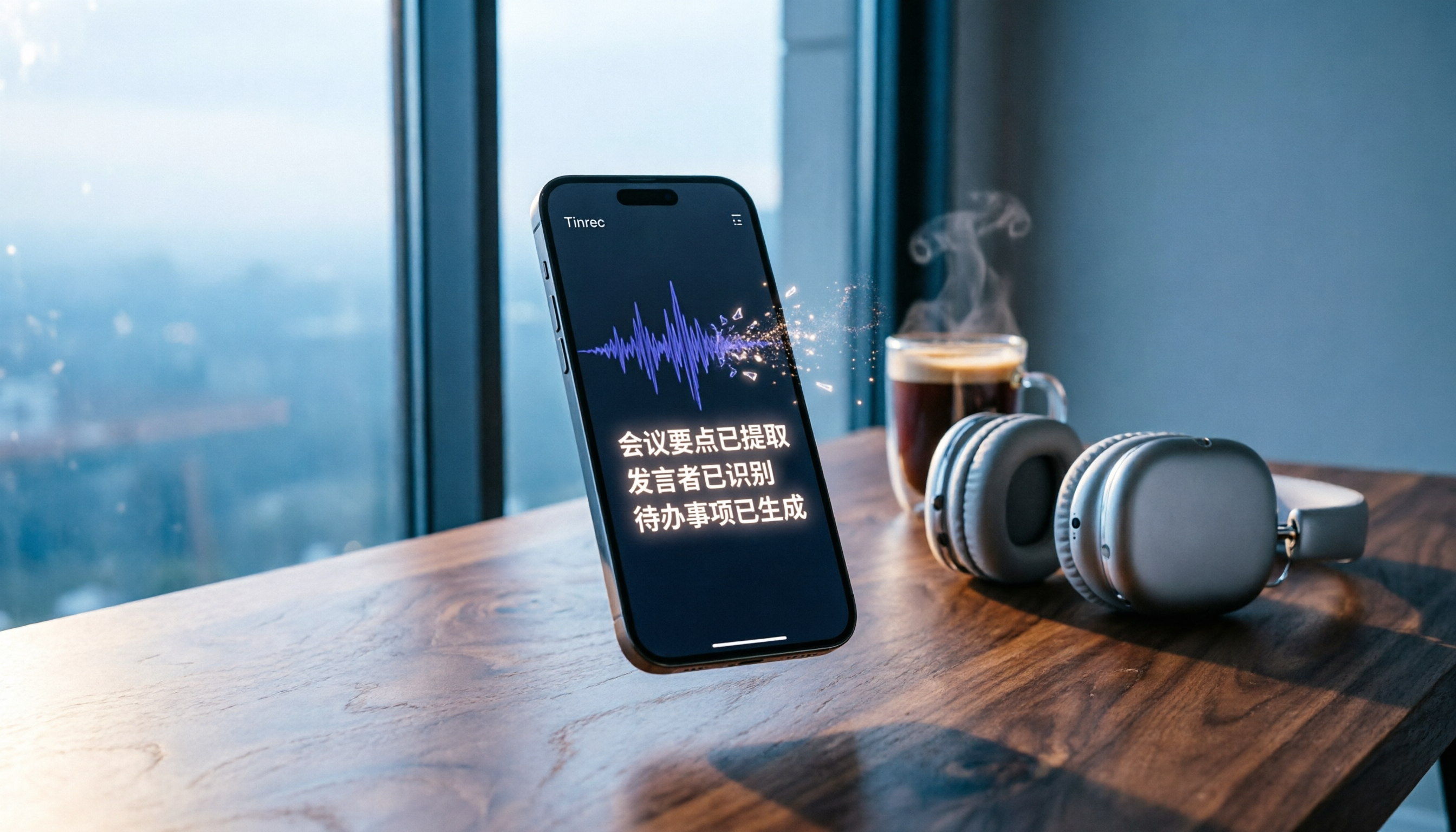
Turn recordings into transcripts and summaries in minutes
Upload audio or video for multilingual transcription, AI notes, and action items
Why You Need WhatsApp Voice-to-Text?
WhatsApp voice messages are convenient, but during meetings, classes, or in noisy environments, you simply can't play them. The 3-minute recording from your boss assigning work, a client's detailed explanation in Cantonese, or a friend's long joke — once converted to text, you can understand it at a glance. According to WhatsApp's official blog, the voice message transcription feature has been rolling out globally, but it doesn't solve every scenario perfectly. This article roundup presents 4 options for converting WhatsApp voice to text, from free basic options to professional AI organization tools, so you can choose based on your needs.
Option 1: Tinrec — More Than Transcription, an AI Recording Workbench
If your WhatsApp voice messages aren't just something to "listen to once," but need to be organized, reviewed, and even turned into action items, Tinrec is currently the most complete AI recording solution. Its core features include real-time recording-to-text, audio/video file transcription, and even pasting a YouTube or Bilibili link to organize the content. Although it isn't a dedicated app that can convert WhatsApp messages with one tap, you can first save a voice message as an audio file (long-press the voice message in WhatsApp and choose Save), then upload it to Tinrec to get a verbatim transcript, AI summary, chapters, and highlights — and you can even ask questions about the content like querying a database.
Tinrec's strength lies in "the next step after transcription": it automatically organizes meeting minutes, extracts to-dos, generates summaries, and can export results to tools like Notion and Google Docs. For anyone who needs to accumulate meeting recordings, lesson notes, or interview materials, this is one of the few AI workbenches that can handle live, file, and online video content at the same time. In terms of pricing, the free version offers a monthly basic quota, suitable for light use; the weekly pass is great for project sprints; and Pro monthly or annual plans provide higher quotas and long-term discounts. If you're not only dealing with WhatsApp voice messages but also have a pile of meetings, classes, and online videos to organize, Tinrec is the option with the highest return on investment.
Option 2: WhatsApp's Built-In Voice-to-Text Feature
WhatsApp's "Voice Message Transcripts" feature, launched in late 2024, is built directly into the messaging app. Go to Settings → Chats → Voice Message Transcripts, turn it on, and choose your preferred language (Cantonese, Chinese, English, and more have been gradually added). When you receive a voice message, long-press it and you'll see the "Transcribe" option. All transcription is processed on your device and protected by end-to-end encryption, so neither WhatsApp nor any third party can read it.
The advantage of this feature is that it requires no extra app and works instantly, making it ideal for people who just want to quickly see what a message says. However, it currently supports only received voice messages, doesn't allow batch processing or export, and transcription requires some wait time; accuracy can occasionally be affected by language settings or accents. If you only need to "glance at" a single message once in a while, this is the simplest choice.
Option 3: "Voice to Text by cantonese.ai" — A Fast Conversion App Built for WhatsApp
This is a third-party app designed specifically for WhatsApp, focusing on Cantonese voice-to-text. Using it is simple: after installing, long-press a voice message in WhatsApp, tap "Share," and send it to the app — the text result will appear. For Cantonese-speaking users in Hong Kong or overseas, it offers a faster conversion process than the official feature and doesn't require changing your system language settings.
Stop organizing recordings by hand
Upload audio or video and automatically get a transcript, summary, and action items
It's worth noting that as a third-party app, it may upload voice or text content to the cloud for processing, so privacy-sensitive users should think carefully. The app is available on the App Store or Google Play; basic features are typically free, while advanced features may require payment. If you just need to quickly convert a single Cantonese voice message and don't mind sharing the content, this app is a convenient supplement.
Option 4: Free Built-In System or Web Tools
If your budget is zero and you use it very rarely, you can try your phone's built-in voice input feature. The method is to play the WhatsApp voice message while simultaneously opening the keyboard's microphone for speech recognition. But this approach is time-consuming and easily affected by the environment, so it's only for emergencies. There are also online voice-to-text web services where you can upload short audio files for conversion, but most limit file length and may involve privacy concerns with uploading data.
These free options cost nothing, but their efficiency and reliability are far below the first three. They're suitable for extremely light needs or as a stopgap measure.
With So Many Options, How Do You Choose?
- You want the most complete AI organization features (verbatim transcript + summary + action items + AI Q&A) → Tinrec, especially for those handling multiple voice messages or full meetings at once.
- You just want to quickly understand a single WhatsApp message, and you care about privacy and convenience → WhatsApp's official feature — no extra app, no-brainer.
- You mainly communicate in Cantonese, need one-tap conversion, and don't mind using a third-party service → "Voice to Text by cantonese.ai" — the most straightforward to use.
- Your budget is zero, you transcribe fewer than 10 times a year, and you're willing to do it manually → Free tools, but be prepared to spend time and accept privacy risks.
| Option | Best For | Core Advantages | Cost |
|---|---|---|---|
| Tinrec | Meeting / class / interview audio that needs sorting, archiving, and further processing | AI summaries, Q&A, multi-source support, export features | Free trial; paid monthly / annual plans |
| WhatsApp official | Quickly checking the content of a single voice message | Built-in, end-to-end encrypted, no need for an extra app | Free |
| cantonese.ai | Simple Cantonese voice-to-text with one-tap operation | Share-to-convert, designed for WhatsApp | Basic free; possible in-app purchases |
| Free tools | Very occasional, non-sensitive content | Zero cost | Free, but with many limitations |
3 Things to Know Before Using WhatsApp Voice-to-Text
- Accuracy is not 100%: No matter which tool you choose, background noise, accents, and multiple people talking at once can affect recognition results. For important content, it's recommended to listen to the original audio to confirm.
- Check privacy permissions carefully: The official feature is processed entirely on your device; third-party apps or upload platforms may send data to the cloud. Always check permissions and privacy policies before use. For confidential conversations, prioritize end-to-end encrypted solutions.
- Output is only the first step: Don't let the transcribed text just sit in an app. Tools like Tinrec can turn your text into to-do lists, meeting minutes, or export it directly to Notion, making the information truly "usable."
Conclusion
In 2026, converting WhatsApp voice messages to text is no longer as troublesome as before. If your needs are simple, just enable WhatsApp's built-in feature. But if what you need is not only to see the words, but to truly understand the content, make data searchable, and reuse it, then Tinrec is currently the most complete AI recording and organization solution and is well worth trying. Start with the free version, then choose a paid plan that matches your usage frequency, and turn all your audio content into actionable knowledge.
References
- WhatsApp Voice-to-Text Officially Launches in Hong Kong! Simple 3-Step Setup Guide for iOS/Android, Plus Unofficial AI Conversion Methods
- [Latest] WhatsApp Voice-to-Text: The Official 2026 Method!
- Introducing Voice Message Transcripts - WhatsApp Blog
- WhatsApp Voice-to-Text New Feature Is Here! Check Setup Methods for Android and iPhone
- WhatsApp Voice-to-Text Complete Guide: How to Enable It and FAQ – AirDroid
Turn every recording into actionable outcomes
Get 60 free transcription minutes when you sign in. No credit card required.
Related Reading
You might also like

How to Choose the 2026 Nottaa Collection 1/12 Horse: 5 Steps to Understand Versions, Colors, and Pre-Order Timing
Nottaa Collection 1/12 Horse buying guide: from the 22cm height and 1/12 scale, ABS/PVC vs. metal materials, to the 'two styles × three colors' and the JiangHu Series Brown Elegant Ver., saddle and reins pre-order bonuses, and the cost gap between HK$350 and international channels. Use these 5 steps to confirm version, box condition, and release timing before ordering to avoid buying the wrong version or missing pre-order gifts.

Notta vs. Tinrec: Comparing 5 Meeting Transcription Tools in 2026 — How to Choose for Chinese Meetings
Half of the people searching for "notta sin foods reviews" are actually looking for meeting transcription tool reviews. This article first clarifies the difference between Notta Sin Foods (a food brand) and Notta (a transcription tool), then covers what meeting transcription tools can do for you, core capabilities, 5 key factors for choosing a tool, and FAQs, using Tinrec as the main example to help you decide which tool suits Chinese meetings and team collaboration.

Notta Taj Law Reviews 2026: How to Tell the Law Firm from the Notta Transcription Tool
People searching for "notta taj law reviews" often confuse the London family law firm Notta Taj Law with the AI transcription tool Notta. This guide first separates the two "Nottas," then explains how to cross-check lawyer reviews and choose a transcription tool, comparing Notta and Tinrec across six dimensions including meeting recording, post-meeting organization, and team collaboration.

Hardy's Nottage Hill Price Comparison 2026: 3 Wines, Philippines Prices & Buying Tips
Looking for Hardy's Nottage Hill prices in the Philippines? The series includes Shiraz, Cabernet Sauvignon & Shiraz, and Chardonnay, each with different prices across retailers. This guide compiles publicly available retailer info, the only clear listed price (Chardonnay 2021 at ₱625), plus tasting notes, price comparison tips, and common pitfalls so you know exactly which bottle you're buying and whether the total cost is worth it.
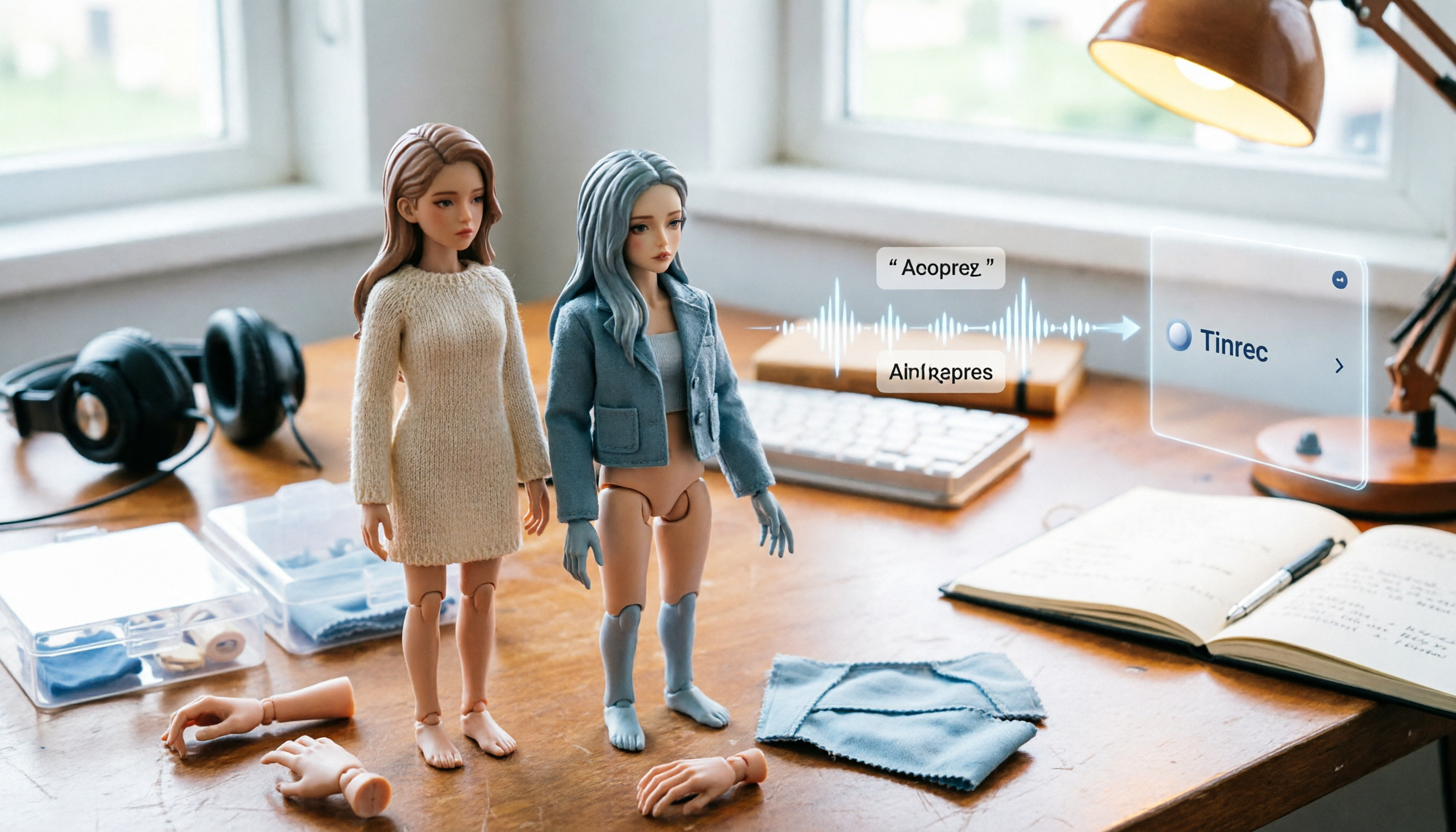
2026 1/12 Female Body Comparison: Nottaa Collection Xiao Fang vs. Serena – What's the Difference?
Nottaa Collection 1/12 Female Body NT-04 comes in two versions: Xiao Fang and Serena, priced at about HK$360 in Hong Kong. This article compares their articulation, 8 sets of hands, outfit compatibility, and pre-order bonuses to help you decide which one to get first.

Notta Review 2026: Complaints, Negative Feedback & Subscription Pitfalls Explained
Where do Notta's negative reviews come from? This guide breaks down recurring complaints on Trustpilot and G2, explains how traps like 'free trial turning into annual charges,' 'per-recording length limits,' and 'unreadable transcripts' happen, and shares 4 key factors to consider when choosing a meeting transcription tool—plus a more sensible way to turn meeting content into usable data.

2026 AI Meeting Notes Showdown: Notta vs. Tinrec — Which Is Better for Students?
Starting from real student pain points—writing reports, group discussions, and final exam review—this article first clarifies that 'notta nother builder reviews' actually refers to a UK construction company and has nothing to do with the AI tool Notta. It then compares Notta and Tinrec on free quotas, Chinese recognition, post-meeting organization, and team collaboration, using Tinrec as the main hands-on example to help students choose the most cost-effective option.

2026 Best 3 Transcription Tools Tested: Notta Reviews Are Polarizing — What's the Difference?
Why do some people say Notta is accurate while others give it 0.5 stars? This article examines four key criteria: the free version's 3-minute per-recording limit, paid plan pricing, language and accent matching, and post-meeting organization capabilities. It compares Notta with Otter.ai, TurboScribe, and Tinrec under the same standards to help you decide if the free version is sufficient, whether paying is worth it, and which tool suits which meeting scenario.

2026 AI Meeting Recorder Comparison: Notta vs Otter vs Tinrec — Pricing & Features
People searching for "notta real jacket price" fall into two camps: those looking for the price of a jacket from Turkish wholesale brand NOTTA REAL, and those looking for the cost of AI transcription tool Notta. This article first clarifies the jacket line, then breaks down the pricing, meeting capture methods, and post-meeting outputs of Notta, Otter.ai, Granola, and Tinrec from a procurement perspective to help you calculate which one is truly worth it.