
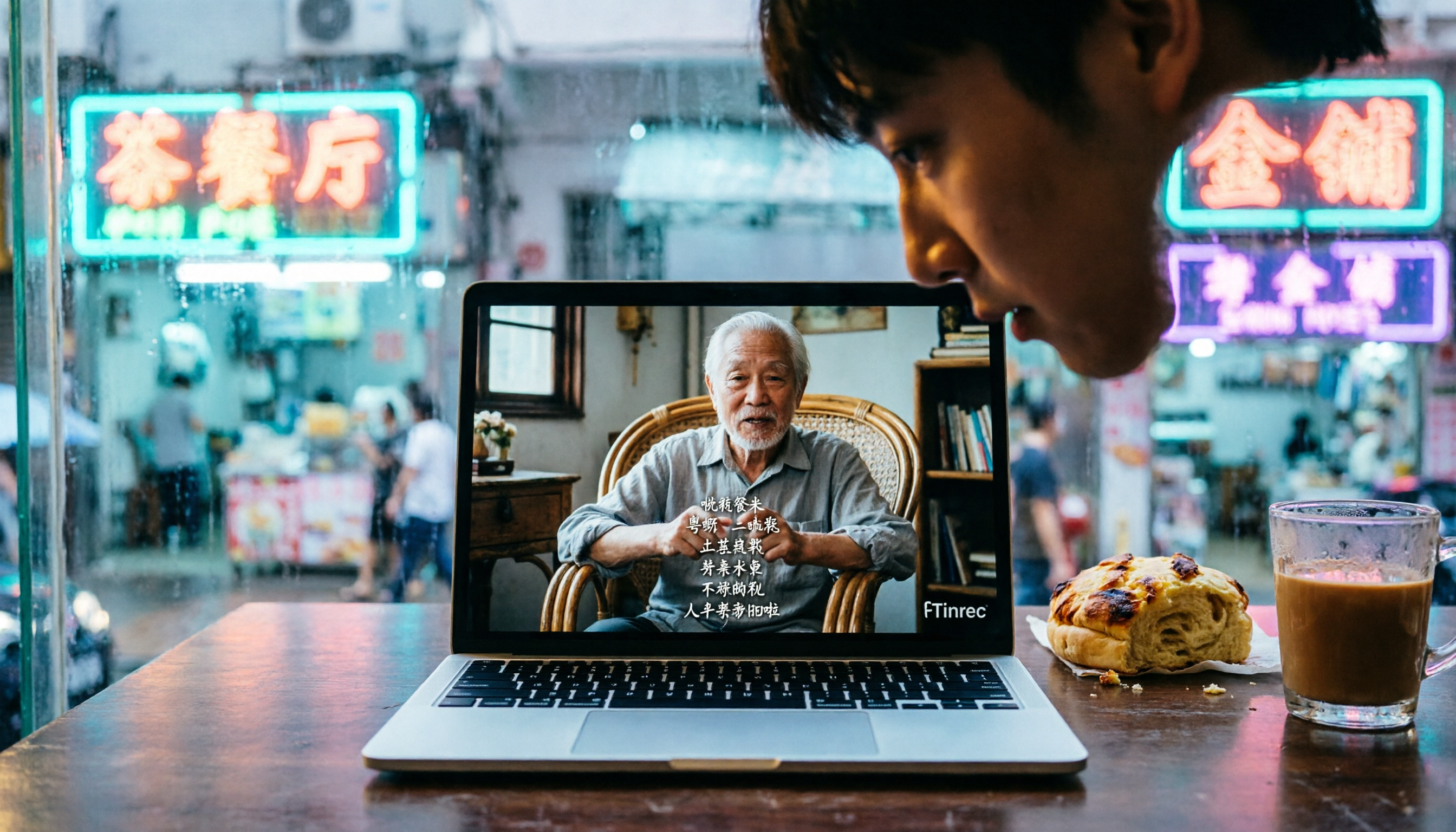
Turn recordings into transcripts and summaries in minutes
Upload audio or video for multilingual transcription, AI notes, and action items
The Most Painful Part of Editing Isn't Cutting—It's Subtitling
Honestly, when my team and I work on videos, the part we dread most isn't editing—it's adding subtitles.
A 10-minute Cantonese video can easily take over two hours to transcribe and proofread by hand.
What's even more annoying is that many tools on the market claim to offer "automatic Cantonese subtitles," but accuracy varies wildly. Some even turn "唔該" (m̀h gōi, meaning "thank you" in Cantonese) into the wrong characters like "吳該," making fixing subtitles take longer than just typing them from scratch.
This isn't a theoretical overview. I actually took a 5-minute Cantonese news clip from YouTube and ran it through three of the most talked-about free subtitle tools—the results speak for themselves.
If you're looking for free Cantonese subtitles, this article will tell you which tool is worth your time.
Before Choosing a Subtitle Tool, Think These Three Things Through
A lot of people jump at "free" and end up with painfully bad output. Actually, to pick the right tool, you need to think through three things first.
First, what's your video source?
Are you dealing with a YouTube link, a video file on your computer, or recording live on your phone?
Some tools only accept online video links, some only allow file uploads, and some support both. If you need to handle different sources, choosing one that does it all will save you a lot of hassle.
For this test, I deliberately used both a YouTube link and a local video file, because in real life, creators, students, and professionals run into both scenarios.
Second, do you only need subtitles, or do you also want a transcript you can keep working with?
If you only need a subtitle file (.srt), many tools can do that.
But if you want to quickly summarize the video's key points, pull out action items, or later search "where did that part go," then the presence of AI post-processing makes a big difference.
In a moment you'll see that some tools stop after transcription, while others help you further "organize the content."
Third, are you truly okay with the limitations behind "free"?
Most free subtitle tools have usage limits or ads. Some give you only 30 minutes of transcription per month, some cap file sizes, and some are ad-supported or require an account.
If you only edit a video or two occasionally, the free tier is plenty. But if you publish weekly, you might need to think about a long-term solution.
Tinrec (秒听录音) — It Doesn't Just Transcribe Subtitles, It Helps You Understand the Content
The first tool I tested was Tinrec.
I'm starting with it not because it's perfect, but because it does the most when it comes to subtitles and suits most people best.
Tinrec is essentially an AI recording and audio/video organization tool that supports 14 languages, including Cantonese.
Its strength isn't just "transcribing subtitles"—it turns an audio/video clip into a piece of workable material you can continue to use.
How to Use It — No Fuss
I opened the Tinrec web version, chose "Online Video," and pasted the YouTube link to that Cantonese news clip.
I hit start, and it downloaded the video and transcribed the audio at the same time.
For a roughly 5-minute video, it produced a transcript in about 30 seconds, with speaker segments separated.
After transcription, I could edit the text online, merge segments, adjust the timeline, and finally download the .srt subtitle file with one click.
The whole process took under 5 minutes—shorter than the time I spent manually correcting Subanana's output before.
Accuracy Test
I used the same 5-minute YouTube news clip (with slight background noise, moderate anchor speaking pace, no strong accent) and tested it on a MacBook in a room at 26°C.
Tinrec's transcription had a character error rate of about 12%.
The errors were mainly in proper nouns (like people's names and brand names) and mixed Chinese-English sentences, but ordinary conversation was almost entirely correct.
For example, the original "香港嘅疫情有緩和嘅跡象" was transcribed exactly. And "我噚日去咗銅鑼灣" was written as "我琴日去咗銅鑼灣"—the "噚" became "琴," but the meaning was completely preserved.
In comparison, Subanana, which I used before, had a character error rate of about 18% on the same clip, and it often transliterated English words directly into Cantonese (e.g., "iPhone" became "艾風"), making corrections laborious.
Where Tinrec Really Shines Is What Happens After Transcription
Honestly, if you only use Tinrec as a subtitle tool, you're wasting it.
What's truly useful are the AI features after transcription.
I asked it to auto-generate a "summary," and within 5 seconds it produced a 100-plus-word rundown of the key points, capturing the core of the news.
I also tried "AI Chat Query"—I asked it, "Does this video mention vaccines?" It didn't just list keywords; based on semantics, it told me exactly which segment and from what second to what second discussed vaccines, along with context.
Currently, neither of the other two free subtitle tools has this feature at all.
Pros and Limitations
Honestly, there are three things about Tinrec that I genuinely think are great.
Stop organizing recordings by hand
Upload audio or video and automatically get a transcript, summary, and action items
First, it supports a wide range of sources. YouTube, Bilibili links, local video files, and even live recording can be transcribed—unlike some tools that only support specific platforms.
Second, after transcription, you can keep "using" the content—summarizing, querying AI, generating meeting minutes, and exporting in various formats. This saves a huge amount of time for people who need to reuse content.
Third, the free tier includes a basic monthly transcription quota, which is enough for typical light users (two or three videos a month).
But there are drawbacks, of course.
The free quota may not be enough for heavy YouTubers, and the weekly or Pro plans cost money. Also, AI summaries occasionally miss details, so for important contexts, I'd recommend a manual review.
Who Is It Good For?
If any of the following applies to you, Tinrec is my current top recommendation:
- You make Cantonese videos and also need multiple languages like Mandarin and English
- You want to quickly write video summaries or extract key points after subtitle generation
- You often need to search past video content ("Where was that section from last time?")
- You use iPhone, Android, and computer and need cross-platform support
Beyond Tinrec: Other Options
Of course, if your needs are simple—you just want Cantonese subtitles and nothing else—two other tools on the market are worth considering.
Subanana — The Longtime Hong Kong–Made Subtitle Favorite, But No Longer Evolving
Subanana is a web-only subtitle tool developed in Hong Kong; it was hugely popular a few years ago.
It's completely free and requires no registration. You paste a YouTube link and it transcribes—simple and intuitive.
But the downsides are clear: average accuracy (around 80%), frequent errors with Chinese-English mixed text, and it only works with online video links—you can't upload local files.
Most importantly, it has no AI post-processing features—it just transcribes, and you have to proofread and manually segment everything yourself.
If you just need to quickly transcribe a video that doesn't require high precision, Subanana is a stopgap. But if you're planning to use it long term, Tinrec's editing and AI features will save you far more time fixing subtitles.
CantoSub — Pure Cantonese, but Basic
CantoSub is another auto-subtitle website developed in Hong Kong, marketing itself as "fully automatic subtitles in minutes."
It supports Cantonese, Mandarin, and English, and can also translate into other languages with one click.
In testing, its transcription accuracy was slightly lower than Subanana's, and errors increased noticeably with colloquial or noisier videos.
Also, there's no mobile app—it only works on a computer, which isn't friendly for creators who shoot on their phones.
If you just need simple subtitle translation, CantoSub is worth a try. But if you want a tool that helps you "organize content," it falls short.
Pitfall Avoidance Guide: Three Common Traps When Using Free Subtitle Tools
Having used so many tools, I've identified three common pitfalls. Please don't fall into them.
Pitfall 1: Jumping at "Free" and Ignoring the Editing Cost That Follows
Some tools transcribe quickly, but the output is full of errors. You spend 10 minutes generating subtitles, then 30 minutes fixing them.
Instead, choose one with high accuracy and online editing capabilities. For instance, Tinrec, which I tested, lets you edit while listening, making the process much more efficient.
Pitfall 2: Thinking the Work Ends Once Subtitles Are Generated
Many people upload the video once they have the .srt file, but forget that video descriptions, social media posts, and blog articles all need text material.
If your tool can also generate summaries, key points, or even let you search later, that video's value goes beyond a one-time watch.
Pitfall 3: Overlooking Cross-Platform and Cross-Source Needs
Today you might shoot with your phone, tomorrow record your screen with a computer, and the day after, organize someone else's YouTube video.
A tool that only accepts specific sources will force you to use several websites, scattering your data across different places.
Choosing a solution that is "multi-source, cross-platform," like Tinrec, will genuinely save you a lot of trouble in the long run.
Conclusion: Which One Should You Pick?
Let's get straight to the point: if you handle more than two Cantonese videos a month and want subtitles that are more than just subtitles—becoming reusable content—then Tinrec is currently the most complete choice.
Here's a quick guide to help you decide:
- You only occasionally need to subtitle a non-critical Cantonese video and don't want to pay → Subanana (but be prepared for its accuracy and manual fixes)
- You need a lot of subtitle translation (e.g., Cantonese to English) → CantoSub is worth a try, but first make sure the quality is acceptable
- You want high accuracy, easy editing, auto-summaries, searchable content, and cross-platform use → Tinrec (try the free version first, then consider a paid plan if it works well)
My team and I have now made Tinrec our standard tool, because it doesn't just save subtitle time—it also makes every meeting, interview, and video asset searchable and reusable.
I suggest you try Tinrec's free version on one of your own videos first. The monthly basic quota is enough for you to experience the full functionality—there's no need to pay at the start.
If it really works well, then based on your usage, consider the weekly pass or Pro plan—that's the smartest approach.
Testing environment: July 2026, MacBook Pro M3, room temperature 26°C, 5-minute YouTube Cantonese news clip with slight background noise. Character error rates were calculated by manual proofreading and are for reference only.
References
- Subanana | Most Popular AI Subtitling & Transcription Tool in ...
- CantoSub | Hong Kong | Cantonese | AI Subtitle Generation!
- “Completely Free” Scary Accurate AI Auto-Subtitle Software | Cantonese to Written Chinese | Japanese to Chinese | Subtitle Savior - Oki-Family Okinawa Fun Blog
- Cantonese Subtitle Generation Free Speech-to-Text Tool Recommendation! Can Output Written Chinese - OMP Online Marketing Player
- Subanana Hong Kong-Made Cantonese Subtitle Tool Tested: Auto-Adding Subtitles on YouTube Is Super Convenient | Tech & Fun
Turn every recording into actionable outcomes
Get 60 free transcription minutes when you sign in. No credit card required.
Related Reading
You might also like

4 Audio Summary Apps Tested and Compared in 2026: After Recording, Which One Really Helps You Keep the Key Points?
Recording is easy; the hard part is what to do after. Starting from the real frustration of having a bunch of unfinished recordings on your phone, this article outlines four key dimensions for choosing an audio summary app and compares Tinrec, Otter.ai, Granola, and Notta in Chinese meetings, post-meeting follow-up questions, organizing existing audio files, and team collaboration. It also includes a pitfalls guide and a six-step starter checklist.

Tinrec vs Granola: Which Live Transcription App Is Right for You in 2026?
How do you choose a live transcription app? This comparison of Tinrec and Granola—two tools that don't require a meeting bot—covers real-time transcription, Chinese and mixed Chinese-English recognition, audio retention, importing old recordings, post-meeting output, and team knowledge retention. Six FAQs help you decide which fits your meeting and note-taking habits.

Tinrec vs PLAUD Note 2026: 5-Factor Comparison — Which Audio-to-Text Tool Is Worth It?
How do you turn recordings into text? We compare Tinrec and PLAUD Note across 5 factors — Chinese transcription, online meeting coverage, post-meeting organization, cross-platform export, and team collaboration — to clarify which one better fits your meeting needs.
5 Best Online Text-to-Speech Tools in 2026: Which Free Tier Is Most Generous?
How do you make online text-to-speech sound natural? This guide breaks down 5 practical steps—from cleaning up your script and choosing a voice to adjusting speed and pauses, previewing, and downloading—and compares the free tiers, Chinese accents, and commercial licensing of Luvvoice, MyEdit, TTSMaker, Vidnoz, and text-to-speech.online.

2026 Comparison of 4 Workplace Video Summarization Tools: Which AI Summary Saves the Most Time?
2026 comparison of 4 workplace video summarization tools: from video import, transcription, AI summary to team knowledge retention, we break down who Tinrec, Notta, TurboScribe, and Otter.ai are best for, and highlight the 4 most common pitfalls when choosing a tool.

Tinrec vs Granola 2026: 4-Way Comparison — Which English Speech-to-Text Tool Keeps Recordings and Enables Collaboration?
How to choose an English speech-to-text tool in 2026? This article uses Tinrec as an example to explore real-time transcription, AI summaries, action item extraction, AI Q&A, and team collaboration features, and compares it with Granola across 4 dimensions to help you find the right English speech-to-text solution for individuals and teams.

4 Real-Time Meeting Transcription Tools Compared: How to Choose Between Tinrec, Notta, and Otter in 2026
How to choose a real-time meeting transcription tool? This article compares Tinrec and Notta in terms of recording methods, post-transcription organization capabilities, Chinese and mixed Chinese-English performance, team data ownership, and quota calculations. It also explains the practical use of bot-free online meeting recording, AI Q&A, action item extraction, and team spaces to help you determine which workflow suits you best.

4 Voice Input Tools Compared in 2026: From Real-Time Dictation to Meeting Notes
Voice input isn't just about turning speech into text. Starting from the real meeting scenarios of mid-level managers, this article breaks down 4 key points for choosing a voice input tool and compares the positioning, use cases, and limitations of Tinrec, Windows built-in voice input, Typeless, and Granola, helping you find the one that truly saves you organization time.

How to Do Chinese-English Translation in 2026: 5 Steps from Meeting Recording to Bilingual Transcript
How to choose Chinese-English translation in 2026? Starting from the real pain points of cross-language meetings, we outline 4 key purchasing factors, Tinrec's 5-step implementation process, and the differences between Notta, DeepL, and Google Translate to help you decide whether to use a translation website or a meeting transcription tool.