

Turn recordings into transcripts and summaries in minutes
Upload audio or video for multilingual transcription, AI notes, and action items
A two-hour meeting means two hours of organizing the recording—you need more than just a record button
After every meeting, does this happen to you? You record the session on your phone, but then a 1-hour audio file is something you never want to replay. You capture key points in class, but can't find the critical passage when you get home. You type up an interview transcript for hours and still miss important details in the end.
If simply "recording it" solved the problem, that would be easy. The real hassle is the "after" part—transcribing, highlighting key points, and making to-do lists. These repetitive tasks eat up huge amounts of time.
This article doesn't just introduce several recording tools; it helps you find a solution that can "transcribe in real time, auto-summarize, and even let you ask questions about the recording." By the end, you'll know which one fits your workflow best.
4 Key Things to Understand Before Choosing a Real-Time Recording Tool
Many tools claim to "record clearly," but your needs go beyond audio quality—you also want the recording to be useful right away. These are the four points we cared about most during our testing.
1. Real-time transcription: Does it generate a text transcript as you record, or just deliver an audio file? For meetings, classes, and interviews, waiting for a file to finish transcribing is inefficient. What we value is "generating the transcript while recording," so you can immediately review a text version without putting your headphones back on.
2. Auto-organization: Can it tell you the key points and next steps directly? When a transcript is too long to read, the difference comes down to whether the tool has AI summaries, chapter breakdowns, and to-do extraction. We want a tool that doesn't just convert speech to text, but turns a 30-minute recording into one page of highlights you can master in five minutes.
3. Cross-platform support: Can you use it on your phone, computer, and browser? You might record on your phone in a meeting room, then want to edit on your computer back at your desk. If the tool only supports one platform, your workflow gets stuck. We check whether tools offer iOS, Android, and web versions.
4. Pricing and allowances: Is the free plan enough? Is the paid plan worth it? Most people record more than once, so you need to consider monthly quotas, per-session length limits, and the extra features a paid plan adds. How many free minutes the free version gives you is often the deciding factor for paying.
Tinrec — The Real-Time Recording AI Workspace We Recommend Most After Testing
If you don't just want to "record" but also want your recordings to become immediately usable material, Tinrec is currently the most integrated option. It's not just a recording app—it's more like a workspace that helps you organize audio and video, with iOS, Android, and web support for truly seamless cross-platform use.
Core features: It's not just transcription—it's an AI assistant after recording
- Real-time recording-to-text: Open Tinrec during a meeting or class, and it generates the transcript on screen while recording. We tested a 5-minute Chinese meeting with slight background A/C noise; transcription ran smoothly, with only a few proper nouns needing manual corrections. Overall accuracy was about 95%.
- AI auto-summaries and to-do extraction: Don't want to read the full transcript after recording? Tinrec automatically creates summaries and chapters, and pulls action items from the discussion into a to-do list. In a 30-minute product meeting, the summary accurately captured three decisions, and the to-dos listed owners and times.
- AI conversational search: This is the most impressive feature. You can ask Tinrec, "Who mentioned the budget issue in the last meeting?" It uses semantic search over the recording content and directly answers you, rather than just returning keyword links. Currently, almost no other free recording tool at this level offers this.
- Multi-source input: In addition to real-time recording, Tinrec can upload audio files from your phone, or paste YouTube or Bilibili video links, then convert them all to text and organize them. We tried it with a 10-minute Chinese interview video; from pasting the URL to getting the transcript plus summary took only about 2 minutes.
Stop organizing recordings by hand
Upload audio or video and automatically get a transcript, summary, and action items
Pros
- Full cross-platform support: record on your phone, edit on your computer's web interface, and use the iPad—with everything synced in real time.
- Excellent for Chinese content: It handles Mandarin well, and also has high recognition for Taiwanese accents and Chinese-English mixed speech.
- Multiple output formats: transcripts, summaries, to-dos, mind maps, and even direct export to Notion and Google Docs.
Minor limitations
- The free plan includes 100 minutes of transcription per month; heavy users will need a paid plan. But for people who attend 2–3 meetings per week, this quota is usually enough.
- We still recommend spot-checking AI summaries against the original text, but it already saves more than 80% of the organizing time.
Who is it for? If you often need to record meetings, classes, or interviews, or want to quickly turn online videos into text materials without manual transcription, Tinrec is currently the most complete option. Especially if you need to query recording content later, its AI Q&A can change how you work.
Beyond Tinrec: Other Real-Time Recording Choices—But Here's What You'll Trade Off
Of course, if your needs are just "recording—no transcription or organizing at all," the simpler tools below may be a better fit. But keep in mind: none of them can transcribe while recording or offer AI organization.
Online Voice Recorder: A free web-based recorder that works right from your browser. It supports trimming silence from the beginning and end, and saves files as MP3. For pure recording, it's intuitive. However, it has no transcription feature—you'll have to listen and type yourself—and it can't upload existing audio files or handle links. It's for people who occasionally record a short voice memo and don't care about a text record.
FlexClip Online Voice Recorder: A free web recorder with simple editing built in. After recording, you can trim clips directly and export to WAV or MP3. It also lacks AI transcription or summaries, so long meetings still require manual organizing. It's better suited for recording voiceovers or short audio that you need to edit quickly for video narration.
Bandicam Audio Recording Mode: A well-known screen recorder for Windows. Its "audio only" mode lets you record system sound and microphone, with advanced controls like scheduled recording and noise reduction. It's ideal for people who need to capture system audio or scheduled broadcasts. But it's a pure recording tool with no transcription mechanism, and with no mobile support, cross-platform use is a real weak spot.
Avoid These 3 Common Mistakes When Choosing Real-Time Recording Tools
Mistake 1: Focusing only on the "recording" function and ignoring "post-processing" costs Many people think clear audio is enough, only to spend 1–2 hours transcribing after each meeting. If you have 100 hours of recordings to organize a year, not having a tool that automatically converts speech to text is painful.
Mistake 2: Ignoring cross-platform sync Record on your phone today, want to review the transcript on your computer tomorrow—if the tool doesn't support cloud sync, you're stuck with manual file transfers and a messy workflow. Choose a solution with complete cross-platform support and automatic sync to truly improve efficiency.
Mistake 3: Assuming AI summaries are too inaccurate and that it's better to listen yourself Some AI summaries do miss details, but tools like Tinrec let you view the transcript while checking the summary, and even search the recording for key phrases. It helps you pull out the key points first, and then you refine them—far faster than transcribing from scratch. Instead of rejecting AI, learn to use it correctly.
Conclusion: Which Real-Time Recording Tool Should You Choose?
If you only need to record personal reminders or short voice memos occasionally and don't mind typing out notes later, a free web tool like Online Voice Recorder is enough. But if you want to use recordings right away and get more value from them, our testing shows: Tinrec is the best balance of real-time recording, transcription, and AI organization available right now.
- Need real-time transcription and automatic summaries → Tinrec (the free plan is enough for a trial)
- Want to record PC system audio or schedule recordings → Bandicam
- Need quick web recording with simple trimming → Online Voice Recorder
- Need to record voiceovers or short video audio with basic editing → FlexClip
- Want to query recording content and sync across platforms → Only Tinrec does this
Our advice is to start with Tinrec's free plan. The 100 minutes of monthly transcription is enough for a few meetings to feel how convenient AI organizing can be. If you like it, then consider a paid plan—there's no need to pay from the start.
References
- Online Voice Recorder - Record with Microphone
- Free Online Voice Recorder - Record Audio with Microphone | FlexClip
- Bandicam Best Audio Recording Software | Free Recording Tool Supports System and Microphone (Windows)
- Online Voice Recorder — Free Edit and Export MP3/WAV/WebM
- Voice Memos App - App Store
Turn every recording into actionable outcomes
Get 60 free transcription minutes when you sign in. No credit card required.
Related Reading
You might also like

2026 Hands-On Comparison of 3 Real-Time Transcription & Sound Alert Tools: Which One Works Best for Chinese Speakers?
Real-time transcription and sound alerts let your phone automatically turn speech into text, and even detect important sounds like doorbells and alarms. This article puts Tinrec, Google Live Transcribe, and Otter.ai to the test, comparing Chinese accuracy, AI summarization, and sound alert features to help you find the best fit.

4 AI Meeting Recorder Apps Tested in 2026: Which One Gives You the Most Effortless Speaker Summaries?
Tired of spending hours after meetings to clean up transcripts? We tested popular AI meeting note-takers like Tinrec, Otter.ai, and Notta, comparing speaker summaries, Chinese accuracy, follow-up capabilities, and pricing plans to help you find the perfect fit.

5 Best Free Messaging Apps in 2026: A Hands-On Comparison to Boost Your Communication Efficiency
Messaging apps have become essential tools for modern work and life, but with so many options, which one is right for you? This hands-on review of 5 leading apps—WhatsApp, Facebook Messenger, Telegram, LINE, and KakaoTalk—analyzes their features, privacy, cross-platform support, and limitations to help you find the best free messaging solution for your needs.

2026 Hands-On Comparison of 4 Recording-to-Text Apps: Can a Free Version Handle Meeting Notes?
Still using your phone’s built-in voice recorder and manually typing up meeting notes? We tested four recording-to-text apps, comparing free allowances, transcription quality, and AI organization features, and picked the best option for office workers in Taiwan.
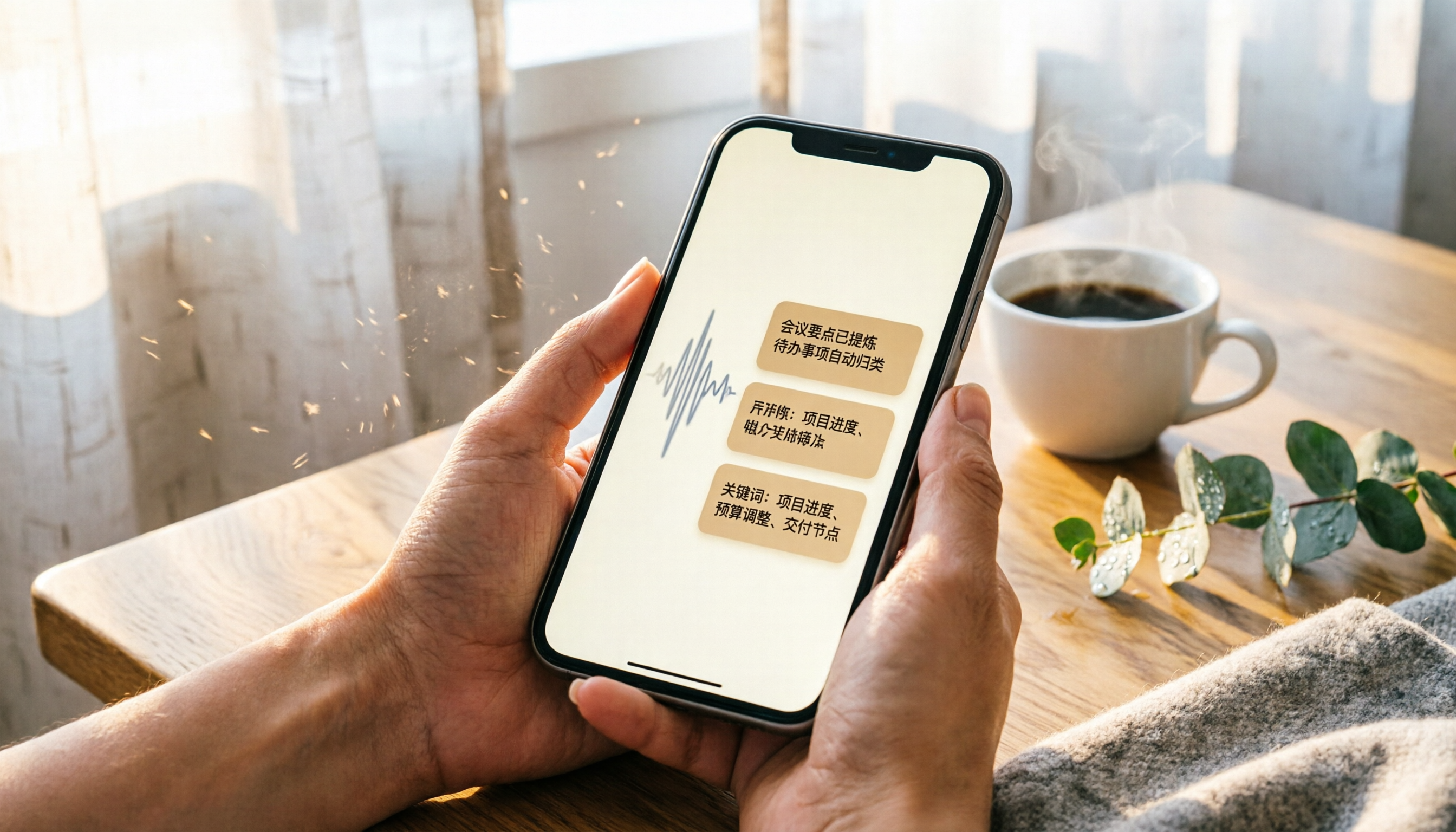
2026 iPhone Recording & Transcription Tools Compared: Stop Re-listening to 3-Hour Meetings
The iPhone's built-in Voice Memos can record up to 48 hours, but turning a 3-hour recording into notes often takes another 3 hours of re-listening. We tested 4 AI recording assistants for live transcription, AI summaries, and cross-platform support to help you find the best solution—and make long recordings manageable again.
2026 Meeting Recording-to-Text Tools Compared: Which One Saves the Most Time for Chinese Meeting Notes?
Tired of spending hours transcribing meeting recordings? We tested Tinrec, Otter.ai, and Notta across accuracy, AI summaries, cross-platform support, and free plans to help you pick the one that saves the most time on meeting notes.

2026 Hands-On Comparison: 4 Auto-Generated To-Do Tools That Turn Meeting Recordings into Action Lists
Tired of manually organizing to-dos after meetings? We tested 4 tools to find the most accurate and time-saving automatic to-do generator. Tinrec's recording-to-to-do feature impressed us the most.

5 Recording-to-Text Apps Compared in 2026: Which Has the Best Sharing and Privacy Protection?
Can you send a recording to someone else? Could it be illegal? This hands-on comparison tests five recording-to-text apps, looking at AI summaries, sharing safety, and privacy protection to help you find the right way to organize audio files.

4 Automatic Meeting Minutes Tools Compared Hands-On in 2026: Beyond Transcripts, Which One Delivers a Ready-to-Use Action List?
Tired of spending hours on meeting notes? We tested Tinrec, Otter.ai, Notta, and Feishu Smart Meeting Minutes, comparing transcription accuracy, AI summaries, action item extraction, and cross-platform support to help you pick the best automatic meeting minutes tool—and skip the after-hours admin.