
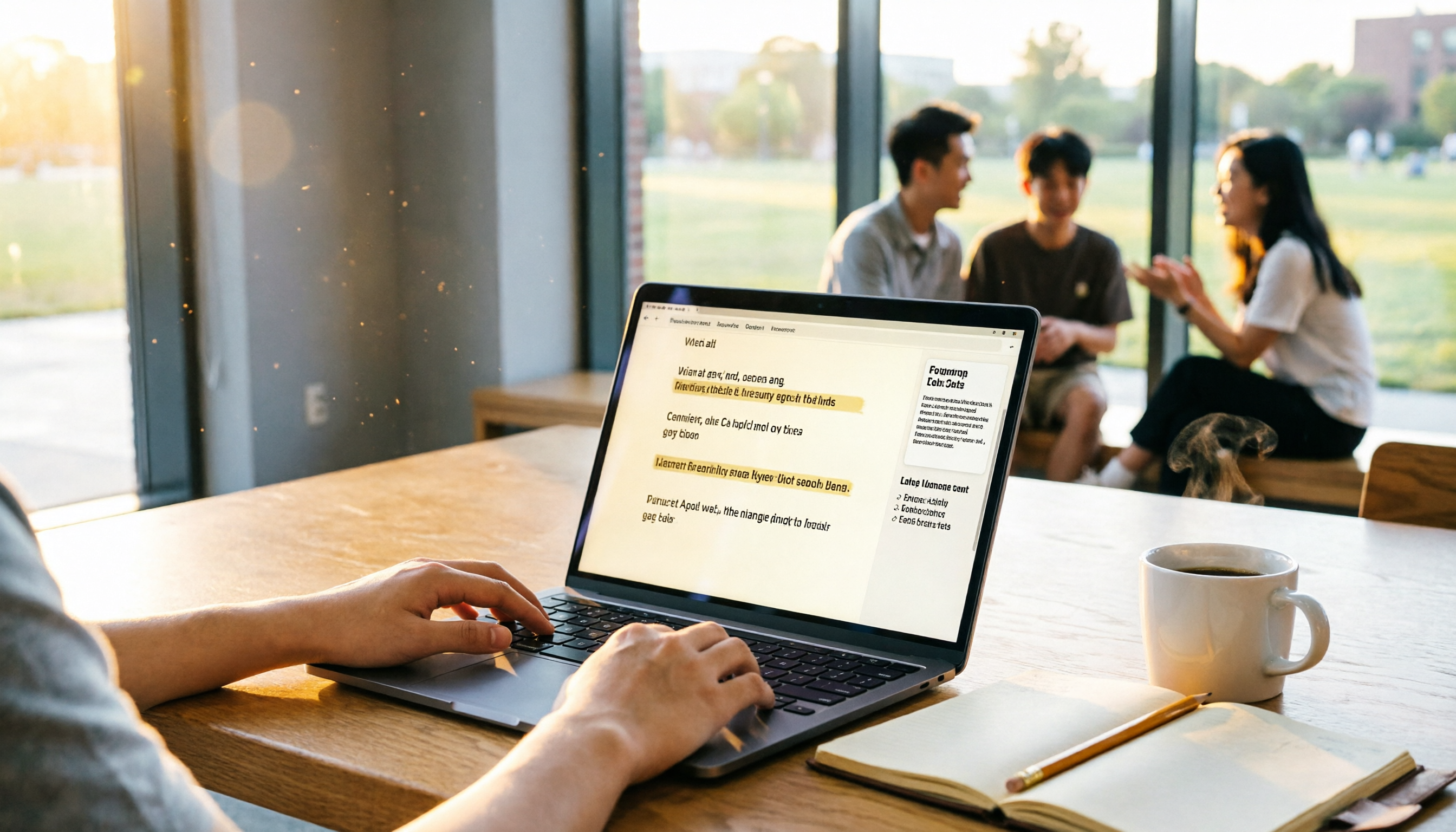
Turn recordings into transcripts and summaries in minutes
Upload audio or video for multilingual transcription, AI notes, and action items
The Complete 2026 Guide to Meeting Transcripts: From Recording to Key Summaries, an Efficient Note-Taking Method Every Student Should Learn
Last semester, I took a required course where the professor talked faster than I could type, and the slides flipped even faster. I tried taking handwritten notes, but when I opened my notebook before the midterm, I couldn't even understand my own writing—at that moment, I really thought I was going to fail. Then a senior student recommended an AI recording tool called Tinrec, and I discovered that lecture recordings, group discussions, and even supplementary YouTube videos could all be turned into organized text notes with one click. This article shares the transcript management system I used all semester, and also tells you how students can make do with the free version and when it's worth paying a little extra.
What Can Meeting Transcripts Do for You?
You might think "meeting transcripts" sound like something for office workers, but for students, it's your digital collaborative notes. After using Tinrec for over six months, I've found it's basically a time-management superhero for students:
Scenario 1: Turn classroom recordings into notes instantly
When a professor lectures for two hours, I used to have to choose between copying and missing information. Now, before class, I open Tinrec's live recording feature, and it generates text in real time—by the time class ends, the transcript is already on my phone. Even better, it automatically identifies the key sections of the lesson. Before the midterm, I just printed out those highlights, and my review efficiency was way ahead of my classmates.
Scenario 2: Never forget group discussion conclusions again
During our senior project, every group discussion was chaotic, and no one remembered the conclusions afterward. Once, I suggested recording the session, used Tinrec to transcribe it, then used the AI summary feature to instantly list the discussion conclusions and action items—who was responsible for what, and what the deadlines were, all clear. My group members now call me the "meeting minutes robot."
Scenario 3: Organize online classes and supplementary videos in one go
Some courses have professors who share YouTube links as supplementary materials; in the past, I'd just watch them and forget. Now, I paste the video link directly into Tinrec, and it transcribes the subtitles and generates a summary. When I want to review, I can just search for a keyword and jump to the relevant section, saving the time of rewatching the whole video.
What Core Capabilities Should a Meeting Transcript Tool Have?
Many tools on the market claim to do speech-to-text, but not all of them are suitable for student scenarios. From my experience with Tinrec, these capabilities are the real game-changers:
Real-time transcription: text as it records
Tinrec's real-time transcription has almost no delay, so I can watch my phone screen during class to check if it's heard correctly. If the professor has a heavy accent or the classroom is noisy, its recognition is still fairly stable—of course, not 100%, but it's quick to correct against the recording.
AI semantic summarization: not just condensing, but structured organization
This is my favorite feature. Previously, I used tools that just gave a single paragraph as a summary, which missed the main points. Tinrec's summary is organized into categories like "Topics," "Conclusions," and "Action Items," so before finals, I can scan the summary to know exactly what the lesson covered.
AI conversation query: find key points by asking
After transcription, I can ask Tinrec like I'd ask a classmate: "What three key points did the professor emphasize in this lesson?" "When is the assignment due?" It directly pulls the answers from the recording content. This feature is incredibly useful for last-minute cramming.
Chapter organization: automatic segmentation of long recordings
For a two-hour lecture recording, it automatically breaks it into chapters, each with its own subtitle. When reviewing, I don't have to listen from start to finish; I can jump directly to the section I need.
Multiple export formats: take your content to your note-taking tools
Tinrec can export to TXT, Word, PDF, and even sync directly to Notion. I habitually export my weekly key points to Notion as long-term notes, and one week before finals, I just open Notion and everything is there.
Real-Life Scenario: How a Student Uses Tinrec Throughout the Day
It's not just for class—now almost all my "listening" learning activities rely on Tinrec:
Stop organizing recordings by hand
Upload audio or video and automatically get a transcript, summary, and action items
9 AM required course: live recording + post-class summary
I open Tinrec before entering the classroom, set it to "learning" mode (well, it doesn't have that exact mode, but I just record), and after class, I spend 5 minutes reviewing the AI summary and paste the key points into Notion. If any notes are missing, I go back and listen to that part of the recording to fill in the gaps.
Lunch break watching supplementary videos: paste link, get text
For TED talks or online lectures that the teacher shares, I paste the link into Tinrec, and it converts it into full text and a summary. I save those summaries as examples or citable material, which is super handy when writing reports.
Evening group discussion: recording + to-do list
During project discussions, everyone talks while Tinrec records; afterward, we immediately use AI summarization to list the conclusions and action items. Each member takes a screenshot as proof, so now no one can say, "Did I say I would do that?"
Final exam cramming: ask AI for key points
I store all my semester recordings in Tinrec. Before exams, I ask it: "What topics are covered on the midterm?" "Did the professor mention any must-know questions?" It gives me a comprehensive summary based on all the recordings—not 100% accurate, but it saves me time digging through my notes.
4 Things to Watch When Choosing a Meeting Transcript Tool
Students have limited budgets, so you need to choose wisely. I tried several tools (some had too little free quota, others had terrible Chinese recognition), and finally settled on Tinrec. Here are my selection criteria for younger students:
1. Is the free tier sufficient?
Tinrec's free version offers a basic monthly transcription quota. I tried recording about 4-5 classes a week plus a few group discussions, and it was barely enough. If you want to record all your elective courses too, you may need to upgrade. The Pro monthly plan costs about the same as a bubble tea and gives you more minutes, which is really cost-effective to activate for one month during finals.
2. Chinese recognition and summarization ability
Some tools are great with English but struggle with Chinese, causing missing words or awkward sentence breaks. I find Tinrec's Chinese performance quite stable, especially with Taiwanese professors mixing Chinese and English, where it can recognize a good amount. However, if the recording quality is too poor (like windy or far from the podium), there will still be errors, so it's best to double-check important parts against the recording.
3. Can it help you organize after transcription?
A tool that only gives you a transcript is no different from just giving you the recording. Tinrec's summary, chapters, and to-do features are what actually save time—you're really paying for these post-processing capabilities.
4. Cross-platform support and export options
I usually record on my phone, review notes on my tablet, and organize reports on my computer. Tinrec is available on all three platforms, and it can export to Notion or Google Docs. If you, like me, use multiple devices, this is essential.
FAQ
Q: Are AI transcript tools safe for recording privacy?
A: Classroom recordings usually don't contain confidential information, but if you're recording more private discussions, it's best to check the tool's privacy policy first. Tinrec encrypts data transmission, but like any cloud tool, it's wise to be cautious with extremely sensitive content. Personally, I record directly for classes and group discussions without concern.
Q: Is the free version really enough?
A: If you only record key subjects and project discussions, Tinrec's free quota should last you a month. But if you want to record every class or lots of online videos, I'd suggest upgrading to Pro during the final exam month—one or two hundred NT dollars a month is just a couple of late-night snacks.
Q: How well does it record in noisy environments?
A: In environments with lots of echo or people chatting, the recognition rate drops. I usually sit closer to the professor or use my phone's directional recording (if available) to improve it. In a typical classroom, Tinrec can capture about 80% of the content; for the rest, I use the AI Q&A feature to fill in the context.
Q: Can I export to Word or PDF to share with classmates?
A: Yes, Tinrec supports multiple export formats. Before midterms, I export my summaries as PDFs and share them in the class group; classmates always ask which app I use—I've already recommended it to several people.
Q: Will it recognize recordings with a professor who has a heavy accent?
A: AI still has limits with special accents or mixing Chinese and English. I had a professor who spoke unclearly, and Tinrec made quite a few misjudgments. In that case, I keep the recording and use the AI Q&A to compare the transcript and correct it later—it still saves time compared to listening to the whole thing again.
Conclusion
AI meeting transcript tools are no longer just for office workers. For students, they're a lifesaver that frees you from chaos. After using Tinrec for a whole semester, the biggest gain wasn't more notes, but the fact that I no longer had to stay up all night listening to recordings before finals. If you also find that handwritten notes can't keep up with the professor's speed, or that group discussion conclusions are never remembered, just try the free version. Download Tinrec, and the monthly free quota is enough to let you experience the benefits of organizing a few classes. Who knows—you might, like me, never go back to handwritten notes.
References
- Master Meeting Minutes! How to Use AI Speech-to-Text Transcription? Hands-on with Gemini Notebook, Gemini, and EchoScript | 104 Career & Workplace
- Yating Transcription
- Meeting Ink - 2026 AI Meeting Recording Tool Review: 8 Speech-to-Text and Summarization Speed Comparisons | Meeting Ink - AI Meeting Minutes Assistant - Automatic Transcription and Meeting Summary
- EP10|Boss Wants Meeting Minutes: How to Choose an AI Transcript Tool? – Nomad Knowledge Studio
- Must-See in 2026! 4 AI Audio-to-Text Tool Recommendations: Meeting Minutes and Podcast Transcript Reviews - Mobile01
Turn every recording into actionable outcomes
Get 60 free transcription minutes when you sign in. No credit card required.
Related Reading
You might also like

How to Choose AI Meeting Recording Tools in 2026: 5 Steps to Find the Best Transcription Tool
Still typing meeting notes manually? This article tests 5 AI voice-to-text tools, including Tinrec, Otter.ai, Notta, SeaMeet, Notion AI, and Google's free options. We compare features, pricing, and use cases to help you pick the right meeting assistant.
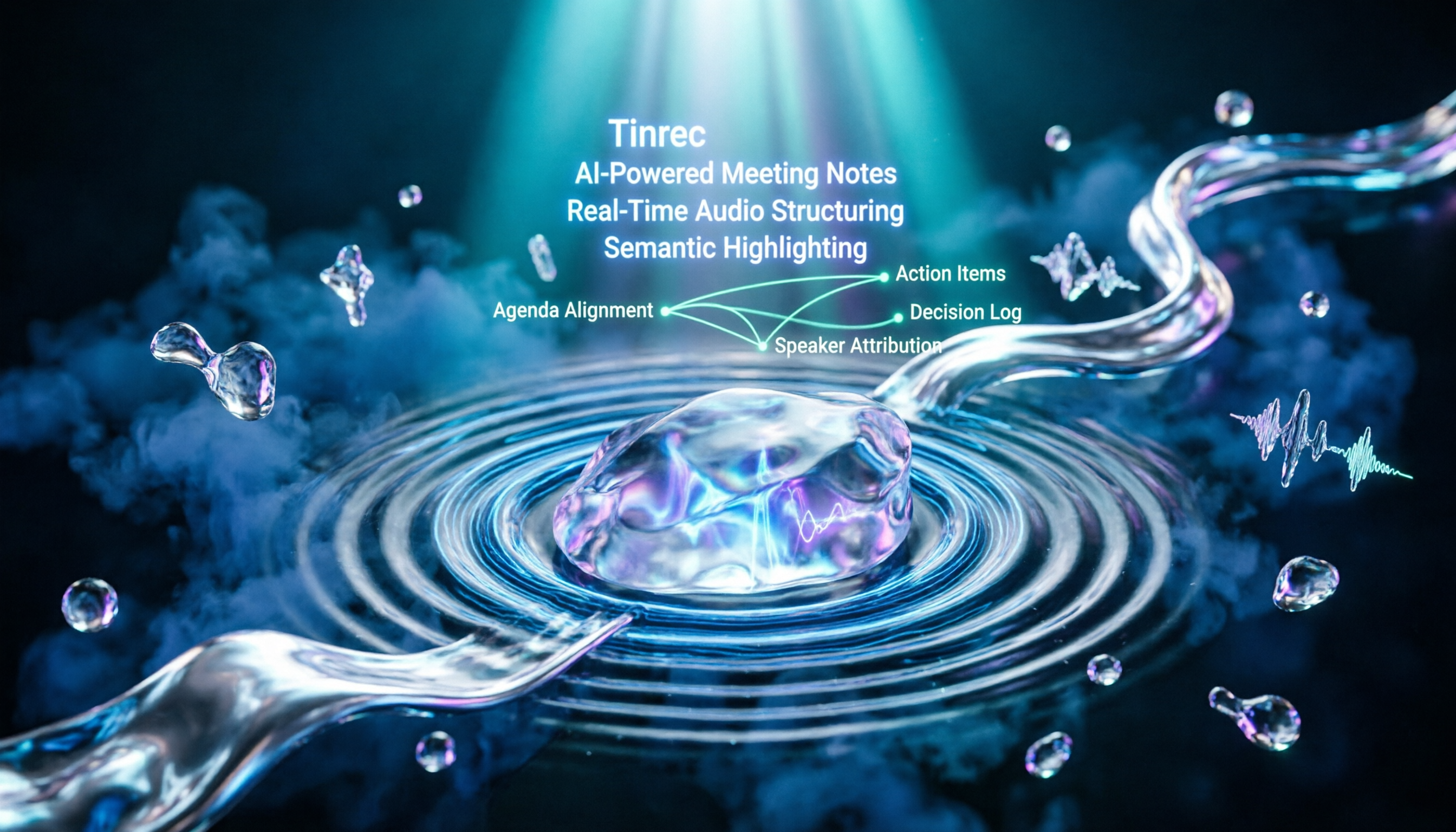
How to Turn Recordings into Meeting Notes in 2026? 2 Steps from Audio to AI Summary
Tired of struggling with meeting notes? We tested two AI tools, Tinrec and Otter.ai, comparing input sources, Chinese transcription quality, AI features, and pricing plans. Use these 4 key dimensions to choose the right tool and turn recordings into structured meeting summaries with one click.
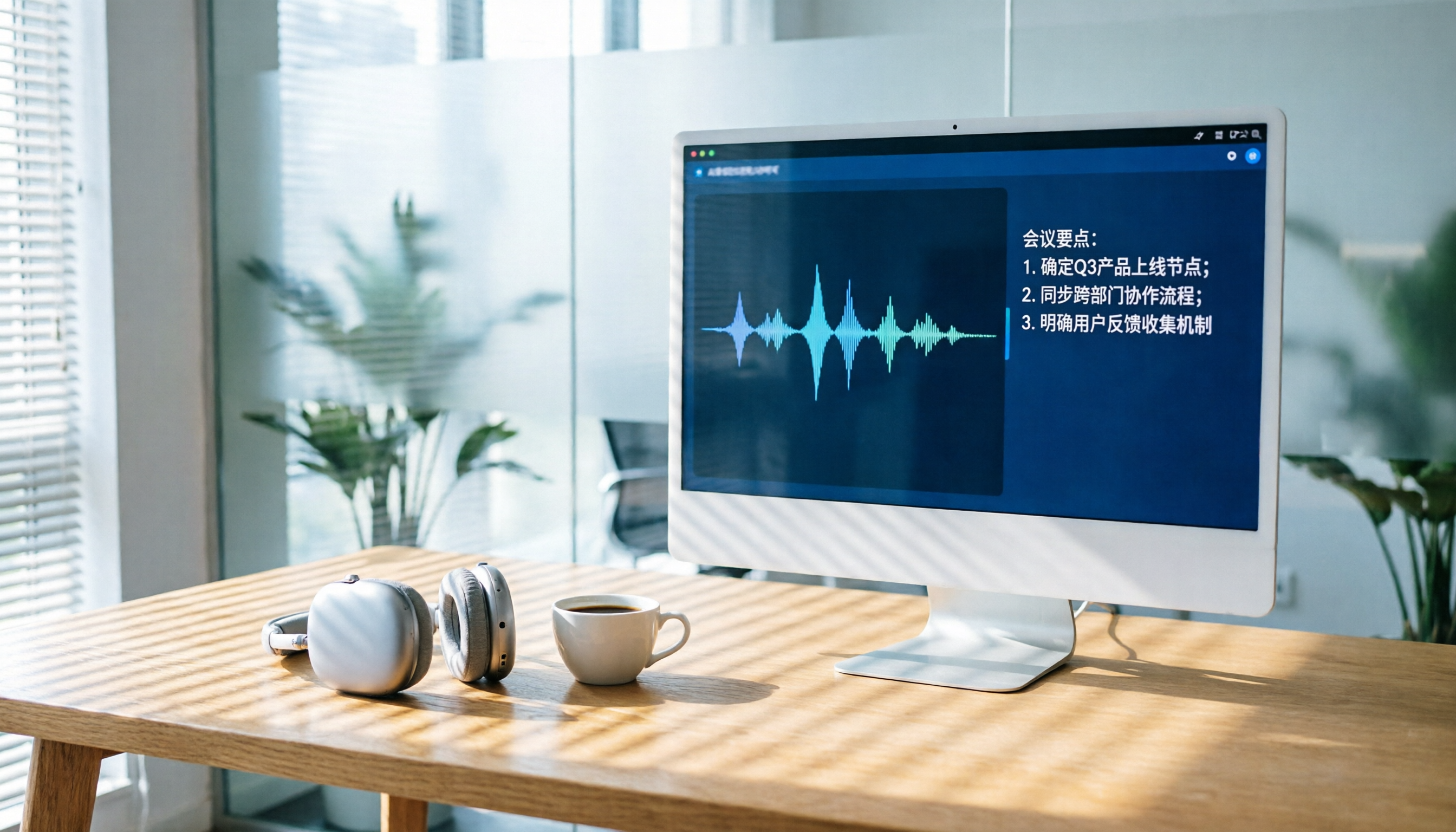
2026 AI Recording Tool Buying Guide: 6 Tools Tested and Recommended
Drowning in back-to-back meetings and still listening to recordings to write meeting minutes? We tested 6 AI recording tools—including Tinrec, Otter.ai, and Notta—to find the most time-saving solution. Say goodbye to overtime.

2026 Phone Recording App Test: Is Samsung’s Built-in Recorder Enough? Tinrec Turns Audio into a Knowledge Base
Samsung phones include a built-in voice recorder, but for long meetings, courses, or interviews, a raw audio file isn’t enough. This article tests 4 recording apps, from free to paid, to see which one can truly turn recordings into a searchable, queryable, and organized mobile knowledge base.
Can iPhone Record Calls While Talking in 2025? 3 Steps to Enable the Built-in Feature and a Better Recording Solution
iPhone finally has call recording, but with many limitations. This article shows you how to use the built-in iOS 18.1 feature for recording, and compares several tools through hands-on tests. We recommend Tinrec (Miao Ting Lu Yin) as a stronger alternative: no hardware required, supports Cantonese, AI auto-organizes conversations, helping you save overtime hours.

How to Transcribe Cantonese Audio to Text in 2026: 5-Step Guide and 3 Tool Comparisons
Struggling to turn Cantonese recordings from meetings, lectures, or interviews into text? We put Tinrec, Speechnotes, and UniScribe to the test—comparing accuracy, AI features, and cross-platform support—and walk you through 5 steps to find the right solution.

2026 AI Meeting Assistant Showdown: Which One Actually Saves You Time?
We tested 4 AI meeting assistants side by side, comparing transcription speed, summary quality, Chinese recognition accuracy, and price. Our final pick is Tinrec, and we include a full tutorial to take you from audio recording to meeting minutes in one go.
How Long Can ChatGPT Record in 2026? A Complete 4-Step Guide
ChatGPT's recording feature seems convenient, but is it truly suitable for long meeting minutes? This article tests ChatGPT's recording limits and teaches you how to use Tinrec in 4 steps to handle transcription and AI summaries for meetings, classes, and interviews. Choosing the right tool saves 80% of your organizing time.
4 Windows Recording Tools Tested in 2026: Tinrec Turns Audio into a Searchable Knowledge Base
How do you record audio on Windows? The built-in tool only records the mic, can’t capture system audio, and definitely can’t transcribe or summarize. We tested 4 solutions and found Tinrec to be the most complete: it turns meetings, courses, and videos into a searchable, Q&A-ready knowledge base—cross-platform, no hardware required, and the free plan includes core features.