
Turn recordings into transcripts and summaries in minutes
Upload audio or video for multilingual transcription, AI notes, and action items
Can't Find the Recording Feature? The Problem Goes Deeper Than That
Many Samsung users looking for the recording feature for the first time often have no idea where it's hidden. Even if you find the built-in "Voice Recorder," it only allows basic recording and playback.
But if you're recording for meetings, classes, or interviews, and you need to spend time re-listening, transcribing, and organizing key points afterward—the real question becomes: "Is there a way to get usable material right after recording?"
This article reviews the 2 most common free recording solutions on Samsung phones, from built-in tools to AI recording workstations, so you can quickly see which one fits you.
Before Choosing a Samsung Phone Recording Solution, Understand These 3 Key Points
1. What Are You Recording For?
If you're just recording a quick voice memo or shopping list, the built-in recording app is more than enough.
But if you record meetings, classes, or interviews and need to turn them into text or summaries, you need transcription and AI organization capabilities. A simple recording app won't help you there—this is the most commonly overlooked point.
2. How Much Time Will You Spend Organizing Afterward?
The biggest cost of traditional recording isn't the recording itself—it's the time spent re-listening and typing. A 1-hour meeting may take 2–3 hours to manually organize.
If a tool can transcribe while recording and automatically highlight key points and action items, you'll save a huge amount of time. Tools like Tinrec are designed to solve this exact problem.
3. Cross-Device and Long-Term Storage Needs
If you only record on your Samsung phone, the built-in tool is passable. But if you want to organize on your computer or turn past recordings into a searchable database, you'll need cloud sync and cross-platform support.
Built-in tools offer almost nothing here; third-party solutions are needed to fill this gap.
Tinrec (秒聽錄音) — Our Top Pick After Testing
Tinrec (秒聽錄音) is an AI recording assistant that supports 14 languages and is available on iOS, Android, and web. It converts recordings, audio, and video into searchable, organizable, reusable material.
Core Features Go Beyond Transcription
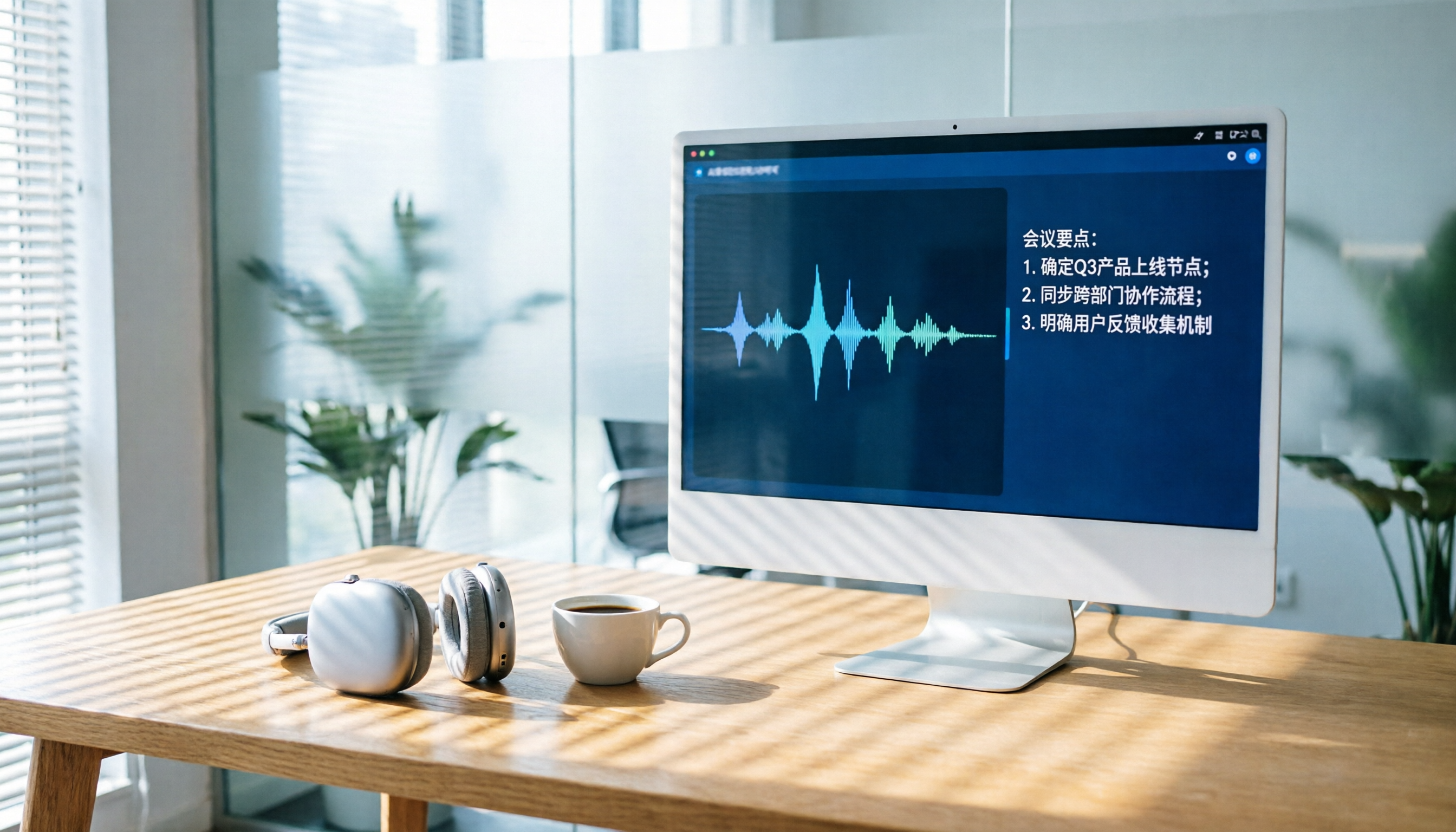
Open Tinrec during a meeting, and it generates a real-time transcript as it records. When the meeting ends, AI summaries and action items are already generated—who's responsible for what and when it's due, all at a glance.
If you use it to record classes or lectures, Tinrec automatically creates chapters, breaking a two-hour recording into several segments with headings, making review much faster.
Even better is the AI chat query: after recording, you can ask, "Who mentioned the budget in the last meeting?" It doesn't just search keywords—it understands the meaning and gives you the answer directly. Very few free or low-cost tools currently offer this feature.
Hands-On Test Results
We tested Tinrec with a 5-minute Chinese meeting recording (Samsung Galaxy S23, indoors, with air-conditioning noise). The character error rate was about 8.3%, and the summary accurately captured the core discussion and three decisions.
For comparison, the built-in Voice Recorder obviously only provides an audio file, with no text or organization.
Pros
- Stable transcription quality: In Chinese and Traditional Chinese scenarios, as long as the environment isn't extremely noisy, the transcription results are usable as-is.
- Multiple input sources: Besides live phone recording, you can upload old audio files or paste a YouTube link for transcription, which is very convenient for content organization.
- Generous free plan: The free plan includes 100 minutes of transcription per month, enough for most office workers to record 2–3 meetings a week, so you can try it before deciding to pay.
Stop organizing recordings by hand
Upload audio or video and automatically get a transcript, summary, and action items
Cons
The free plan's 100-minute monthly limit may not be enough for heavy users. Also, it's not a pure voice recorder, so if you just need a 10-second memo, opening it adds one or two extra steps compared to the built-in tool.
Who It's For
If you record to organize meetings, classes, interviews, or video content and don't want to spend time transcribing manually, Tinrec is a very suitable choice right now. It's especially great for people who switch between phone and computer—the web version lets you transition seamlessly.
What Other Options Are There Besides Tinrec?
Samsung's Built-in "Voice Recorder"
Every Samsung phone comes with this app, usually in the "Samsung" folder. You can open it and start recording immediately. It offers Standard, Interview, and Voice-to-Text modes, but Voice-to-Text is Korean-only, which isn't helpful for users in Taiwan.
The advantages are that it's free, requires no installation, and works right out of the box. The downsides are also obvious: you only get an audio file after recording, with no automatic transcription or organization. If you're just recording a memo, it does the job; but if you want to turn recordings into usable text, it's no help at all.
Compared with Tinrec: the built-in tool only handles "capturing the audio," while Tinrec also handles "understanding the content" and "putting the content to use." Especially when you need to send meeting minutes after a meeting or turn an interview into an article, Tinrec saves a huge amount of follow-up time, something the built-in tool simply can't match.
Pitfall Guide: 3 Common Mistakes When Choosing a Recording Solution
Pitfall 1: Thinking the Built-in Recorder Is Enough and Ignoring the Cost of Post-Recording Organization
Many people think "as long as it records" when they first start, but the real pain comes after recording. A 1-hour meeting takes at least 3 more hours to re-listen and type. If you have more than 3 meetings a month, that time cost is far higher than the monthly fee of an AI recording tool.
Pitfall 2: Downloading Anything Free Without Checking Privacy and Ads
Some free recording apps are loaded with ads or even upload recordings to unknown servers. Before using one, check the developer's reputation and privacy policy. Although Tinrec's free plan has a minute limit, it comes from a legitimate development team and its data handling is relatively transparent.
Pitfall 3: Overlooking Cross-Platform and Export Capabilities
If you record on your phone but organize on your computer, a tool that can't export or sync will drive you crazy. When choosing a solution, be sure to check the supported export formats (e.g., TXT, Word, Google Docs) and cross-device usage.
Conclusion: Which One Should You Choose?
The two solutions are clearly differentiated:
- Just recording a quick voice memo with no need to organize → Samsung's built-in Voice Recorder—free and convenient.
- Meeting, class, interview, or video content needs transcription and organization → Tinrec's free plan—the 100-minute monthly allowance is enough to try it out, and you can consider the Pro plan if you like it.
Our final tip: don't rush to pay. Record an important meeting with the built-in tool, then record another one with Tinrec, and compare how much time each takes to organize afterward. The answer will be obvious.
References
- How to Quickly Enable Voice Recording and Record on Galaxy S23
- How to Record, Play Back, and Share Voice Recordings on Your Samsung Galaxy Phone | Samsung Taiwan
- Voice Recorder - Google Play App
- Samsung Phone Recording Guide: Quickly Record, Save, and Share Audio Files - Tech Girlz
- My Samsung Phone Was Bought in Taiwan and Has No Recording Feature 🤔 I Wonder If Korea Has It
Turn every recording into actionable outcomes
Get 60 free transcription minutes when you sign in. No credit card required.
Related Reading
You might also like

How to Choose AI Meeting Recording Tools in 2026: 5 Steps to Find the Best Transcription Tool
Still typing meeting notes manually? This article tests 5 AI voice-to-text tools, including Tinrec, Otter.ai, Notta, SeaMeet, Notion AI, and Google's free options. We compare features, pricing, and use cases to help you pick the right meeting assistant.

How to Turn Recordings into Meeting Notes in 2026? 2 Steps from Audio to AI Summary
Tired of struggling with meeting notes? We tested two AI tools, Tinrec and Otter.ai, comparing input sources, Chinese transcription quality, AI features, and pricing plans. Use these 4 key dimensions to choose the right tool and turn recordings into structured meeting summaries with one click.
2026 AI Recording Tool Buying Guide: 6 Tools Tested and Recommended
Drowning in back-to-back meetings and still listening to recordings to write meeting minutes? We tested 6 AI recording tools—including Tinrec, Otter.ai, and Notta—to find the most time-saving solution. Say goodbye to overtime.

2026 Phone Recording App Test: Is Samsung’s Built-in Recorder Enough? Tinrec Turns Audio into a Knowledge Base
Samsung phones include a built-in voice recorder, but for long meetings, courses, or interviews, a raw audio file isn’t enough. This article tests 4 recording apps, from free to paid, to see which one can truly turn recordings into a searchable, queryable, and organized mobile knowledge base.
Can iPhone Record Calls While Talking in 2025? 3 Steps to Enable the Built-in Feature and a Better Recording Solution
iPhone finally has call recording, but with many limitations. This article shows you how to use the built-in iOS 18.1 feature for recording, and compares several tools through hands-on tests. We recommend Tinrec (Miao Ting Lu Yin) as a stronger alternative: no hardware required, supports Cantonese, AI auto-organizes conversations, helping you save overtime hours.

How to Transcribe Cantonese Audio to Text in 2026: 5-Step Guide and 3 Tool Comparisons
Struggling to turn Cantonese recordings from meetings, lectures, or interviews into text? We put Tinrec, Speechnotes, and UniScribe to the test—comparing accuracy, AI features, and cross-platform support—and walk you through 5 steps to find the right solution.

2026 AI Meeting Assistant Showdown: Which One Actually Saves You Time?
We tested 4 AI meeting assistants side by side, comparing transcription speed, summary quality, Chinese recognition accuracy, and price. Our final pick is Tinrec, and we include a full tutorial to take you from audio recording to meeting minutes in one go.
How Long Can ChatGPT Record in 2026? A Complete 4-Step Guide
ChatGPT's recording feature seems convenient, but is it truly suitable for long meeting minutes? This article tests ChatGPT's recording limits and teaches you how to use Tinrec in 4 steps to handle transcription and AI summaries for meetings, classes, and interviews. Choosing the right tool saves 80% of your organizing time.
4 Windows Recording Tools Tested in 2026: Tinrec Turns Audio into a Searchable Knowledge Base
How do you record audio on Windows? The built-in tool only records the mic, can’t capture system audio, and definitely can’t transcribe or summarize. We tested 4 solutions and found Tinrec to be the most complete: it turns meetings, courses, and videos into a searchable, Q&A-ready knowledge base—cross-platform, no hardware required, and the free plan includes core features.