

Turn recordings into transcripts and summaries in minutes
Upload audio or video for multilingual transcription, AI notes, and action items
Which Recording-to-Meeting-Minutes Tool Is Best? 2026 Hands-On Test of 2 Tools: Tinrec Is Better for Multi-Scene Organization
After a one-hour meeting, your audio file sits in your phone, and the thought of transcribing it is a headache. Handing it to an AI tool is the solution, but there are too many options on the market: there's PLAUD Note, which emphasizes hardware for portable recording, and platforms like Tinrec that focus on software integration. This article takes them head-to-head, breaking down five dimensions you actually care about, so you can decide which one to buy by the end.
Tinrec vs. PLAUD Note | Quick Overview
Tinrec is an AI recording and audio-video organization tool that turns meetings, courses, interviews, and online videos into an organizable, searchable database. PLAUD Note is AI recording hardware; it sells the portable recording experience of a standalone device. The two have completely different pricing structures, usage methods, and outputs.
| Comparison Item | Tinrec | PLAUD Note |
|---|---|---|
| Core Positioning | Audio-video organization workbench | AI recording hardware |
| Pricing Model | Free tier + paid subscription | Hardware purchase + subscription |
| Platform Support | iOS, Android, Web | Requires hardware and app |
| Chinese Optimization | Clearly tailored for Traditional Chinese and Chinese-language scenarios | General multilingual |
The rest of this article compares them on five fronts: completeness of meeting minutes, range of applicable scenarios, Chinese content processing, pricing flexibility, and ease of use, and tells you straight up which one is more worth buying.
Dimension 1 | Meeting Minutes Completeness
PLAUD Note's core process is: press the record button → sync to phone → generate transcript and summary. Its app automatically organizes highlights and even offers multiple meeting templates, but what you get is essentially still a 'cleaned-up transcript.' If you want to dig into details, you still have to go back and listen or scroll through the text.
Tinrec doesn't just give you a transcript and summary; it also automatically breaks out chapters, extracts action items, and—more importantly—lets you ask questions directly about the recording content. For example: 'What was the budget cap we just discussed?' 'Who is responsible for follow-up?' The AI answers directly based on the full recording. You can also export meeting results to Google Docs, Notion pages, or even have an Agent continue to generate meeting reports or tables.
→ This dimension: Tinrec clearly wins. It turns recordings into 'conversational data' rather than a static document.
Dimension 2 | Multi-Scenario Applicability
PLAUD Note is hardware; its design rationale is 'portable recording.' It's well suited for in-person scenarios like physical meetings, interviews, and class notes. But once you leave the hardware, its value drops sharply. You can't use it to organize a YouTube video, and you can't directly upload an existing MP3 file (unless you import it through your phone, but the process is roundabout).
Tinrec starts as a software platform. Input sources run the gamut from live phone recording, uploading audio/video files, to pasting public video links (YouTube, Bilibili, RedNote are all supported). Physical meetings, online meetings (Zoom, Teams), class recordings, organizing old audio files, and even podcast videos are all handled in one place.
→ This dimension: Tinrec clearly wins. For modern workers, meetings, courses, and video assets are often mixed together, so a platform that supports all of them in one place is clearly more practical.
Dimension 3 | Chinese Content Organization
As hardware sold internationally, PLAUD Note offers multilingual transcription as a basic specification and its Chinese recognition is above average. But in product design, it hasn't specifically localized for Traditional Chinese, code-switching between Chinese and English, or usage habits.
Stop organizing recordings by hand
Upload audio or video and automatically get a transcript, summary, and action items
From its interface and feature descriptions to its transcription engine, Tinrec clearly pays more attention to Chinese users. It's especially good at handling Taiwanese meeting language, mixed Chinese-English presentation discussions, and even Chinese course notes. Internal testing shows that with clear voice recordings, the completeness and natural segmentation of Chinese transcripts are superior to general-purpose transcription tools.
→ This dimension: Tinrec is closer to Chinese users' needs. If you have a lot of Chinese meeting-minutes work, you'll clearly feel this.
Dimension 4 | Pricing Flexibility and Entry Barrier
PLAUD Note requires an upfront hardware purchase (Note Pro starts at around $179 USD) plus an optional transcription plan depending on your needs. The basic plan only includes 300 minutes per month, which people with frequent meetings will burn through quickly. To get an unlimited plan, you'll also need to pay an additional annual fee.
Tinrec offers a free tier directly, with a basic transcription allowance for you to try. If you have a sudden large batch of meetings or courses to organize, you can buy weekly passes for a short sprint; long-term users can choose Pro monthly or annual plans, which spreads the monthly cost more cheaply. You don't have to keep a separate device, and you don't worry about losing or damaging hardware.
→ This dimension: Tinrec has a lower financial barrier and more flexible plans. It's especially suitable for beginners who aren't sure how often they'll use it.
Dimension 5 | Ease of Use and Mobile Integration
PLAUD Note's advantage lies in the physical feel of 'one-touch recording'—for long meetings you don't worry about phone battery or notification interruptions. But the downsides are also straightforward: you carry an extra item when you go out, you wait for syncing after recording, and if you forget to charge the hardware, it's useless.
With Tinrec, as long as your phone or computer has internet access, you can open the app or web page to start recording or upload files. It can also record your computer's system audio directly, so you can capture online meetings without external equipment. All organized data is stored in the cloud, accessible anytime on your phone, computer, or tablet, and sharing a link with your team is easy.
→ This dimension: Tinrec is more convenient in most situations. Unless you have a very strong need for 'physically isolated recording,' the agility of a software solution wins hands down.
What Unique Advantages Does Each Offer?
Tinrec's Unique Advantages
- AI Conversational Search: After recording, you can ask the AI about content details without having to listen to the whole recording or dig through a sea of text transcripts.
- Online Video to Text: Paste a link to turn public videos into summaries, transcripts, and subtitle material—a godsend for creators and learners.
- Multi-Format Export and Post-Processing: Export to Notion, Google Docs, or even have an Agent generate a meeting report, perfectly fitting into your existing workflow.
- Cross-Platform Real-Time Sync: All content is saved in the cloud; record on your phone and edit on your computer, no need to manually move files.
PLAUD Note's Unique Advantages
- Hardware Feel and Independence: Record without pulling out your phone, suitable for situations where you need to be low-key or where using your phone isn't convenient.
- Long Battery Life and Focused Recording: A single charge records for dozens of hours, with no risk of calls or app notifications interrupting.
Summary: Which Should You Choose?
Let's get back to the core question: do you actually need 'a recording hardware device' or 'a platform that turns meetings and various audio/video into usable data'?
- If your needs are a mix of meetings, classes, and organizing online videos, and you want to handle transcripts, summaries, action items, and follow-up questions all at once → go with Tinrec (you can experience the core features in the free version)
- If you deeply care about the completeness and downstream application of Chinese meeting minutes → Tinrec is currently the more focused choice for this area
- If you just want a lightweight standalone recording device that occasionally transcribes, and you don't mind carrying an extra item → PLAUD Note is good enough
In one sentence: for more than 80% of workers who need to 'organize recording content,' Tinrec is a more complete, easier-to-start, and more sustainable solution. Don't rush to buy hardware; start with the free version and run your own meeting recording through it to see if it's worth it.
References
- Mastering Meeting Minutes! How to Turn AI Speech-to-Text? Gemini Notebook, Gemini, EchoScript Tutorial | 104 Workplace
- Meeting Ink - 2026 AI Meeting Notes Tools Hands-On Test | 8 Speech-to-Text and Summary Speed Showdown | Meeting Ink - AI Meeting Notes Assistant for Automatic Transcription and Meeting Summary
- How to Use AI for Meeting Minutes? How to Organize Meeting Transcripts? AI Speech-to-Text Tutorial | 104 Workplace
- Struggling with Meeting Notes? 5 NotebookLM 'AI Note Transformation' Tricks That Accurately Translate Mixed Chinese-English and Proper Nouns | BusinessNext
- Gemini Tutorial | AI Automatically Generates Meeting Minutes, an Efficient Note-Taking Method 100x Faster Than Handwriting - Workplace AI Training, Contact Center Outsourcing & Services - ChainSea Information
Turn every recording into actionable outcomes
Get 60 free transcription minutes when you sign in. No credit card required.
Related Reading
You might also like

How to Turn English Audio into Transcripts in 2026: 5-Step Complete Guide (Otter.ai vs Tinrec Tested)
Still manually transcribing English audio? This article compares two popular AI tools—Otter.ai and Tinrec—across five key dimensions: transcription accuracy, AI organization features, cross-scenario usability, pricing plans, and Chinese language support, to help you choose the best English transcription tool for your needs.

2026 iPhone Call Recording: 4 Methods Tested & Compared – Which Has the Best Organizing Features?
Want to know how to record phone calls on iPhone? This article tests 4 methods, from the built-in iOS 18 feature to hardware recorders and AI organization tools, with a focus on transcription accuracy, organizing capabilities, and cross-scenario usability to help you choose the best call recording and workflow solution.

2026 Meeting Recording Transcription Tool Guide: Multi-Source Transcription + AI Summaries and Q&A
Still struggling with meeting recording transcription? This article highlights 5 AI transcription tools, covering everything from real-time transcription and automatic summaries to AI Q&A, with both free and paid options, to help you quickly find the best meeting notes assistant.
The Complete Guide to Android Call Recording Apps in 2026: From Built-in Features to AI-Powered Transcription
Looking for a reliable Android call recorder app? This guide covers 5 options, from the most straightforward built-in feature to professional recording and organizing tools like Tinrec, helping you choose based on your needs. No more just saving files—auto-generate summaries and to-do lists too.
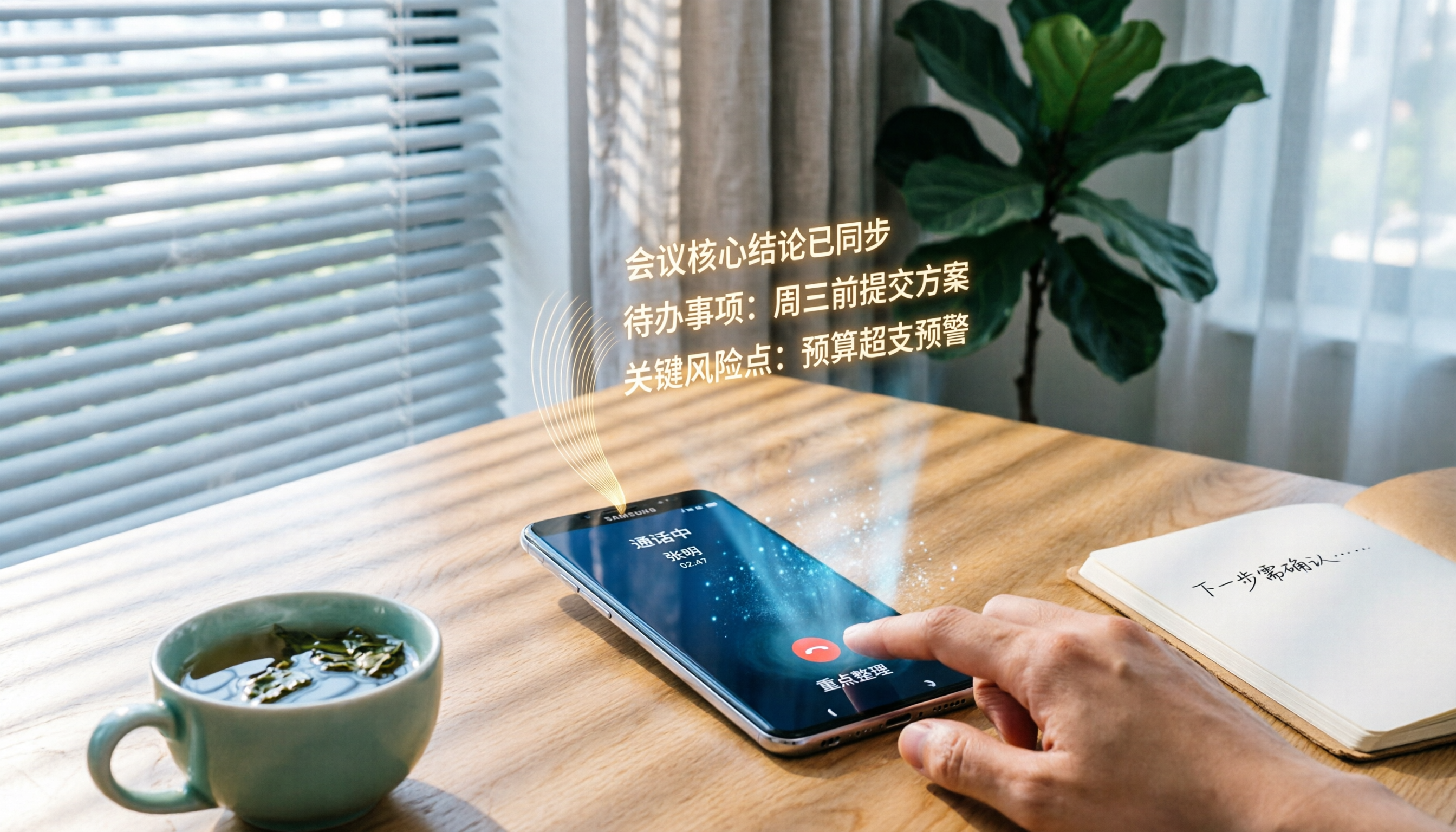
2026 Samsung Phone Call Recording Apps Compared: Cube ACR vs Tinrec – Not Just Recording, but Key Point Organization
Most Samsung phones don't include call recording. This hands-on comparison of Cube ACR and Tinrec examines recording methods, organization capabilities, use cases, and helps you choose the right tool.

2026: 3 iPhone Call Recording Transcription Tools Compared - Tinrec Makes Organizing Recordings Faster
Apple finally added built-in call recording to iPhone in iOS 18.1, but how do you quickly turn a recording into a verbatim transcript, a summary, and a to-do list? We put Tinrec and three other recording transcription tools to the test to show you which one turns call recordings into truly usable data.

2026 Transcription App Comparison: Does AI-Powered Q&A Really Save Time?
We tested 4 popular transcription apps, from free allowances, transcription accuracy, to AI organization features, to help you pick the best one for meetings, study, and interviews.
2026 Phone Recording Tool Buying Guide: Compliance and 2 Hands-On Tests
Wait, actually Hong Kong law mostly allows you to record your own conversations, but you still need to know how to use tools safely. This time we tested Tinrec and Plaud Note, comparing legality, Cantonese transcription, organization features, and price to help you choose the best recording solution.
2026 Hands-On Test: 4 Recording Organizer Tools Compared – Which One Makes Your Phone Recordings Truly Useful?
Your phone's built-in voice recorder captures sound, but how do you quickly turn those recordings into text, summaries, and action items? We tested 4 AI-powered recording organizer tools and compared accuracy, AI features, cross-platform support, and price to help you choose the best one.