
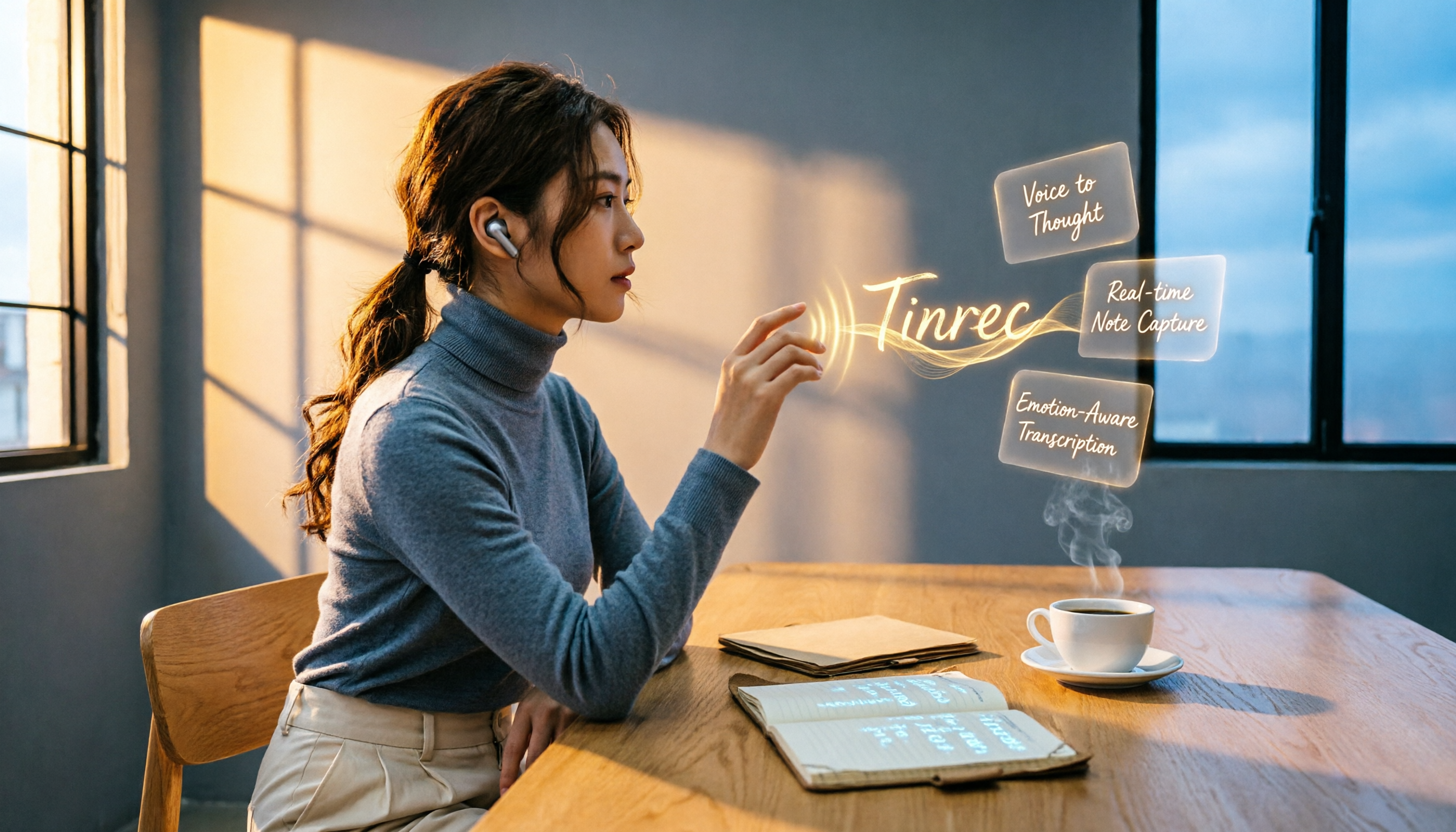
Turn recordings into transcripts and summaries in minutes
Upload audio or video for multilingual transcription, AI notes, and action items
Last semester I took a required course where the professor talked faster than the slides flipped. I tried using the iPhone's built-in call recording feature to capture class discussions—it could record, but the real nightmare started after recording. A 30-minute m4a file meant listening from start to finish just to find the key points for the midterm, and by the end I'd forgotten what was said earlier. I eventually realized the problem wasn't recording itself, but how to organize the recordings. It wasn't until I started using Tinrec that I could actually turn recordings into reviewable, searchable notes.
What Can Tinrec Do to Organize Call Recordings?
Scenario 1: Turn a Classroom Recording into Key Notes in 5 Minutes
Previously, I saved class recordings to my iPhone but never had time to listen during finals. Now I import the audio file directly into Tinrec, and within minutes the AI summary, chapters, and keywords are all organized. I can jump straight to the chapter on 'Market Analysis Models' without starting from the beginning.
Scenario 2: Group Discussions No Longer a Free-for-All
We were working on a group project, and every discussion felt like a chaotic market. After recording, I dropped the file into Tinrec. It didn't just transcribe the audio—it automatically identified who said what, which parts covered the budget, and which covered the timeline. I asked Tinrec, 'Who just suggested using Python?' and it pulled up that exact part of the conversation.
Scenario 3: Turn Online Meeting Recordings into a To-Do List
During summer internship remote meetings, my supervisor gave a bunch of action items. I recorded the Google Meet audio on my Mac and uploaded it to Tinrec. It not only provided a transcript but automatically pulled out seven to-dos, complete with assignees. I synced them to Notion and pasted them straight into my weekly report.
What Are Tinrec's Core Features? These Go Beyond iPhone's Built-in Recording
The iPhone's built-in call recording is indeed convenient, but its organization features are basic. Tinrec excels in handling recordings after they're made:
AI Semantic Summaries: Rather than condensing thousands of words into one paragraph, it creates a structured breakdown—meeting topics, discussion conclusions, and to-dos are listed separately. I used it to organize a professor's lecture recording, and the summary was actually clearer than my own notes.
Real-time Transcript + AI Q&A: While the iPhone's built-in recording supports transcripts in some languages (still requiring Apple Intelligence), Tinrec lets me directly ask questions about the recording content. Once I asked, 'When did the professor mention the final report format?' Tinrec instantly gave the timestamp and relevant passages.
Import from Multiple Sources: Call recordings are just one type. Tinrec can also handle lecture recordings, online videos, podcasts, and meeting audio files. I dropped in a Bilibili tutorial link shared by a senior, and it produced key notes directly.
To-do Extraction & Export: After meetings and discussions, it automatically identifies next steps. This feature is super useful for group projects and internships. Tinrec can even export to Notion and Google Docs, perfectly matching my study workflow.
Stop organizing recordings by hand
Upload audio or video and automatically get a transcript, summary, and action items
Real-world Use Cases: A Day in a Student's Life with Tinrec
- 9 AM Management Class: Record a two-hour lecture using the iPhone's Voice Memos, then upload it to Tinrec after class. By breakfast, the summary and key points are already on your phone.
- Noon Group Meeting: Record a Google Meet discussion on your laptop; Tinrec converts it to text within 10 minutes. I share it with teammates right away, complete with AI-identified decisions and action items.
- Evening Review: Open Tinrec, search for last week's 'Porter's Five Forces,' and the AI pulls up all related passages. While reading the transcript, I organize key points in Notion.
- Weekend Learning: Paste an online seminar video link into Tinrec, generate timeline-based notes, and even export them as a PDF to review on the iPad during commutes.
4 Things to Look for When Choosing a Recording Organization Tool
- Organization Capability, Not Just Transcription: Converting to text is only the first step. Tinrec's AI summaries, chapters, to-dos, and Q&A turn recordings into immediately usable material. After a few months, I've saved at least 20 hours compared to simply listening to recordings.
- Chinese Language Friendliness: Tinrec's Chinese transcription and summary quality is the most reliable among services I've used. It correctly recognizes most mixed Chinese-English content and technical terms in class.
- Cross-platform and Export: Make sure the tool fits your workflow. Tinrec has iOS, Android, and web versions, so you can record on your phone in class and organize on your computer back at the dorm—seamless switching. Exporting to Notion and Google Docs is a basic feature.
- Free Tier Enough for Students: Tinrec's free version includes a monthly transcription allowance, which is more than enough for recording two or three key classes per week. If you hit a finals week crunch, a weekly card costs just a few dozen dollars—cheaper than a bubble tea.
Frequently Asked Questions
Q: Is it illegal to use Tinrec to record iPhone calls? A: Tinrec does not directly record mobile phone calls; instead, you import call recordings to be organized. Please note that in Taiwan, recording without the other party's consent may involve the offense of breach of privacy under the Criminal Code. We recommend informing the other party and obtaining consent before recording, then uploading the file to Tinrec for organization.
Q: Can I import recordings from the iPhone's built-in recorder into Tinrec? A: Yes! iPhone call recordings are saved as m4a files. You can upload them to Tinrec from the Files app, and within minutes you'll get a transcript and summary.
Q: How accurate is the recording organization? A: Tinrec's transcription quality is excellent with clear audio, but accuracy can be affected by background noise, accents, and people talking over each other. In my experience, classroom recordings (in a quiet environment) achieve around 90% accuracy, which is sufficient for review. For important segments, I recommend cross-checking with the original audio.
Q: How many recordings can I organize with the free version? A: The free version includes a fixed number of minutes each month, which is more than enough for a typical student to organize key classes and meetings. If you have a high-usage month, you can consider a weekly pass or Pro monthly plan—it's not a heavy burden.
Summary
iPhone's built-in call recording solves the 'whether you can record' problem, but Tinrec solves the 'what to do after recording' pain point. From transcript to summary, Q&A, to-dos, and final note export, it's the key tool that doubled my study efficiency this semester. If you're also tired of listening to recordings from start to finish, try downloading the free version of Tinrec—the monthly allowance is enough to experience organization for three or four classes. Your midterm grades might become as neat as my notes.
References
- iPhone Call Recording Tutorial: Learn Phone Recording Step by Step
- How to Record Calls on iPhone? 5 iPhone Call Recording Methods Revealed!
- Record and Transcribe a Phone Call on iPhone - Apple Support (Taiwan)
- How to Use iPhone Call Recording? Full Breakdown of Built-in iOS Call Recording and Transcription - Mr. Mad
- [Mobile Tips] 2026 iPhone Built-in Call Recording Guide! iOS Call Recording Setup / Key Points Cheat Sheet | Jay Sheng Communications – Challenging the Lowest Mobile Phone Prices
Turn every recording into actionable outcomes
Get 60 free transcription minutes when you sign in. No credit card required.
Related Reading
You might also like
2026 Mac Recording-to-Text App Comparison: Which AI Meeting Notes Really Save Time?
Apple's built-in Voice Memos makes recording easy, but it can't transcribe audio. This article hands-on tests Tinrec, Otter.ai, and Notta, covering accuracy, AI summaries, cross-platform support, and free plans, to help you find the best fit for meetings, classes, and interview notes.
iPhone Voice-to-Text Test in 2026: Built-in Dictation vs. Apps Compared, This AI Q&A App Made Note-Taking 3x Faster
A college senior tested iPhone voice-to-text methods, from built-in dictation to third-party apps. See how Tinrec’s free plan saved 3 hours of note-taking time per week, plus a pitfall guide and student-focused buying advice.

iPhone 17 Screen Recording Free Options in 2026: 5 Tools Reviewed
How to screen record on iPhone 17? This article covers built-in screen recording, Dual Capture tips, and recommends tools like Tinrec to transcribe audio from recordings, from free to paid options.

Best AI Meeting Recorder Tools in 2026: Automatic Summaries, Action Items, and Multi-Source Organization
Looking for an AI meeting note tool but not sure where to start? This article reviews 6 top solutions—from automatic summaries and action items to cross-platform collaboration—and shows you how to save up to 80% of your meeting note time with the right tool.
2026 Free AI Meeting Notes Tools Buyer's Guide: 2 Hands-On Reviews and Practical Tips
Don't want to spend money on hardware but still want to use AI to organize meeting recordings? I actually compared Tinrec, a pure software tool that provides instant recording, with Plaud Note, which integrates hardware. From free plans, recording sources, post-processing capabilities, to cross-platform flexibility, this guide helps you find the best free AI meeting notes solution for your needs.

2026 Hands-On Comparison of 4 Computer Recording Tools: More Than Just Recording, They Help You Organize Key Points
Struggling to organize your computer recordings after capturing them? This test of 4 computer recording tools — from free options to AI-powered organization — helps you find the most suitable solution.

2026 Complete Guide to AI Meeting Minutes: Auto-Generated Transcripts and Action Items to Double Meeting Efficiency
Still wasting time on meeting minutes? This article shows how to use AI recording tools to auto-generate transcripts, summaries, and action items, with hands-on comparisons of Tinrec, Notta, Otter.ai and more to help you pick the best solution.

2026 iPhone Screen Recording with Audio: 2 Methods Compared — Is the Built-in Feature Good Enough?
Can iPhone screen recording capture audio? This hands-on comparison tests the built-in screen recorder against two third-party apps, showing how to record system sounds and ambient sound, and explains the common causes of no-audio issues and how to fix them.
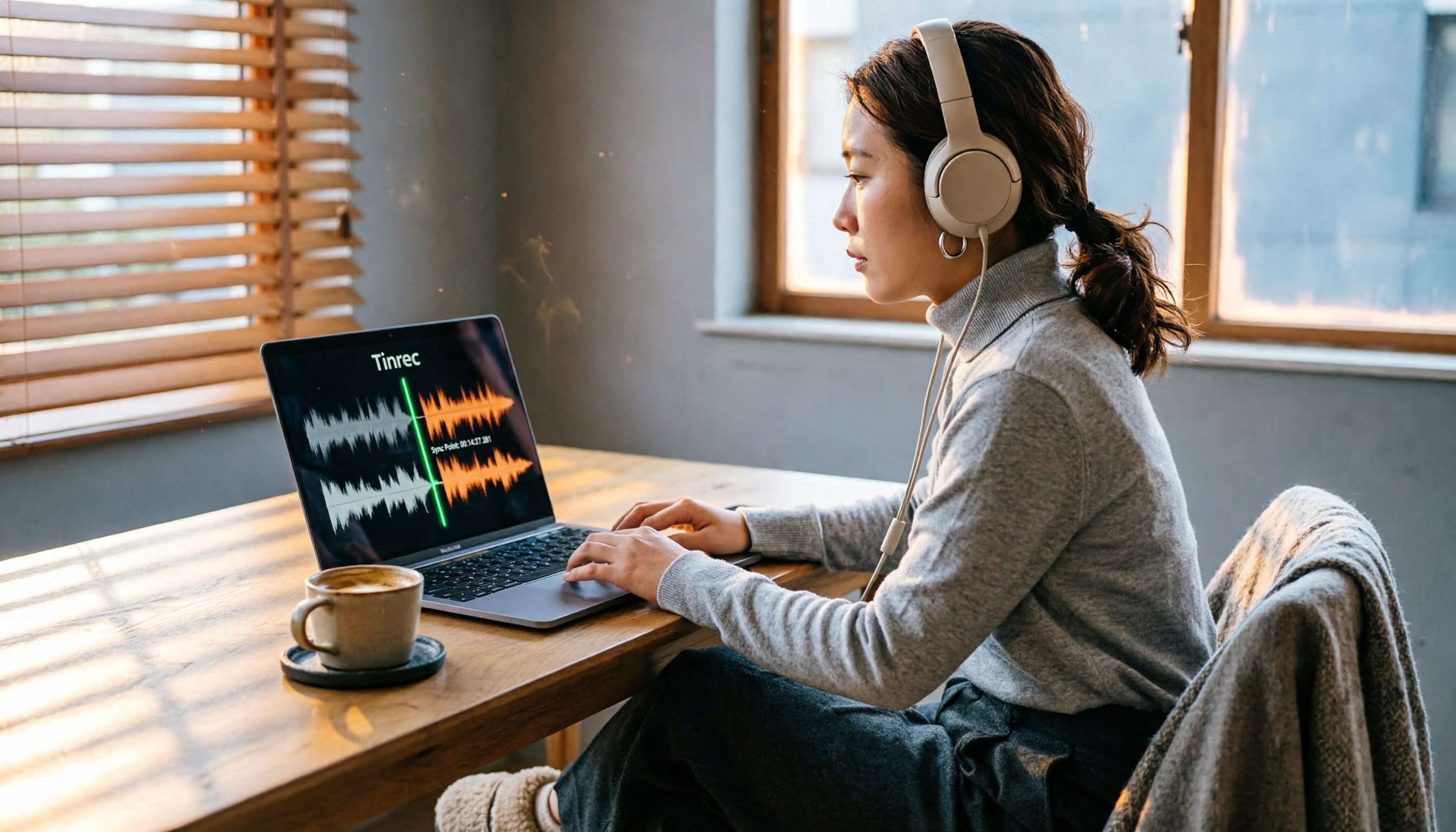
2026 Hands-On Comparison of 2 PC Screen Recording Audio Fixes: Tinrec vs. QuickTime Player – Which One Saves You Effortlessly?
Silent screen recordings are a common headache. This article compares Tinrec, an AI recording and media organizer, with Mac's built-in QuickTime Player across four dimensions—recording capabilities, post-processing, cross-platform support, and pricing—to help you find the best audio-video sync solution.