
Turn recordings into transcripts and summaries in minutes
Upload audio or video for multilingual transcription, AI notes, and action items
Recently, while organizing meeting recordings from the past year, I found that some audio files had been sitting on my phone for over six months without ever being opened. It wasn't that I didn't want to organize them—it was that the thought of listening through every file from start to finish felt like too much of a time investment.
It wasn't until I started using AI tools to process these audio files that I realized the key isn't simply transcribing them into text, but being able to get a summary, action items, and key points right after transcription.
In this article, I want to compare two AI recording-and-organizing tools that have been widely discussed recently: one is Tinrec, a pure software solution for instant transcription (秒听录音), and the other is Plaud Note, which incorporates hardware. I'll share my hands-on comparison from five practical dimensions to help you determine which one is better suited to your workflow.
Tinrec vs. Plaud Note | Quick Overview
Tinrec is a fully software-based AI recording and audio/video organization tool that works on mobile, desktop, and web. The free version offers basic transcription credits. Plaud Note, on the other hand, is a hardware recording device that requires purchasing the device first to fully experience AI transcription, but the hardware includes 300 minutes of free transcription per month.
The core difference: Tinrec requires no extra investment and can handle a wider variety of audio sources. Plaud Note excels at the convenience of on-the-go recording, but its post-processing flexibility is more limited. This article compares them item by item across five dimensions: entry barrier, audio sources, post-transcription processing, AI Q&A, and cross-platform export.
Dimension 1 | Entry Barrier and Cost
If you want to start right away, the first step with Plaud Note is to spend at least a hundred-plus dollars on hardware (the Note Pro pre-order price is about US$179), then you can activate 300 free transcription minutes per month. For users who just want to try it out, that's a significant barrier.
Tinrec, in contrast, has zero hardware cost: simply download it from the App Store or Google Play, or even open the web version, and you get free transcription credits. Although the free plan has minute limits, you can use your own real meeting recordings to evaluate the quality before deciding whether to upgrade.
→ This dimension: Tinrec clearly wins. For users who want a zero-cost entry point, a software solution is much friendlier.
Dimension 2 | Variety of Audio Sources
Plaud Note's design revolves around hardware recording. You press the record button on the device, and it captures the audio, sends it to your phone, and then performs transcription. Although it also supports importing external audio files, the overall experience is hardware-centric and best suited for live capture scenarios like meetings and interviews.
Tinrec supports a much broader range of sources. In addition to live recording, you can directly upload audio or video files from your phone or computer, paste links to public videos from YouTube, Bilibili, Xiaohongshu, and even connect meeting recordings from Zoom or Google Meet. In other words, whether your audio was recorded live, downloaded, or sent by someone else, Tinrec can process it directly.
→ This dimension: Tinrec wins. The types of material it can help you organize go far beyond what hardware-only recording can cover.
Dimension 3 | Post-Transcription Processing
Plaud Note can transcribe recordings into text and offers summaries, mind maps, and timestamps—plenty for general meeting notes. But if your goal is to turn transcriptions into deliverable reports or documents, its options are mostly confined to the app, and export formats and further processing are limited.
Stop organizing recordings by hand
Upload audio or video and automatically get a transcript, summary, and action items
Tinrec not only provides verbatim transcripts, but also automatically organizes chapters and action items, and supports exporting to Word, PDF, Excel, or syncing to Notion, Google Docs, and other external tools. In other words, transcription is just the starting point; the subsequent organization and output are where it really shines.
→ This dimension: Tinrec wins. A more complete post-processing workflow lets transcription results truly integrate into your daily work.
Dimension 4 | AI Q&A and Smart Organization
Plaud Note has built-in AI chat that lets you ask questions about a single recording, such as “What are the key points of this meeting?” But when you have hundreds of recordings, opening each one to ask questions can still be inefficient.
Tinrec elevates AI Q&A to the database level: you can ask questions across all of your historical recordings, such as “In the Q3 product meetings last year, what pricing disputes were discussed?” It searches the relevant recordings to find answers. This turns past recordings from dusty archives into a knowledge base you can consult anytime.
→ This dimension: Tinrec wins. The ability to query across recordings makes long-accumulated audio far more valuable.
Dimension 5 | Cross-Platform and Export Flexibility
If you only use an iPhone, Plaud Note's app experience is decent. But if you need to review meetings on your computer, edit summaries, or put results into team-shared note-taking software, it currently lacks a corresponding workflow.
Tinrec offers iOS and Android apps plus a web version, so you can pick up your work on any device. For export, besides common file formats, it can sync directly to cloud services like Notion, Google Docs, OneNote, and Dropbox, letting recording organization flow seamlessly into your existing note-taking system.
→ This dimension: Tinrec wins. More flexible cross-device experience and external export options reduce the effort of moving content after organizing.
What Unique Advantages Does Each Offer?
Tinrec's unique advantages
- Zero hardware burden: Start directly on your phone or computer, ideal for those unsure about a long-term need.
- Multi-source database: Meetings, courses, online videos, and historical files all consolidated in one place, which over time can form a personal knowledge base.
- Post-processing workbench: Beyond transcription, it can summarize, extract action items, export reports, and even let AI help generate complete meeting minutes.
- Seamless cross-platform workflow: Record on your phone, edit on your computer, review on the web, sync to Notion—virtually no device or tool restrictions.
Plaud Note's unique advantages
- Hardware portability: Thin card or wearable design that looks natural on a table or clipped to your collar during meetings.
- Standalone recording experience: You can record without your phone nearby, and the long battery life suits full-day meetings or fieldwork.
Summary: Which Should You Choose?
• If you don't want to spend money on hardware first and prefer to start with your existing phone or computer → Tinrec is a zero-barrier choice. • If what you need to organize goes beyond live recordings to include online videos and old audio files → Tinrec's multi-source support is the most complete. • If you want to export transcriptions directly to Notion, Google Docs, or have AI help draft meeting reports → Tinrec's post-processing workflow is the most convenient. • If you're used to carrying a standalone recording device and mostly record in meeting rooms or on-site → Plaud Note's hardware design is a great fit.
In a nutshell: For most people who want to use AI to organize meeting recordings without buying extra hardware, Tinrec is a more cost-effective and more complete starting point. I recommend downloading the free version of Tinrec, uploading a meeting or course recording, and experiencing the end-to-end organization from verbatim transcript to summary and action items.
References
- AI Meeting Notes Software Recommendations: 5 Apps Tested and Compared—Auto-Transcription Makes Meetings Effortless!
- No Time Limits! 3 Free AI Transcription Tools—Great Recommendations! AI Voice Notes Generate Meeting Minutes, Slides, and Mind Maps | 104 Job Seeker
- Meeting Ink - 2026 AI Meeting Notes Tools Tested | 8 Voice-to-Text and Summary Speed Showdown | Meeting Ink - AI Meeting Notes Assistant Auto-Transcription and Meeting Summary
- AI Meeting Note Taker: Take Meeting Notes with AI Free Online - EaseMate AI
- 2026 Must-See! 4 AI Audio-to-Text Tool Recommendations: Meeting Notes and Podcast Transcription Comparison - Mobile01
Turn every recording into actionable outcomes
Get 60 free transcription minutes when you sign in. No credit card required.
Related Reading
You might also like

How to Quickly Start Recording on an iPhone in 2026: A Complete 3-Step Guide
Need to record something right away but can't find an app? This guide covers 3 practical ways to start recording instantly on iPhone, from the Action Button and Back Tap to Shortcuts home screen icons—one tap and you're recording. We also recommend Tinrec, a recording tool we found best for most people after hands-on testing. It doesn't just start fast; it automatically organizes transcripts, summaries, and to-do items after recording, making it incredibly convenient.

2026 AI Recording Tools Buyer's Guide: 2 Hands-On Tests and Recommendations
Want to buy the PLAUD Note voice recorder or just use the Tinrec app? This article compares them across 5 dimensions: recording scenarios, AI summarization, cross-platform support, Chinese accuracy, and price, to help you choose the best AI recording tool.
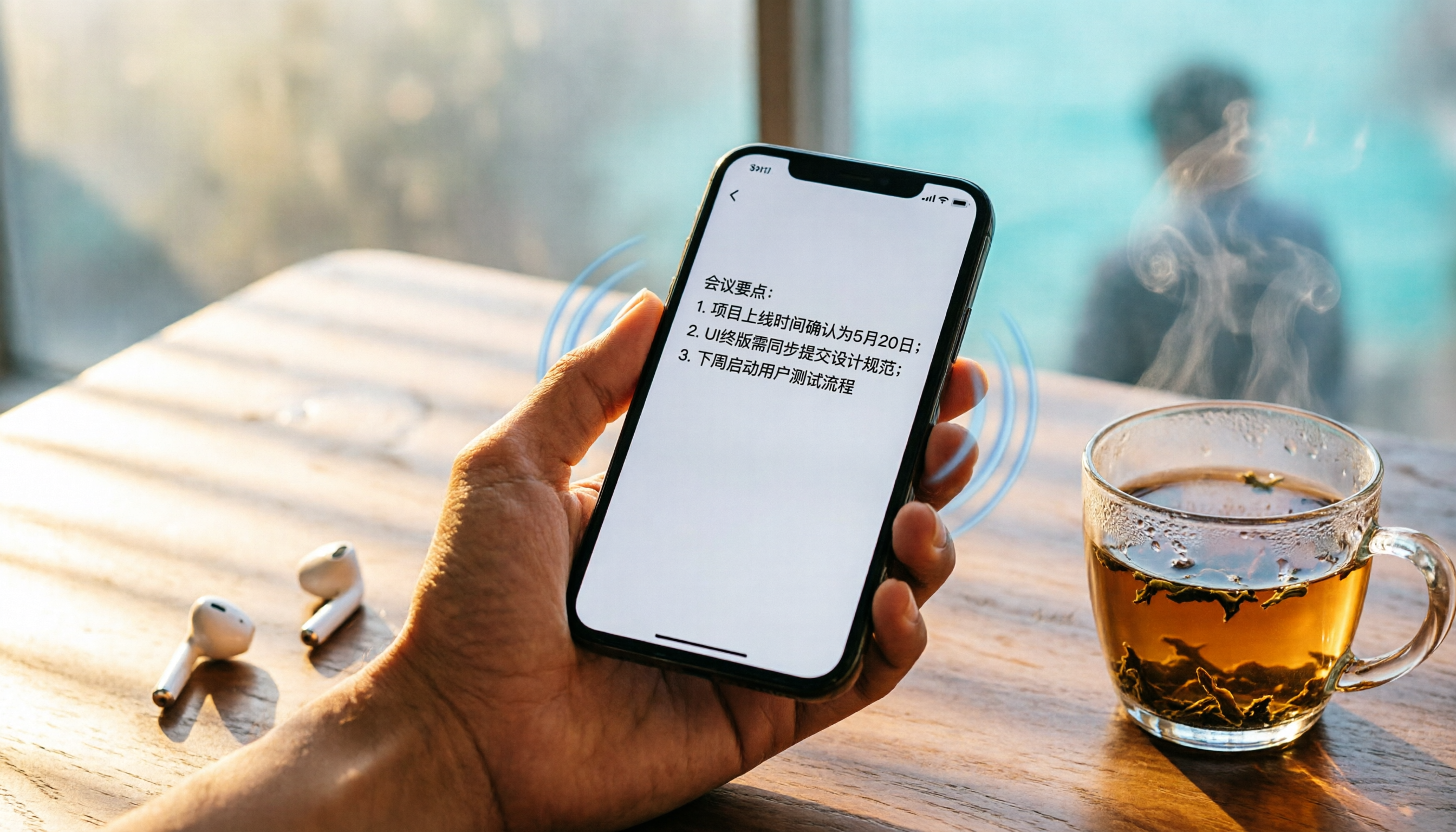
Best iPhone Call Recording Apps in 2026: 4 Tested, Tinrec Is the Most Practical Choice
Looking for a great tool to organize your iPhone call recordings? We tested Tinrec, Plaud Note, Yating Transcriber, and Otter.ai — from AI summaries to cross-platform support and Chinese accuracy — to help you pick the best recording-to-text app.

5 Speech-to-Text Tools Compared in 2026: From Free to Paid, All You Need to Know
Word can't record video, but can it transcribe audio? This article tests 5 tools, from free to paid, to help you find the best speech-to-text solution for the workplace. From a middle manager's perspective, here's why Tinrec is the top choice.

3 Voice-to-Text Tools Compared for 2026: Which Free Plan Is Enough?
Want to turn audio recordings into text without typing it all out? This article reviews 3 popular transcription tools and walks you through 5 easy steps using Tinrec to convert meeting, class, or interview recordings into key summaries and full transcripts. We also compare free plans and features so you can find the best option for your needs.
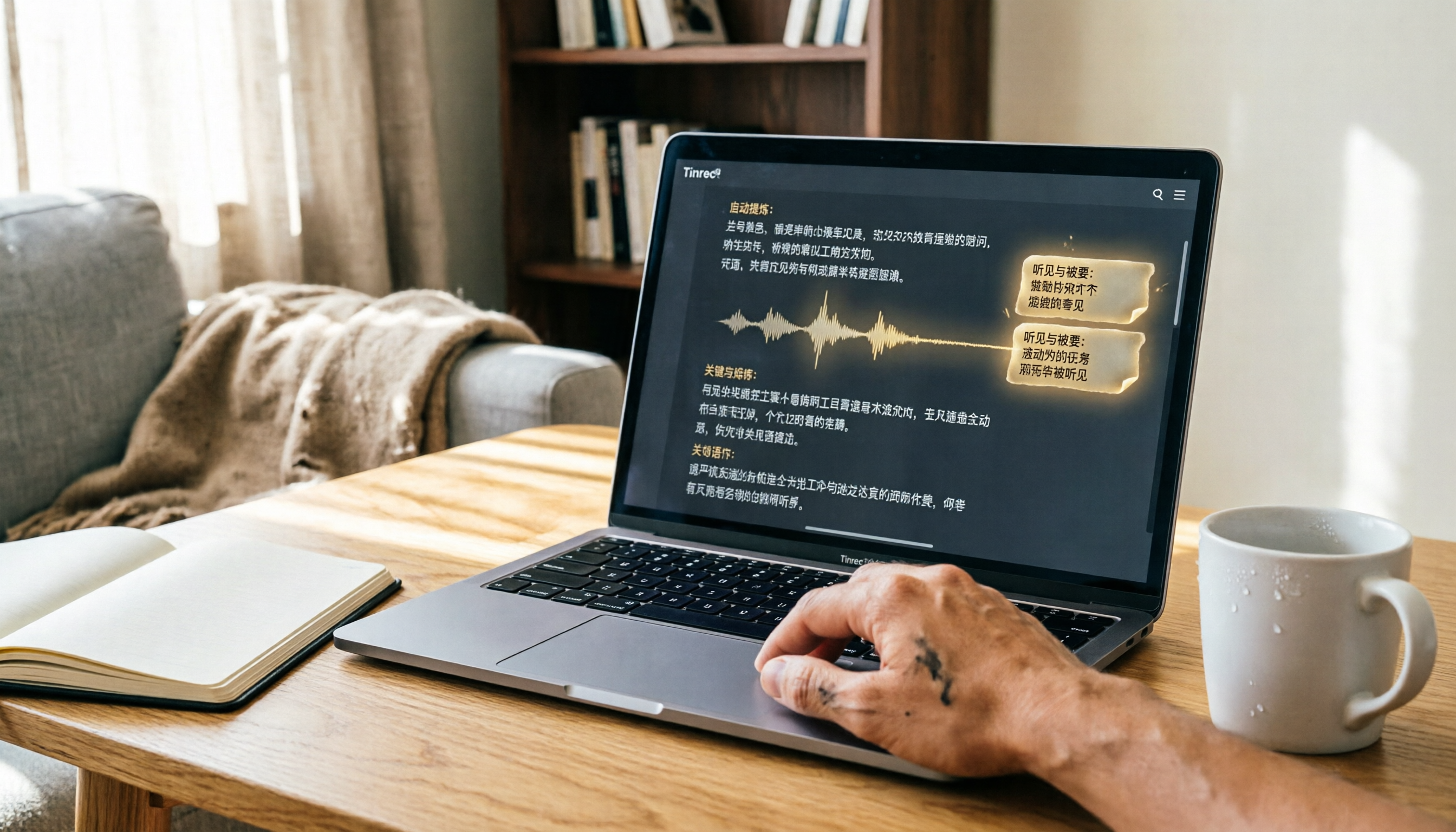
2026 Mac Recording-to-Text App Comparison: Which AI Meeting Notes Really Save Time?
Apple's built-in Voice Memos makes recording easy, but it can't transcribe audio. This article hands-on tests Tinrec, Otter.ai, and Notta, covering accuracy, AI summaries, cross-platform support, and free plans, to help you find the best fit for meetings, classes, and interview notes.

iPhone Voice-to-Text Test in 2026: Built-in Dictation vs. Apps Compared, This AI Q&A App Made Note-Taking 3x Faster
A college senior tested iPhone voice-to-text methods, from built-in dictation to third-party apps. See how Tinrec’s free plan saved 3 hours of note-taking time per week, plus a pitfall guide and student-focused buying advice.

iPhone 17 Screen Recording Free Options in 2026: 5 Tools Reviewed
How to screen record on iPhone 17? This article covers built-in screen recording, Dual Capture tips, and recommends tools like Tinrec to transcribe audio from recordings, from free to paid options.

Best AI Meeting Recorder Tools in 2026: Automatic Summaries, Action Items, and Multi-Source Organization
Looking for an AI meeting note tool but not sure where to start? This article reviews 6 top solutions—from automatic summaries and action items to cross-platform collaboration—and shows you how to save up to 80% of your meeting note time with the right tool.