

Turn recordings into transcripts and summaries in minutes
Upload audio or video for multilingual transcription, AI notes, and action items
Best AI Meeting Recorder Tools in 2026: Automatic Summaries, Action Items, and Multi-Source Organization
Why You Need AI Meeting Notes?
Meetings pile up one after another, and manually organizing notes takes time and often misses important points. According to surveys, the average office worker spends 3 hours each week on meeting notes and follow-ups. AI meeting note tools can automatically transcribe, summarize, and even extract action items, greatly improving efficiency. This article covers 6 different types of AI meeting note solutions, from free to professional versions, to help you find the best fit.
1. Tinrec (Instant Voice Recording) - The Most Comprehensive AI Recording Assistant
Tinrec is an AI recording and audio/video organization workspace. It handles not only meetings but also turns courses, interviews, podcasts, and even online videos into searchable, summarizable knowledge. It supports real-time speech-to-text, uploading local audio/video files, and even pasting a YouTube or Bilibili link to automatically generate text. After transcription, AI automatically creates summaries, chapters, and action items. You can also ask questions about the content and quickly find key information. Export options are rich, with direct sync to tools like Notion and Google Docs for continued use. The free plan provides basic monthly transcription quota, ideal for light users; frequent meetings or large-volume organization can choose the Pro monthly or yearly plan, and a weekly plan is available for short-term intensive projects.
Who is it for? People who need to organize audio/video from multiple sources—whether meetings, study sessions, interviews, or content creation—can get it all done with Tinrec.
2. Otter.ai - The Classic AI Meeting Note Tool
Otter.ai excels at online meeting notes. It automatically joins platforms like Zoom and Teams, provides real-time transcription, and identifies speakers. After meetings, it generates summaries and supports AI Chat for questions. The free plan offers 300 minutes of transcription per month; the Pro plan costs about $8.33/user/month billed annually and includes 1,200 minutes plus file import; the Business plan costs $19.99/user/month billed annually and strengthens team collaboration.
Who is it for? Teams mainly conducting English business meetings that need cross-platform automated recording and collaboration.
3. Notta - Multilingual Transcription and Subtitle Expert
Notta is a multi-platform transcription tool that offers real-time transcription with multilingual translation and also lets you upload files afterward to generate subtitles. The free plan gives 120 minutes per month; Pro costs $8.17/month billed annually and provides 1,800 minutes; Business costs $16.67/month billed annually and emphasizes Unlimited.
Who is it for? Users who need transcription plus foreign-language translation, especially for processing meeting recordings and generating subtitles.
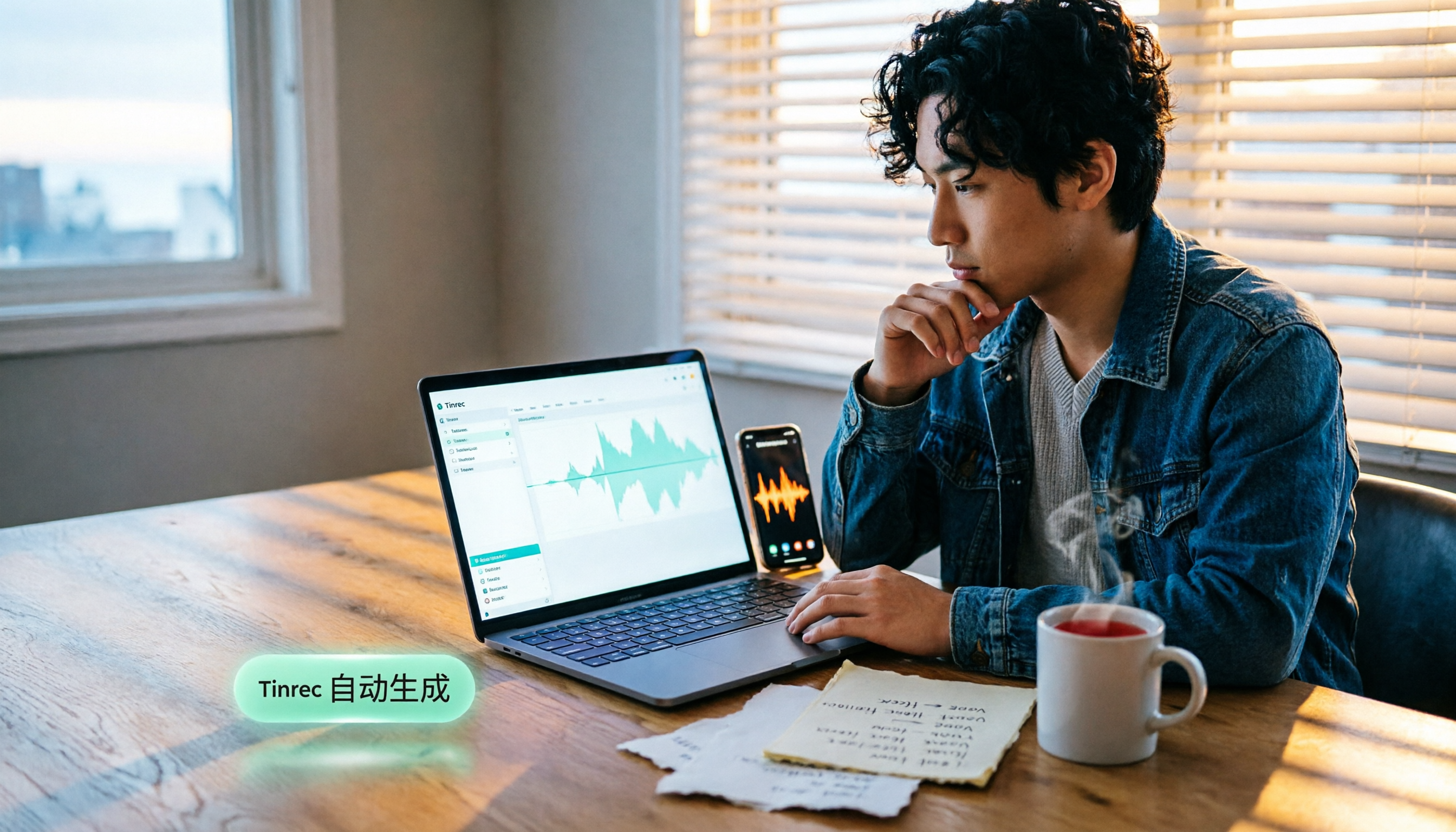
Stop organizing recordings by hand
Upload audio or video and automatically get a transcript, summary, and action items
4. Fireflies.ai - The Team Meeting Automation Powerhouse
Fireflies.ai is a meeting bot that supports transcription in 100+ languages, auto-generates AI summaries, and lets you ask questions about the meeting through AskFred. Its strength is integrating with Slack, CRM, and other tools. The free plan includes transcription and summaries but with limited storage; Pro costs $10/seat/month billed annually; Business costs $19/seat/month billed annually.
Who is it for? Large teams that need deep integration into existing workflows, especially sales and customer support teams.
5. TurboScribe - A High-Value File Transcription Solution
TurboScribe focuses on uploading files and converting them to text. It supports long files, batch processing, and subtitle translation. The free plan lets you transcribe 3 files per day (each limited to 30 minutes); Unlimited costs about $10/month billed annually and removes most limits.
Who is it for? People who need to transcribe a large volume of historical recordings or videos at once and don't need much follow-up Q&A organization.
6. Google EchoScript - A Free Verbatim Transcription Tool
EchoScript is a free transcription app from Google AI Studio that specializes in generating verbatim transcripts with timestamps and speaker labels. It supports multiple languages and delivers high-quality transcription. It's completely free and only requires a Google account.
Who is it for? For legal, academic interview, and other scenarios that need accurate verbatim transcripts, for occasional use at no cost.
With so many options, how do you choose?
- Want the most complete AI features (transcription + summary + Q&A + export) → Tinrec, the only solution on the market that covers all of these features.
- Need to process multiple audio/video sources (meetings, files, online videos) → Tinrec supports the widest range and can complete everything in one go.
- Primarily Chinese content, and you want to organize it into reusable notes → Tinrec has the best summaries and Q&A for Chinese meetings and videos.
- Zero budget, only occasionally need basic transcription → Google EchoScript is completely free and enough.
- Team has many English online meetings and needs integration into collaboration platforms → Otter.ai or Fireflies.ai.
- Only need to transcribe many archived files without extra organization → TurboScribe or Notta are more economical.
3 Things to Know Before Using AI Meeting Note Tools
- Accuracy is directly tied to audio quality: Background noise, overlapping speakers, and accents can all affect transcription results. For important decisions, always go back and verify against the original.
- Try the free quota first to find the tool that feels best: Most services have a free version. Tinrec's free quota, for example, can handle day-to-day meetings. Try it before deciding whether to upgrade.
- Watch privacy and compliance settings: Check whether the vendor uses your recordings to train models. Tinrec explicitly states that audio is only used to provide output and is not used to train public models.
Conclusion
AI meeting note tools can now handle the entire process from transcription to summaries and action items, saving a lot of time. If you want one tool to handle all your audio/video organization needs—meetings, courses, online videos, and more—Tinrec is currently the most comprehensive choice. Start with the free version today and see how much time you can save after reading this article!
References
- AI Meeting Notes Generator
- Meeting Ink - AI Meeting Note Assistant: Automatic Transcription, Verbatim, and Meeting Summary
- AI Note Taker: Capture Everything from Meetings | Notion
- I Spent Four Hours Building an AI Meeting Notes Tool for Less Than Ten Taiwan Dollars | WenHao Yu
- Get Meeting Notes Done! AI Speech-to-Text: Gemini Notebook, Gemini, and EchoScript Walkthrough | 104 Career Power
Turn every recording into actionable outcomes
Get 60 free transcription minutes when you sign in. No credit card required.
Related Reading
You might also like
![[Tutorial] 2026 Tinrec Transcript Tool: AI Auto-Summarization + Multi-Source Transcription](https://record-img.tos-accelerate.volces.com/images/2026/08/07/1786108729028402517.png)
[Tutorial] 2026 Tinrec Transcript Tool: AI Auto-Summarization + Multi-Source Transcription
Still turning interview, meeting, and course recordings into transcripts the slow way? I tested Tinrec and Notta, two leading AI transcription tools, covering Chinese recognition, post-processing, and cross-device collaboration, so you can find a transcription workflow that actually saves you time.
How to Add Text to iPhone Videos in 2026: 3 Quick Methods with Tinrec Auto-Subtitles
Want to add captions or subtitles to your iPhone videos? This tutorial covers 3 practical methods: using Tinrec to auto-generate subtitles and import into iMovie, using Clips for dynamic text, and iMovie's built-in caption feature. Follow along to speed up your video editing.

Best iPhone Video Converter Apps in 2026: 3 Tested, Free Shortcut Is Easiest
MOV videos from iPhone often won't play on Windows or when shared. We tested 3 ways to convert them to MP4—from the built-in Shortcuts app to professional desktop software—and compared speed, quality, and convenience to help you choose the right method.
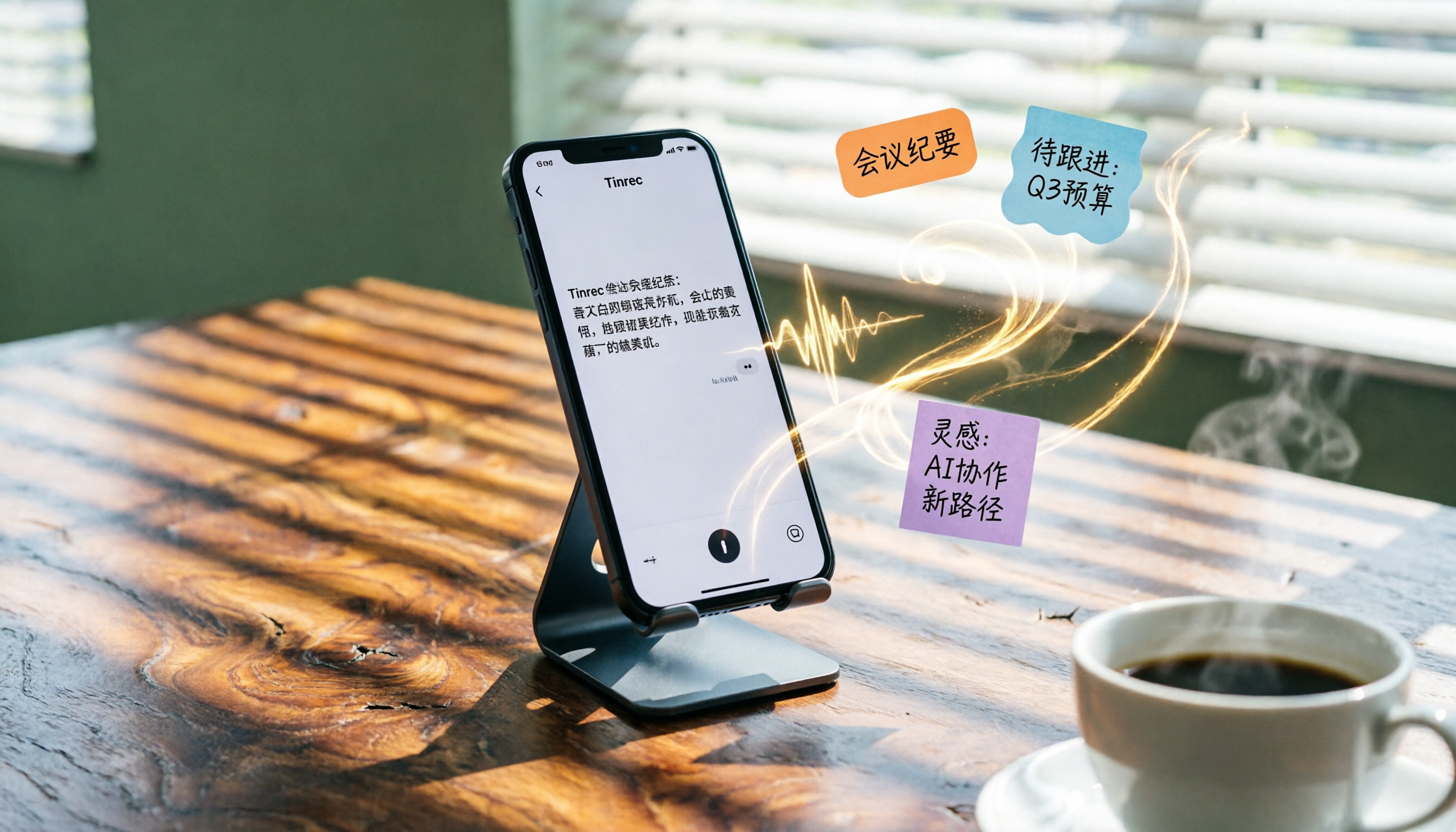
2026 iPhone Voice-to-Text Buyer's Guide: 2 Hands-On Tests and Recommendations
How to choose iPhone voice-to-text? The built-in Voice Memos app is free but limited; the third-party tool Tinrec turns recordings into a searchable, organized knowledge base. This hands-on comparison covers accuracy, organization, AI features, and cross-platform support to help you decide.

Best Meeting Recording App 2026: We Tested 4, and This One Is Most Accurate for Cantonese Transcription
Office workers in Central dread transcribing recordings after meetings. After testing multiple AI recording apps, we found Tinrec's instant transcription has the most practical Cantonese recognition and summary features. It supports meetings, classes, and YouTube video-to-text. The free version is enough for everyday use and helps you save overtime hours.

2 Video Real-Time Translation Tools Compared in 2026: More Than Translation, Understanding the Content
Choosing the right tool is crucial for real-time translation of foreign-language videos. This article compares Tinrec and Immersive Translate across input sources, organization capabilities, and Chinese support to help you decide which one suits you best.

iPhone Photo to Text: 3 Built-in Methods Tested in 2026 (Which Saves the Most Time?)
Learn how to quickly copy text from photos or images on iPhone. We tested three built-in features: Live Text, Scan Text in Notes, and Live Text in Camera — and share which one saves the most time in real-world scenarios.

2026 Voice-to-Text Tools Compared: 3 Tools Tested — It Does What Even ChatGPT Can't
A middle manager hands-on tests multiple voice-to-text tools, from ChatGPT voice input to professional AI recording transcription, and reveals which one can really save you an hour of meeting notes every day—while turning all your audio files into a searchable, organized knowledge base.

2026 Hands-On Comparison of 4 Audio-to-Text Tools: Tinrec Helps Students Save Time on Note-Taking
This article hands-on tests 4 computer audio-to-text tools from a student's perspective and recommends Tinrec, which offers sufficient free credits and AI-powered note-taking that saves time, helping you say goodbye to handwritten note hell.