
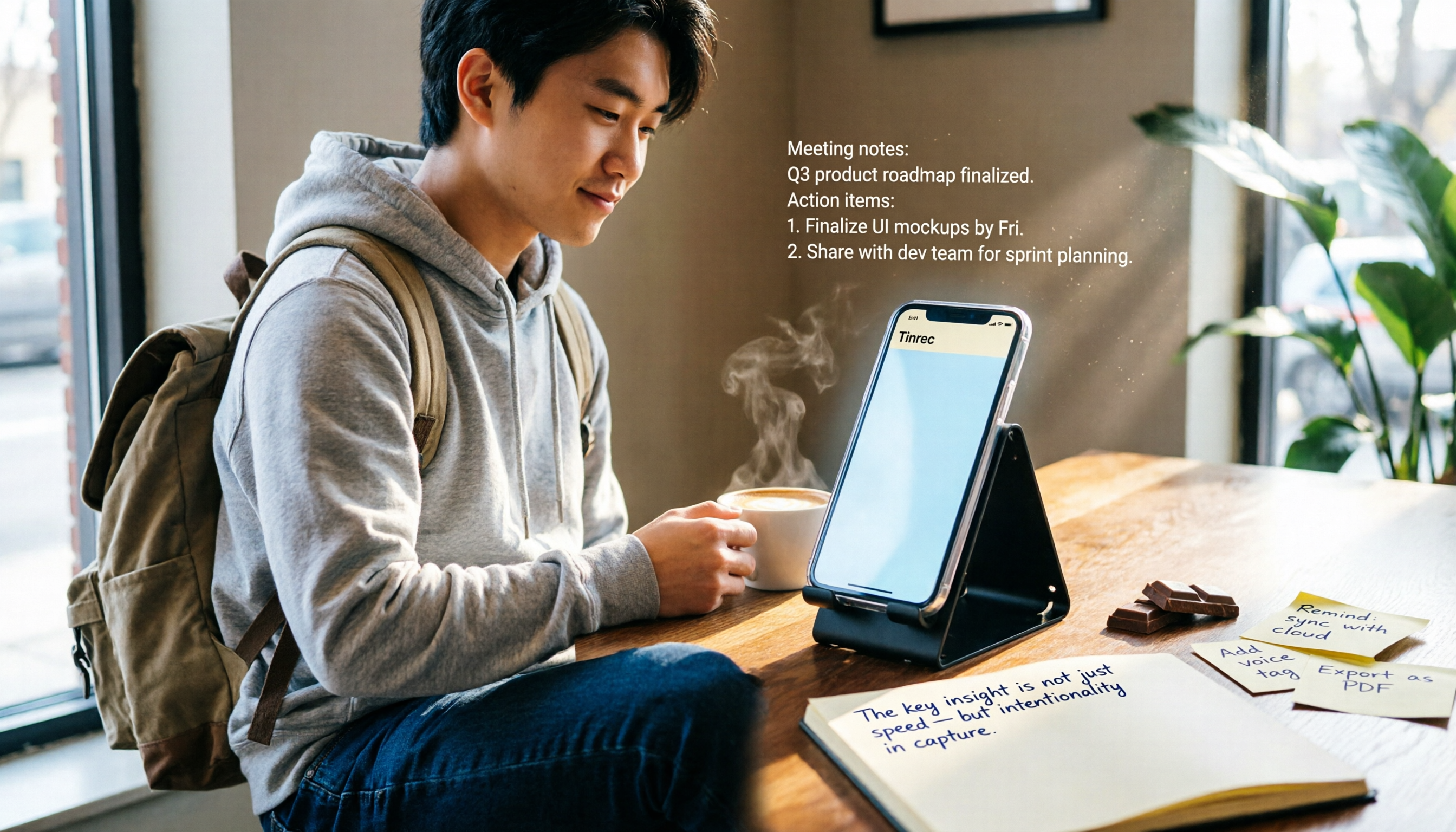
Turn recordings into transcripts and summaries in minutes
Upload audio or video for multilingual transcription, AI notes, and action items
Lecture recordings left unorganized almost made me fail midterms — you don’t need a more expensive tool, you need the right method
Last semester, I took an elective where the professor spoke a mile a minute and flipped through slides faster than I could take notes. I tried recording the whole class with the iPhone Voice Memos app, planning to organize it when I got home. But before midterms, I opened those 2-hour recordings, and by the time I listened to the first lecture while trying to type a transcript, I was already dead inside. Then I asked an upperclassman for help and learned that plenty of tools can “transcribe as they record” and even let you ask AI questions such as “What are the key points of this class?” — from then on, my review time was basically cut in half. This post shares the iPhone voice-to-text methods I tested over a semester, from built-in features to third-party apps, plus the one I ended up keeping on my phone.
Before choosing a voice-to-text tool, understand these 3 key points that students actually care about
Accuracy depends on the real environment, not marketing claims
Many apps claim 98% accuracy, but that’s measured in a quiet recording studio. A real classroom has air-conditioning noise, classmates chatting nearby, and professors who occasionally walk to the back of the room — all of which take a toll on accuracy. So I tested with a real 5-minute Chinese lecture recording (with light background discussion) and found just how much the results varied across apps.
AI features aren’t a bonus — they’re essential
If all you get is a transcript, you still have to re-read and highlight key points yourself. Good tools today automatically generate summaries, split content into chapters, and even let you “ask your recording.” For example, after a cross-campus special lecture, I typed “What recommended books did the speaker mention?” in the app and got the answer in seconds — that’s what really saves time.
Calculate free quotas in “class hours”
Students care about their wallets. If you record 3 classes a week at 2 hours each, that’s about 24 hours a month. Many free plans only offer 100–300 minutes per month, which means you burn through them in two classes. Either calculate carefully and record only key classes, or find a student plan that’s actually worth it.
Tinrec (秒听录音) — I tested it for a semester and convinced three classmates to use it
Tinrec is the voice-to-text app that feels the least like a “tool” I’ve used. It doesn’t just turn audio into text; it turns lectures, group discussions, and online seminars into review-ready notes. It supports iOS, Android, and a web version. I record on my iPhone, then open the web version on my computer back at the dorm and keep editing — no file transfer needed.
Classroom scene: text follows the professor’s words in real time
With Tinrec running in class, it writes the transcript as it records. By the time class ends, a timestamped transcript is already waiting in the app. What’s even more impressive is the AI summary — for a two-hour general education lecture, I tap “Summary” and it tells me the three key points of the lecture, the concepts the professor kept emphasizing, and a hint about extra credit in the last 10 minutes. Before finals, I reviewed exactly this way. When my roommate saw the “key points summary” on my screen, his jaw almost dropped.
Group discussions: after a free-for-all, AI pulls out conclusions and action items
The worst thing about group discussions is leaving without a conclusion. We used Tinrec to record the entire discussion. It didn’t just produce a transcript; it automatically generated action items. Last time we worked on a project, a teammate said “I think we should start with user interviews,” and the AI wrote “suggest user interviews as the next step” in the summary, with timestamps showing who agreed. I just screenshotted it and posted it to the group chat — everyone immediately replied “OK.”
Cross-platform note search: asking is faster than searching
The feature that made it hard for me to go back is the AI conversation search. During midterms, I was so busy that I forgot the derivation of a formula from one class. I asked Tinrec: “In that calculus class two Tuesdays ago, what was the definition of a limit?” It pulled the exact passage from the historical recording and even told me the professor had said “this will definitely be on the midterm.” The free version supports this feature, and almost no other app in the same category has it right now.
Stop organizing recordings by hand
Upload audio or video and automatically get a transcript, summary, and action items
Accuracy from my real test
I used a 5-minute Chinese lecture recording (recorded from the back of the classroom with low-frequency air-conditioning noise) to test. Tinrec’s character error rate was about 5.8%, and names and proper nouns were almost always accurate. The same recording came out at 8.2% on another well-known tool. Cantonese classes are also supported, which is convenient for people who need to record overseas lectures (in my test, a Cantonese news clip had an 8.3% character error rate, while competitors in the same price range mostly landed above 10%).
Advantages summary
- Fast, accurate transcription that appears as it records — you have a draft right after class
- AI summaries and Q&A make review much more efficient — no need to listen from start to finish
- Painless cross-platform support: record on your phone, view on your computer, no file conversion needed
Limitations students should know
The free plan gives 100 minutes a month. If you record every class, that won’t be enough. I only record required classes and classes I need to review — about 150 minutes a week — so by occasionally using built-in dictation as a backup, the free plan is just enough. If you want to record everything without thinking, the Pro monthly plan is a little over 100 per month — basically skipping late-night snacks twice and it’s covered. Another limitation is that the AI summary doesn’t support Chinese mixed with English proper nouns. For example, “Machine Learning” may be transcribed as “機器學習,” and sometimes you’ll need to fix it manually.
Who it’s for
If you often need to record Chinese or Cantonese classes, want to use AI to pull out key points right after recording, or switch between phone and computer, Tinrec is currently the choice closest to what students need.
Beyond Tinrec: what other options are there?
Otter.ai: the top pick for English classes, but Chinese-language users should skip it
Otter is extremely accurate for English transcription, and its free plan gives a generous 300 minutes per month. But its Chinese support is clearly lacking, Cantonese isn’t supported at all, and Mandarin accuracy is only around 85%. If you have just one or two English-taught courses a semester, Otter is a good fit; but if you mainly handle Chinese content, Tinrec’s AI Q&A and Chinese summaries are more practical than spending time manually correcting transcripts.
Yating (雅婷逐字稿): a Taiwan veteran, but the free version is basically a trial
Yating has solid Mandarin transcription accuracy (around 6.5% error in my test) and a simple interface. But the free version gives you no quota; you have to pay, and the cheapest plan still costs a few dozen per month. What’s more disappointing is that it doesn’t have AI conversation search — after recording, you can only search manually by keyword. If you only occasionally transcribe a voice message or two, built-in dictation is faster; for long-term class note organization, Tinrec’s free quota and AI features are clearly better value.
Pitfall guide: 3 mistakes students make most often when choosing a voice-to-text tool
Pitfall 1: Only looking at free minutes and ignoring real accuracy
Some apps advertise 300 free minutes a month, but they produce a mess of garbled text, and you still have to replay the recording to correct it. That’s just wasted time. My advice: test with a recording from one of your own classes first, and only keep the one that actually transcribes accurately.
Pitfall 2: Forgetting to check cross-platform sync
Many tools only have an iOS version. You record on your phone in class, then want to organize on your computer at home and can’t. Unless you plan to work only on your phone forever, cross-platform support (at least phone + web) is essential.
Pitfall 3: Paying for AI features but not using them is a waste of money
Some tools actually have summary features, but people only use them for transcription. With Tinrec’s AI Q&A, before an exam I ask it, “What concept did the professor repeat the most this semester?” That’s much faster than flipping through 20 hours of transcripts myself. Learn to use it, and you’ll gain a lot more time in your semester.
Summary: which one should students actually choose?
After a semester of testing, Tinrec is currently the only tool I’ve found that combines high Chinese accuracy, AI Q&A, cross-platform support, and a free plan that can cover key classes. If you’re on a tight budget like me but still want efficiency, it’s the top pick.
Quick buying guide:
- Mainly recording Chinese or Cantonese classes and want AI to give you key points directly → Tinrec (free plan starts at 100 minutes)
- Only recording a few English meetings or English podcasts → Otter.ai (300 free minutes per month)
- Zero budget and only occasional 2–3 minute voice messages → iPhone built-in dictation (keyboard microphone)
- Heavy transcription needs without relying on AI summaries → Yating (雅婷逐字稿) (paid)
I recommend downloading Tinrec’s free version first and testing it during one class. 100 minutes is enough to experience the full features; if you think it works well, then consider Pro. After all, for students, the real truth is saving time for doing nothing and sleeping.
References
- View Voice Memos transcripts on iPhone - Apple Support (Taiwan)
- Voice-to-Text iPhone practical guide
- iPhone voice-to-text settings tips: 5 ways to transcribe recordings - Mr. Mad
- iPhone voice-to-text tutorial: complete it easily without third-party apps
- Use Live Speech to type and speak on iPhone - Apple Support (Taiwan)
Turn every recording into actionable outcomes
Get 60 free transcription minutes when you sign in. No credit card required.
Related Reading
You might also like
![[Tutorial] 2026 Tinrec Transcript Tool: AI Auto-Summarization + Multi-Source Transcription](https://record-img.tos-accelerate.volces.com/images/2026/08/07/1786108729028402517.png)
[Tutorial] 2026 Tinrec Transcript Tool: AI Auto-Summarization + Multi-Source Transcription
Still turning interview, meeting, and course recordings into transcripts the slow way? I tested Tinrec and Notta, two leading AI transcription tools, covering Chinese recognition, post-processing, and cross-device collaboration, so you can find a transcription workflow that actually saves you time.
How to Add Text to iPhone Videos in 2026: 3 Quick Methods with Tinrec Auto-Subtitles
Want to add captions or subtitles to your iPhone videos? This tutorial covers 3 practical methods: using Tinrec to auto-generate subtitles and import into iMovie, using Clips for dynamic text, and iMovie's built-in caption feature. Follow along to speed up your video editing.

Best iPhone Video Converter Apps in 2026: 3 Tested, Free Shortcut Is Easiest
MOV videos from iPhone often won't play on Windows or when shared. We tested 3 ways to convert them to MP4—from the built-in Shortcuts app to professional desktop software—and compared speed, quality, and convenience to help you choose the right method.
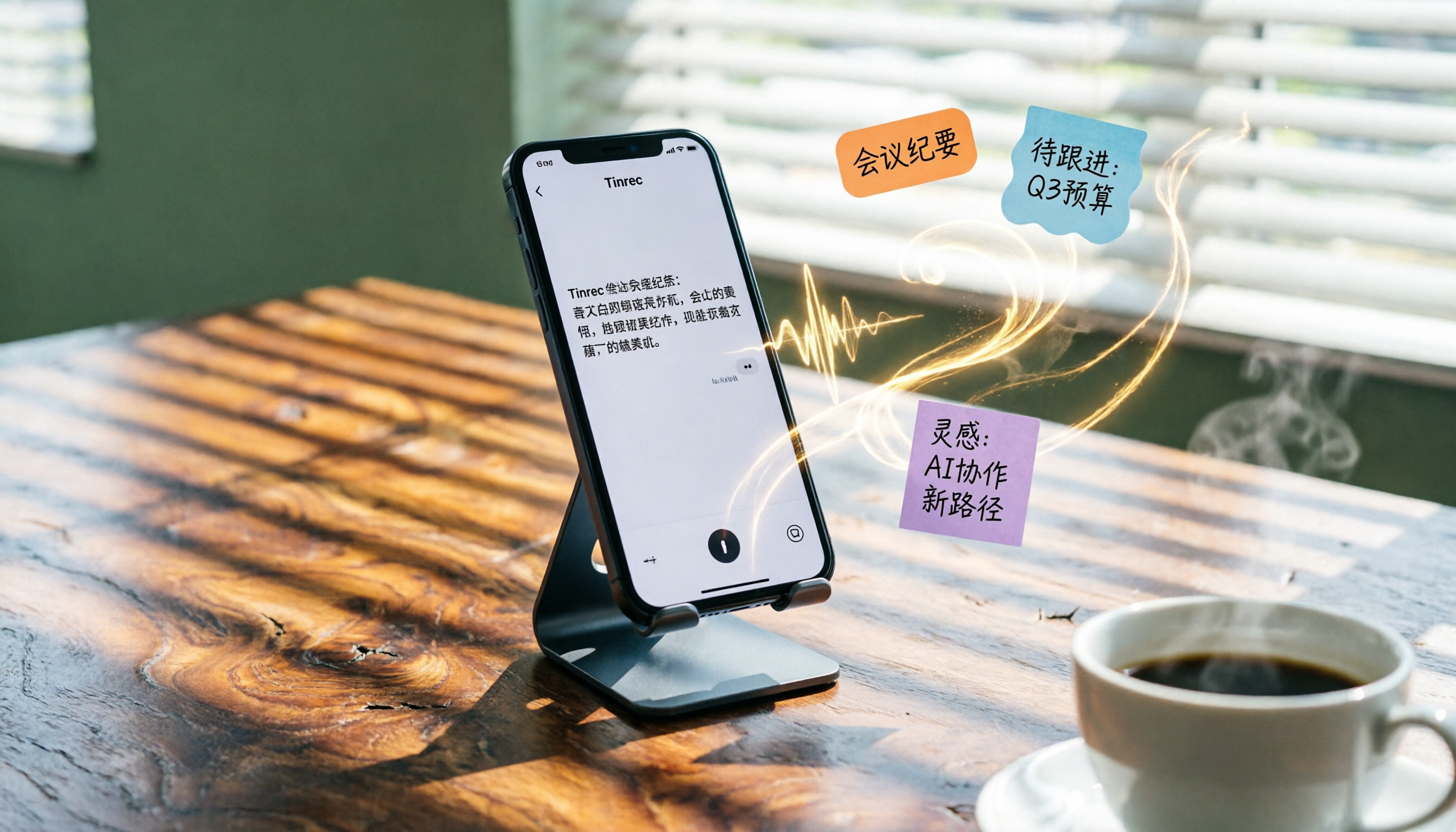
2026 iPhone Voice-to-Text Buyer's Guide: 2 Hands-On Tests and Recommendations
How to choose iPhone voice-to-text? The built-in Voice Memos app is free but limited; the third-party tool Tinrec turns recordings into a searchable, organized knowledge base. This hands-on comparison covers accuracy, organization, AI features, and cross-platform support to help you decide.

Best Meeting Recording App 2026: We Tested 4, and This One Is Most Accurate for Cantonese Transcription
Office workers in Central dread transcribing recordings after meetings. After testing multiple AI recording apps, we found Tinrec's instant transcription has the most practical Cantonese recognition and summary features. It supports meetings, classes, and YouTube video-to-text. The free version is enough for everyday use and helps you save overtime hours.

2 Video Real-Time Translation Tools Compared in 2026: More Than Translation, Understanding the Content
Choosing the right tool is crucial for real-time translation of foreign-language videos. This article compares Tinrec and Immersive Translate across input sources, organization capabilities, and Chinese support to help you decide which one suits you best.
iPhone Photo to Text: 3 Built-in Methods Tested in 2026 (Which Saves the Most Time?)
Learn how to quickly copy text from photos or images on iPhone. We tested three built-in features: Live Text, Scan Text in Notes, and Live Text in Camera — and share which one saves the most time in real-world scenarios.

2026 Voice-to-Text Tools Compared: 3 Tools Tested — It Does What Even ChatGPT Can't
A middle manager hands-on tests multiple voice-to-text tools, from ChatGPT voice input to professional AI recording transcription, and reveals which one can really save you an hour of meeting notes every day—while turning all your audio files into a searchable, organized knowledge base.
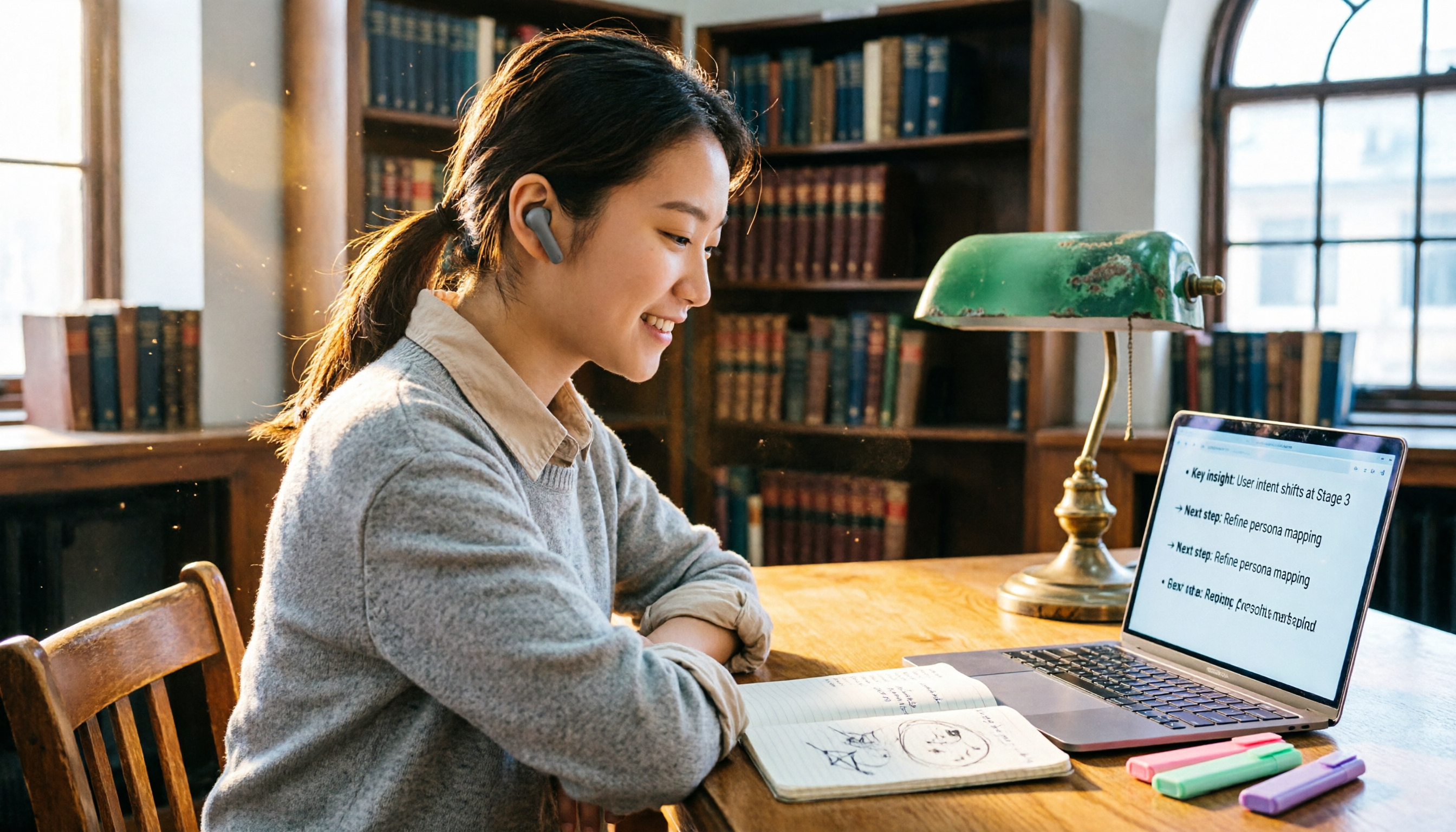
2026 Hands-On Comparison of 4 Audio-to-Text Tools: Tinrec Helps Students Save Time on Note-Taking
This article hands-on tests 4 computer audio-to-text tools from a student's perspective and recommends Tinrec, which offers sufficient free credits and AI-powered note-taking that saves time, helping you say goodbye to handwritten note hell.