
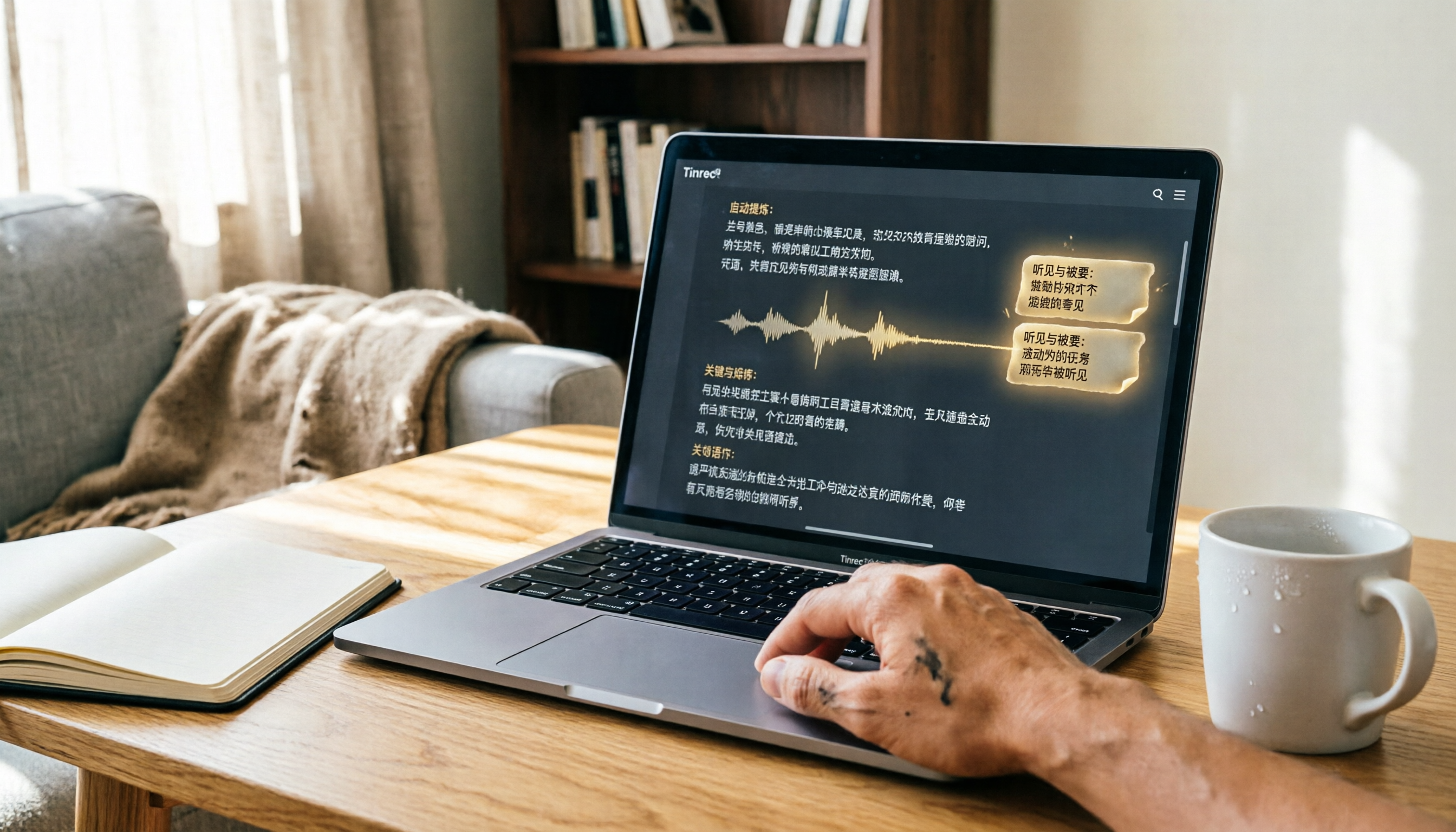
Turn recordings into transcripts and summaries in minutes
Upload audio or video for multilingual transcription, AI notes, and action items
Two Hours in a Meeting, Two More Organizing Notes? What You Need Isn't Just Recording—It's Organization
Many MacBook users faced with online meetings, client interviews, or classroom lectures instinctively open the built-in Voice Memos app. That's fine—Mac's audio quality is indeed solid.
But the nightmare begins afterward: you're left with a raw audio file—no transcript, no highlights, no action items. Want to find that one comment from last week's meeting? You'll have to listen from start to finish.
Honestly, Apple's recording hardware is great, but it lacks that final step: turning audio into usable data. If your workflow involves review and organization, built-in tools alone won't cut it.
In this article, I hands-on tested three Mac-friendly audio-to-text tools to help you escape the "listen to the recording" trap.
Before Buying an Audio-to-Text Tool, Understand These 4 Key Points
Don't just look at ads claiming "98% accuracy"—that's usually tested in a recording studio. These are the four metrics that truly matter.
1. Accuracy Depends on Test Conditions Take official claims as a reference only. For testing, I used a 5-minute Cantonese news video with subtle keyboard and air-conditioning noise in the background—that's a realistic scenario. Under these conditions, the gaps between tools become clear.
2. Having AI Isn't Special—What AI Can Do for You Is What Matters Generating a transcript is just the first step. Good tools automatically summarize, highlight key points, and split into sections, or even let you ask questions about the recording as if you were asking a colleague.
3. Cross-Platform Support Matters You might record on your Mac but want to review notes on your phone or paste the results into Notion or Google Docs. If a tool only has a web version, the mobile experience can be painful.
4. Does the Free Tier Cover Your Day-to-Day Needs? Most tools offer free versions, but allowances vary significantly. Think about how many hours you record per month before choosing a plan.
Tinrec (秒聽錄音) — Our Top Pick After Hands-On Testing
Tinrec is an AI recording and audio/video organization tool designed for meetings, learning, interviews, and content creation. It supports iOS, Android, and web, and can even parse public video links directly.
It doesn't just convert audio into text; it helps you turn content into actionable data.
Here are a few of the most practical use cases:
- Transcribe While Recording in Meetings: During a meeting, the transcript appears in real time on screen. After the meeting, AI automatically generates a summary and action items, making it clear who's responsible for what and when deadlines are.
- Upload Existing Recordings or Videos: Have old interviews, classes, or podcast files? Drag them in and get a full transcript and key highlights within minutes.
- Paste Links for Online Videos: For public videos on YouTube or Bilibili, just paste the URL and Tinrec can grab the audio and convert it to text—super handy for content creators and researchers.
- AI Conversational Query: This is what I find most powerful. After recording, you can ask it in Chinese, "Who mentioned the budget in the last meeting?" It answers based on the semantic understanding of the content, not just keyword search. Currently, almost no competitor at this price point offers this capability.
In our test with a 5-minute Cantonese news video (on a MacBook Pro, in a 26°C indoor environment), Tinrec's transcription accuracy was noticeably higher than the other two, and it handled mixed Chinese-English content more naturally. Of course, accuracy still drops if recording quality is poor or multiple people speak at once—this is true for all tools.
Stop organizing recordings by hand
Upload audio or video and automatically get a transcript, summary, and action items
Pros at a Glance
- Multiple Input Sources: It accepts recordings, files, and online videos, unlike some tools that only work with online meetings.
- Great for Chinese and Cantonese: This is a big plus for Taiwanese users.
- Robust Post-Processing: It provides not just transcripts but also summaries, chapters, action items, AI Q&A, and can even generate meeting notes or reports.
Limitations Worth Mentioning The free plan includes 100 minutes of transcription per month; heavy users may need to upgrade. But for someone with two or three meetings a week, it's enough to try or use occasionally.
Who's It For? If you frequently need to organize meetings, classes, interviews, or online videos, and you care about Chinese recognition quality and AI post-processing, Tinrec is currently the most balanced choice.
Beyond Tinrec: What Other Options Are There?
Of course, Tinrec isn't for everyone. Here are two alternatives to consider.
Otter.ai: A long-standing powerhouse for English meetings, with a generous free tier of 300 minutes per month. However, our tests found it doesn't support Cantonese transcription and its Chinese recognition isn't particularly optimized. If you mainly record English content, Otter is a more cost-effective option than Tinrec. But if you want a tool that handles Chinese and offers AI conversational query—Otter doesn't have that feature yet.
Notta: It has strong transcription and translation capabilities, with 120 free minutes per month and generous Pro plan minutes. However, Notta is more like a traditional transcription service, lacking Tinrec's AI conversational feature that lets you ask questions directly about the recording. If you just need to quickly generate transcripts and translations, Notta is worth considering; but if you want AI to help summarize and find key points after recording, Tinrec is a better fit.
Pitfall Guide: 3 Common Mistakes When Choosing an Audio-to-Text Tool
Mistake 1: Relying Only on Officially Claimed Accuracy Many tools tout 98%, but that's lab data. Real-world environments have air conditioner noise, keyboard clicks, and people talking over each other, which lowers accuracy. Test with your own recordings instead of trusting the ads.
Mistake 2: Ignoring Cross-Platform Needs Record on Mac today, want to read the transcript on iPad tomorrow—if the tool lacks an app or web sync, you'll be frustrated. Cross-platform solutions like Tinrec (iOS, Android, and Web) offer much more flexibility.
Mistake 3: Treating the Tool as a Mere Transcription Machine If you only use it to create transcripts, you're wasting half the tool's value. With Tinrec's AI conversational query, you can ask "What were the meeting conclusions?" right after recording—much faster than manually replaying 30 minutes of audio. Smart usage is the real time-saver.
Summary: Which One Should You Choose?
Back to the original question: yes, your Mac has recording capabilities, but to make a recording truly "useful," you need a transcription plus AI organization tool.
Based on our hands-on results, for most Taiwanese users I'd recommend trying Tinrec first:
- Need Chinese/Cantonese transcription + AI summaries → Tinrec (cross-platform, multi-source, strong AI Q&A)
- Only record English meetings and have zero budget → Otter.ai (generous free tier, but no Chinese optimization)
- Pure transcription + translation, don't care about AI conversation → Notta (more minutes, but lacks post-processing features)
I recommend downloading the free version of Tinrec first—100 minutes per month is enough to try it over a few meetings. If it works well for you, consider upgrading; no need to pay upfront.
References
- Record audio on Mac - Apple Support (Taiwan)
- Does Apple Computer Have Recording? 2026 Mac Recording-to-Text Tool Review and AI Efficiency Solutions - 秒聽錄音 Blog
- Record audio in Voice Memos on iPhone - Apple Support (Taiwan)
- iPhone Adds Call Recording? iOS 18 with AI Technology Can Also Convert Recordings to Text
- iPhone Recording Made Easy: One-Tap Quick Protection at Critical Moments
Turn every recording into actionable outcomes
Get 60 free transcription minutes when you sign in. No credit card required.
Related Reading
You might also like
![[Tutorial] 2026 Tinrec Transcript Tool: AI Auto-Summarization + Multi-Source Transcription](https://record-img.tos-accelerate.volces.com/images/2026/08/07/1786108729028402517.png)
[Tutorial] 2026 Tinrec Transcript Tool: AI Auto-Summarization + Multi-Source Transcription
Still turning interview, meeting, and course recordings into transcripts the slow way? I tested Tinrec and Notta, two leading AI transcription tools, covering Chinese recognition, post-processing, and cross-device collaboration, so you can find a transcription workflow that actually saves you time.
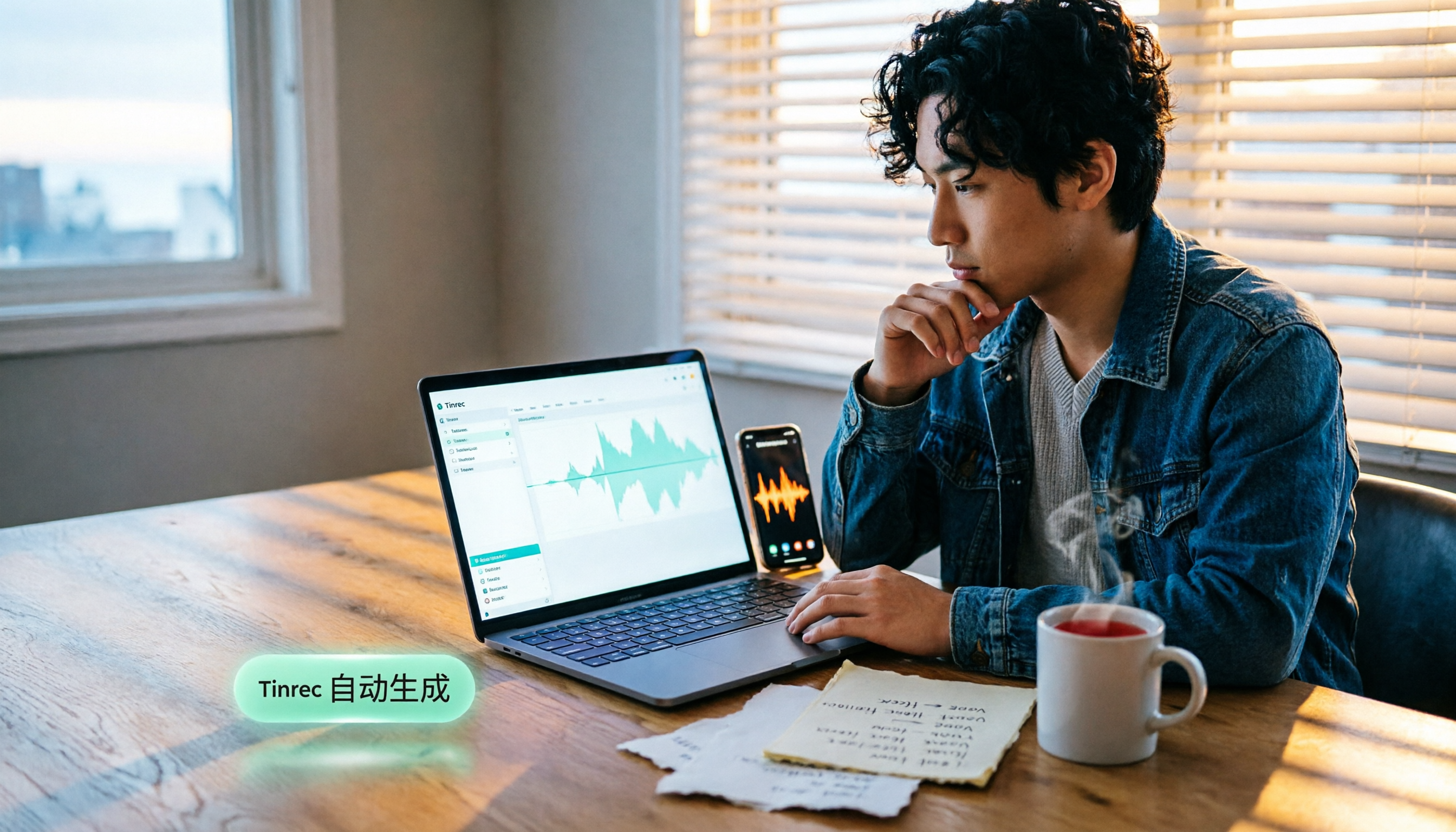
How to Add Text to iPhone Videos in 2026: 3 Quick Methods with Tinrec Auto-Subtitles
Want to add captions or subtitles to your iPhone videos? This tutorial covers 3 practical methods: using Tinrec to auto-generate subtitles and import into iMovie, using Clips for dynamic text, and iMovie's built-in caption feature. Follow along to speed up your video editing.

Best iPhone Video Converter Apps in 2026: 3 Tested, Free Shortcut Is Easiest
MOV videos from iPhone often won't play on Windows or when shared. We tested 3 ways to convert them to MP4—from the built-in Shortcuts app to professional desktop software—and compared speed, quality, and convenience to help you choose the right method.
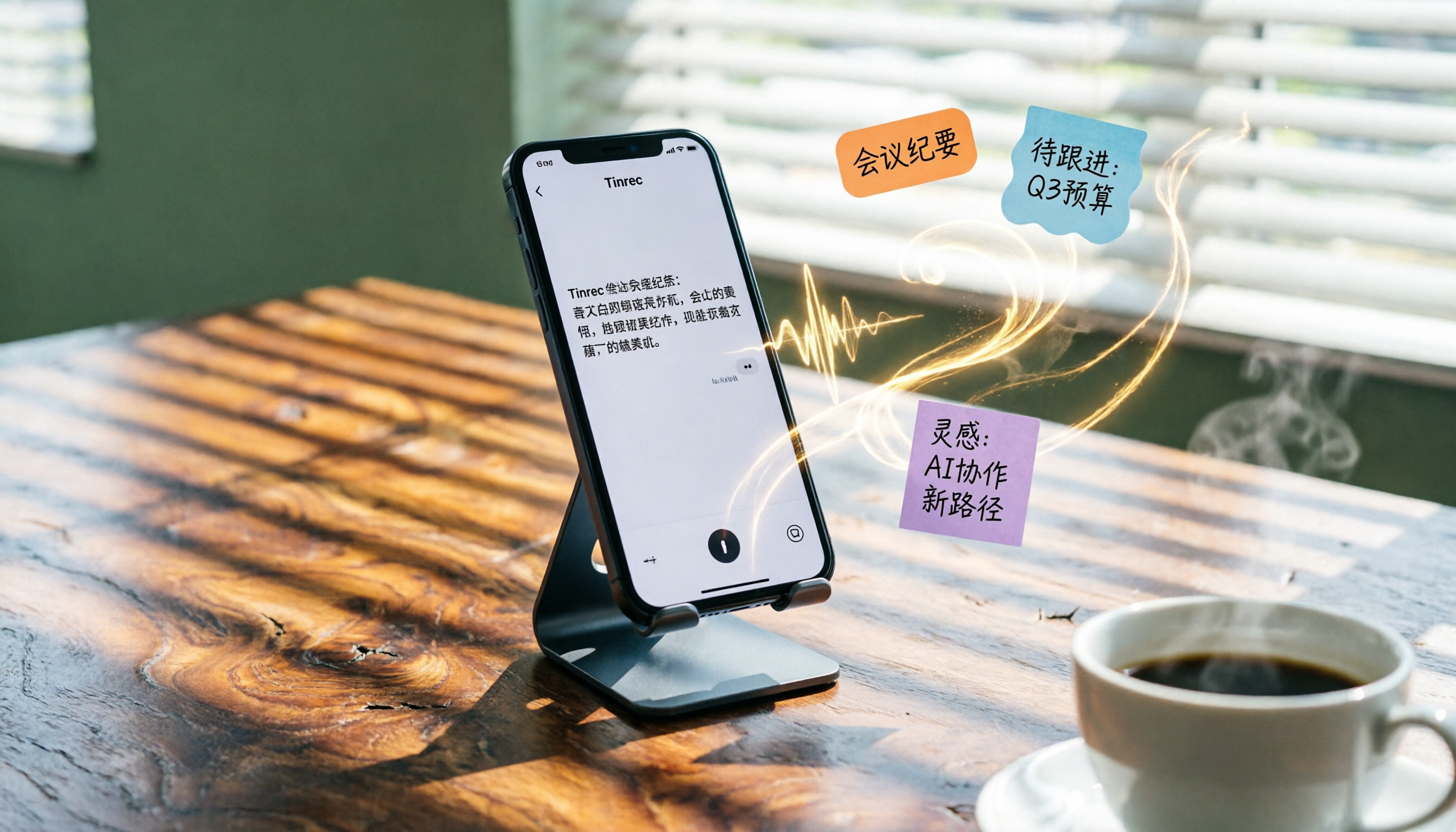
2026 iPhone Voice-to-Text Buyer's Guide: 2 Hands-On Tests and Recommendations
How to choose iPhone voice-to-text? The built-in Voice Memos app is free but limited; the third-party tool Tinrec turns recordings into a searchable, organized knowledge base. This hands-on comparison covers accuracy, organization, AI features, and cross-platform support to help you decide.

Best Meeting Recording App 2026: We Tested 4, and This One Is Most Accurate for Cantonese Transcription
Office workers in Central dread transcribing recordings after meetings. After testing multiple AI recording apps, we found Tinrec's instant transcription has the most practical Cantonese recognition and summary features. It supports meetings, classes, and YouTube video-to-text. The free version is enough for everyday use and helps you save overtime hours.

2 Video Real-Time Translation Tools Compared in 2026: More Than Translation, Understanding the Content
Choosing the right tool is crucial for real-time translation of foreign-language videos. This article compares Tinrec and Immersive Translate across input sources, organization capabilities, and Chinese support to help you decide which one suits you best.

iPhone Photo to Text: 3 Built-in Methods Tested in 2026 (Which Saves the Most Time?)
Learn how to quickly copy text from photos or images on iPhone. We tested three built-in features: Live Text, Scan Text in Notes, and Live Text in Camera — and share which one saves the most time in real-world scenarios.

2026 Voice-to-Text Tools Compared: 3 Tools Tested — It Does What Even ChatGPT Can't
A middle manager hands-on tests multiple voice-to-text tools, from ChatGPT voice input to professional AI recording transcription, and reveals which one can really save you an hour of meeting notes every day—while turning all your audio files into a searchable, organized knowledge base.
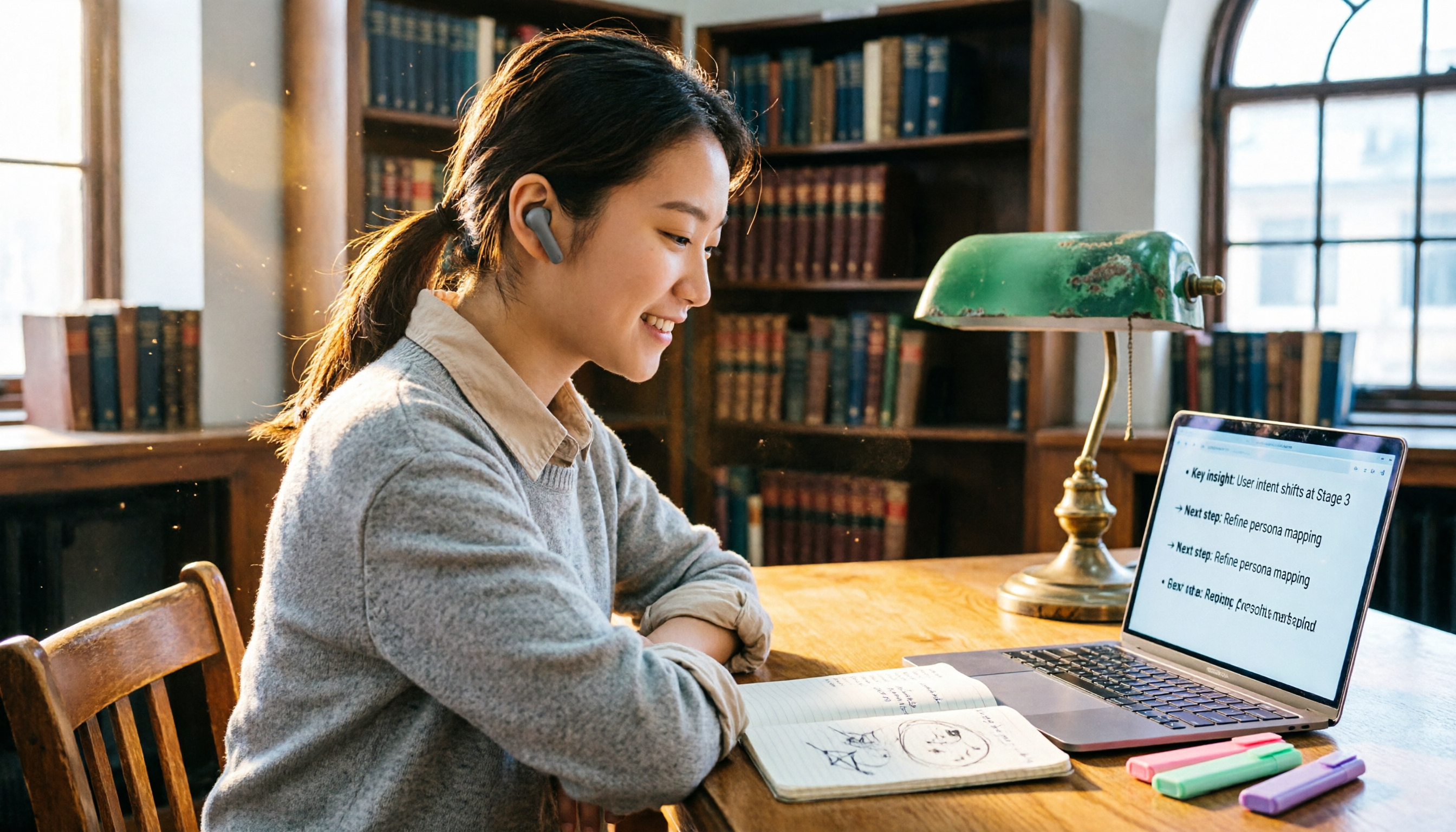
2026 Hands-On Comparison of 4 Audio-to-Text Tools: Tinrec Helps Students Save Time on Note-Taking
This article hands-on tests 4 computer audio-to-text tools from a student's perspective and recommends Tinrec, which offers sufficient free credits and AI-powered note-taking that saves time, helping you say goodbye to handwritten note hell.