
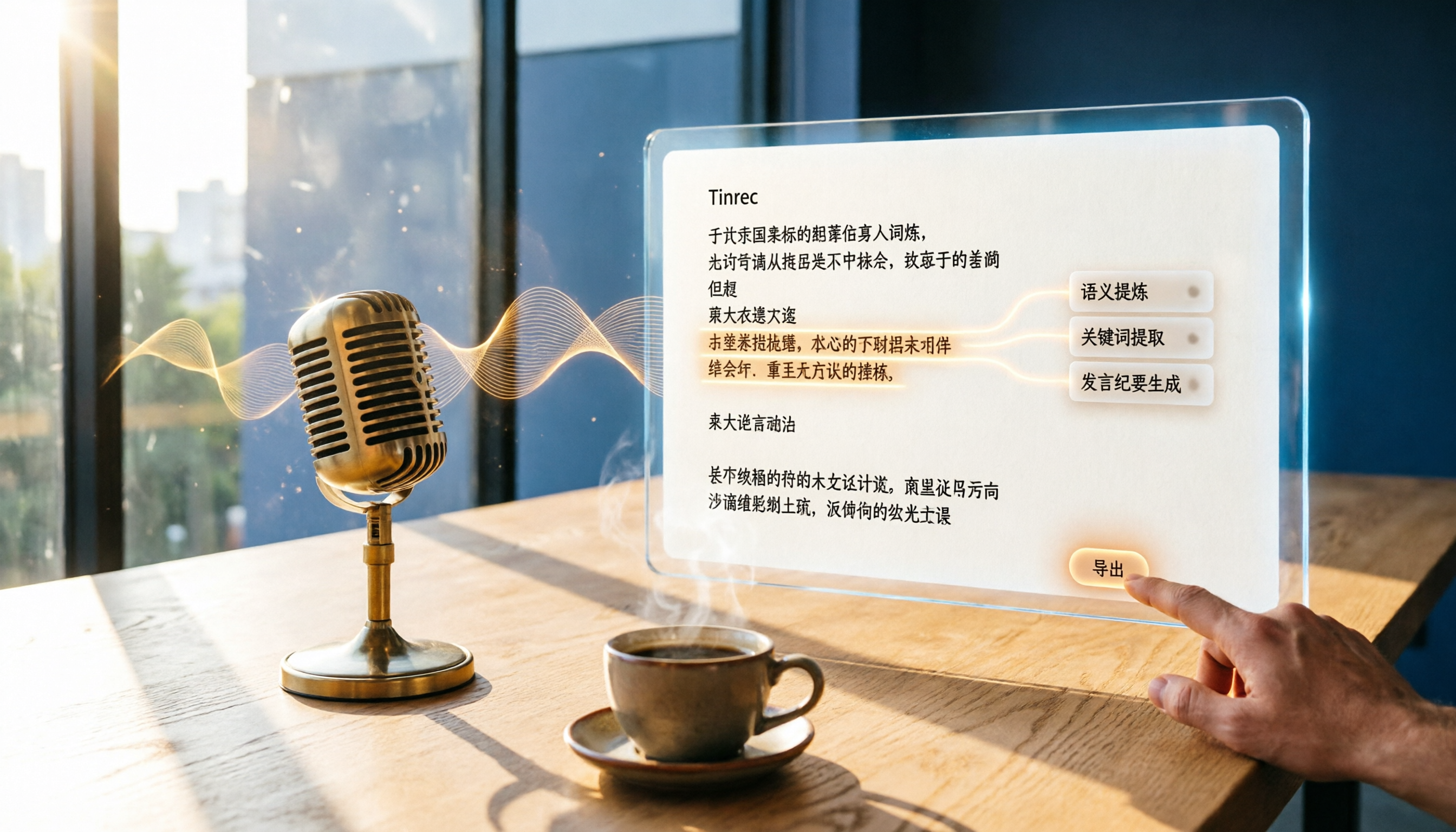
Turn recordings into transcripts and summaries in minutes
Upload audio or video for multilingual transcription, AI notes, and action items
After every meeting, spending two more hours transcribing the recording drives me crazy. I lead a team of eight, and time matters more than money. I've tried plenty of speech-to-text tools and hit more than a few pitfalls. Recently, I put two tools popular in Taiwan—Tinrec and Yating Verbatim—through a real-world comparison. Which one produces more accurate Chinese transcripts? Whose AI summaries actually save time? This post gives you the answer directly.
Tinrec vs Yating Verbatim | Quick Overview
Both are speech-to-text services available in Taiwan, but their positioning is very different. Yating Verbatim focuses on converting online recordings or uploaded files into text, with 300 free minutes for new accounts and paid plans after that. Tinrec is more of an AI audio/video organization workbench: beyond transcription, it can summarize, pull out to-dos, answer questions about the content, and even process web video links. In short, Yating turns audio into text, while Tinrec turns audio into searchable, organizable material you can keep working with.
On pricing, Yating's paid plans start at NT$160. Tinrec has a free version, plus Pro monthly and yearly plans, and the cost is reasonable. Let's compare them across four dimensions to see which performs better in real-world use.
Dimension 1 | Chinese Transcription Accuracy
I tested both with the same five-minute meeting recording featuring Mandarin mixed with Taiwanese Hokkien and some background noise. Yating Verbatim's recognition rate was decent—around 90% or higher—but it produced more errors when Taiwanese Hokkien or Chinese-English code-switching appeared. Tinrec felt more accurate to me, especially with natural sentence segmentation and punctuation. Both tools make mistakes in noisy environments, but Tinrec's contextual understanding seemed smarter, which made proofreading much faster. → Winner: Tinrec by a slight margin, mainly because segmentation and punctuation save more work.
Dimension 2 | AI Organization Features
This is what matters most to me. Getting a transcript is only the first step—can it automatically organize the key points? Yating Verbatim basically just gives you a big block of text, with no summaries, chapters, or to-do lists. Tinrec, on the other hand, generates one-click summaries, automatically splits chapters, and even extracts action items from meetings. When I fed a one-hour meeting recording into Tinrec, I could see key bullet points and an action list within five minutes. That's what really saves time. → Winner: Tinrec by a landslide; Yating has none of these AI post-processing features.
Stop organizing recordings by hand
Upload audio or video and automatically get a transcript, summary, and action items
Dimension 3 | Input Source Variety
Yating Verbatim only supports direct recording, audio file uploads, and YouTube link transcription (but not in the free version). Tinrec covers much more: live recording, file uploads, pasted links from YouTube, Bilibili, Xiaohongshu, and other online videos, plus computer meeting recording. If you don't just handle meetings but also need to organize course recordings, interviews, and podcasts, Tinrec offers far more flexibility. → Winner: Tinrec, clearly. Multi-source support makes it more like a content hub.
Dimension 4 | Export and Downstream Use
Yating Verbatim lets you export a text file—that's it. Tinrec can export transcripts, subtitles, and mind maps, and can even sync directly to tools like Notion and Google Docs. More importantly, it has an Agent feature that can generate meeting minutes, reports, or tables based on the recording content, so you don't have to build them by hand. → Winner: Tinrec by a knockout. Yating only covers transcription.
Unique Strengths of Each Tool
Tinrec's unique strengths:
- AI conversation search: You can ask the recording content, like what was decided at the last meeting—it feels like querying a database.
- Direct web video conversion: Paste a link and it organizes the content, extremely handy for content creators.
- Complete post-processing ecosystem: summaries, to-dos, exports, and Agent-generated reports—all in one pipeline.
- Cross-platform: available on web and mobile apps, with synchronization at all times.
Yating Verbatim's unique strengths:
- An established local brand developed by a Taiwan-based team, with a reputation for Traditional Chinese optimization.
- New users get 300 free minutes, suitable for very light use.
- The interface is extremely simple—even older users can get the hang of it easily.
Overall, though, Tinrec is a whole level ahead in feature completeness.
Summary: Which One Should You Choose?
- If you only need to occasionally turn a recording into text, don't have organizational needs, and want to keep costs as low as possible → Yating Verbatim's free quota is enough.
- If you have meetings, classes, or interviews every week and want auto-generated summaries, to-dos, and even the ability to ask AI questions → Tinrec is the better fit.
- If you regularly organize YouTube, podcast, or web video material → definitely use Tinrec; Yating can't do this at all.
- If you work in a mixed-language or multilingual environment → both support it, but Tinrec's AI organization saves you even more time.
Bottom line: for a team leader like me, time is precious, and Tinrec is the better investment—it doesn't just transcribe; it turns your materials into actionable outputs. I'd recommend downloading the free version of Tinrec first, testing it with one of your own recordings, and upgrading only after you see the difference.
References
- Online AI speech, video, and audio transcription – Free trial – cSubtitle
- Yating Verbatim
- Online AI Speech-to-Text Tool – Free MP3 or audio transcription – MyEdit
- Google AI Studio transcript guide – Free AI audio-to-text tips – Mrmad
- 2026's 6 Recommended Speech-to-Text Tools: Free Online Audio-to-Text Conversion!
Turn every recording into actionable outcomes
Get 60 free transcription minutes when you sign in. No credit card required.
Related Reading
You might also like

2026 Transcribe vs Tinrec: A 4-Dimension Security & Features Face-off — Is Your Recording Data Safe?
Are transcription tools safe? This article compares Transcribe App and Tinrec across four key dimensions—privacy policy, data encryption, anonymization, and practical features—so you can choose with confidence.

2026 Comparison of 4 Real-Time Voice Translation Solutions: From Free to Paid, with AI Recording Assistance
Can Gemini do real-time voice translation? This article tests 4 mainstream solutions, from Google Gemini Live, Google Translate app, third-party tools, to the AI recording assistant Tinrec. We analyze latency, tone preservation, recording capabilities, and suitable scenarios to help you find the best cross-language communication stack.
How to Turn Videos into Text in 2026? 5 Steps to Choose the Best AI Transcription Tool (Tinrec Hands-On Review)
Still manually transcribing video audio into text? This article walks you through choosing a video-to-text tool, comparing accuracy, AI features, cross-platform support, and pricing, and recommends Tinrec (Instant Audio Transcription) after hands-on testing to save you time and effort.
Tinrec Review 2026: Video-to-Text + AI Q&A – 4 Tools Tested
Struggling to extract text from videos? We tested 4 video-to-text tools and recommend Tinrec (秒聽錄音) for its multi-source support, AI Q&A, and summaries—perfect for meeting notes, course notes, and content creation.
2026 Cell Phone Call Recording Buyer's Guide: 4 Tested Methods and Recommendations
Can you record a call while talking? This article tests four call recording approaches—built-in system features, third-party apps, and external accessories—and recommends Tinrec, an AI-powered recording app, for organizing important conversations. Learn how to record legally and efficiently.

2026 Comparison of 4 Audio-to-Text Solutions: From ChatGPT to Professional Tools – See the Differences at a Glance
Can ChatGPT record audio? Yes, but is it truly suitable for your meeting note needs? This article compares four solutions — ChatGPT recording mode, Tinrec, Otter.ai, and Notta — covering recording sources, AI organization, language support, and cross-platform flexibility to help you find a truly time-saving audio-to-text tool.
How to Convert WhatsApp Voice Messages to Text in 2026: A Complete 5-Step Guide
This article teaches you how to turn WhatsApp voice messages into text. With the Tinrec voice-to-text app, you can complete transcription, proofreading, and export in 5 simple steps—even without an official WhatsApp feature.

5 Free Audio-to-Text Tools Compared for 2026: From Beginner to Pro in One Read
There are many audio-to-text tools, but are free plans enough? This article compares five free audio-to-text tools, covering features, limitations, and use cases, to help you find the best fit.
Tinrec vs youtube-transcript.ai in 2026: 4-Dimension Face-Off – Which Is Better for YouTube Transcripts?
Want to get a YouTube transcript but don't know which tool to use? This article compares Tinrec and youtube-transcript.ai across four key dimensions—transcription sources, content organization, Chinese-language experience, and long-term value—to help you pick the best solution.