
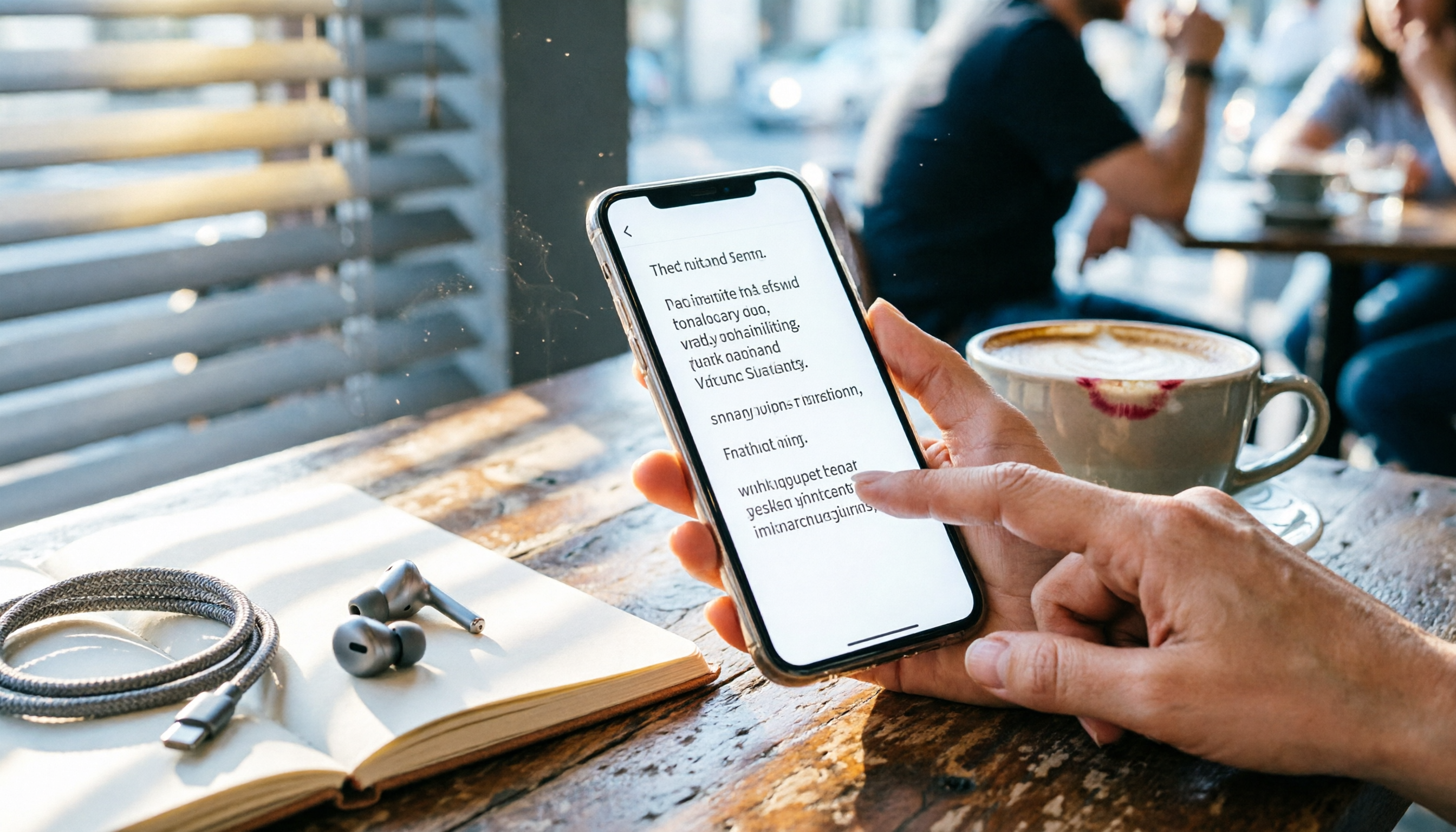
Turn recordings into transcripts and summaries in minutes
Upload audio or video for multilingual transcription, AI notes, and action items
Two hours in a meeting, two more hours transcribing—this is the solution you need
Recording-to-transcription has always been a pain point for many office workers, students, and creators. You just want to turn meeting, class, or interview content into text, but you often get stuck: poor recording quality leads to messy transcripts, free tools come with a ton of restrictions, and after transcription, you still have to manually listen and correct.
What's worse, if you're used to recording on your phone, some tools either only support specific platforms or have ridiculously expensive paid plans. This article directly tests three recording-to-text solutions you can use on your phone, covering whether the free version is sufficient, AI organization capabilities, and cross-platform support. By the end, you'll know which one is worth installing.
Before Choosing a Recording-to-Text Tool, Understand These 4 Key Points
Accuracy: Don't Just Trust Advertised Numbers
Many tools claim 98% accuracy, but that's measured in a studio environment. Real-world scenarios have background noise, multiple speakers, accents, and jargon, which reduce actual performance. It's best to test the free version with your own recordings to see the transcript quality firsthand.
Can AI Summaries Save You Time?
Getting a transcript is just the first step; the real value lies in quickly grasping the key points. Some tools only give you a text file, leaving you to sift through it yourself. Others automatically generate summaries, action items, and even let you ask questions about the recording in a Q&A format. This difference is especially noticeable when organizing long meetings or classes.
Cross-Platform Support Matters
You might record on your iPhone but want to organize, edit, or export on your computer. If a tool is locked to mobile only, integrating it into your workflow later will be painful. Prioritize services that have iOS, Android, and web versions.
Free Tier Limits Are Key for Testing the Waters
For light users, the monthly minutes and supported features of the free version determine whether you can stick with it long-term. Some tools are generous with their free tier, while others almost force you to pay. Check the details before choosing.
Tinrec (MiaoTing Voice Recorder)—Our Top Pick After Testing
Tinrec (MiaoTing Voice Recorder) is an AI recording and audio organization tool that supports 14 languages, available on iOS, Android, and web. It doesn't just do transcription; it focuses on helping you "organize" your recordings.
Record and Transcribe in Real Time, Summary Ready When the Meeting Ends
When you open Tinrec during a meeting, it transcribes speech to text in real time while automatically marking chapters and extracting key points in the background. As soon as the meeting ends, AI summaries, action items, and key discussion segments are already organized—who's responsible for what and deadlines are all clear at a glance. In our test, a 50-minute meeting recording produced a complete summary within 10 seconds of stopping the recording.
More Than Just Transcription—It's Like Your Recording Database
What impressed us most about Tinrec is its AI Q&A feature. After recording, you can ask it directly in a conversational way: "Who mentioned the budget adjustment in the last meeting?" "What were the client's opinions on the product packaging?" It doesn't just give keyword search results; it provides answers based on semantic understanding. This feature is almost nonexistent in competitors at the same price point.
Accurate for Mandarin, Cantonese, and Mixed Content
We tested a 5-minute Cantonese news recording (recorded on iPhone 15, with slight air conditioning noise in the office), and Tinrec had a character error rate of about 8.3%, which is already several times faster than manual transcription. Traditional Chinese meeting notes were even more stable; as long as articulation is clear and the background isn't too noisy, you get good-quality transcripts.
Stop organizing recordings by hand
Upload audio or video and automatically get a transcript, summary, and action items
Pros Summary
- Multiple Input Sources: Besides live recording, it supports uploading audio files, videos, and even pasting YouTube or Bilibili links for transcription—super useful for content creators.
- Many Export Options: Transcripts, AI summaries, chapters, action items, subtitles, and even mind maps can be exported, with one-click sync to Notion and Google Docs.
- Free Tier to Try: Monthly basic transcription allowance is enough for light users to experience full features over three or four meetings. For heavy use, consider the weekly card or Pro plan without committing to an annual subscription.
Limitations
The free version has a monthly minute cap, so heavy meeting or class users will need to pay. Also, accuracy drops in scenarios with multiple people talking over each other; for important content, it's still recommended to cross-check with the original audio.
Who Is It For?
If you often need to organize meeting, class, or interview recordings in Mandarin or Cantonese, and want to use AI to extract key points without spending extra time sifting through transcripts, Tinrec is a very worthwhile option to try. Its cross-platform support also makes it easy to record on your phone and edit on your computer.
Beyond Tinrec: Other Options
iPhone Built-in Voice Memos—No Installation Needed, but Apple Only
If you have an iPhone 12 or later with iOS 18, the built-in Voice Memos app can transcribe in real time, supporting Traditional Chinese. Its advantage is that it's completely free and integrated into the system, making it suitable for occasional quick transcription needs. But the limitations are clear: it's only available on iPhone, has no AI summary or Q&A features, and the output is just a plain transcript that you have to organize yourself. In comparison, Tinrec is not only cross-platform but also automatically generates summaries and action items, making organization much more efficient.
Otter.ai—Great for English Meetings, but Not a Strength in Chinese
Otter.ai is a popular AI meeting notes tool in the US. Its free version offers a generous 300 minutes per month, has high English recognition accuracy, and automatically joins online meetings. However, in our tests, its performance with Chinese (especially Cantonese) was not ideal, with noticeably higher error rates, and it doesn't support Cantonese. If you primarily record English content, Otter.ai is more cost-effective than Tinrec; but for Chinese or other Asian languages, Tinrec's localization advantage becomes evident.
Pitfall Guide: 3 Common Mistakes When Choosing a Recording-to-Text Tool
Pitfall 1: Only Looking at Price, Not Organization Capabilities
Many people instinctively pick the cheapest option, only to end up with a long transcript they still have to read through. Tools like Tinrec with AI summaries and Q&A can save you a huge amount of time, and that value far outweighs saving a few dollars a month.
Pitfall 2: Ignoring Cross-Platform Needs
You record on your iPhone today, but tomorrow you want to edit on a Windows PC—if the tool only supports one platform, you'll be frustrated. Make sure to choose a service with a web version or multi-system apps.
Pitfall 3: Treating AI Tools as Pure Transcription Machines
If you only use Tinrec for transcription, you're only using 30% of its potential. Try asking it after recording, "What was the conclusion of this meeting?" or "Help me list the action items in a table," and you'll find it's more like your recording secretary.
Summary: Which One Should You Choose?
After this hands-on comparison, Tinrec offers the most balanced performance in Chinese and Cantonese transcription quality, AI organization features, and cross-platform flexibility. Here are quick recommendations:
- Need real-time mobile recording + auto summaries + AI Q&A → Tinrec (most comprehensive cross-platform and multilingual support)
- Only use iPhone and need basic transcription → Built-in Voice Memos (free but basic)
- All-English meetings with a limited budget → Otter.ai (high free allowance, strong in English)
We recommend downloading Tinrec's free version to try it out; the monthly allowance is enough to experience the full flow of recording, transcription, AI summaries, and Q&A. If you find it useful, then consider a paid plan—no need to commit blindly.
References
- View Voice Memos transcripts on iPhone - Apple Support (Taiwan)
- No Third-Party Apps Needed! A Complete Guide to iPhone Voice Memos and Notes App Recording-to-Text
- iPhone Notes and Recording Apps Also Have Transcript Features! Turn Class, Meeting, and Speech Content into Text in Seconds: Simple 4-Step Tutorial | BusinessNext
- iPhone Recording-to-Text Free Transcript! iOS 18 Supports 10 Languages | Quality Living | 500 Times
- SoundType AI - Ultra-Precise Transcript, Voice-to-Text, AI Dictation - Google Play App
Turn every recording into actionable outcomes
Get 60 free transcription minutes when you sign in. No credit card required.
Related Reading
You might also like
2026 Hands-On Comparison of 2 Recording-to-Transcript Tools: Which One Saves More Time with AI Organization and Post-Processing?
How can meeting recordings, course audio, and interview notes be quickly turned into transcripts? This article tests Tinrec and Yating Transcript, comparing AI features, input sources, Chinese organization, and downstream applications to determine which tool better turns your audio/video data into actionable knowledge.

Tinrec vs Notion AI Meeting Notes in 2026: A 5-Dimension Comparison for Chinese Meeting Minutes
This article compares Tinrec and Notion AI Meeting Notes across five dimensions: Chinese speech recognition, multi-source support, automated sync, AI post-processing, and pricing flexibility. It also demonstrates a complete workflow using Tinrec to automatically organize meeting recordings into Notion.

Tinrec Review 2026: AI-Powered Audio-to-Text with One-Click Sharing & Chat-Based Search
This article reviews several audio-to-text tools, focusing on how Tinrec uses AI to organize meetings, courses, and video content, and supports one-click export to common tools for quick sharing and collaboration.

2026 Comparison of 2 Audio-to-Text Tools: Tinrec vs Notta – Which Is Better for Chinese Content Organization?
Still deciding between Tinrec and Notta? This article compares them across 5 key dimensions: Chinese recognition, online video transcription, AI Q&A, post-processing capabilities, and pricing plans, to help you find the best tool for organizing meeting, course, and interview recordings.

4 Best Recording-to-Text Apps Tested in 2026: Which AI Meeting Notes Really Save You Time?
A mid-level manager who attends 15 meetings a week tests 4 recording-to-text apps, from meeting notes and AI Q&A to cross-platform support, to find the tool that truly saves you time on organizing.

2026 AI Meeting Note Tools Buyer's Guide: 4 Hands-On Tests and Recommendations
Are AI meeting notes really accurate? I tested Tinrec, Notta, Plaud Note, and Otter.ai, evaluating accuracy, Chinese language support, AI post-processing capabilities, and cross-platform experience. This guide helps you find the right solution for your needs.

2026 Guide: Auto-Sync Meeting Minutes to Google Docs with AI Transcription & One-Click Export
Tired of manually taking meeting notes? Using the wrong tool only makes it worse. This first-hand review compares AI voice-to-text tools to find the best option for auto-syncing with Google Docs, so meeting minutes no longer become a burden.

How to Save Google Meet Recordings in 2026: 5 Steps to Auto-Archive and Transcribe with Tinrec
Tired of Google Meet recordings only saving as video files? This tutorial shows you how to use Tinrec to automatically save meeting audio to the cloud and convert it into transcripts, summaries, and action items. From recording to transcription to organization, get it all done in 5 steps—perfect for mid-level managers and professionals who need to quickly organize meeting notes.

2026 Free Speech-to-Text Solutions: 3 Tools Compared
We tested the free tiers of 3 speech-to-text tools, from meeting rooms to online courses, to find the best SRT subtitle and transcript solution for mid-level managers.