

Turn recordings into transcripts and summaries in minutes
Upload audio or video for multilingual transcription, AI notes, and action items
Two hours in a meeting, another two hours transcribing? You need more than just a recording
"Meeting notes aren't just about having a recording; the real question is who will transcribe it afterward." This sentiment resonates with many office workers.
Especially when discussions involve Cantonese or a mix of Chinese and English, just listening to the audio and typing up the transcript can eat up half a day. Not to mention some online meetings end without you even remembering to hit the record button.
You might already know that Word has a built-in voice input feature, but where is that tiny microphone icon hidden? Why does it sometimes not respond when you click it? Is the free version sufficient?
This article won't just tell you where Word's microphone is; it will also compare three tools: Word's built-in dictation, Tinrec, and Otter.ai, to help you find a solution that truly saves time.
Before Choosing a Speech-to-Text Tool, Understand These Four Key Points
When picking a tool, people often focus on "how many words per minute it can transcribe," but performance varies greatly across different scenarios. Consider the following four aspects first.
Accuracy: Don't Just Look at the Numbers on the Official Website
Many tools claim "accuracy as high as 98%," but that's usually tested in a quiet recording studio. Real meetings have air conditioning noise, keyboard clicks, and people talking over each other, which significantly reduces accuracy.
What's more important is whether it can handle Chinese, Cantonese, and mixed Chinese-English, and how easy it is to correct errors.
AI Summarization: The Real Test Comes After Transcription
Speech-to-text is just the first step. The ability to automatically generate summaries, action items, and meeting highlights, or even let you ask questions about the recording as if querying a database, is what sets modern tools apart.
Cross-Platform Needs: Seamless Experience Across Phone, Computer, and Web
You might record a meeting on your iPhone, organize documents on a Windows laptop, and occasionally need a web version for emergencies. If a tool is limited to a single platform or doesn't sync data, it becomes painful to use.
Free Tiers: Try Before You Buy
Each tool's free plan has different limitations: some restrict monthly minutes, others limit recording length per session. We recommend using the free version to test with your typical scenarios before considering a paid plan.
Tinrec (Second Listening Recording) — Our Top Pick After Testing
Tinrec is an AI recording and audio/video organization tool that supports 14 languages, handling live recordings, file uploads, and even YouTube links for direct transcription.
Not Just Meetings: Organize All Your Audio and Video
Tinrec's biggest feature is "multi-source input." Whether you need to organize:
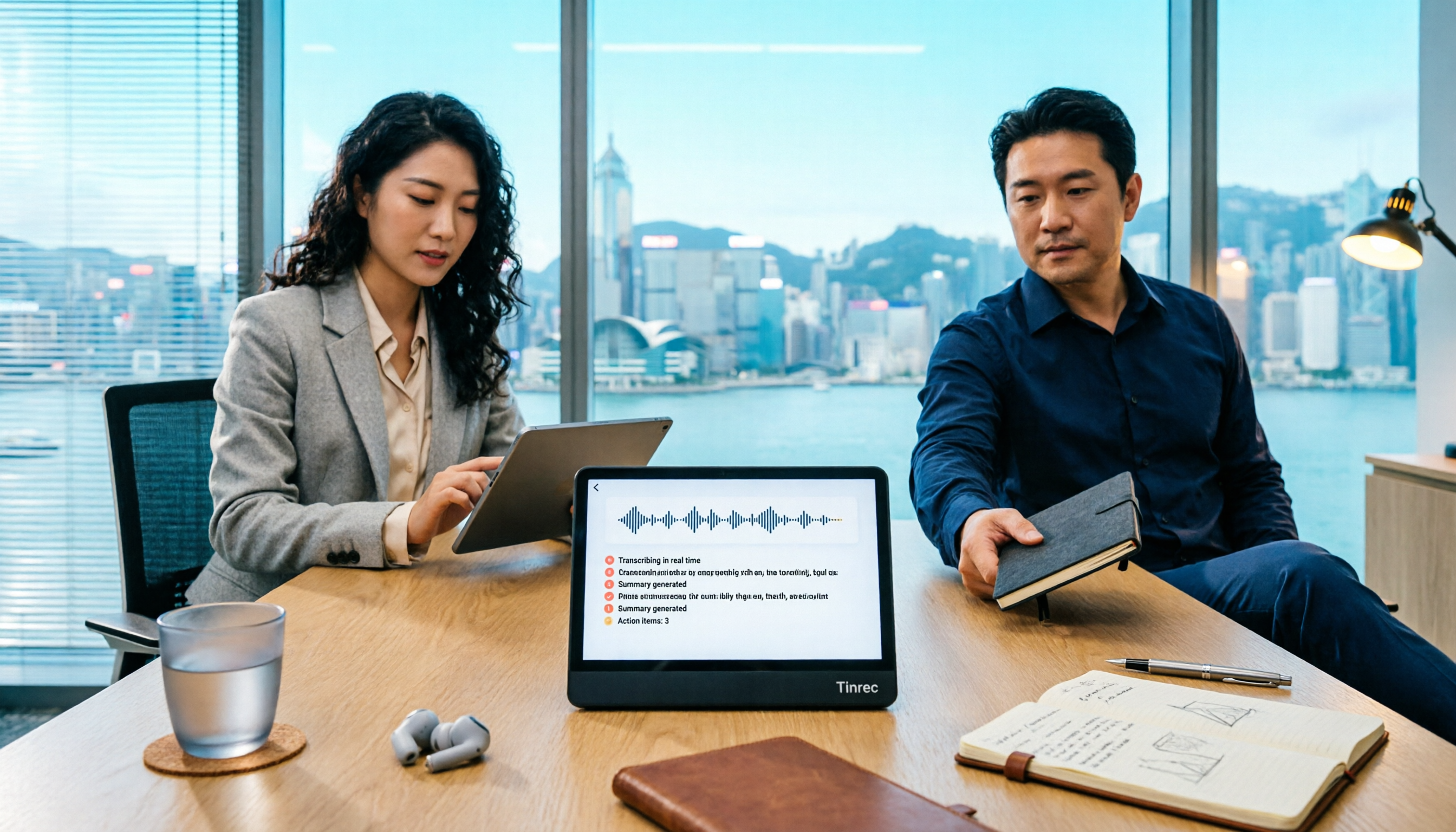
- Meeting recordings: Transcribe as you record, with automatic summaries and action items after the meeting.
- Course audio: Upload MP3s or paste online course links to convert into chapter notes.
- Interview transcripts: Handles mixed Chinese-English conversations and highlights key points.
- Online videos: Paste Bilibili or YouTube URLs to extract key content.
What impressed me most is the "AI conversation query" feature. After recording a two-hour meeting, you can ask Tinrec: "How many times did the client mention the budget issue in this meeting?" It doesn't just give keyword search results; it answers based on semantic understanding.
Currently, few competitors in the same price range offer this capability.
Test Results (Real-World Environment)
We tested with a 5-minute Chinese meeting recording (with slight air conditioning noise and two speakers). Tinrec's transcript had only a few minor errors (e.g., mishearing "這家" as "這幾"), but overall readability was high.
Stop organizing recordings by hand
Upload audio or video and automatically get a transcript, summary, and action items
More importantly, the automatically generated summary captured the meeting's main points, and the action items clearly listed "who, what, and when." Compared to pure transcription tools, it saved at least 70% of the time spent on organizing.
Pros
- Multi-source input: Supports live recording, file uploads, and web links.
- AI conversation query: Ask questions after recording without manually replaying audio.
- Seamless cross-platform: Works on iOS, Android, and web with real-time sync.
- Multiple output formats: Transcripts, summaries, action items, mind maps, and even direct export to Notion.
Limitations and Considerations
The free version offers 100 minutes of transcription per month, which is sufficient for occasional meetings. If you have meetings daily or need to process large amounts of audio, consider the Pro plan.
Additionally, while AI summaries are convenient, it's still advisable to cross-check the original text for technical terms or very quiet content.
Who Is It For?
If you frequently handle Chinese or Cantonese meetings or courses and want AI to help extract key points and create action items, Tinrec is the most worthwhile option to try.
Beyond Tinrec: What Other Options Are There?
Word's Built-in Dictation: Free but Limited
Word's voice input button is hidden at the far right of the "Home" tab, a small microphone icon. Clicking it brings up a floating panel to start dictation.
However, real-world use reveals several issues: First, it only works with an internet connection; offline mode is completely non-functional. Second, while it supports Chinese, its ability to recognize mixed Chinese-English is weak. Third, after transcription, you get plain text—no summaries, no highlights, and certainly no AI Q&A.
If you only need to dictate a few paragraphs occasionally, Word's built-in dictation can suffice. But if you want to truly save time on organizing recorded material, it falls far short.
Otter.ai: Great for English Meetings, but Struggles with Chinese
Otter.ai is very powerful in Western markets, with extremely high accuracy for English and the ability to automatically identify speakers during meetings.
But its drawbacks are clear: it doesn't support Chinese or Cantonese. If you primarily deal with Chinese content, Otter is of no help. Additionally, Otter is more of a "meeting bot," with relatively weak capabilities for handling local audio files or online videos.
Even though Otter's free plan generously offers 300 minutes per month, it's only suitable for users in pure English environments.
Pitfall Guide: 3 Common Mistakes When Choosing a Speech-to-Text Tool
Pitfall 1: Only Looking at Price per Minute, Ignoring AI Capabilities
Many people compare tools solely on "price per minute" and forget the time cost. A tool that automatically generates summaries and action items, even with a slightly higher monthly fee, is far more cost-effective than a pure transcription tool.
Pitfall 2: Assuming One Tool Fits All
Some tools specialize in meetings, others excel at subtitles, and some are designed for specific hardware. Think about your most common scenario—meetings, courses, or video organization—and choose accordingly.
Pitfall 3: Buying Advanced Tools but Only Using Them for Transcription
Tools like Tinrec have AI conversation queries and one-click meeting minutes as their core strengths. If you only use it as a transcript generator, you're using only a third of its capabilities.
Conclusion: Which One Should You Choose?
If you occasionally dictate short notes in Word, the built-in dictation feature can meet basic needs. But if you want to turn recorded material into a "searchable, manageable, and reusable" knowledge base, Tinrec is the most comprehensive choice for users today.
Here are our recommendations based on different needs:
- Need Chinese meeting recording + automatic summaries → Choose Tinrec
- Just want to dictate in Word → Try the built-in dictation first
- Prioritize English online meetings → Otter.ai is still a good option
- Need to process many online videos or local audio files → Tinrec's multi-source input is most convenient
We recommend starting with Tinrec's free version; the 100 minutes per month is enough to experience the convenience of "asking AI directly after recording." Upgrade if you find it useful, without committing to a long-term plan.
References
Turn every recording into actionable outcomes
Get 60 free transcription minutes when you sign in. No credit card required.
Related Reading
You might also like

5 Ways to Record LINE Calls in 2026: Which One Should You Use?
LINE doesn't have a built-in call recording feature, but you can use iPhone's built-in capabilities, screen recording, Android third-party apps, or desktop tools to get the job done. This article tests and compares 5 methods, explaining their use cases and limitations, and shows how to use Tinrec to turn recordings into searchable, queryable, actionable records.

5 iPhone Recording Methods Compared: Where Is the Record Button? Tinrec Saves the Most Time
Can't find the iPhone record button? We tested 5 quick ways to start recording—built-in Voice Memos, Control Center, Siri, Back Tap, and Action Button—and compared note-taking tools like Tinrec, Otter, and Notta to show how to generate transcripts, summaries, and action items with one tap after recording.

4 LINE Call Recording & Storage Methods Tested for 2026: How to Save Voice Messages Before They Expire
LINE doesn't have a built-in call recording feature, and voice messages can expire and disappear. This article tests and compares 4 ways to record LINE calls and save voice messages—from LINE Keep and phone screen recording to Tinrec's transcription and AI organization workflow—to help you decide which method truly saves, finds, and uses your recordings.

2026 Teams Meeting Tools Comparison: How to Schedule a Teams Meeting and Who Handles the Minutes?
Sending a Teams meeting invite takes 30 seconds, but post-meeting cleanup takes 90 minutes. This article first explains three scenarios for sending Teams meetings (calendar scheduling, channel meetings, and instant meetings), then compares Tinrec, Otter.ai, Notta, and Granola in terms of meeting capture methods, post-meeting outputs, and team data management. It also lists 4 common pitfalls to help you choose the right tool for post-meeting follow-up.

Best Online Speech-to-Text Tools in 2026: We Tested 4, and This One Saves the Most Time for Chinese Meetings
How do you choose an online speech-to-text tool? We tested four tools—Tinrec, MyEdit, cSubtitle, and Otter.ai—comparing Chinese recognition, post-transcription processing, online meeting recording methods, and team data ownership. We also highlight the three most common pitfalls to help you pick the right one based on your budget and use case.
Tinrec vs Teams Built-in Transcription 2026: 5-Dimension Comparison — Which Keeps Meeting Records Better?
In Teams meetings, 'retention' has two meanings: call hold and post-meeting record retention. This article breaks down the blind spots of Teams built-in transcription and retention policies, compares Tinrec and Teams built-in solutions across 5 dimensions, and briefly reviews Otter.ai and Granola to help professionals choose a method that truly retains meeting content.

2026 Top 3 Teams Meeting Transcription Tools Compared: Which Saves the Most Time with Automatic Transcripts?
This article first breaks down the 3 most common misconceptions and correct approaches when starting a Teams meeting, then explains how to choose a meeting transcription tool. Using Tinrec as an example, the desktop version captures system audio without a meeting bot, transcribes Teams meetings in real time, and automatically generates summaries, chapters, and action items—ideal for professionals who want to save time on post-meeting organization.

2026 Voice-to-Text Tools Comparison: Tinrec vs Yating Transcript, Which Is Better for Chinese Meetings?
There are plenty of voice-to-text tool recommendations, but the real challenge for most people is choosing the right one. This article compares Tinrec and Yating Transcript across five dimensions: Chinese recognition, online meeting handling, post-transcription usability, cross-platform quotas, and team collaboration, to help you decide which better fits your meeting and organization needs.

2026 Comparison of 3 Teams Meeting Tools: How to Run Meetings and Who Can Auto-Organize After?
How do you run a Teams meeting without missing records? This article tests 3 meeting note tools, covering the meeting process, scheduling, instant meetings, and post-meeting AI summaries, and shares hands-on experience with Tinrec's bot-free recording for Teams meetings to help you find the most time-saving solution.