
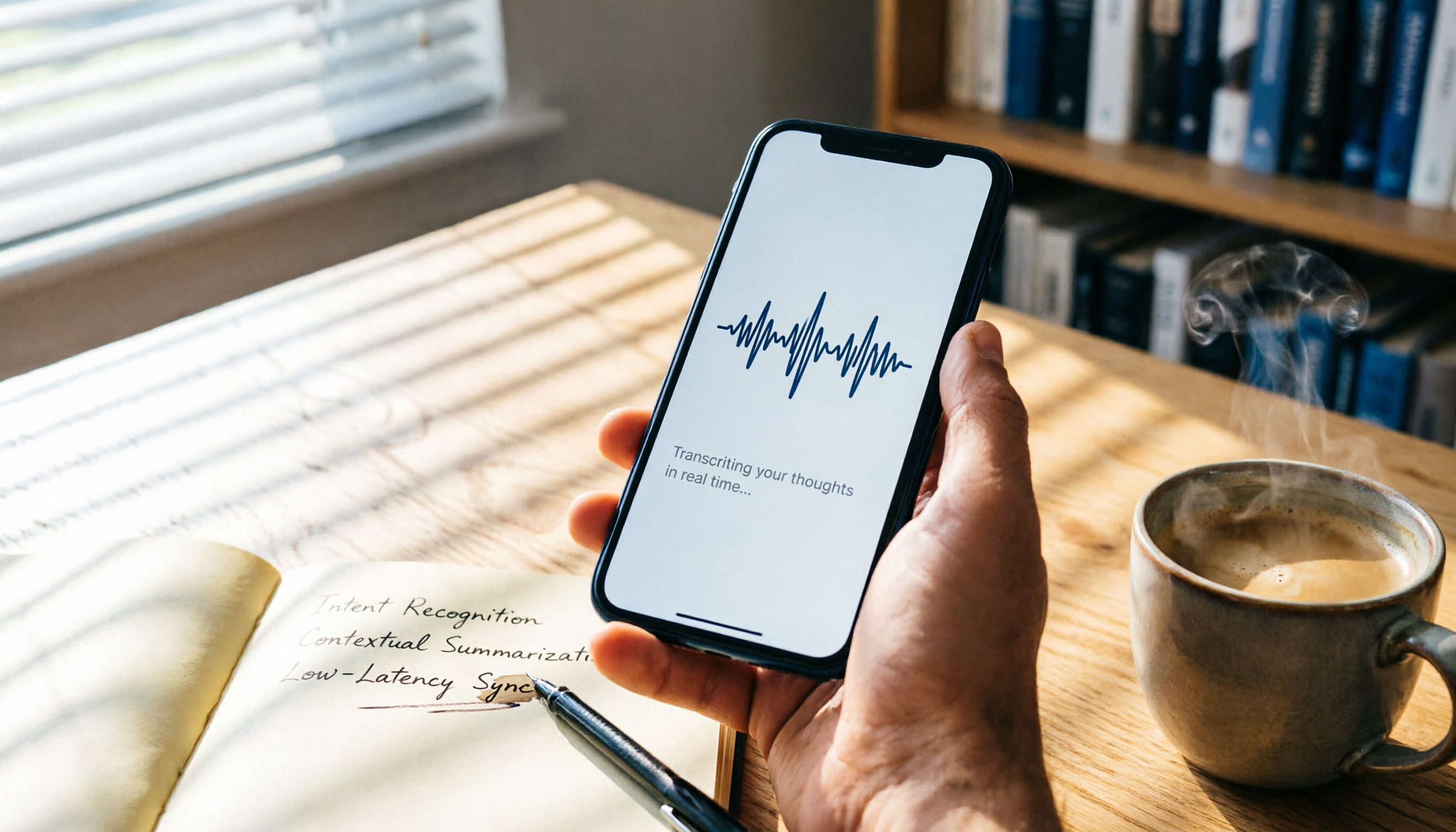
Turn recordings into transcripts and summaries in minutes
Upload audio or video for multilingual transcription, AI notes, and action items
Always Struggling to Keep Up with Meeting Recordings? You Need More Than Just a Recorder
Does this sound familiar? You sit through a two-hour meeting, then spend the entire afternoon transcribing the recording. Or you record a whole lecture in class, but never want to listen to it again, leaving your notes forever blank.
What's worse, some meetings mix Chinese and English, or even include accents, and many tools on the market crash when faced with that.
If you've been through this pain, this article is for you. We spent two weeks testing everything from built-in iPhone features to third-party apps, and came up with three of the most practical voice-to-text solutions. By the end, you'll know: Is the free option good enough? Is the paid one worth it? Which one truly saves you time?
Before Choosing an iPhone Voice-to-Text Tool, Understand These 3 Key Points
1. Accuracy Isn't Just About the Numbers in Ads
Every company claims over 90% accuracy, but that's lab data. In real meetings, there's air conditioning noise, keyboard clicks, and people talking over each other—the gap widens immediately. We ran all our tests in a typical office environment without deliberate noise reduction, so the comparison reflects your daily reality.
2. AI Features Are the Real Time-Savers
If a tool only converts speech to text, it's not much different from you transcribing manually. What truly saves effort is: Can it automatically highlight key points? Can it generate to-do items? Can you ask questions and directly find details like "Who mentioned the budget in which part?" These AI post-processing capabilities determine whether the tool "organizes for you" or just "gives you a dense transcript."
3. Cross-Platform Support Matters, Unless You Never Use Anything but iPhone
You might be used to recording on your phone, but you'll likely edit on your computer, paste into Google Docs, or share with colleagues who use Android. If the tool is locked to iPhone, collaboration gets stuck. iOS built-in features often hit this wall, while third-party apps are more flexible.
Tinrec (Miao Ting Lu Yin) — Our Top Pick After Testing
Tinrec (Miao Ting Lu Yin) is an AI recording assistant that supports 14 languages, with iOS, Android, and web versions. It's not just about transcription; it's more like your personal audio file organizer.
It covers the scenarios you encounter most: open the app on your iPhone and it transcribes as you record, so by the time the meeting ends, the transcript is ready. After uploading a weekly meeting recording, the AI automatically generates a summary, chapters, and action items—who's responsible for what and deadlines are clear at a glance. What impressed us most is the "AI Q&A" feature: you can type a question like "Who mentioned the marketing budget in last week's meeting?" It doesn't just throw keywords at you; it understands the entire conversation and gives you the answer directly. Almost no other app does this to this extent.
We tested multiple real meeting recordings. On an iPhone 15 in a typical office environment (air conditioning plus occasional keyboard clicks), Tinrec's transcription was not only complete but also had natural sentence breaks. It was noticeably smarter than the built-in feature, especially when Chinese was mixed with proper nouns. While it's not 100% perfect, it saves about 70% of the time compared to re-listening and typing manually.
Of course, it's not without flaws. The free version has a monthly transcription limit, and heavy users might need to consider a Pro subscription. However, if you only need to organize meetings two or three times a week, the free plan is sufficient. Also, in extremely noisy environments, accuracy drops for all tools, including Tinrec, but it performs in the top tier for regular meeting rooms.
If you need to handle Chinese meetings, course recordings, or often pull inspiration from YouTube and podcasts, and want AI to extract key points and build files seamlessly between phone and computer, Tinrec is currently the most suitable choice.
Stop organizing recordings by hand
Upload audio or video and automatically get a transcript, summary, and action items
Beyond Tinrec: What Other Options Are There?
1. iPhone Built-in Voice Memos (iOS 18)
After updating to iOS 18, iPhone 12 and later models can directly enable "View Transcript" in Voice Memos, generating text while recording and allowing you to search within the recording. The advantage is that it's completely free and requires no additional app downloads. The downside is that it only works on iPhone, has no AI summaries or Q&A, and can't process online videos or local files. If your need is simply to convert speech to text without further organization, the built-in feature is more than enough.
2. Plaud NotePin
This is an AI recording hardware device that can attach to the back of your phone, designed for portability and long battery life, with a companion app that transcribes recordings. It's great for those who prefer one-touch recording without pulling out their phone. However, it's an additional hardware expense (starting around NT$5,000), and it only processes audio recorded by the device—it can't transcribe online videos or computer meeting recordings. More importantly, it lacks AI conversational query features like Tinrec, so you'll still have to manually sift through the transcript.
3. Yating Zhizigao
A long-standing tool developed in Taiwan, supporting Mandarin, Taiwanese, and English, with decent accuracy. It also allows uploading audio files or pasting YouTube links for transcription. However, its free version offers "no credits at all," meaning you can't use it without paying, which is a high barrier for those who just want to try it. Additionally, while Yating has a key summary feature, it lacks AI Q&A, so after transcription, you get a transcript and have to manually search for further details.
Pitfall Guide: 4 Common Mistakes When Choosing a Voice-to-Text Tool
Pitfall 1: Only Looking at Accuracy Numbers, Ignoring Real Environments
The advertised 98% accuracy is from recording a monologue in a soundproof booth; in your meeting room, it might drop to 80%. Instead of trusting marketing claims, record five minutes in your usual environment and feel the difference.
Pitfall 2: Overlooking Cross-Platform Needs
You record on your iPhone today, but tomorrow you need to organize it on a Windows computer at work. If the tool only has an iOS version, you'll either have to email the file to yourself or struggle on your phone. Think ahead: will you need to work across devices?
Pitfall 3: Buying an AI Tool but Only Using It for Transcription
Using a transcription tool just as a "recording-to-text converter" means you're only using 30% of its power. Features like Tinrec's AI Q&A, auto-summarization, and action item extraction are what truly save you hours of organizing time. Don't pay for smart features and then only use half of them.
Pitfall 4: Choosing an Unsuitable Tool Just Because It's Free
The iPhone built-in feature is free, but it can't handle long recordings or export for editing. Some apps appear free but force payment after a trial period, or the free version is severely limited. Clarify how much you record per week and whether you need post-processing, then decide whether to tolerate limitations or spend a little money for efficiency.
Summary: Which One Should You Choose?
Based on our testing, if you only occasionally record short memos and plan to transcribe them yourself, the iPhone built-in Voice Memos is sufficient. But if you want to avoid spending the same amount of time organizing after recording, investing in a good AI tool is definitely worth it.
Here are our scenario-based recommendations:
- Weekly meetings, need automatic meeting notes and action items → Tinrec (most complete AI summaries and Q&A, cross-platform)
- Lectures or talks, need to turn long recordings into notes → Tinrec (chapter organization and key point extraction are very useful)
- Want to turn YouTube video content into material → Tinrec (direct link transcription, which most competitors lack)
- Very light use, just need simple transcripts, don't want to install apps → iOS built-in Voice Memos
- Prefer one-touch hardware recording and don't mind carrying an extra device → Plaud NotePin
- Only record Taiwanese/Chinese and are okay with paying → Yating Zhizigao (but has a monthly fee barrier)
Honestly, most people's needs fall into the first three scenarios, which is why we ultimately chose Tinrec as our top pick. Its free version offers basic credits, so you can download and try it first. Once you experience the power of AI organization, you can consider subscribing—it's a win-win.
References
- View Voice Memos transcripts on iPhone - Apple Support (Taiwan)
- iPhone Voice-to-Text Settings Tips: 5 Ways to Transcribe Recordings - Mr. Mad
- [iPhone Voice Memos to Text] 3 Complete Methods! iOS Built-in, Apps, Recorders—Which Is Best?
- Voice-to-Text iPhone Practical Guide
- How to Convert iPhone Voice Memos to Text? 3 Simple Methods!
Turn every recording into actionable outcomes
Get 60 free transcription minutes when you sign in. No credit card required.
Related Reading
You might also like
2026 Computer Audio Recording Software Buying Guide: 4 Tools Tested and Recommended
Want to record only computer audio without microphone noise? This article tests 4 recording software options, including Bandicam and Windows Voice Recorder, to show you how to capture system sound cleanly. It also provides a buying guide and common pitfalls to avoid, helping you find the best recording solution.

5 Best Screen Recorders with Audio in 2026: Which One Is Easiest to Use?
Recording your computer screen but getting no sound? This article covers 5 free and easy methods, including online tools, Windows built-in, and Mac built-in options. Step-by-step guides to capture system audio and microphone, with pros and cons for each method. Learn it all in one read.

2026 Hands-On Comparison of 4 AI Meeting Recorders: Which Is Best for Chinese Meetings?
Tired of taking meeting notes yourself? This article compares 4 AI meeting recorders—ChatGPT, Tinrec, Otter, and Yating—across accuracy, Chinese support, cross-platform availability, and auto-summarization to help you find the most efficient choice.

5 Best Audio Recording Software in 2026: Is Free Audacity Your Top Choice?
This article tests and compares 5 popular computer audio recording software for office workers and podcast creators, from free open-source Audacity to user-friendly HitPaw Edimakor, helping you find the best recording solution.
How to Record Audio on a Desktop PC in 2026: A Complete 4-Step Guide
Can you record audio on a desktop computer? Of course! This article covers built-in recording methods for Windows and Mac, as well as useful free recording software, so you can easily capture computer sounds, including system audio and microphone input.
2026 Test of 3 Recording-to-Text Tools: ChatGPT Records 2 Hours, but Why Do I Recommend Tinrec?
ChatGPT's recording mode can record up to 2 hours, but is it really suitable for meetings, classes, or interview notes? This article tests 3 tools, comparing transcription accuracy, AI summaries, and Chinese support, and finds that Tinrec better meets multi-scenario needs.

4 Best Voice-to-Text Apps Compared in 2026: Tinrec Makes Chinese Meeting Notes Painless
Can the iPhone's built-in voice memos record audio? This hands-on test reveals the limits of the built-in Voice Memos app and compares 4 tools, including Tinrec, Otter.ai, and Notta, covering free plans, accuracy, and AI summarization capabilities to help you find the best voice-to-text solution.

Can You Record LINE Calls? 2026 Latest Solutions: iPhone, Android, and Computer
LINE does not have a built-in call recording feature, but with iOS 26 local capture, screen recording, third-party apps, or external devices, you can still record conversations. This article covers 4 tested methods and reminds you to be aware of legal regulations before recording.

2026 LINE Video Beauty Mode Free Options: Built-in Skin Smoothing vs. 2 Third-Party Tools
Can you use beauty filters in LINE video calls? This article covers LINE's built-in skin smoothing feature and third-party beauty tools, comparing ease of use, features, platform support, and more to help you choose the best free beauty solution.