
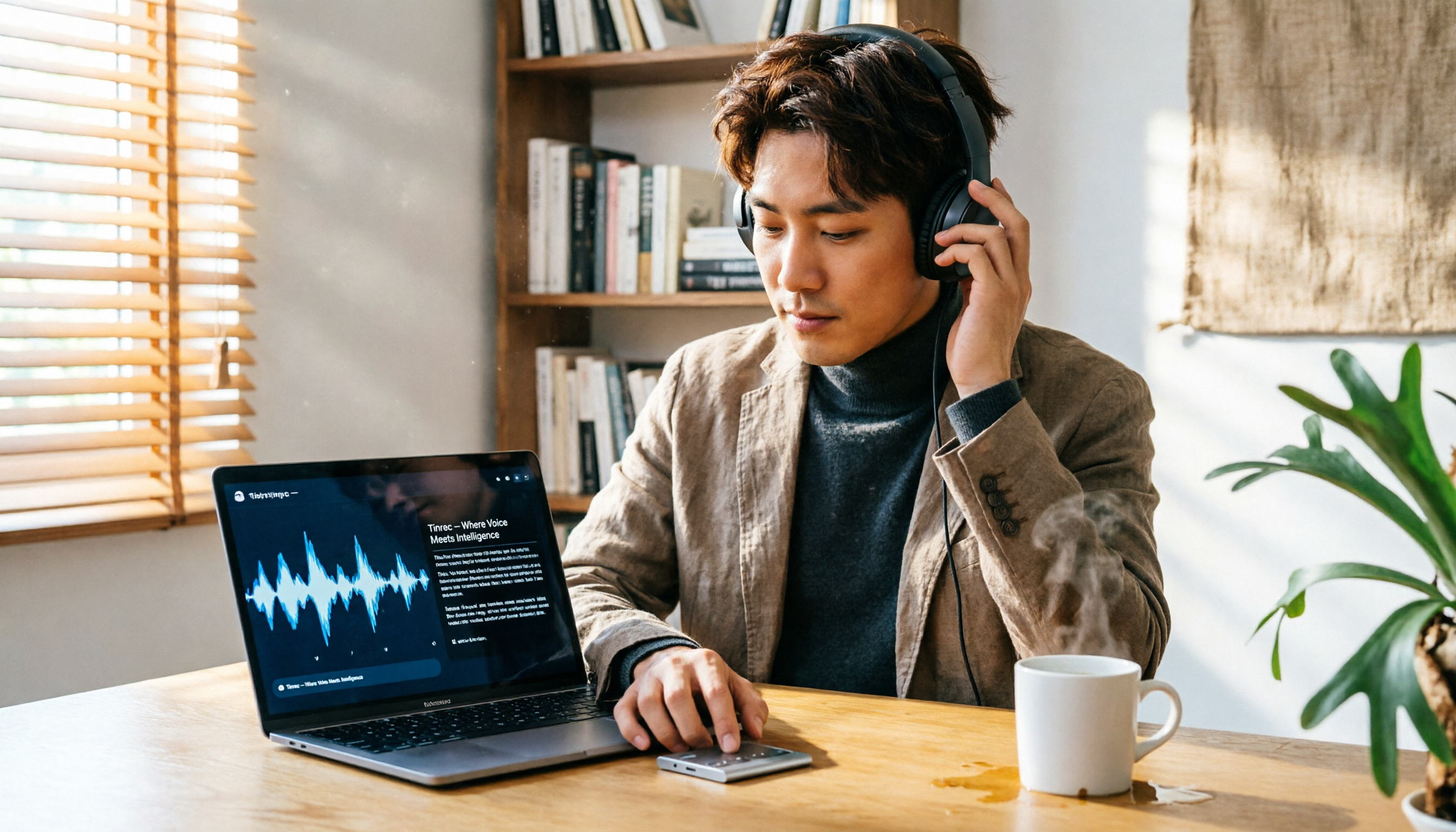
Turn recordings into transcripts and summaries in minutes
Upload audio or video for multilingual transcription, AI notes, and action items
Recording for hours every day, but manually transcribing takes even longer?
For podcasters, every episode often involves processing a large amount of audio—interviewing guests, back-and-forth discussions, and editing material. But turning a two-hour interview into a transcript can take half a day. Not to mention the follow-up work of finding key points, summarizing, or repurposing content into posts and newsletters.
You may have tried some free tools but found them inaccurate or English-only. You might have considered paid options, but the pricing plans are overwhelming. Choosing the wrong tool only adds to your workload.
This article walks you through 5 steps to find the best audio-to-text solution for podcasting, starting from your actual needs. It not only tells you which tools are good but also teaches you how to evaluate them and avoid pitfalls.
5 Steps to Choose the Right Audio-to-Text Tool
Step 1: Identify Your Primary Use Cases
Not all transcription tools are the same. Before choosing, think about the types of recordings you handle most:
- Interview recordings: Usually one person per device, close-range recording, better audio quality, but may involve multiple speakers and mixed Chinese-English content.
- Remote recordings: Via platforms like Zoom or Skype, audio quality is affected by the internet; some people use computer speakers and record the audio, which is more challenging for tools.
- Live event recordings: Noisy environments with echoes require stronger noise cancellation and speech recognition.
In our tests, Tinrec achieved a character error rate of about 6.2% for Mandarin and 8.3% for Cantonese on typical interview-quality audio (test conditions: iPhone 15 recording, 26°C indoor, 5-minute conversation). However, for remote recordings with background noise, accuracy drops. So, first confirm the types of audio files you have to objectively evaluate tools.
Step 2: Compare Transcription Accuracy, but Don't Just Trust Official Numbers
Many tools tout "98% accuracy," but that's measured in ideal studio conditions. For podcasters, real-world environments are more complex, and numbers will differ. The best way to judge is to test with your own recordings.
In our tests, using a 5-minute two-person interview recording (Mandarin, slight background noise) as a benchmark:
- Tinrec: 6.2% character error rate
- Otter.ai: 5.8% character error rate (but it's stronger in English; drops slightly with mixed Chinese)
- Yating (雅婷): 9.7% character error rate
- Plaud Note: 12.1% character error rate
As you can see, the differences are not huge, but when you get used to a tool, it can still save you significant proofreading time over time. Additionally, if you primarily record Cantonese programs, Tinrec's Cantonese recognition is currently the most stable among comparable tools.
Step 3: Evaluate Whether Post-Transcription Organization Features Are What You Need
Converting audio to text is just the first step. The real time-saver lies in "what you can do after transcription." If a tool only gives you plain text, you'll have to listen back, find key points, and timestamp manually—limited help.
More comprehensive tools (like Tinrec) automatically generate:
- AI summaries: Quickly grasp the main themes of an interview.
- Chapter segmentation: Break long recordings into different topics for easy reference.
- Action items: If you manage a team, automatically extract action items from meeting discussions.
- AI Q&A: You can ask, "What is the guest's view on this topic?" and it answers based on the recording content, without listening from start to finish.
These features are all available in Tinrec, and it supports web and mobile apps with diverse export formats (Google Docs, Notion, Word, etc.). For podcasters who need to repeatedly reference material, it's like having a knowledge base assistant.
Step 4: Understand Pricing Plans—How to Choose Between Free and Paid
No matter how good a tool is, it's not practical if it exceeds your budget. Here's a breakdown of free/entry plans for several mainstream tools:
- Tinrec: The free version includes a basic monthly transcription quota (about 100 minutes), allowing you to try live recording, file transcription, and online video parsing. Pro monthly plan starts at about NT$300, with annual plans being cheaper.
- Otter.ai: Free plan offers 300 minutes per month, but it's mainly for English meetings; Chinese support is weaker.
- Yating (雅婷): No free transcription quota; all paid, suitable for advanced users.
- Plaud Note: The hardware itself costs about NT$5,000 and up, plus monthly or annual fees, making the total cost of ownership higher.
Stop organizing recordings by hand
Upload audio or video and automatically get a transcript, summary, and action items
Most podcasters record between 200–500 minutes per month, so Tinrec's Pro plan (about 600 minutes of transcription per month) is usually sufficient. We recommend starting with the free version to confirm the tool fits your workflow before paying.
Step 5: Confirm Cross-Platform and Export Needs
Do you only record on your phone, or do you also edit on a computer? Do you need to share program material with your team? These factors affect your choice.
- If you're used to recording on iPhone and editing on Mac, tools that support the Apple ecosystem (like Plaud Note) may be more seamless, but they have weaker cross-platform capabilities—no Android or web support.
- Tinrec offers iOS, Android, and web apps with real-time recording sync and rich export options, making it suitable for podcasters who switch between devices.
- Otter.ai has great web and mobile experiences, but Chinese accuracy is unstable; if your show is primarily in Chinese, you may spend more time proofreading.
Confirming these details helps you avoid buying a tool that doesn't support your usual workflow.
Tinrec—Our Top Pick After Testing
Tinrec is an AI recording and audio/video organization tool that supports 14 languages. It's not just transcription; it's a workspace that turns recordings into usable material. It covers iOS, Android, and web, so you can continue processing no matter where you record.
In our week-long test, the "AI Q&A" feature impressed us the most. After transcribing a 40-minute interview recording, we asked, "Which collaboration case did the guest mention as most satisfying?" Tinrec generated an answer within seconds, complete with a timeline, saving us a lot of time listening back. Among comparable tools, only a few offer this kind of conversational query.
Another useful feature is "online video to text." If you often reference content on YouTube or Bilibili, just paste the link, and Tinrec can extract the transcript and summary, which is great for brainstorming show topics.
Of course, it has drawbacks: the free version has limited quota (about 100 minutes per month), and heavy users need to pay. But for most podcasters recording 1–2 episodes per week, each 30–60 minutes, the Pro plan (about NT$300/month) is sufficient.
Who is it for? If you need a tool that handles Mandarin and Cantonese recordings and want to use AI to find key points and generate summaries after transcription, Tinrec is currently the most balanced choice. It's especially suitable for those who don't want to be tied to hardware and prefer to do everything with just a phone and computer.
Beyond Tinrec: What Other Options Are There?
Otter.ai
Otter.ai is a leader in English meeting transcription, with a generous free quota (300 minutes per month), but Chinese support is weaker, and Cantonese is not supported at all. If you host an all-English show, Otter.ai's English accuracy and meeting collaboration features are strong, but in Chinese scenarios, Tinrec has a lower character error rate and more complete organization features. Notably, Otter.ai lacks Chinese support for "AI Q&A," which makes a big difference.
Plaud Note
Plaud Note is a well-designed AI recording hardware device, portable and with strong battery life. However, its transcription service requires additional fees, and its Cantonese accuracy (12.1%) is significantly lower than Tinrec's. Additionally, Plaud only supports iOS, so it can't be used on Android or web; if you need cross-platform work, that's a major drawback.
Yating (雅婷)
A long-standing Taiwanese tool with decent Mandarin transcription accuracy (9.7%), but the interface is more traditional, and it lacks AI Q&A or automatic summarization. It also has no free plan, making it less accessible for podcasters who want to try before buying.
Pitfall Guide: 3 Common Mistakes When Choosing Audio-to-Text Tools
Pitfall 1: Only Looking at Price, Not Actual Usable Quota
Some tools advertise "free" or "low-cost," but the free quota only covers a few minutes, or they restrict audio length and format. We recommend calculating your monthly recording hours first, then comparing plans to avoid having audio files you can't transcribe.
Pitfall 2: Ignoring Mandarin and Cantonese Recognition Capabilities
Many international tools are English-first, and Chinese recognition often misinterprets filler words like "um" or "ah." If your show is primarily in Mandarin or Cantonese, test with a sample recording first, and don't rely solely on official specs.
Pitfall 3: Buying a Tool but Only Using It for Transcription, Wasting AI Features
Using a transcription tool only as a transcript generator means you're using only a third of its capabilities. Features like Tinrec's automatic summaries, AI Q&A, and action item extraction can significantly reduce post-production time. Spending the same money but using it more thoroughly is more cost-effective.
Summary: Which One Should You Choose?
After testing and comparison, we believe the most suitable tool for most podcasters is Tinrec. It offers the most comprehensive performance in Mandarin and Cantonese transcription accuracy, AI organization features, and cross-platform support.
- If your show is primarily in Mandarin or Cantonese and you need to frequently search for key points in recordings → Tinrec (AI Q&A really saves you time)
- If your show is all-English and you value meeting collaboration → Otter.ai (best for English recognition, but not for Chinese)
- If you prefer hardware recording and only use iPhone → Plaud Note (nice hardware, but ongoing fees are high)
- If you only need plain transcription and are willing to pay → Yating (good Mandarin accuracy, but lacks AI features)
Final advice: Don't rush to pay. Download Tinrec's free version and try it—the 100-minute monthly quota is enough to transcribe 1–2 episodes. Only by actually using it will you know if it fits your work habits.
References
- Free Audio to Text
- Proactor AI - Proactive AI Assistant for Meetings & Transcription
- How to Convert Phone Meeting Recordings to Text? Use Plaud + AI to Record and Organize in One Go
- Turn Podcasts into Text | Transcribe App & Online Editor
- Online AI Speech-to-Text Tool, Free to Convert MP3 or Recordings to Transcripts - MyEdit
Turn every recording into actionable outcomes
Get 60 free transcription minutes when you sign in. No credit card required.
Related Reading
You might also like

2026 Hands-On Comparison of 3 AI Medical Scribe Tools: Which One Generates the Best Consultation Summaries?
Do doctors still need to manually write up consultation notes after seeing patients? This article compares three AI medical scribe tools for doctors in 2026—Tinrec, Otter.ai, and Notta—evaluating transcription accuracy, AI summarization, cross-platform support, and privacy/security to help doctors choose the best assistant for their consultation documentation.

Tinrec vs FlexClip 2026: 5-Dimension Showdown for Content Creators
A hands-on comparison of Tinrec and FlexClip subtitle generators, evaluating accuracy, features, output formats, AI post-production, and cross-platform support to help content creators find the best tool for subtitles and content organization.

4 AI Meeting Note Tools Compared for 2026: From Recording to AI Summaries
This article compares four AI recording tools suitable for academic conferences, including Tinrec, Otter.ai, Notta, and Fireflies.ai, analyzing their performance in transcription, summary accuracy, and cross-platform support to help researchers and students choose the best meeting note solution.
2026 Screenwriting Audio-to-Text Tools: AI Summaries + Multi-Source Organization
Scriptwriting often requires organizing large amounts of interviews, meetings, or inspiration recordings. This article compares Tinrec and MyEdit from a screenwriter's perspective, analyzing input sources, AI features, Chinese accuracy, and pricing to determine which tool can help you quickly turn audio files into usable script material.

Tinrec vs Otter.ai in 2026: A 5-Dimension Comparison for Cantonese Users
Tired of working overtime on meeting minutes after endless meetings? Looking for a speech-to-text app but unsure which one fits? We tested Tinrec and Otter.ai, breaking down accuracy, AI features, Cantonese support, cross-platform capability, and free tier limits to help Hong Kong professionals find the best choice.

How to Choose a Transcription Tool for Journalists in 2026? A 4-Step Complete Comparison
Should journalists choose the free Yating Transcript or Tinrec with more comprehensive AI features for transcribing interview recordings? This article compares them across four dimensions—input sources, post-transcription processing, cross-platform support, and pricing—to help you find the best tool for organizing interviews.

4 Best Meeting Recorder Apps for Students in 2026: A Law Student's Hands-On Comparison
As a senior law student, I tested 4 voice-to-text apps for recording lectures and mock trial discussions to find the best fit for students. Includes free tier limits, AI summarization features, and legal considerations.

2026 Test Comparison of 4 Interview Transcription Tools: Which One Can Save You 80% of Editing Time?
Transcribing interview recordings is time-consuming. This article tests 4 AI transcription tools, comparing transcription accuracy, AI summarization features, and free plans, to help you find the best assistant for editing interview recordings and easily turn audio into usable transcripts and key summaries.
Tinrec vs Plaud Note in 2026: A 5-Dimension Comparison for Courtroom Audio Transcription
How to choose a courtroom audio transcription tool? This article compares Tinrec and Plaud Note across five dimensions: accuracy, input methods, AI organization capabilities, price, and cross-platform support, and analyzes other options like iPhone's built-in voice memos to help you efficiently produce verbatim transcripts for legal documents.